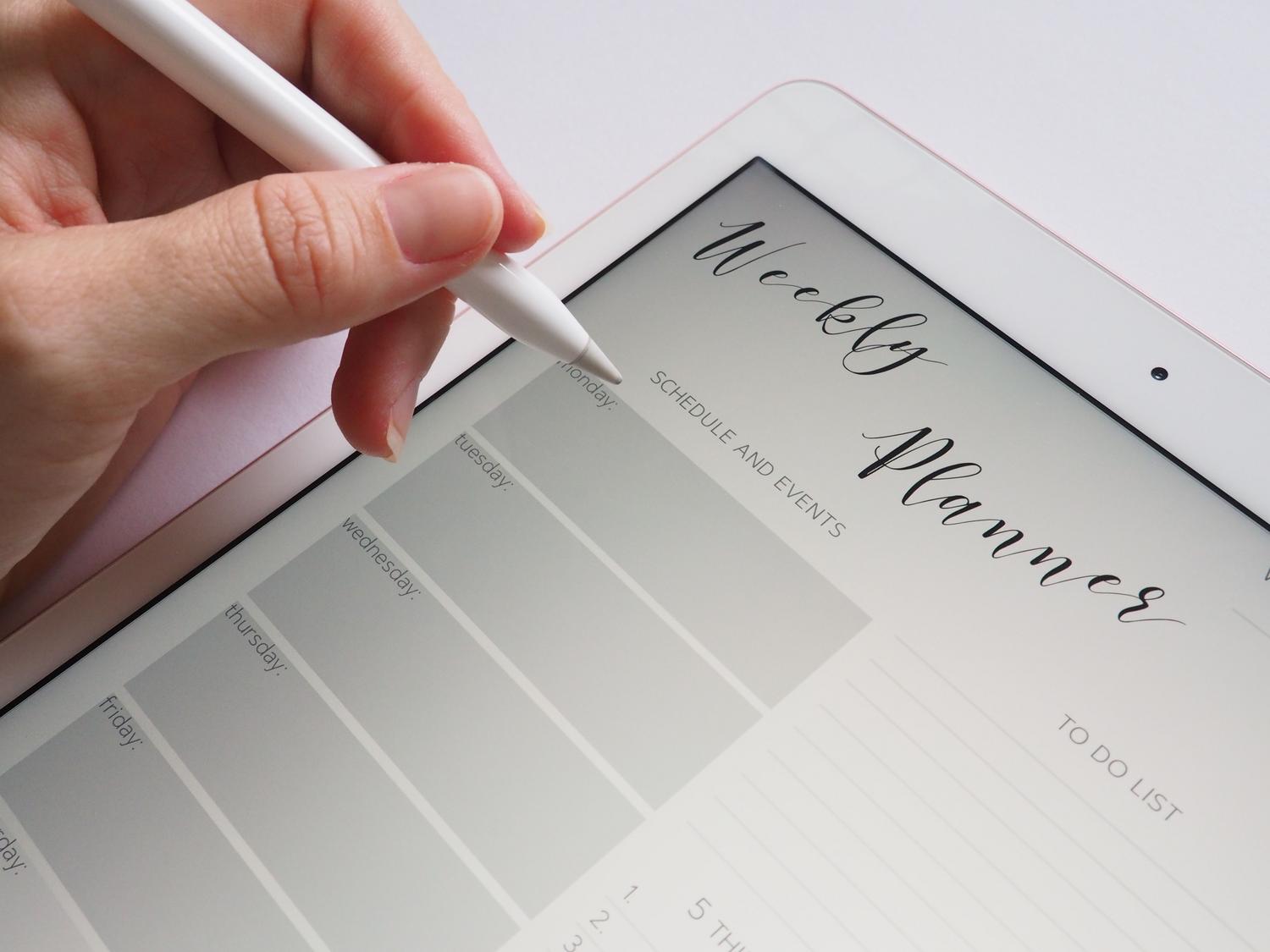
You've probably experienced carrying a bag or backpack full of notebooks and notes that end up as a chaotic mess of scribbles and folded pages. The arrival of digital organization solutions has been a lifesaver, allowing us to carry our entire daily life in the palm of our hand, whether on an iPad, an Android tablet, or directly on our PC, without sacrificing that feeling of total control over our tasks.
The best part is that there isn't just one type of planner; there are options for every kind of person: from those who love writing by hand with a digital stylus to those who prefer complete calendar automation . Switching to a digital format isn't just about being eco-friendly, but about gaining a flexibility that paper simply can't offer, allowing you to adjust your plans in the blink of an eye.

Types of digital planners available
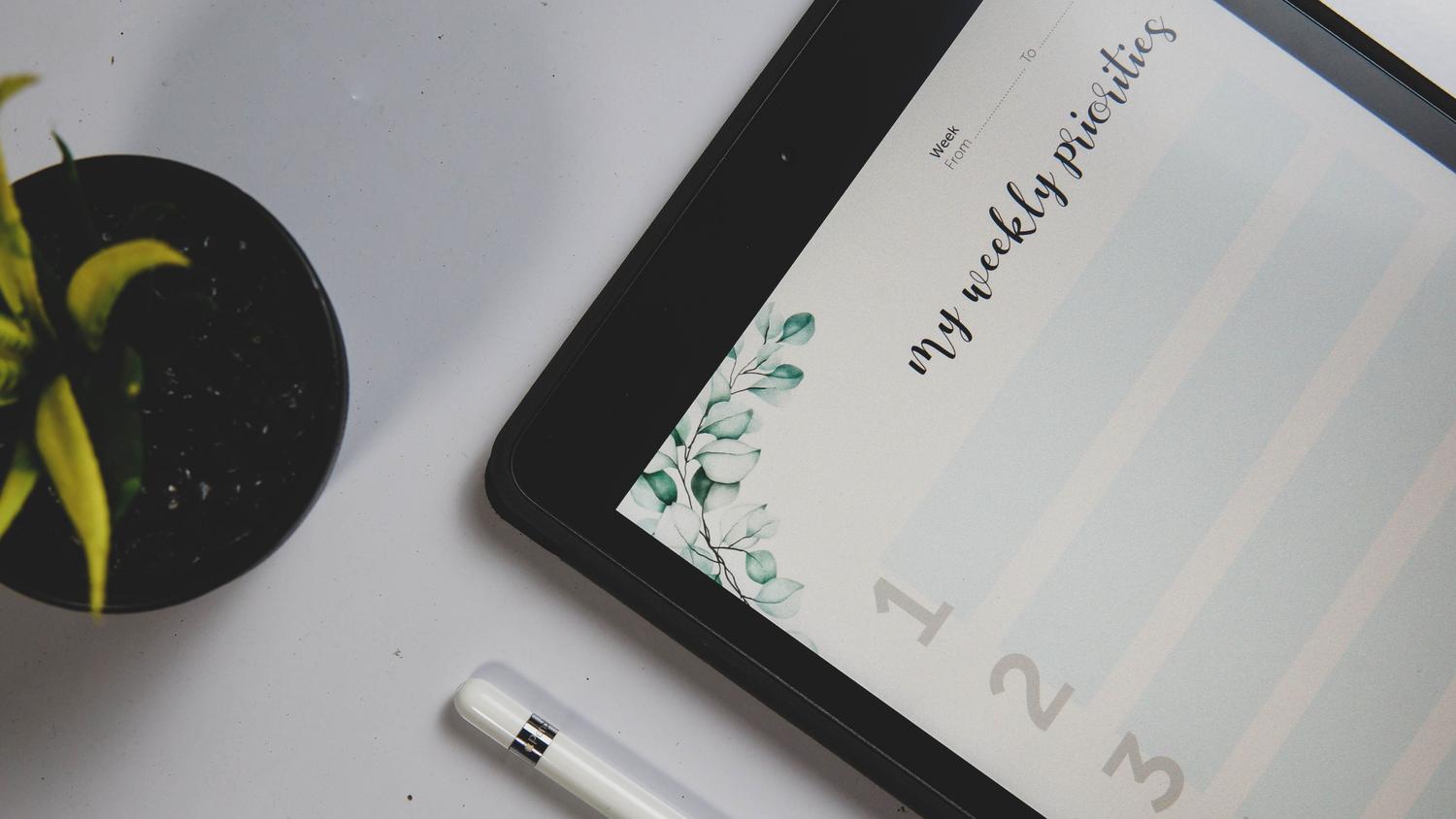
If you're thinking of making the switch, the first thing to know is that there are many different tools depending on what you're looking for. On the one hand, we have planners in PDF format , which are ideal for those who use tablets and styluses. These function like an electronic notebook where you can add stickers, photos, and drawings, maintaining the look and feel of a traditional planner but with the advantage of not taking up any physical space.
On the other hand, there are spreadsheet-based calendars , such as those created in Google Sheets. These are especially powerful because they can be completely timeless ; that is, they don't expire at the end of the year. Thanks to automatic formulas, simply changing a date updates the entire calendar automatically, allowing you to use the same tool for years without having to buy a new one.
Furthermore, for more professional settings, there are real-time appointment management platforms . These tools go beyond a simple to-do list, allowing clients or colleagues to see your exact availability and book appointments without having to send ten emails to schedule a time, resulting in a massive time saving.

Advantages of digitizing your organization
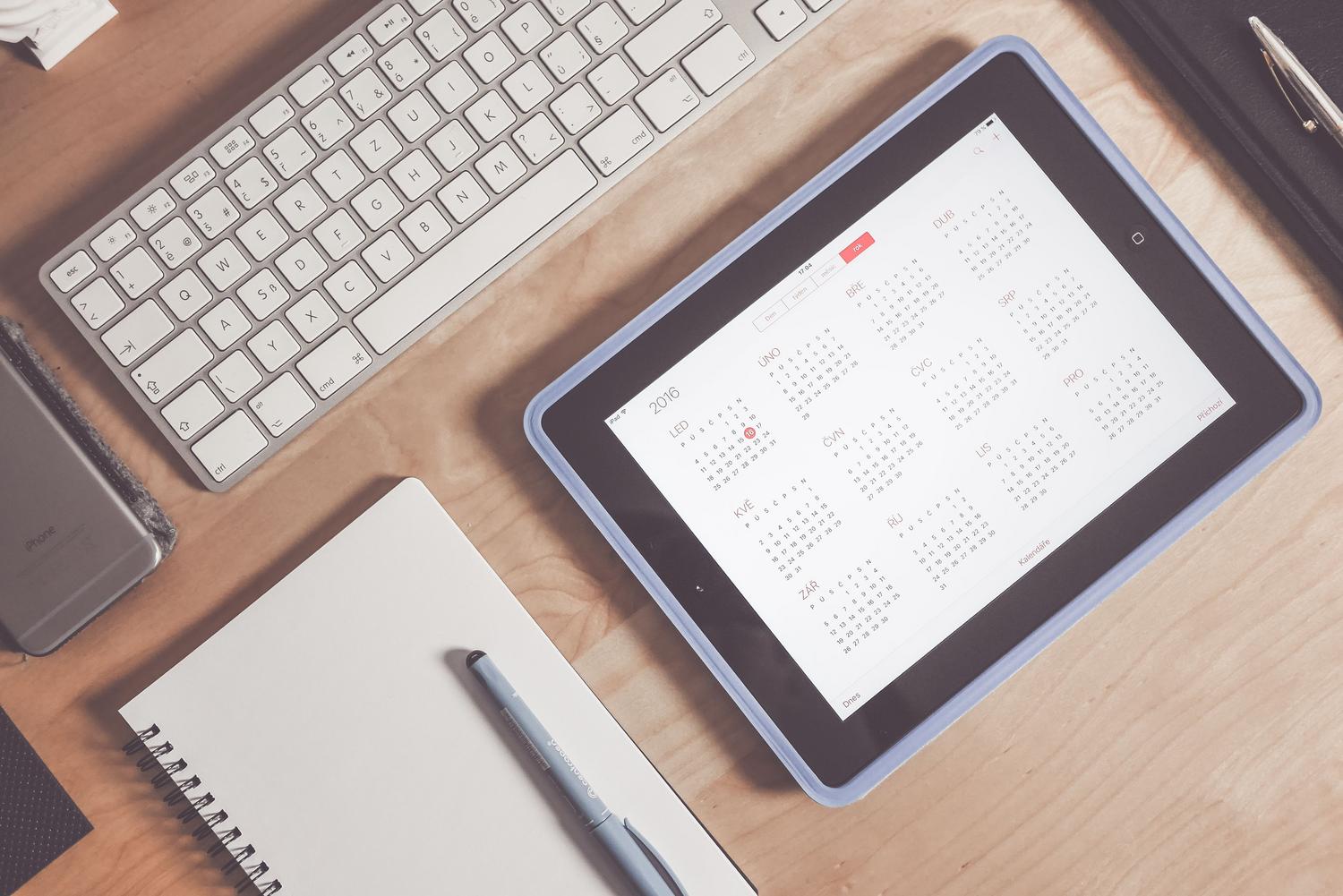
The most obvious benefit is undoubtedly the optimization of productivity . By automating reminders and centralizing information, we avoid forgetting important appointments or making scheduling errors. For a professional, this can mean reclaiming valuable hours each week that were previously lost to tedious administrative tasks.
Instant accessibility is another key strength. Whether you're in the office, working remotely from home, or traveling, your calendar is always with you on your phone or computer, syncing in the cloud to manage your data and ensure you always have the latest version of your plans. This mobility is crucial for those with hectic lifestyles who need to check their priorities instantly.
For businesses, offering a digital calendar for customers to book appointments dramatically improves the user experience . It conveys an image of modernity and professionalism, and also reduces no-shows thanks to the automatic reminders the system sends before each appointment.
How to set up your own organizational system
If you want to get started today, the ideal solution is to choose a tool that fits your workflow. If you're looking for something structured, you can opt for editable Word or PDF templates. If you prefer the power of data, Google Calendar or Outlook are unbeatable options for syncing different calendars and preventing your events from overlapping.
Once you've chosen a platform, it's essential to set up your time blocks . This isn't just about scheduling appointments, but also about reserving time for rest, deep work, and personal life. Defining these boundaries helps ensure your availability is realistic and prevents you from becoming overwhelmed with commitments.
For those who choose editable planners, customizing the design is highly recommended . Changing fonts, colors, or adding categories via drop-down menus makes the tool much more intuitive. Furthermore, integrating habit-tracking sections with progress bars can provide extra motivation to reach your daily goals.

Add-ons and additional tools

To complete the experience, there are accessories that enhance the use of these planners. Digital notebooks and electronic sticker collections allow organization to become a creative process. There are also planners specifically designed for particular needs, such as planners for teachers , travel planners, or even specialized wedding planners.
For those studying for competitive exams or university degrees, reading and study schedules are essential for breaking down the material and avoiding burnout. Having templates organized by term or month helps maintain an overview of the year while managing the day-to-day details.
The transition to a digital ecosystem allows you to merge your calendar, to-do list, and personal journal into a single interface. By integrating automatic reminders and cloud synchronization, you gain complete control over your most valuable asset: time. Whether through a creative PDF or an automated spreadsheet, the key is choosing the tool that best suits your pace to maximize efficiency and reduce daily stress.
