- The .bin file contains the raw data from the disk, while the .cue file acts as a map that organizes the data and audio tracks.
- To avoid loading errors or missing music, it is essential to keep the .cue and .bin files together and with their original names.
- The .chd format is the recommended modern alternative, as it compresses the entire disk into a single file without loss of quality.
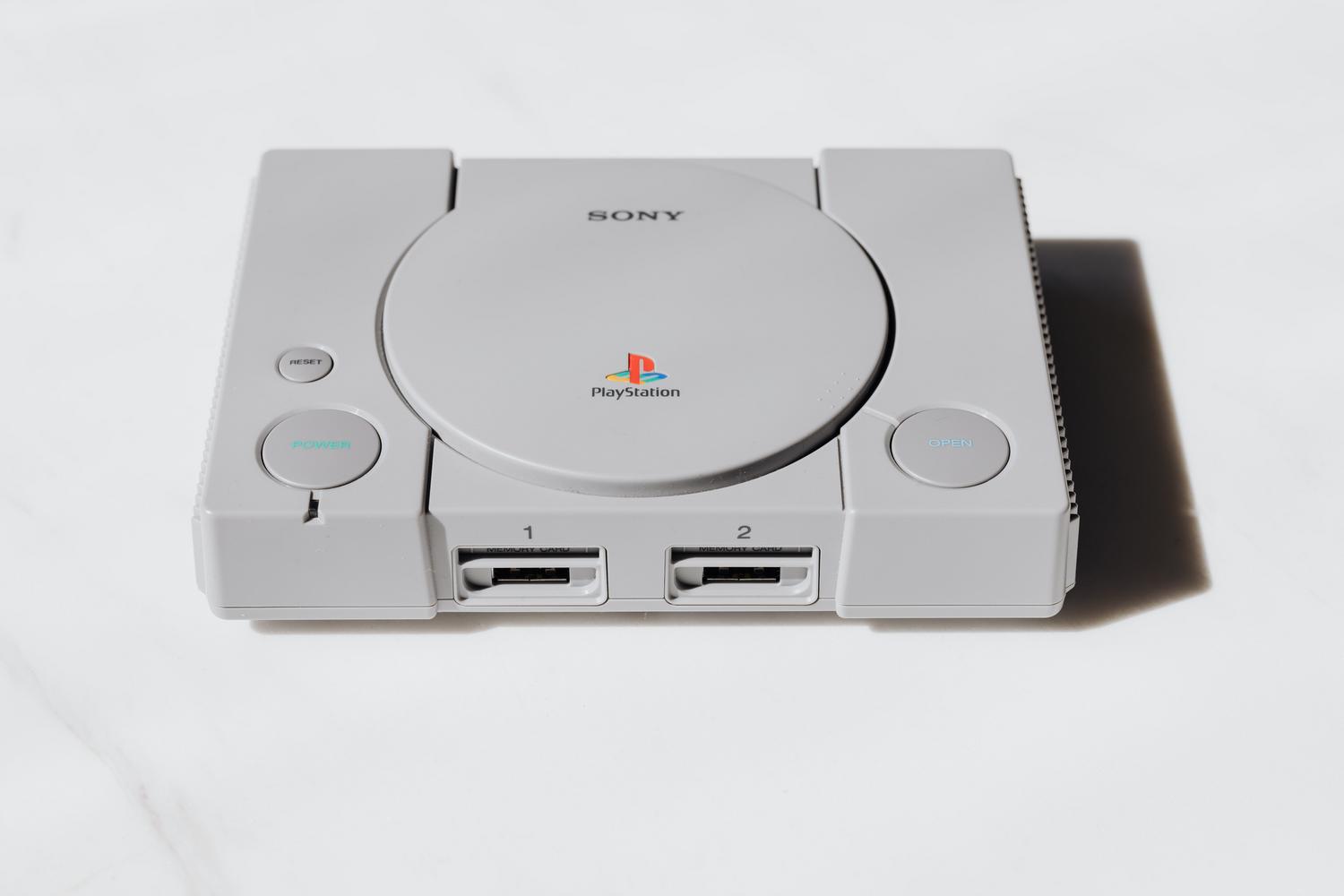
If you've ventured into the world of emulation, especially with classic consoles like the PlayStation 1, you've probably come across files that don't quite add up. Suddenly you find that a game isn't a single executable file, but comes with a bunch of files with strange extensions like .bin and .cue , and you're left wondering what they're really for or why just one isn't enough.
The thing is, copying an old disc isn't as simple as copying a file from a USB drive; we're talking about optical disc technology that handled data and sound in different ways. For an emulator to reproduce the original experience without missing music or the game freezing, it needs precise instructions on how to read that structure, and that's where these unique formats come in.
The perfect pairing: What exactly are BIN and CUE files?
To put it simply, imagine the .bin file as the container where all the disk's data is stored, sector by sector, unfiltered. This is where the game code and graphics reside. On the other hand, the .cue file acts as the map or instruction sheet. It's actually a very simple text file that tells the emulator where each data track begins and where the audio tracks are located.
Many simple games only come with a .bin file and a .cue file, but more complex titles used the disc to play music in CD format. In those cases, it's common to find dozens of .bin files (one for each song or track) and a single .cue file that organizes them all. If you try to load the .bin file directly without its map, the game will most likely start, but you'll be left without any music , which completely ruins the experience.
Golden rules to avoid headaches
When handling these files, there are three common mistakes that can cause the emulator to display an "unexpected format" message or simply prevent the game from working. First and foremost, never separate the .cue file from its .bin file ; if you move one to another folder and leave the other behind, the map will stop working. Second, be extremely careful with the names: if you decide to rename the .bin file, you must open the .cue file with Notepad and correct the internal name to match exactly, as the map searches for the file by its literal name.
Finally, the best way to avoid errors is to add the files as a group . You can do this by selecting the .cue file along with all its associated .bin files, or by loading the compressed folder in .zip format, allowing the emulator to automatically manage the grouping. If you notice the game freezing or failing to load, check that you are not missing any of the original audio tracks.
Modern alternatives: The CHD and M3U formats

Although the BIN/CUE format is the most widespread, nowadays there are much more convenient options. The .chd format is arguably the best current choice. It's a lossless compression method that puts all the contents of the disc (data and audio) into a single file . This not only saves hard drive space but also avoids the chaos of having fifty separate files for a single game and is compatible with achievement services like RetroAchievements.
To convert from an older format to a modern one, you use a tool called chdman (which usually comes with MAME). The trick here is to run the command on the .cue file, never on the .bin file, so the tool knows how to package all the tracks correctly. Additionally, for games that come on multiple discs , there's the .m3u file . This is a small text index that lists the discs in order, allowing the emulator to recognize them as part of the same game and use a single memory card for all of them.
Other formats and curiosities: PBP, ISO and SBI
You might find games in .pbp format , which were the optimized files for the PSP. While these are very practical because they compress multiple discs onto one and work well in most emulators, they have a drawback: many achievement systems can't recognize the game because the file has been re-encoded. If you're interested in trophies, it's better to opt for .chd or the .bin/.cue pair.
On the other hand, there are the standalone .iso files . Sometimes they work, but they usually lack the audio tracks, leaving the game silent. There are also .sbi files , which aren't games themselves, but rather protection data (like LibCrypt) required for some European titles. Without the .sbi file accompanying the disc of the same name, the game could freeze mid-game for no apparent reason.
To manage your library efficiently, it's best to prioritize using .chd files because they are cleaner and save space. If you have no other option, keep the map and data pair (.cue and .bin) intact and unrenamed. For multi-disc games, using an .m3u file is essential to avoid running out of saved data, and it's always a good idea to have the .sbi file handy if the game is from a protected European region.