- MDM combines software, processes, and regulations to remotely control a company's fleet of devices, ensuring the security of corporate data.
- It allows managing both company-owned equipment and personal devices under the BYOD model by containerizing information.
- Its implementation is essential to comply with strict regulations such as the NIS2 directive, avoiding economic sanctions and cybersecurity risks.
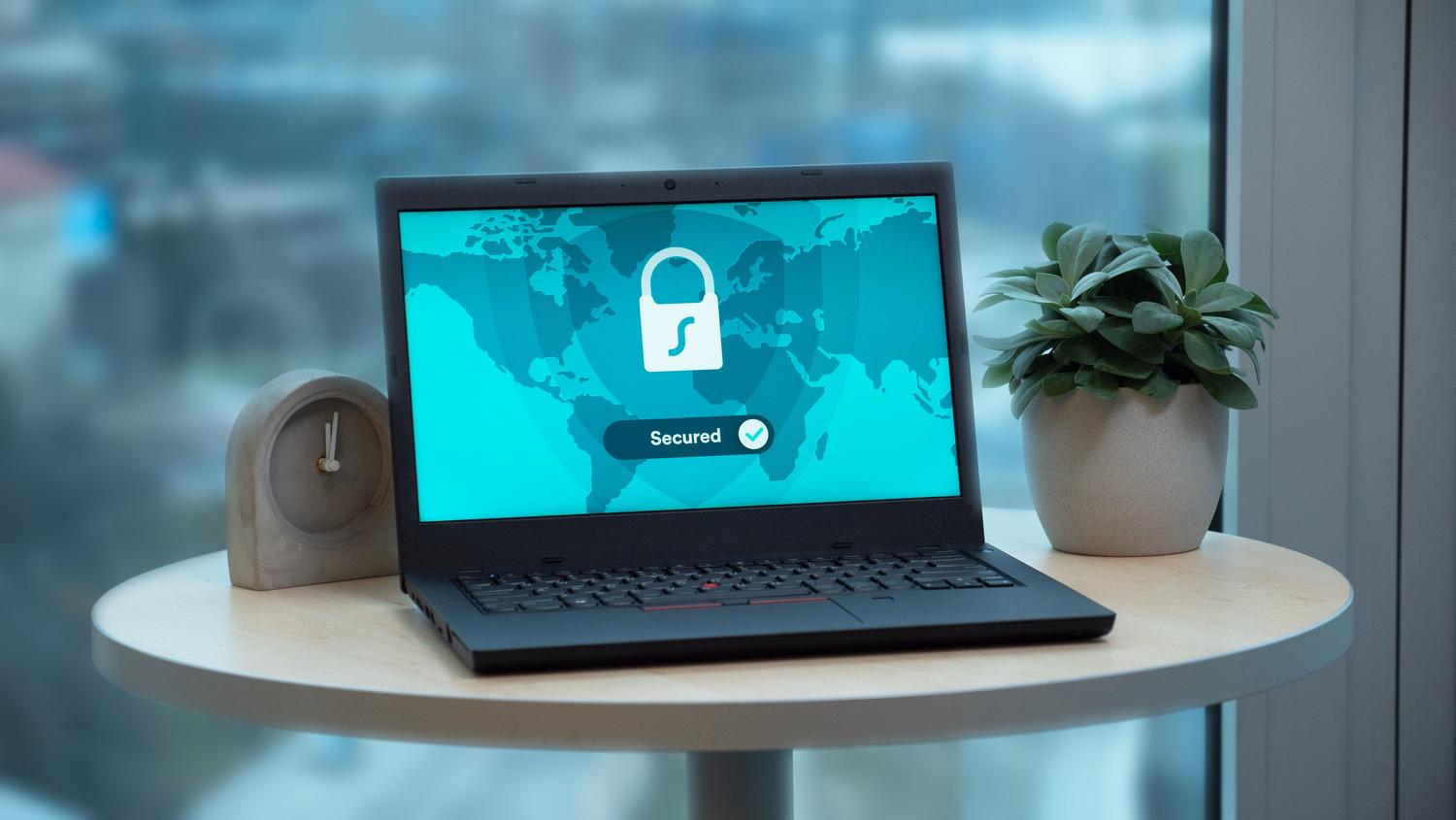
You've probably wondered at some point if mobile device management (MDM) is simply a program you install and that's it. The truth is, the answer isn't that simple . While the software is the central component, MDM is actually a comprehensive strategy. It blends technological tools with internal processes and security policies so that an organization can deploy its devices, protect its digital assets, and keep everything under control without losing its mind in the process.
Today, with remote work and hybrid models, the office perimeter has disappeared. It's no longer enough to have a good firewall on the central server; now security has shifted to the endpoint —that is, the mobile phone or laptop that the employee carries in their bag. This is where MDM comes into play, allowing the IT team to act as a remote guardian that can configure, monitor, and, if necessary, instantly wipe the data from a device.

What exactly is MDM and how does it work?
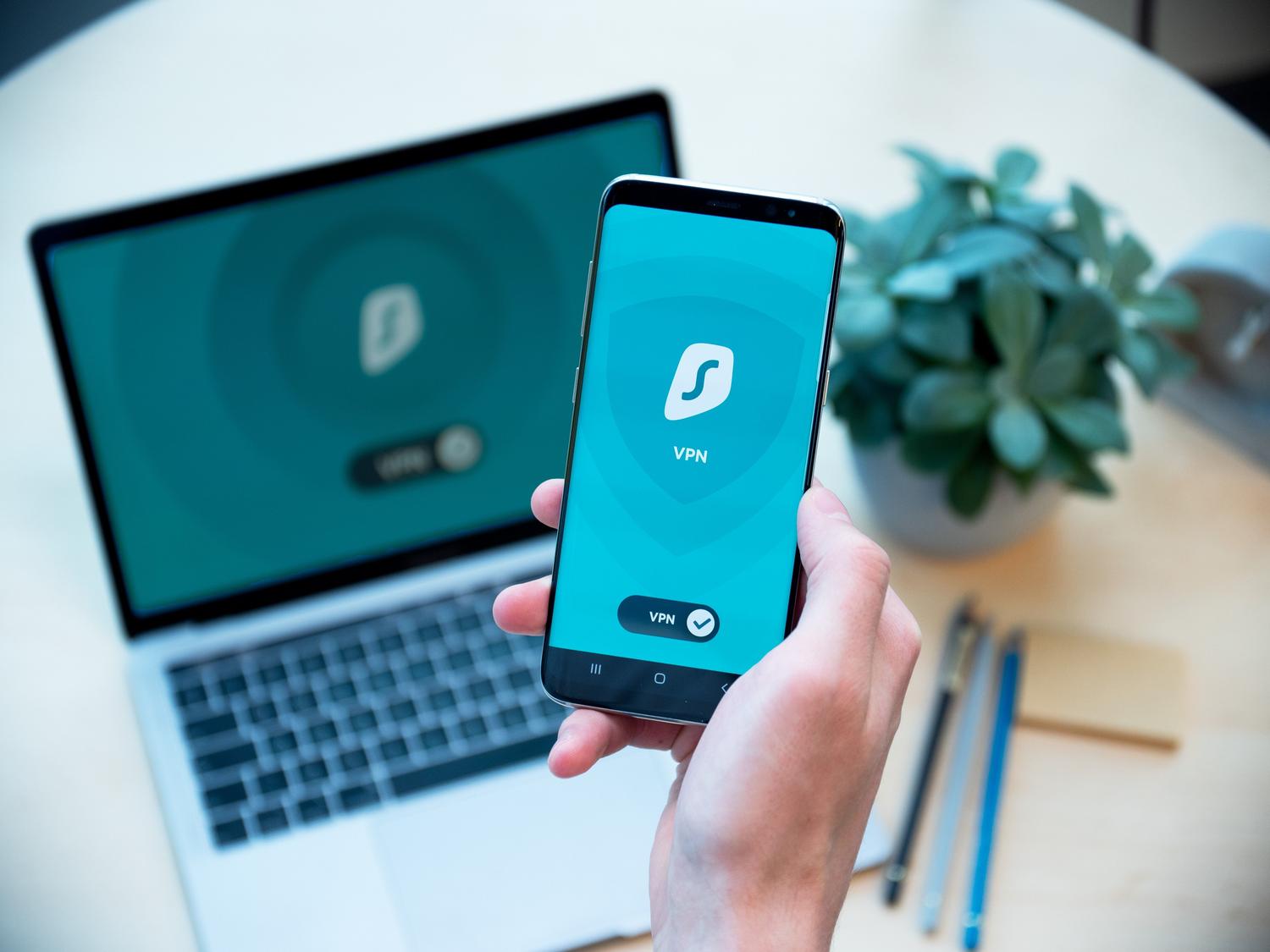
Mobile Device Management, or MDM, is a set of capabilities that allows a company to manage its technology fleet remotely. Think of it as a smart remote control combined with a surveillance system. Through an agent installed on the device, the administrator can change settings, install apps, or apply restrictions without physically touching the device.
The process typically follows three clear stages. First is the deployment of the agent , which can be manual or through "zero-touch deployment," where the device arrives at the employee's location already configured. Next comes the continuous monitoring phase , where the operating system is checked to ensure it is up to date and that there are no vulnerabilities. Finally, there is the response capability , essential for blocking or erasing data if the device is lost or the employee leaves the company.
The urgency of MDM: Regulations and Cybersecurity
We're no longer just talking about technical convenience, but about legal survival. In Europe, the NIS2 directive has turned things upside down, forcing thousands of companies to demonstrate that they manage their digital risks. If a corporate laptop isn't encrypted or a former employee maintains active access, the company risks multimillion-euro fines or a percentage of its revenue , and the worst part is that the responsibility falls directly on management.

Furthermore, SMEs are a favorite target for hackers because they often leave vulnerabilities unchecked. A device without a strong password is an open invitation to malware. Implementing an MDM system allows for a rapid increase in security standards , also facilitating the attainment of certifications such as ISO 27001 or SOC2, which require rigorous control of passwords and who accesses which data.
Types of solutions and management approaches
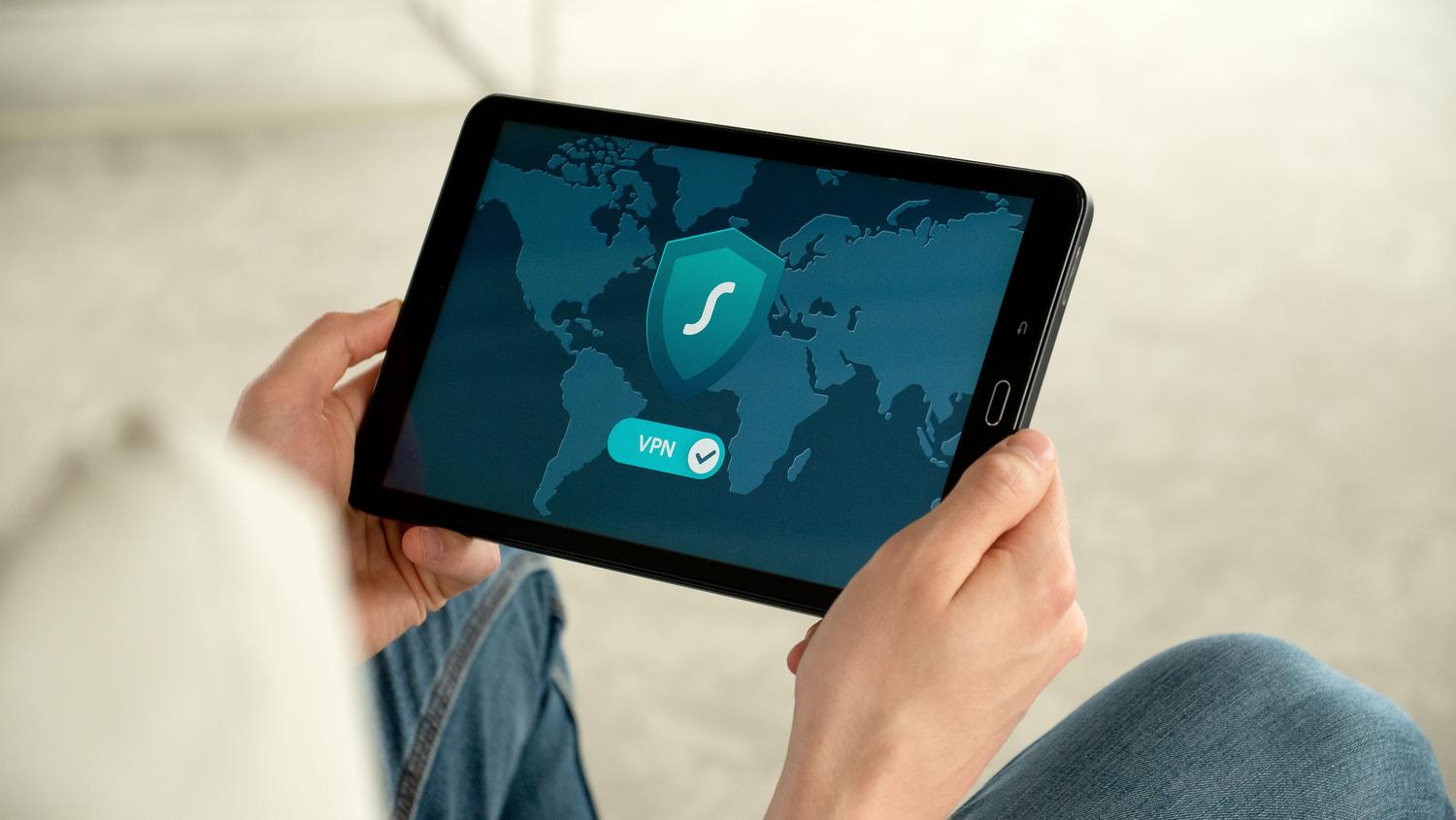
Not all MDMs are the same, and choosing the wrong one can be a headache. We can divide them according to several criteria:
- Infrastructure: Are they On-premise, installed on their own servers for those seeking total control and who have technical equipment, and the SaaS (cloud-based)which are the star option today because of their speed of deployment and scalability.
- Operating systems: There are specific tools (such as Jamf for Apple or Intune for Windows) and solutions multi platform that manage macOS, Windows, Linux, iOS and Android from a single panel.
- Reach: From pure, security-focused MDM to UEM (Unified Endpoint Management)which unifies mobile phones, tablets, and desktop computers. There are even comprehensive platforms that connect MDM with the human resources system (HRS) to automate employee onboarding and offboarding.
The BYOD (Bring Your Own Device) challenge
The "bring your own device" model is very popular among young people, but it's a nightmare for the IT department. The biggest challenge is separating personal and professional life . Nobody wants their boss to see their personal photos, but the company needs corporate email to be secure.

The solution is data containerization . MDM creates an invisible wall that separates company information from personal data. This way, if an employee leaves, the organization can delete only the corporate data without affecting the user's personal photos. Furthermore, it allows for content filters and conditional access , ensuring that only devices that comply with the established rules can access the internal network.
Essential features you should look for
If you're comparing providers, don't just focus on the basics. A good MDM should offer automatic patch management to ensure no device is left vulnerable. Kiosk mode is also vital ; it locks the device to only use a specific application, ideal for tablets in stores or schools.
Other key features include geolocation and geofencing to track stolen devices or restrict app usage in certain areas. Additionally, the ability to run remote scripts saves the IT team hours of manual work, allowing them to resolve large-scale incidents with a single click.
Analysis of the main suppliers in the market
In today's ecosystem, several options stand out depending on the need. For example, NinjaOne excels in endpoint automation and management, while AirDroid Business is very powerful for Android and Windows environments with unattended remote control. For those in the Apple ecosystem, Jamf Pro remains the benchmark, although Iru (formerly Kandji) has gained ground with a more modern interface and cross-platform support.

Other alternatives like Hexnode offer enormous versatility across various operating systems, while ManageEngine and Miradore position themselves as robust options for different company sizes. On the other hand, Sophos Mobile integrates management with a very aggressive security suite, and GoTo Resolve focuses more on fast remote support.
Tips for a successful implementation
To ensure that MDM is an asset rather than a hindrance, it's essential to start with a clear usage policy . Employees need to know what is monitored and what isn't. It's also advisable to prioritize self-service , allowing users to install approved apps or reset their passwords without having to open a support ticket every five minutes.
Integrating MDM with remote access tools (like Splashtop) enhances the strategy, as it allows technicians to access the system in real time to troubleshoot complex issues. Finally, don't forget to conduct regular audits ; cybersecurity is not a static state, but a continuous process of improvement.
Having complete control of the technology fleet through an MDM allows companies to operate with peace of mind, protecting sensitive information from theft or human error. By integrating device security with identity management and regulatory compliance, a balance is achieved where the flexibility of remote work does not compromise business integrity, optimizing operating costs and fortifying the infrastructure against current threats.
