- Detailed management of access to personal data such as camera, microphone and location on Android devices.
- Advanced security and OAuth controls for Google Workspace administrators and organizations.
- Authorization and revocation processes for permissions in Google Apps Script development.

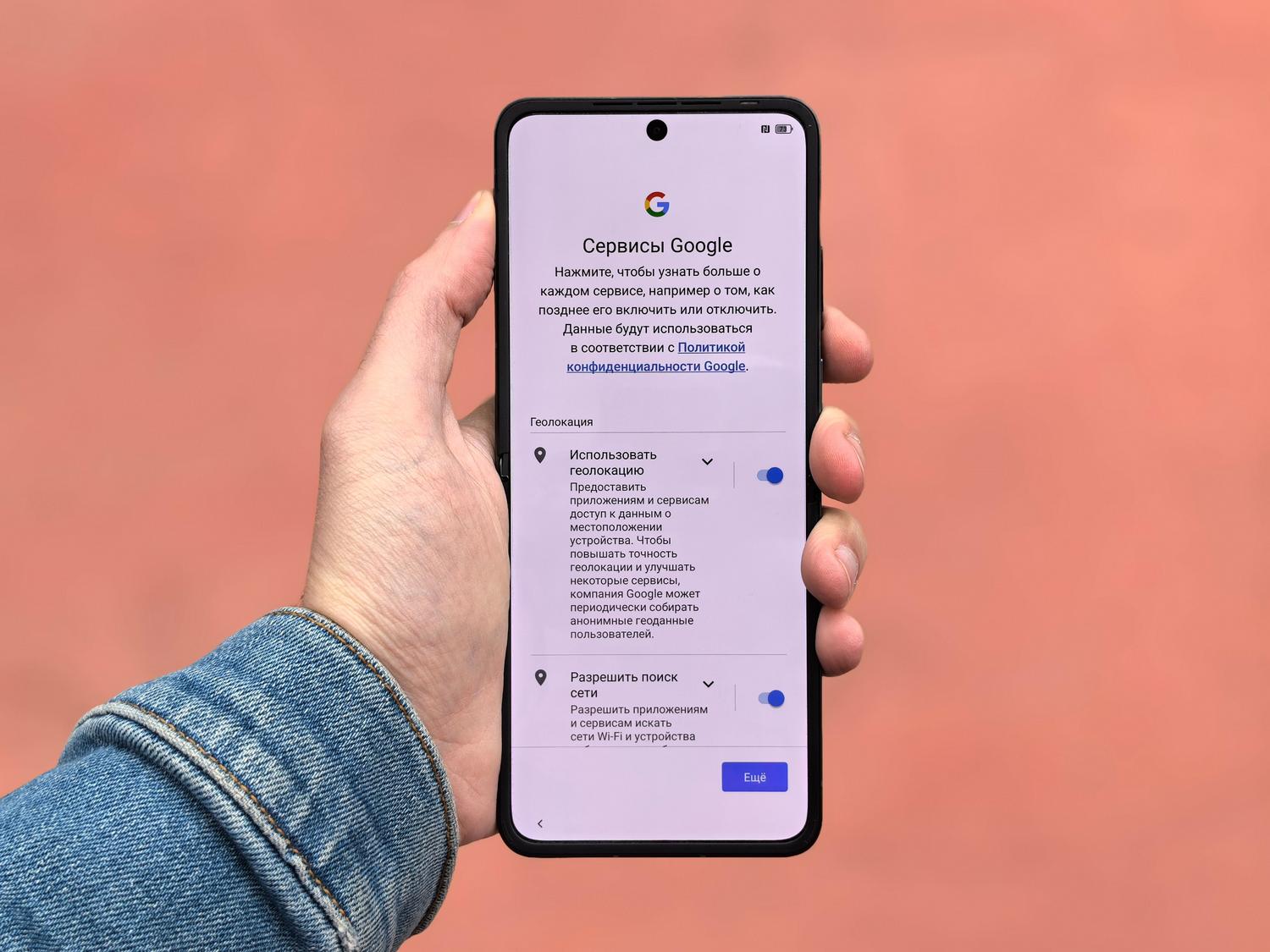
You've probably noticed that when you install any app on your phone, pop-up windows start appearing asking for access to all sorts of things. In the Google ecosystem, this is simply a way for tools like Assistant or Lens to function properly. operating at full capacity and give you answers that are actually useful depending on where you are or what you're doing.
The issue is that we don't always understand why an app needs to read our contacts or access our calendar. Therefore, understanding how these systems operate is crucial. runtime permissions It is essential to avoid leaving the door open to more data than is strictly necessary and to keep our privacy under control, whether as a regular user, developer, or company administrator.

Access control on your Android device

When you use the Google app on your tablet or smartphone, the system asks for permission to access specific data. For example, if you want Google Assistant to schedule an appointment, it makes sense that it would need to... Permission to use the CalendarSimilarly, using Lens requires access to the camera to translate text in real time or identify objects, automatically sharing this access with Google Search.
Regarding the files, Lens will ask you to access your gallery so you can search for information about screenshots or saved photos. Regarding contacts, this permission allows the Assistant to make calls or for Lens to create a contact card when you photograph a business card. A critical point is location: for the search engine to tell you where the nearest ATM is, it needs your precise locationalthough sometimes it uses the last recorded position to be faster.
El micrófono es otra pieza clave, esencial para que el comando «Hey Google» funcione en segundo plano. Por otro lado, los permisos de teléfono y SMS permiten que el Asistente gestione llamadas y mensajes, basándose en tu call log to suggest people you interact with most. Finally, Bluetooth is the bridge that connects the Assistant to your headphones, Wear OS watches, or the Android Auto system in your car.

How to manage and restrict permissions manually

If you feel there are too many apps snooping through your data, Android offers a permission manager Very intuitive. Just go to Settings, then Security and Privacy, and then Privacy to see exactly which apps have access to each sensor or data. From there you can change the setting of any application individually.
One very useful feature is the ability to automatically remove permissions of those apps you haven't opened in a while. To activate this, go to the Applications section, select the one you want, and activate the option to pause activity. Also, if you want to be extra sure, you can disable global access to the camera or microphone from the privacy controls, blocking any recording attempt regardless of the app.

Permission management in organizational and workspace environments
For those managing business accounts, things get more serious. Access can be controlled through the Administrator Console using OAuth 2.0 protocolsThere are three types of applications: Google-owned, internal (created by the organization itself), and external. Administrators can categorize these apps as follows: Reliable, Limited, Locked or with access to specific data.
Es posible restringir el acceso a servicios sensibles como Gmail, Drive o Chat. Por ejemplo, si configuras el Calendario como «Restringido», solo las apps de confianza podrán leer esos datos. Google también identifica los high-risk OAuth scope, such as the ability to delete files in Drive or send emails on behalf of the user, allowing the administrator to block these actions specifically to prevent information leaks.
In the case of educational institutions, different rules can be applied depending on the student's age, allowing the users under 18 years of age Request access to blocked apps under the supervision of a teacher or administrator, who may approve or deny the request after reviewing the Google Classroom features and the requested app.

Permissions for developers and Google Apps Script
If you program with Apps Script, you'll know that the system analyzes the code to detect which services are used (such as SpreadsheetApp) and determine which OAuth scopes are required. If the user has not given their consent, an authorization dialog will appear before the script can run.
One trick to improve privacy in plugins is to use annotation. @OnlyCurrentDocThis means the app only requests access to the file being edited and not to the user's entire document library. If you ever want to cut off access, you can do so from the Security section of your Google Account, by removing the connection to the specific application.
It's important to remember that the apps that use sensitive or restricted scope They must go through a Google verification process. Otherwise, users will see a warning indicating that the app has not been verified, which can generate distrust if the purpose of the tool is not properly communicated.
Privacy management at Google is a multi-layered process that ranges from simply toggling the camera on your phone to configuring complex APIs in an enterprise console. Maintaining active control over which services have access to your information—whether by reviewing the Android privacy manager or auditing OAuth tokens in Workspace—is the only way to enjoy automation without compromising personal or corporate security.
