- Mullvad offers an encrypted public DNS (DoH/DoT) with several blocking profiles.
- The service is designed to be used primarily without a VPN and is independent of being a customer.
- The selection of block lists is transparent and aimed at minimizing false positives.
- Performance depends on each ISP's anycast routing and there are no servers in Spain.
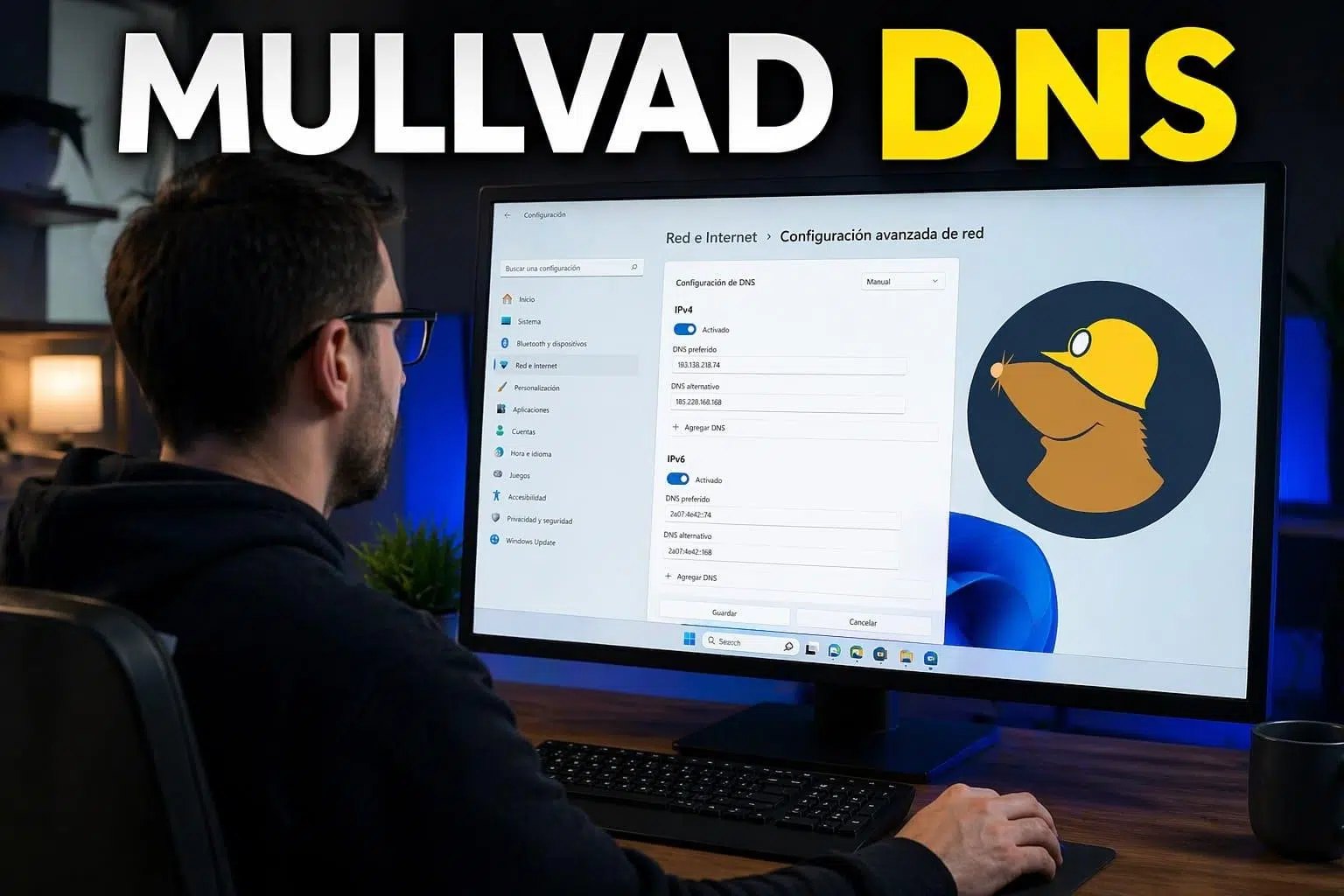
If you've landed here wondering whether installing a Mullvad DNS profile on your phone or Mac actually changes your DNS provider , you're not alone. Many people notice that after installing the profile, their network settings still show servers like 1.1.1.1 or their ISP's DNS servers, leading them to believe something is wrong. In reality, there's a catch: iOS, macOS, and many browsers manage DNS at multiple levels, and the classic "System DNS" interface doesn't always accurately reflect what's happening behind the scenes.
Furthermore, Mullvad doesn't offer just any DNS, but a public encrypted DNS service (DoH and DoT) with privacy filters that can be used even if you're not a customer of their VPN. This raises many reasonable questions: Can they provide DNS over HTTPS using another company's DNS servers? What happens if I'm connected to the VPN? Will I lose speed? How can I be sure I'm actually using their servers and not my ISP's?
What is Mullvad's encrypted public DNS and what is it used for?
Mullvad's public DNS service is a DNS resolver accessible via DNS over HTTPS (DoH) and DNS over TLS (DoT) . Instead of sending bare DNS requests in plain text over UDP/TCP 53, the device establishes an encrypted connection (HTTPS or TLS) with Mullvad's servers, and all queries are encapsulated within that connection.
The main goal is to prevent third parties (ISPs, public Wi-Fi networks, etc.) from spying on which domains you visit when you're not connected to Mullvad's VPN. With the VPN active, your DNS queries already go through the encrypted tunnel to a resolver within the VPN server itself, and the added benefit of using DoH/DoT is usually minimal and even counterproductive in terms of latency.
An interesting detail is that this service is public and free, and doesn't require a Mullvad VPN account . You can use it on browsers, mobile devices, computers, or even at the system level, as long as the device supports DoH or DoT.
To assist with initial resolution, Mullvad maintains a very limited DNS resolver on port 53 (UDP/TCP) that only resolves names like dns.mullvad.net, adblock.dns.mullvad.net, and similar names. The idea is that the client can discover the IP address of the encrypted resolver before using DoH/DoT; other queries are not served unencrypted over this channel.
Mullvad DNS Privacy and Security Features
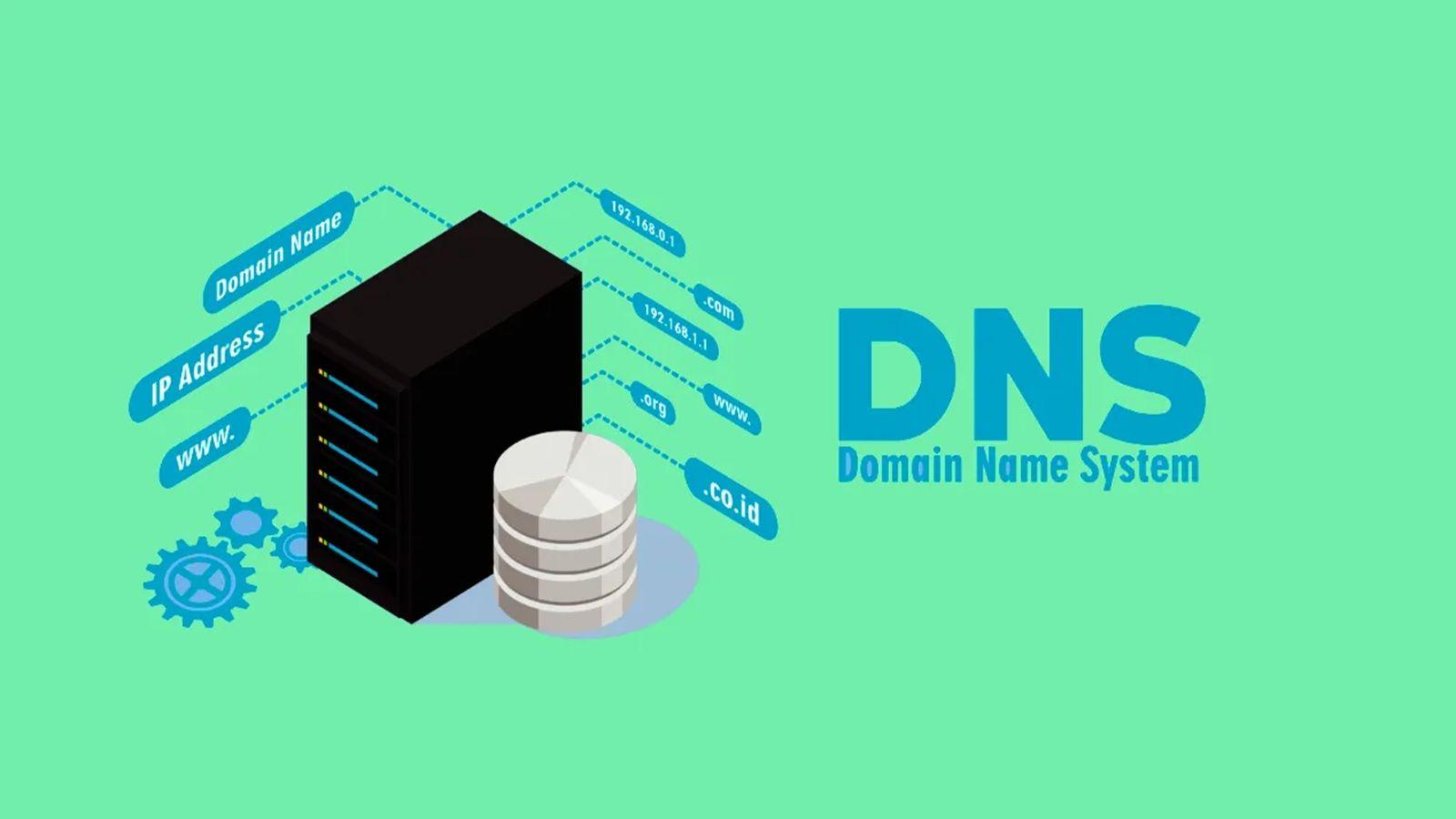
In addition to encryption itself, Mullvad's public DNS service incorporates several additional user privacy measures that are worth understanding if you're looking for more than just a simple DNS server change.
On one hand, it includes configurable content blocking through different profiles . Depending on the DNS hostname you use, you can block ads, trackers, malicious domains, adult websites, gambling sites, and social media. It's a fairly aggressive way to filter at the DNS level without having to manually install lists on each device.
They also implement QNAME minification , a technique by which Mullvad's server minimizes the information it shares with other DNS servers during the resolution process. This means that the authoritative servers involved in the chain see less data about the original query, limiting the exposure of your browsing activity.
Regarding availability, Mullvad uses an anycast service : multiple machines spread across different locations advertise the same DNS IP address, and internet routing should carry your requests to the "nearest" server in terms of network topology. If the nearest server goes down, traffic is redirected to the next one without you having to change anything in your configuration.
It's important to know that they don't use ECS (EDNS Client Subnet) and don't have DNS servers in Spain . This means that for services that rely heavily on geolocation (such as CDNs), some resolutions might direct you to points of presence near Mullvad's DNS server instead of a Spanish node. In practice, this can result in a few milliseconds of extra latency in certain situations.
Blocking profiles and hostnames available in Mullvad DNS
The way to choose what type of filtering you want is by changing the DNS hostname you configure in DoH or DoT . Each name points to a different profile, with various levels of blocking:
- dns.mullvad.netClean resolution, without ad blocking, trackers, or anything else. Unfiltered DNS.
- adblock.dns.mullvad.net: blocks ads and basic tracking.
- base.dns.mullvad.net: advertising + trackers + malware domains.
- extended.dns.mullvad.net: all of the above plus social media blocking.
- family.dns.mullvad.net: advertising, trackers, malware and adult content, plus other categories intended for family use.
- all.dns.mullvad.netThe complete package, including ad blockers, tracking protection, malware protection, adult content protection, gambling protection, and social media protection.
Regarding IP addresses and DoH/DoT integration , Mullvad publishes IPv4/IPv6 pairs for each option, along with the corresponding ports (443 for DoH, 853 for DoT). It's important to note that these IPs cannot be used as standard DNS servers over UDP/TCP port 53; they are intended for resolvers that understand encrypted protocols.
For example, for the "base" option (blocking ads, trackers, and malware), you can find associated addresses such as 194.242.2.4 (IPv4) and 2a07:e340::4 (IPv6), along with the DoH query URL https://base.dns.mullvad.net/dns-query and the TLS port 853 for DoT.
One thing to keep in mind is that Mullvad doesn't offer a profile that blocks only malware . The minimum plan, which includes protection against malicious domains, also includes ad and tracker blocking. If you want exclusive malware filters, you'll have to look for another service or refine your filtering by using your own resolver.
Regarding transparency, Mullvad details in its GitHub repository which blocklists comprise each profile . They use widely known sources such as OISD, AdGuard, Hagezi, and UrlHaus for malware, and specific lists for particular ecosystems (Alexa, Apple, Windows, Samsung, etc.) when blocking trackers. Their philosophy is clear: a few, well-selected lists to avoid a flood of false positives.
Performance, anycast, and behavior depending on your carrier
From a practical standpoint, Mullvad's DNS service doesn't have as extensive a server network as some of the larger providers , but it still works quite reasonably well with most European connections. However, the actual experience will depend heavily on your internet service provider.
Since the service is anycast and lacks ECS, the operator uses BGP to decide which Mullvad instance to send your traffic to . In tests from Spain, for example, some ISPs have been seen routing requests to European servers (latencies around 30-40 ms), while others end up going through nodes in the United States, increasing latency to over 100 ms.
In cases like these, you can ping Mullvad DNS's IP addresses to check if they're serving you from Europe or the USA . If you consistently see response times above 100 ms, it's likely your ISP is routing requests outside the continent. For many uses, this won't be a major issue, but it's something to consider if you're aiming for the lowest possible latency.
This behavior means that not all ISPs are equally suitable for using Mullvad DNS . Some providers route it very well towards Europe, while others end up sending queries across the Atlantic. This isn't a service failure itself, but rather a consequence of anycast routing and each company's interconnection policies.
While it might sound like a significant limitation, for typical web browsing, streaming, and online office tasks, these delays rarely pose a serious problem. You'll notice the biggest impact if you're particularly sensitive to latency (highly competitive online games, for example) or if your internet connection is already quite slow.
Depending on the browser you use, you can configure DNS over HTTPS directly in the client itself , without touching the operating system's DNS settings. This is key to understanding why you still see 1.1.1.1 or the router's DNS servers in the network settings: the browser may be sending all DoH queries to Mullvad even though the system is still showing other servers.
Mullvad Browser , based on Firefox and focused on privacy, uses Mullvad's DNS without filters by default. The official recommendation is to use this encrypted DNS only when you are not connected to the Mullvad VPN, as with the tunnel active, DNS requests are resolved on the VPN server, and using DoH (DoH) also tends to add latency.
In the Mullvad Browser itself (and in desktop Firefox), you can go to "Privacy and Security" settings and enable "Secure DNS" with maximum protection . Then, in the provider option, choose "Custom" and paste one of the DoH URLs offered by Mullvad, such as:
- https://dns.mullvad.net/dns-query
- https://adblock.dns.mullvad.net/dns-query
- https://base.dns.mullvad.net/dns-query
- https://extended.dns.mullvad.net/dns-query
- https://family.dns.mullvad.net/dns-query
- https://all.dns.mullvad.net/dns-query
In Chrome, Brave, and Edge, the process is similar: from the privacy/security section, enable the use of "Secure DNS," choose a custom provider, and add one of the URLs mentioned above. Sometimes the browser takes a little while to validate the new server, so you might see a "verify that this provider is valid" message; just wait a few moments and try again.
An important point: if your browser uses its own Domain Honor (DoH) client, it can ignore the operating system's DNS . This means that even if your computer's network preferences show Cloudflare, Google DNS, or your router's DNS, your browser's traffic might actually be going through Mullvad. This is precisely what could be happening if you install a Mullvad DNS profile on macOS/iOS but also have the browser's internal DoH enabled and pointing to a different server.
Using Mullvad DNS on Android, iOS, Windows, macOS, and Linux
If you prefer to apply Mullvad's DNS to the entire system (not just the browser), you can use the private DNS options or configuration profiles offered by various modern platforms.
On Android 9 and later , you have the "Private DNS" option in your network settings. By selecting "Private DNS provider" and entering one of Mullvad's hostnames (dns.mullvad.net, adblock.dns.mullvad.net, base.dns.mullvad.net, etc.), all system DNS traffic will attempt to resolve via DoT to that server. If Android detects excessive latency or fails to connect, it will disable this private DNS, which may result in errors on complex networks.
In the Apple ecosystem (recent iOS, iPadOS, and macOS), Mullvad offers specific configuration profiles for DoH and DoT . These are downloaded from their GitHub repository, installed via Settings/System, and then the entire system is ready to use these encrypted DNS servers. This is where the confusion arises: the classic DNS panel in the "Network" section may still display legacy servers (such as 1.1.1.1), but the actual traffic is routed through the profile.
There are two limitations to keep in mind with Apple:
- If you activate iCloud Private RelaySome or all of your DNS queries may go to Apple servers, even if you have the Mullvad profile installed.
- On macOS 13 and earlier, It's best not to install multiple DNS profiles at the same timesince managing multiple profiles can be problematic.
In Windows 11 , the system includes system-level support for Domain-based DNS (DoH). You can edit the DNS settings of your network interface (Wi-Fi or Ethernet), assign Mullvad's IPv4/IPv6 addresses to the desired profile, and then select the "DNS over HTTPS (manual template)" option, specifying the corresponding URL (for example, https://base.dns.mullvad.net/dns-query). If you use both Wi-Fi and Ethernet on the same computer, it's advisable to configure both adapters or ensure that neither is interfering with the other.
On Linux (Ubuntu, Fedora, and derivatives) , the cleanest way is to use systemd-resolved. Configure the resolved.conf file to use Mullvad's IPs as the global DNS server, enable DNSOverTLS=yes (or opportunistic if you have problems), and point /etc/resolv.conf to the systemd-resolved stub. After restarting services, the resolvectl status command should show Mullvad's as the current DNS server.
How to check if you are actually using Mullvad's DNS
Once the service is set up, it's normal to want to ensure there are no DNS leaks or queries going through other servers . Mullvad offers a very simple page for this on its official website.
From your browser, you can go to https://mullvad.net/check . If the configuration is correct, the DNS section will show "No DNS leaks," and when you expand the details, you'll see that the server being used includes "dns" in its hostname, for example, something like se-mma-dns-001.mullvad.net. This is proof that the queries are reaching Mullvad's infrastructure.
If resolvers belonging to your carrier, Google, Cloudflare, or other providers appear on that same page, it means your device or browser is still sending some or all of your queries outside of Mullvad . In that case, check if you have Domain Overhead (DoH) enabled in your browser pointing to another service, a SOCKS 5 proxy with the "Proxy DNS when using SOCKS v5" option enabled (typical in Firefox with the Mullvad proxy), or other intermediate layers.
It's also important to remember that when you're connected to Mullvad's VPN , the application itself routes your DNS to the resolvers of the VPN server you're connected to. Using encrypted public DNS simultaneously can be unnecessary or even introduce latency or resolution problems, so the official recommendation is to reserve public DNS for when you're not using the VPN.
Content blocking: how it works and what you can expect
Mullvad DNS's content blocking mechanism is relatively simple but effective. When you query a domain that appears on the selected blocklists, the resolver simply responds that the name doesn't exist (returning an NXDOMAIN). The browser interprets this as the domain having no IP address, and the associated content simply isn't loaded.
This allows you to block a significant number of ads, trackers, malicious domains, adult websites, gambling sites, and social media platforms without installing extensions on each device. However, DNS-level blocking has structural limitations: for example, it cannot effectively filter ads from platforms that serve advertising and main content from the same domain (as is often the case with YouTube).
That's why Mullvad even recommends combining its DNS with browser content blockers like uBlock Origin, which actually comes pre-installed in the Mullvad Browser. The DNS acts as the first line of defense, significantly reducing overall noise, and the extension fine-tunes the filtering within the browser itself.
Mullvad's approach is advantageous because its list selection is very carefully curated . They don't simply add dozens of blocklists for the sake of it, but rather choose reliable sources that minimize false positives. This makes the balance between protection and compatibility quite reasonable for home or even professional use.
On the technical side, if you want to delve deeper, Mullvad's GitHub repository shows exactly which lists are used in each profile (adblock, base, extended, family, all) , as well as the original source of each. This allows you to assess whether any list might conflict with your needs (for example, if you use very niche services that often end up being mistakenly listed in some aggressive ad blocking systems).
Ultimately, Mullvad's public DNS has become a very attractive option for those who want to enhance their privacy and reduce spam without relying on tech giants or their ISP's default DNS servers. It has its drawbacks—there are no DNS servers in Spain, it doesn't support ECS, it doesn't offer "malware-only" profiles, and its performance is highly dependent on each ISP's routing—but in return, it offers transparent filtering, end-to-end encryption of queries, and an approach consistent with the brand's privacy philosophy.