
Having a 3D printer at home is a one-way street; once you start manufacturing your own solutions, you realize that the ability to create pieces A custom-made part can save you from spending a fortune on spare parts that are no longer sold. From Useful ideas and projects for 3D printing From fixing a cabinet handle to designing a specific support for an appliance, this technology has become the best ally for those who can't stand seeing something broken and not finding the exact part at the hardware store.
However, to prevent this tool from becoming an expensive paperweight, it is essential to understand that Regular maintenance is keySimply pressing the print button isn't enough; you need to take care of your printer so it doesn't let you down in the middle of a ten-hour project. In this article, we'll break down everything you need to know, from how to keep your home printer running at peak performance to how to apply this power in industrial environments where time is of the essence.

Care and maintenance of your home 3D printer
We often overlook cleaning our machines until a problem arises. The most common issues, such as the first layer doesn't stick The appearance of strange noises is not usually an unfathomable mystery, but a clear sign that the printer needs some TLC, lubrication, or a thorough cleaning.
To maintain stability, it's vital to focus on three pillars: mechanics, electronics, and hygiene. If you get used to a simple routine, you'll avoid... dust obstructs the fans Or that finger grease could ruin the bed's adhesion. You don't need to set up a laboratory, but you do need to be organized and use the right tools, such as isopropyl alcohol, Allen wrenches, and soft brushes.
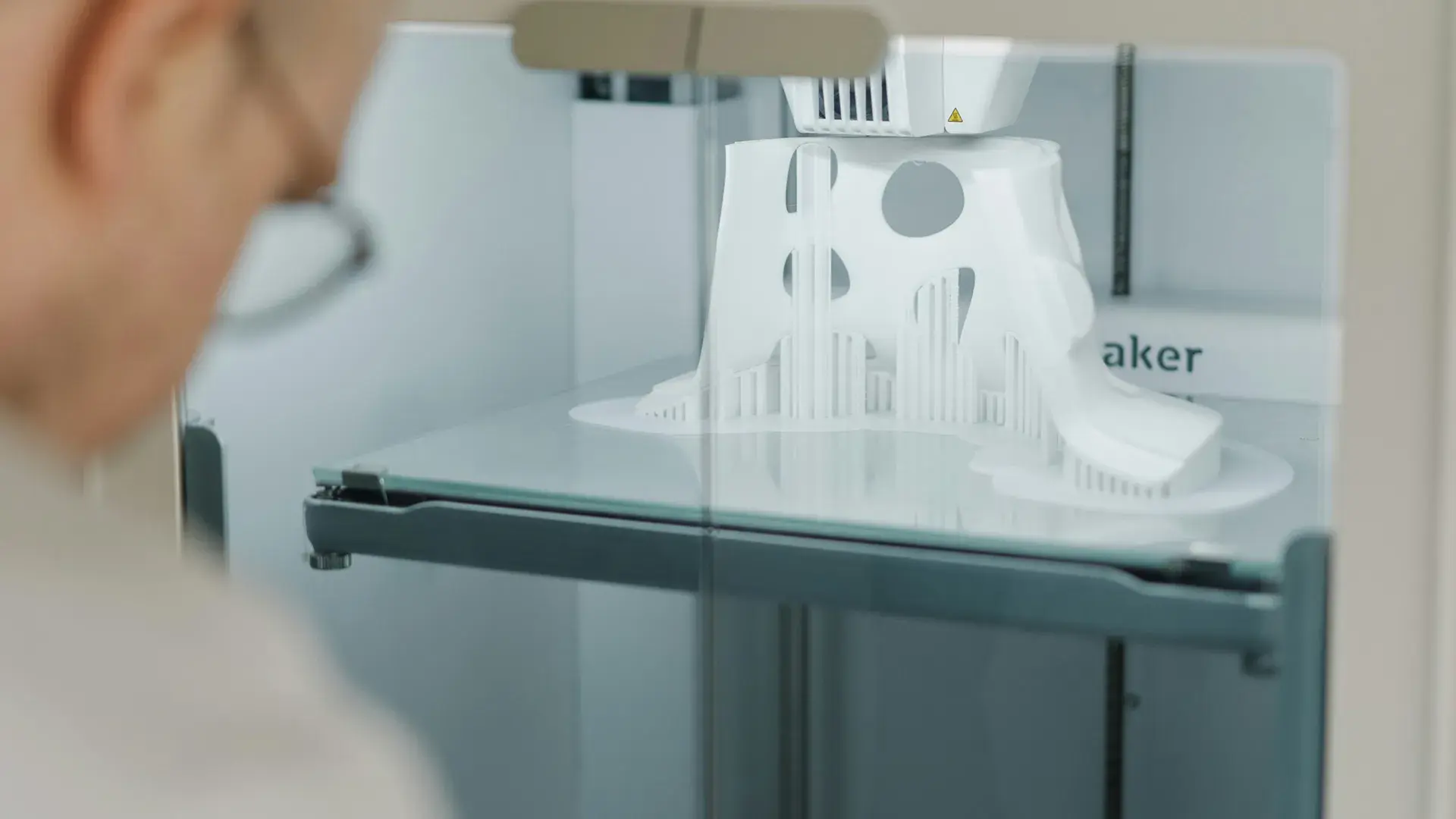
When it comes to cleaning, the bed is the critical point. Depending on whether you use PEI, glass, or textured surfaces, the method varies, but warm water with neutral soap It's often the definitive solution when alcohol isn't enough. On the other hand, we mustn't forget the fans; if the airflow drops, cooling fails and the quality of the part plummets.

The heart of the machine: Hotend and nozzle
The hotend is where the magic happens, but also where most jams occur. If you notice that the extrusion is skipping or that unnecessary threads appear Between the walls, you likely have internal debris. A very effective technique is... cold pullwhich consists of extracting the filament while it cools to "drag" away the accumulated dirt.
It's important to know when to replace the nozzle. If you use abrasive filaments, the brass wears down quickly and the walls become undefined; in these cases, Hardened steel is the best optionAlthough it may require raising the temperature slightly. If the problems persist despite cleaning, the best course of action is to replace the entire hotend to restore operational stability.
Mechanical adjustments and intelligent lubrication
The mechanics of a printer don't usually break down suddenly, but rather gradually become misaligned. The belts, for example, must be tight but not as tight as guitar strings, since Excessive tension damages the bearingsIf you notice the typical effect ghosting In the parts, it is time to check the tension and the pulley set screws.
Regarding lubrication, the golden rule is: less is more. It's not about slathering the machine in grease, but rather applying a thin layer to the spindles and linear guides. Excess lubricant attracts dust and ends up creating a paste that hinders movement instead of facilitating it. For V-slot wheels, the most important thing is cleaning the groove and adjusting the eccentrics.
The role of filament and storage
Sometimes we blame the machine for problems that actually stem from the material. Filament that has absorbed moisture causes clicking sounds when extruding and bubbles on the surface, which compromises the piece's strength. To prevent this, it is essential to store the coils in airtight bags with desiccants or use drying boxes.
For those using multicolor systems like AMS, the complexity increases. It is necessary to monitor that The PTFE tubes should not wear out. internal and that the rollers rotate without resistance. A simple piece of filament dust in the loading path can cause the machine to fail to recognize the spool or result in a jam.
3D printing applied to industrial maintenance
Moving to the professional sphere, 3D printing is a disruptive tool for preventing production line stoppages. Imagine that a part on an old machine breaks and the manufacturer no longer exists; instead of waiting weeks for a miracle replacement, you can design the part using reverse engineering and have it ready in a matter of hours using the industrial Technology modern
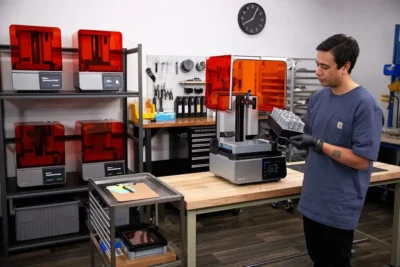
This ability to manufacture obsolete components allows companies to take complete control of their repairs. It's not just about copying, but about improving: parts can be redesigned to be more resistant or efficient than the original, thus optimizing corrective maintenance processes and reducing inventory costs by digitizing the warehouse.
In-house service vs. outsourcing
For a company, the question is often whether to buy its own machines or hire a supplier. Having an in-house service offers unbeatable response speed and complete confidentiality regarding the designs. However, it requires a significant initial investment and staff training in design software and handling technical materials.
- Internal advantages: Total control, immediate customization, and long-term shipping savings.
- External advantages: No investment in machinery, access to specialized experts and greater scalability according to demand.
To implement this successfully, the process begins by evaluating which parts fail most often and selecting the appropriate technology (such as Ultimaker machines for their reliability). Establishing a clear workflowFrom 3D scanning to validation of the final part, this is what makes the difference between an experiment and a real industrial solution.
Maintaining a 3D printer, whether for home repairs or to sustain factory production, requires a balance between cleanliness, mechanical adjustments, and material quality. From daily bed checks to planning industrial spare parts maintenance, the goal is always the same: to minimize downtime and maximize the accuracy of every printed layer.