- Acrobat Studio unifies PDF, Adobe Express, and AI assistants with PDF Spaces.
- It includes classic Acrobat features and security with encryption, access control, and source references.
- Available in Spanish, with a 14-day free trial; initial launch in English and prices starting at $24,99/month.
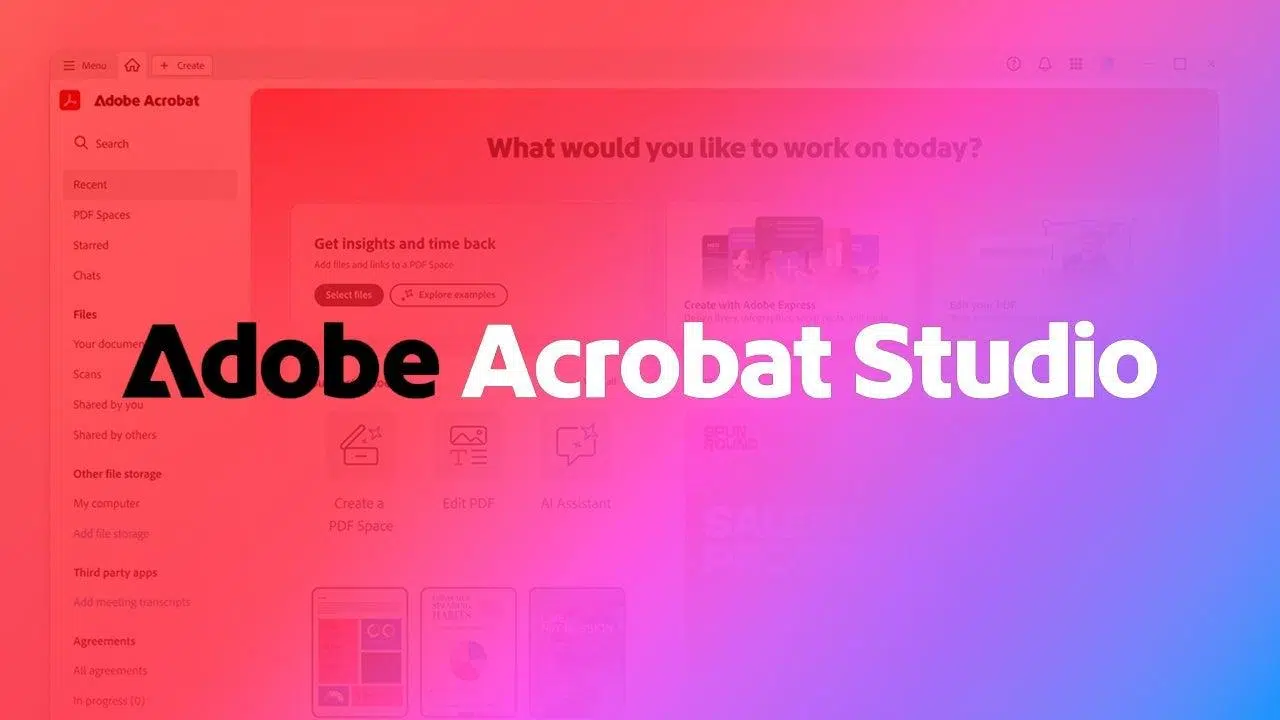
If you're interested in everything Adobe and looking for "free" options, it's worth understanding exactly what its new environment offers: Acrobat Studio arrives as a workspace that centralizes PDF productivity, creativity, and AI assistants . Adobe has expanded its reach and confirmed that this solution is now available in Spanish , an important step for those who work daily with documents and visual content in our language.
The offering combines several familiar components under one roof: Acrobat's PDF management, Adobe Express creation, and AI agents capable of summarizing, responding, comparing, and generating ideas . It also introduces PDF Spaces, designed to transform collections of documents and web pages into dynamic knowledge hubs. Regarding the demand for a "free" version, there is a 14-day free trial ; after that period, the service is offered at a monthly rate , as detailed by the company.
What is Adobe Acrobat Studio and what makes it different
Acrobat Studio is, in essence, a unified environment that brings together the productivity of Adobe Acrobat with the design tools of Adobe Express and a suite of AI-powered assistants. Its stated goal is no small feat: to create an AI-powered destination that allows you to achieve goals faster and with greater impact in your daily work.
For Adobe, this platform addresses the needs of modern workers who juggle research, meeting preparation, vendor analysis, and content creation. In fact, the company emphasizes that with Acrobat Studio, you can attend key meetings better prepared and with more context , communicate with your team or management clearly and confidently, and understand the business and brand of potential clients to develop more effective proposals.
The idea is to reduce steps, avoid constant application switching, and offer a seamless workflow: research, analyze, write, design, and share without leaving the same site. Thus, Acrobat Studio creates a hub for moving from reading contracts or briefs to preparing presentations, publications, or executive summaries in a matter of minutes.
Another distinguishing feature lies in how AI assistants integrate into the workflow. They are not simple chatbots: they can adopt specific roles (for example, acting as an “instructor” or an “analyst”), adapting to the type of task at hand and helping you filter, organize, and transform information.
Overall, Adobe's project not only adds features, but also focuses on the convergence of documents, knowledge, and creation , something that is clearly seen in its new workspaces and in the way everything is linked to Express and AI-based automation.

PDF spaces and AI assistants: how they work
One of the biggest new features is PDF Spaces . With them, collections of files and web pages become true knowledge hubs. The beauty lies not only in grouping content, but in how AI assistants interpret, summarize, and connect it , allowing users to find answers, ask questions, and generate new ideas on the fly.
These assistants are customizable and can assume specific roles. For example, they can be configured to act as a more didactic profile (like an "instructor") or focused on comparative analysis (like an "analyst"), helping to unravel the advantages, disadvantages, and differences between multiple supplier proposals, contracts, or reference documents.
Collaboration is another key strength: Spaces can be shared with colleagues or clients , standardizing the place where information is accessed and decisions are made. This way, instead of having scattered conversations via email and loose files, teams work within the same context and with AI assistance.
To maintain transparency, Adobe emphasizes that the system only analyzes the documents you specify and, when it provides results, offers direct references to the sources within each file. This helps verify information, maintain traceability, and avoid the "black box" feeling so common with other AI tools.
The practical potential is vast. In a PDF Space, you could gather legal documents, technical specifications, and web pages, and ask the assistant to create executive summaries, answers to specific questions, or comparisons between different options. It can also generate content ideas from the compiled knowledge, accelerating the preparation of proposals and materials.
- Creation of summaries from large volumes of documents.
- FAQ contextualized on the information you have uploaded.
- Comparisons with advantages and disadvantages among several alternatives.
- Generation ideas and approaches based on the content of your Space.
Integrated creativity: Adobe Express and Firefly
Acrobat Studio goes beyond analysis. It integrates Adobe Express so you can design directly within the same environment where you review your documents. This includes design templates, brand kits , and Firefly-powered features for generating images and videos tailored to your needs.
The practical value is clear: if you're preparing a proposal for a client, you can consult contracts, briefs, and references in the Spaces, and simultaneously prepare presentations , infographics, or social media posts without leaving the application. Less friction, fewer open windows, and greater visual consistency thanks to templates and brand management.
Adobe also emphasizes speed of execution. The combination of AI assistants with professional templates makes it easy to create engaging content quickly, starting with key points extracted from your documents. Ideal for when you need to deliver a comparison document, a proposal, or a promotional piece at the end of a meeting.
By unifying analysis and design, Acrobat Studio allows what you learn from reference materials to quickly become publishable content. This continuity between understanding first and creating later is one of the cornerstones of the approach.
Classic Acrobat features that remain
Alongside the new features, Acrobat's classic capabilities remain : PDF editing, electronic signatures , scanning, and security. There's no need to give up what you know; it simply now coexists with the rest of the analysis and creation ecosystem.
AI enhancements also complement traditional methods. For example, there are features to summarize contracts and scanned documents , and to generate comparisons and analyses more quickly. This eliminates the need to grapple with lengthy texts every time you need to review a proposal or compare changes between versions.
For those who manage large stacks of PDFs, the system's ability to identify key points, summarize, and highlight differences is a daily relief. It saves time on routine tasks, allowing more time to be dedicated to strategy or the quality of the final product.
The combination of basic ( edit , sign, protect) with advanced (summarize, compare, brainstorm) makes Acrobat Studio useful for both quick tasks and larger projects where research, collaboration, and communication are required.
Security, control and compliance
On the business front, Adobe emphasizes that Acrobat Studio incorporates advanced encryption , access control, and compliance features. It's not just about producing faster, but about doing so within security frameworks suited to professional and regulated environments.
In addition to protecting documents, the system prioritizes transparency in the use of AI: references to sources are provided within each file to support responses and summaries. This verification helps build trust in contexts where decision-makers need to audit information before signing a report or making a decision.
Limiting the analysis to the documents you specify provides an essential layer of control . Nobody wants their data circulating unsupervised, and this approach prevents mixing what's uploaded to a Space with other sources outside your work environment.
Languages, availability and prices
Adobe has announced expanded availability, noting that Acrobat Studio can now be used in Spanish , making the product accessible to more teams and businesses. However, the company cautions that availability will be limited initially, with a phased rollout that will expand over time.
Adobe officially confirmed that the service will be available starting August 19, 2025 , in English, with a 14-day free trial. Pricing starts at $24,99 per month for individual users and $29,99 per month for teams. The company has not yet confirmed prices in euros.
It's important to distinguish here between "free" and a commercial product. Acrobat Studio offers a 14-day free trial , ideal for verifying if it fits your workflow; after that period, the corresponding monthly fee for the individual or team plan applies. In other words, "free" refers only to the trial, not to indefinite use of the service.
If you're considering joining the ecosystem, it makes sense to take advantage of the trial to see how PDF Spaces, AI assistants, and the Express integration work for you. The initial rollout phase means that availability may vary by region or account , so planning your internal pilot makes even more sense.
Professional use cases covered
Adobe illustrates this approach with common office scenarios. For example, arriving at an important meeting with clear summaries and comparisons prepared thanks to AI assistants, allowing you to focus the conversation on decisions, not reviewing documents.
Another practical use is in communication at different levels: informing managers, teams, or even a board of directors with solid summaries and supporting material created in Express. Having a set of slides on hand that is consistent with the brand and derived from the key points of the documents greatly streamlines the process.
We also consider the work done prior to commercial proposals. A better understanding of a potential client's business and brand helps in developing a sharp proposal with the right tone. Here, the combination of Espacios (client documentation), Auxiliarios (summary and analysis), and Express (graphic material) fits perfectly.
Supplier evaluation is another classic example. When you have dozens of proposals, AI can distill advantages, disadvantages, and differences and create an informed recommendation. You save hours of repetitive reading and can focus on validating criteria, weighing risks, and confirming key data.
Finally, creating quality content quickly becomes more realistic. With professionally designed templates in Express and the context of your documents, it's easier to generate shareable presentations, infographics, or posts without losing consistency with your project.
Practical tips to get the most out of it
Start by defining one or two themed PDF Spaces (per client, project, or area) and upload relevant documents and links. This quickly tests the workflow and validates whether the structure helps you navigate the information.
Configure AI assistants with a useful role for each task. If you need internal training, an "instructor" approach can explain concepts and prepare educational summaries . For purchases or comparisons, an "analyst" style favors lists of pros and cons and well-reasoned recommendations.
Integrate Express the moment you finalize an analysis. Moving from conclusions to a visual document or presentation with templates and brand kits reduces friction, so you don't leave the design until the last minute.
In corporate settings, activate access and encryption policies appropriate to your organization. Ensure that only authorized personnel can view and edit Spaces and that source audits are documented for future review.
Remember that the 14-day trial period is the perfect opportunity to test the fit with your team. Define a small pilot plan with specific objectives (for example, preparing a proposal and a supplier comparison ) and measure time and results before deciding on the next step.
Other related resources that may interest you
Although Acrobat Studio covers a wide range of needs, there is complementary content that the community often appreciates: selections of PDF readers for Windows and guides for specific tasks such as editing a PDF for free with Google Drive . These don't replace the platform itself, but they can be useful as occasional support.
Looking at the big picture, Acrobat Studio brings together what was previously scattered: PDF reading and editing, AI-powered summaries and analytics, and content creation with Express. Add to that its availability in Spanish, the 14-day trial , and its focus on security and transparency, and it's easy to see why this launch is generating so much buzz among marketing, sales, legal, and operations teams.