- Electrical corrosion arises from humidity, environmental contaminants, and chemical incompatibility between metals.
- Cleaning methods range from the use of dielectric sprays and compressed air to ultrasonic solutions and neutralizing pastes.
- Long-term prevention requires a combination of high-quality materials, appropriate IP seals, and proactive maintenance.
You've probably experienced this before: a device that was working perfectly starts malfunctioning intermittently or, even worse, stops turning on altogether. In many cases, the culprit isn't a burnt-out component, but rather corrosion in the connectors that has created an invisible barrier preventing electricity from flowing properly. It's a fairly common problem, especially in humid or industrial environments, where metal eventually succumbs to the effects of time.
To fix this mess, simply wiping it with alcohol and hoping for the best isn't enough. You need to understand what's happening chemically to apply the right cleaning method without damaging the board in the process. From using specific products to acid neutralization techniques, we'll see how to get your circuits looking like new and, most importantly, how to prevent rust from returning.

Why do connectors and circuit boards rust?
Corrosion is essentially a chemical and electrochemical reaction that degrades metal. The main trigger is usually the introduction of moisture or condensation , which acts as an electrolyte, facilitating the metal's oxidation. But it's not just water; sea salts, industrial sulfides, and moisture-absorbing dust accelerate the process dramatically, even at very low circuit voltages.
Another key factor is the galvanic series. When we join two different metals, the weaker (less noble) one is sacrificed and corrodes to protect the other . That's why it's so vital that connectors have good plating, usually gold or nickel, to prevent the base metal from being exposed to the air.
Most common types of corrosion
- General oxidation: It is that opaque film or discoloration (like the green patina of copper) that increases electrical resistance and causes erratic signals.
- Galvanic corrosion: This occurs when there is a potential difference between two metals. It is very common to see that one terminal is destroyed while the pin where it fits looks flawless.
- Fretting corrosion: It is caused by constant vibrations that wear down the protective coating. The result is a dark and abrasive powder which generates a lot of electrical noise.
- Pitting corrosion: These are localized and deep attacks that usually hide under seals or gaskets, creating gaps in the metal due to the lack of oxygen in specific areas.

Detailed methods for cleaning electronics
Before you begin, a golden rule: disconnect all power and remove any batteries or insertable chips. Working with live circuits is asking for serious trouble.
Cleaning connectors and contacts
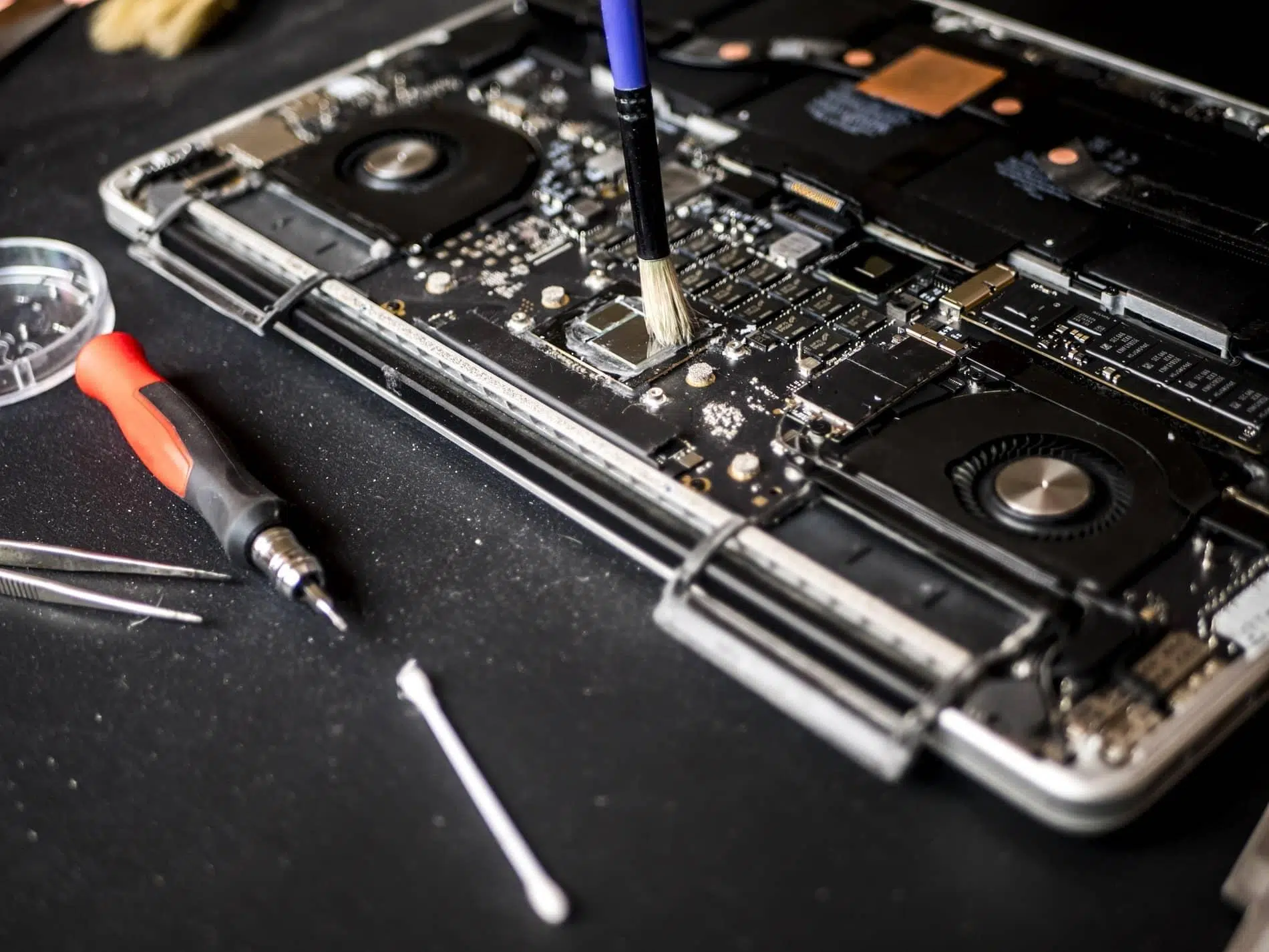
For minor cases, an electrical contact cleaner spray is ideal . These products dissolve grease, solder residue, and moisture without conducting electricity. If the rust is more stubborn, you can gently scrub it using a small nylon or brass brush , always avoiding steel to prevent scratching softer metals.
If things are really bad, you can make a paste with baking soda and water . This alkaline mixture will neutralize acid corrosion. Apply it with a cotton swab, let it sit, and then rinse and dry thoroughly. For the final touch, a thin layer of dielectric grease on the terminals will help repel future moisture, but be careful not to apply it directly to the contact area, as this could block the signal.

Cleaning the circuit board (PCB)
The circuit boards get dirty from dust sucked in by the fans or from solder wax that melts with the heat. Depending on the level of dirt, we have several options:
- Compressed air: Perfect for removing surface dust. It is essential to do this with the equipment turned off to avoid accidental short circuits.
- Distilled water: Since it does not have ions, it is safe to clean without altering performance, provided that complete drying is guaranteed afterwards.
- Ultrasonic cleaning: It's the most powerful option. By immersing the plate in an ultrasonic cleaner, the liquid reaches cavities impossible to reach manually, removing even the most stubborn residues.
- Propanol: It is commonly used to clean up residues of bicarbonate paste or soldering fluxes.
Strategies to prevent corrosion
To avoid having to repeat this process every few months, the problem needs to be addressed from the design stage. Choosing connectors with IP certification (such as IP67 or IP69K) ensures that dust and water cannot enter. Furthermore, orienting the connectors downwards prevents water from accumulating due to gravity.
During assembly, it is vital to avoid touching the contacts with bare fingers, as skin oils can initiate oxidation. The use of conformal coatings (a type of protective lacquer) or thermal coating molding creates an impenetrable physical barrier against moisture. It is also advisable to perform thermographic inspections to detect hot spots that indicate high corrosion resistance before the equipment fails.
Keeping electronics safe involves a layered defense that begins with choosing high-quality materials, continues with airtight sealing, and ends with regular maintenance. Using compressed air, dielectric cleaners, and proper protection with specialized greases ensures stable electrical conductivity , extending the lifespan of any device and preventing costly repairs due to simple oxidation.
