- Browser-based emulation options that require no installation for experimenting with retro software.
- Advanced virtualization tools for running full versions of Windows and DOS on modern hardware.
- Software specialized in running classic games and graphic adventures through compatibility layers.
Looking back, just a few decades ago, computing was a completely different world. We lived in an era where having 1 MB of RAM was everyone's dream, and managing files with floppy disks was the absolute norm. It's crazy to think that back then, not even the movies dared to imagine that we'd have artificial intelligence running on a home computer.
For those of us who remember those years with nostalgia, trying to replicate that experience today can be a real headache due to the incompatibility of modern hardware. However, thanks to retrocomputing and emulation , it's possible to recapture those memories and interact once again with the environments that defined personal computing.

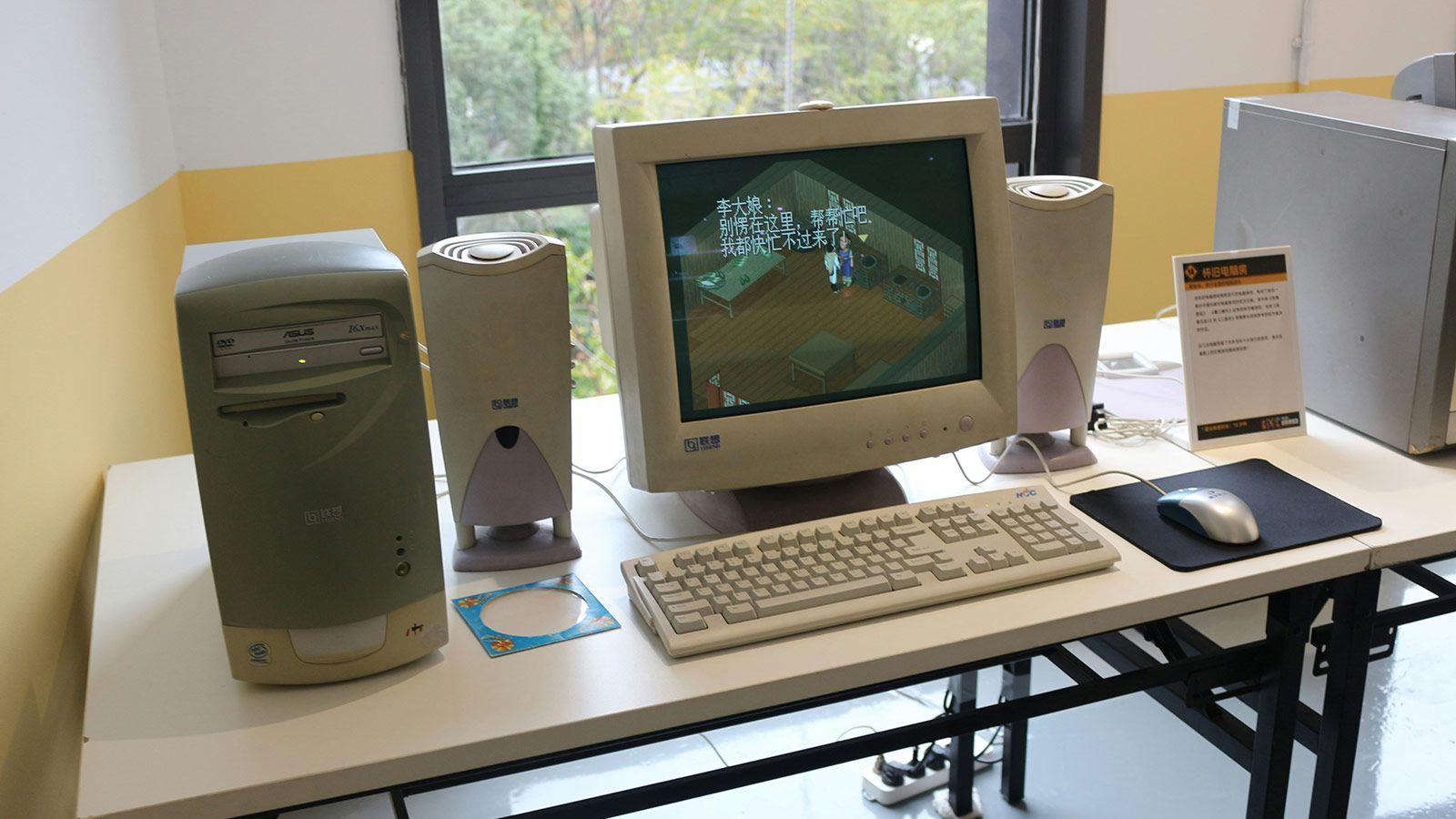
If you don't want the hassle of installing programs, PCjs is a fantastic option. It's not a conventional emulator, but rather an interactive JavaScript-based library that lets you explore computing history directly from the web. It's ideal for those seeking instant gratification without setting up complex virtual machines.
This project pays homage to milestones like the 1981 IBM PC 5150, the machine that set the industry standard thanks to its open architecture . In PCjs you can experiment with systems like MS-DOS, Windows 1.0, 3.0, 3.1, and even the legendary Windows 95, as well as less common environments like OS/2 or CP/M-86.
In addition to operating systems, you can run legendary applications like Lotus 1-2-3 or WordPerfect, and play classics like Wolfenstein 3D or The Oregon Trail. The tool faithfully emulates the hardware, including CGA, EGA, and VGA video adapters, although you should be aware that there is no data persistence , so anything you save will be deleted when you close the tab.
Virtualization with VirtualBox for Windows 98
When you need a more robust and persistent environment, virtualization is the way to go. Windows 11, for example, only supports 32-bit applications thanks to WoW64, leaving out 16-bit software. To overcome this, VirtualBox is the most recommended free tool for setting up a Windows 98 virtual machine.
The process involves downloading the system's ISO (often available on the Internet Archive) and configuring a machine with modest resources, as 256 MB of RAM is more than enough for the system to run smoothly. A critical point is driver management; to avoid the basic 640x480 resolution, it's necessary to install third-party drivers that allow for high color density and higher resolutions.
To move files between your current PC and the virtual machine, since Guest Additions are not usually compatible with such old versions, the best alternative is to share folders over the local network by configuring the Microsoft network client within the Windows 98 control panel.
The DOSBox ecosystem and specialized emulators
If your goal is purely to play command-line games, setting up a whole operating system is overkill. In this respect, DOSBox is the undisputed king . It's lightweight software that emulates the MS-DOS environment and is so effective that platforms like Steam and GOG use it for their retro games.
With DOSBox you can configure the processor (from a 286 to a 486) and choose the sound card, such as the Sound Blaster. You just need to use the command mount to link a folder on your real hard drive to the emulator's virtual drive and start playing in no time, similar to how some are used Linux tricks and commands in the modern terminal.
On the other hand, there are more specific alternatives. SCUMMVM is a gem for fans of LucasFilm Games' graphic adventures, as it focuses on running the game itself rather than emulating the entire operating system, drastically reducing crashes. For those seeking something more geared towards older productivity applications, VDOS Plus is a stable fork designed to run legacy spreadsheets and databases.

Quick explorations: EmuOS and Virtual x86
For those who prefer instant access, there are projects like EmuOS on Emupedia . It's basically a visual simulator that lets you jump between Windows 95, 98, and Me with a click. It's not a real installation, but a recreated experience that even includes programs like Winamp and games like Diablo for a hassle-free retro experience .
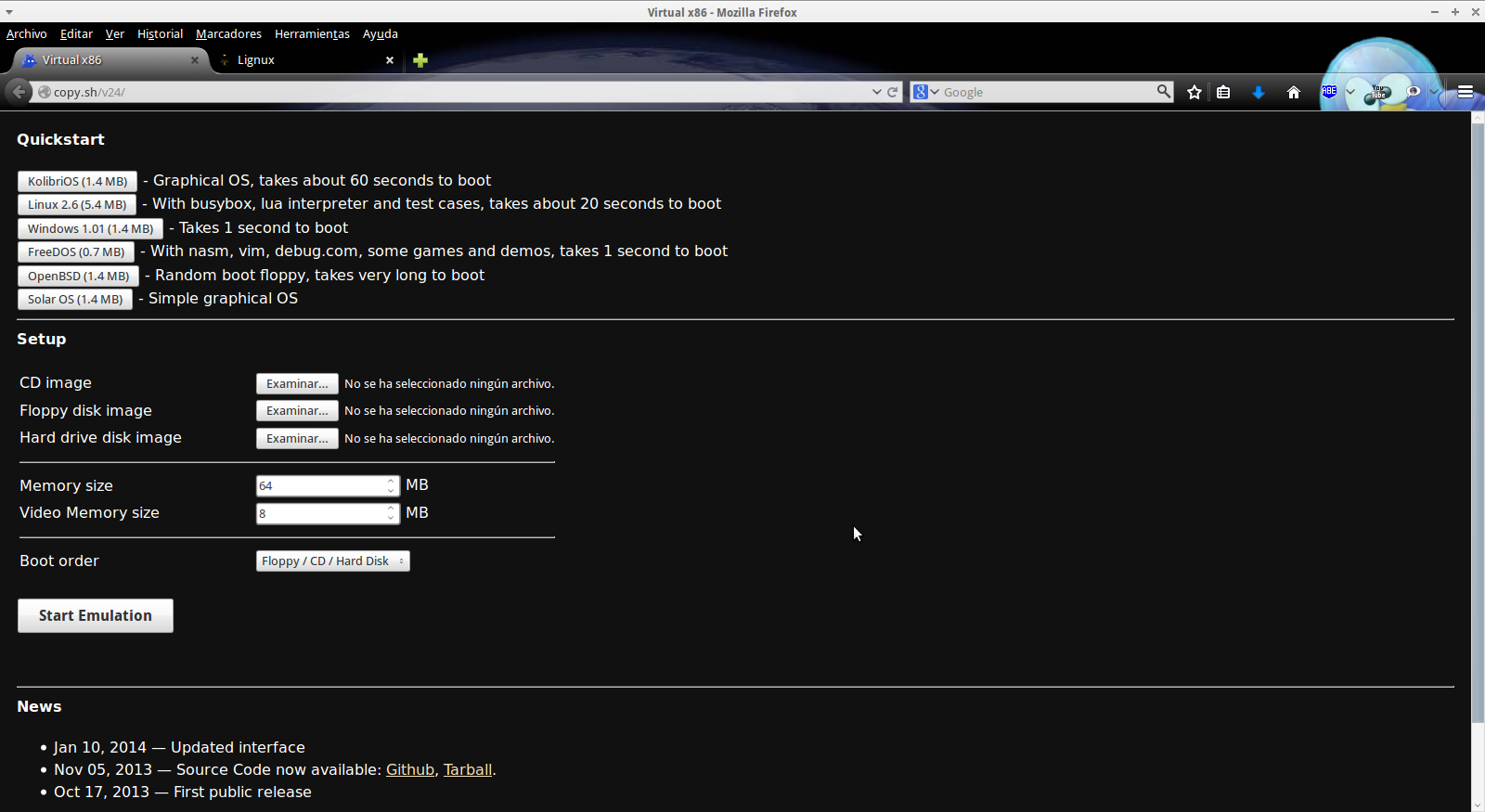
Along similar lines, we find Virtual x86 . This emulator, written in JavaScript, can virtualize x86 architectures from within a web browser. It comes with pre-installed systems like KolibriOS or Linux 2.6, but also allows you to load your own hard drive or floppy disk images, offering surprising stability despite being in an experimental phase.
If you're looking for an extreme solution, there are operating systems specifically designed for emulation that boot directly when you turn on your PC, bypassing Windows. While they require more technical knowledge, they allow you to turn any computer into a complete multi-game console.
The ability to revive legacy software through emulation and virtualization allows us not only to play games but also to understand the technological evolution of our era. Whether through lightweight cloud solutions or complex virtual machine setups, we can now keep the legacy of early personal computers alive without sacrificing the power of modern technology.
