- GitHub integration requires Gemini Advanced and allows importing repositories via URL to analyze and optimize code.
- Tools like Gemini Spark and Albato exist to link Dropbox and automate the creation of documents and emails.
- Advanced users can use MCP servers for deep GitHub management using personal access tokens.
- The management of these connections in corporate environments is handled centrally from the Google Workspace console.

If you're looking to boost your productivity, connecting your work tools with Google's artificial intelligence is simply a no-go. Integrating Dropbox and GitHub into Gemini isn't just about convenience; it's about transforming your data flow into a digital brain capable of analyzing code and managing files without you having to switch between tabs every two minutes.
The truth is, depending on your needs, there are several ways to achieve this. From the customization menu and official extensions to using MCP servers or external automation platforms, the possibilities are vast. The important thing is knowing which tool to choose depending on whether you're a developer who wants to debug errors or a project manager who needs to organize deliverables for your clients.
How to link GitHub with Gemini
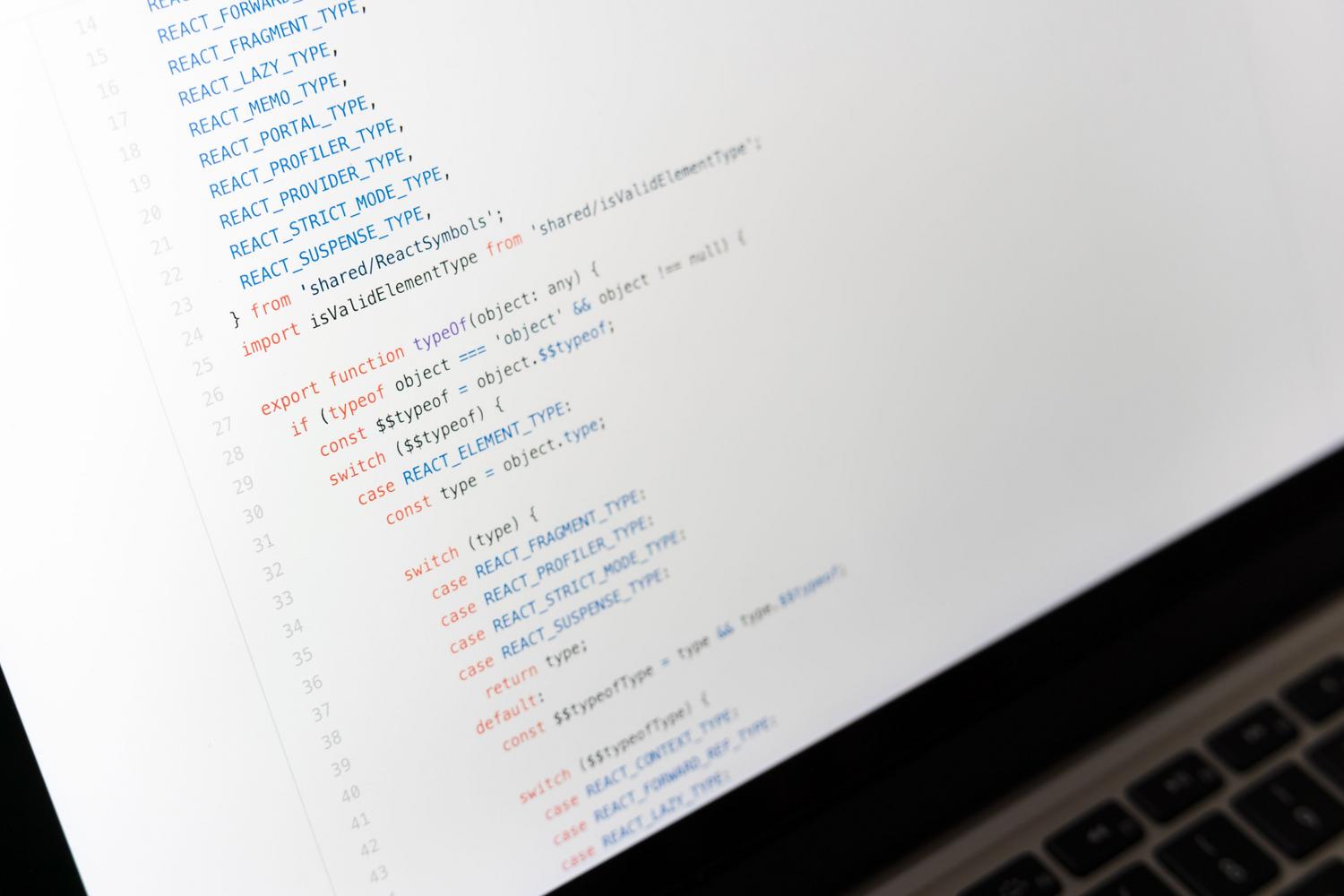
For programmers, the GitHub integration is a real gem, although it's worth noting that it's currently reserved for Gemini Advanced subscribers . The process is quite intuitive: simply click the plus (+) icon in the command bar and select the "Import code" option . Once you paste the repository URL, the AI will get to work analyzing the content.
With this connection, you can ask Gemini to explain blocks of code that look like hieroglyphics, search for security vulnerabilities , or suggest ways to optimize a slow function. However, keep in mind that there's a limit of 5000 files and a maximum size of 100 MB per conversation. Also, it's crucial to know that changes you make to the original repository aren't automatically synced ; Gemini maintains the code version that was there at the time of the upload.
If at any point you decide you no longer want AI access to your repositories, you can disconnect the app from the menu. It's important to understand that disconnecting the app is not the same as unlinking your Google account; the former simply prevents Gemini from using your GitHub account while the app is disabled.
Dropbox management and automations

Regarding Dropbox, solutions like Gemini Spark allow you to organize files and generate shareable links almost instantly. This tool is ideal for preparing client reviews or urgent meetings, as it can transform content stored in Dropbox into Gmail drafts or Google Slides presentations, making it easy for collaborators to access the original documents without complications.
If you're looking for something more robust and don't want to get bogged down in code, there are alternatives like Albato. This platform positions itself as a more affordable option than Zapier and allows you to create automated workflows between Dropbox and Gemini AI without needing any technical expertise. Thanks to its no-code approach , any entrepreneur can connect their cloud storage with AI to optimize their operational processes.
Advanced options using MCP servers

For more technical users of the Gemini CLI, there's the option to implement a Model Context Protocol (MCP) server . Using adapters like AnythingMCP, you can connect to GitHub using a Personal Access Token (PAT) . This allows AI not only to read code but also to manage issues , review pull requests , and directly query commits.
The configuration requires adding the server URL and an API key to the file Gemini settings.jsonOnce configured, commands such as /mcp to verify the connection. This method is especially powerful because it allows you to define granular permissions, deciding exactly which repositories the AI has access to and whether it can perform writes or is limited to reading data.
Administrative control in Google Workspace

If you use Gemini in a business or educational setting, control rests with the Google console administrator . From the generative AI menu, the administrator can enable or disable access to Workspace apps and external services. This ensures the organization maintains control over how data is handled and which tools employees can use to connect to their corporate accounts.
It's vital to remember that, while these tools are incredibly helpful, human judgment is irreplaceable . Whether analyzing GitHub code or managing Dropbox files, it's always advisable to review AI suggestions, especially in critical projects, to avoid logical errors or security flaws that artificial intelligence might overlook.
The ability to centralize GitHub and Dropbox data within Gemini transforms how you work, enabling seamless data analysis and code management. Whether through the simplicity of Advanced extensions, the power of MCP servers, or the flexibility of no-code tools, the key lies in choosing the integration that best suits the complexity of your projects and the level of technical control you need over your data.