- Older plugins still work but are marked as Legacy up to version 34.0.
- A new folder structure has been implemented to separate official plugins from third-party plugins.
- The Chromium web engine is updated to version 150, improving security and overlay rendering.

If you stream or record content, you probably have OBS Studio packed with plugins to make everything look professional. However, when a major update like version 33 arrives, it's normal to worry that your favorite plugins will stop working and ruin your live stream at the most critical moment.
The truth is, this version isn't just a facelift; it brings profound changes to the program's core. To avoid any surprises, we're going to take a deep dive into what's happened with extension management and how to verify that everything is working correctly so your setup doesn't fall apart.
The new plugin upload system: what has changed?
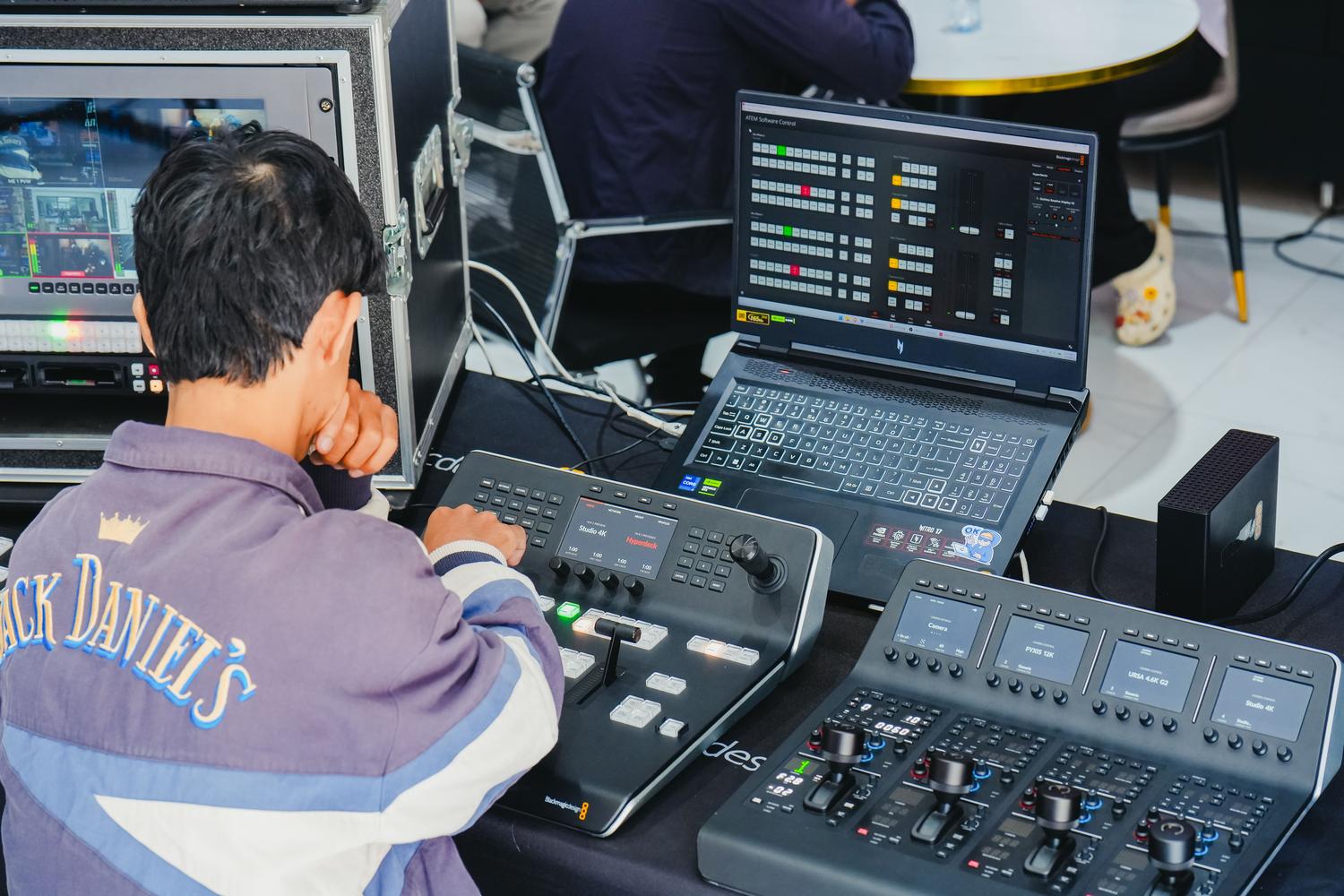
OBS has decided to get its house in order and has completely rewritten how the program recognizes and loads plugins. There's now a very clear distinction: official plugins are housed in a folder called "core ," while third-party plugins now have their own structured space. On Windows, for example, the path has changed to C:\ProgramData\obs-studio\plugins , organizing each extension with its own module and data.
If you have older plugins installed, don't worry, they won't suddenly stop working . The software will continue to load plugins from their legacy locations, but you'll notice they're marked with the "Legacy" label in the plugin manager . This is essentially an expiration date warning, as it's expected that starting with version 34.0 (expected in mid-2027), these older plugins will simply no longer load.
How to check the compatibility of your extensions
To check if your tools are up to date, the first thing to do is take a look at the plugin manager. If you see any plugins with the "Legacy" label, it means the developer hasn't yet updated the installer to the new structure. The best course of action is to visit the developer's official channels or their GitHub repositories to see if a recent version is available.
- Beware of abandoned plugins: Tools maintained by a single person with little activity are the most likely to become obsolete.
- Mandatory backup: Before jumping to version 33, it is essential that export your collections of scenes and profiles to avoid disasters.
- Testing in a secure environment: If you broadcast professionally, do not update your main equipment without having tested the version on a secondary machine.
Another invisible but significant change is the update to the Chromium Embedded Framework (CEF), which jumps from version 127 to 150. This integrates over two years of technological improvements into the engine that renders overlays, chats, and any panel based on HTML, CSS, or JavaScript. Although the OBS team says it should be a seamless transition, such a large leap can cause some complex overlays to look odd or behave strangely.
Some specific bugs have been detected, such as unexpected crashes on Windows when the plugin path contains Unicode characters (like accented letters or ñ) in the username. Additionally, security vulnerabilities that allowed local file managers to be activated from remote websites have been patched, making the program much more secure and efficient.
Hardware and operating system improvements

For those using ARM64 systems with NVIDIA graphics, there's excellent news: the NVENC encoder is now enabled , freeing the CPU from a significant workload. Additionally, support for the latest NVIDIA Broadcast SDKs has been integrated , improving noise reduction and AI-powered auto-framing.
Regarding Linux, caution is advised because official support for Ubuntu 24.04 LTS has been discontinued . Users of this distribution will need to consider updating their system or using Flatpak versions to maintain compatibility and avoid missing out on security updates.
Interface tweaks that make life easier
It's not all about internal architecture; there are also improvements that are appreciated in everyday use. The magnetic font snapping now has more precise visual guides , preventing elements from jumping to hidden fonts and disrupting the entire design. In addition, the numeric fields have been fixed so that numbers are no longer cut off mid-type, and pressing Enter no longer closes the settings window.
Having OBS updated to version 33 means taking advantage of a modern web engine and better hardware management, although it does require us to ensure our plugins aren't relegated to the "Legacy" section. Ideally, we should update each extension as the developers release their patches, ensuring a smooth transition to the upcoming version 34 and preventing us from being left stranded mid-stream.