- ChatGPT group chats allow up to 20 people to collaborate with AI in the same space, with responses generated by GPT-5.1 Auto.
- These groups are separate from private chats, with enhanced privacy, and do not share memory or personal data between conversations.
- AI only intervenes when it is useful or mentioned, and the groups are ideal for travel, study, creative projects, and household chores.
- The feature is free and available on the web and mobile apps for both free and paid users, with additional filters if there are minors in the group.
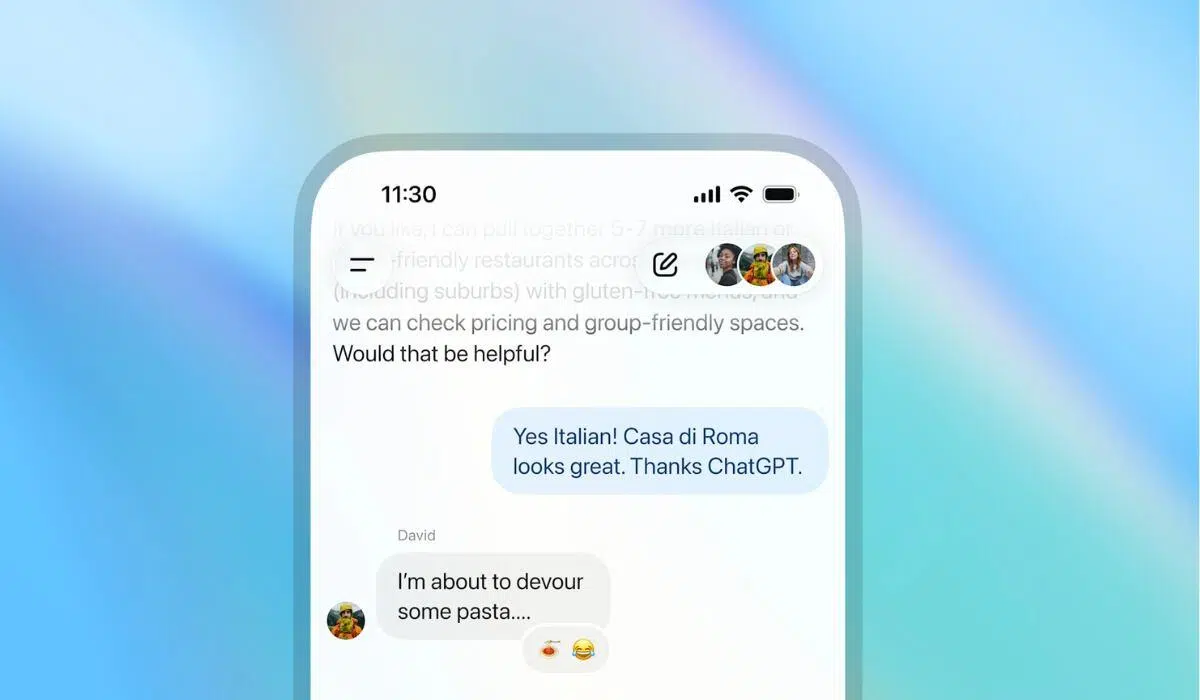
If you've ever thought about adding artificial intelligence to your group chats, you can stop imagining it now: ChatGPT group chats are exactly that. Several people conversing with each other, with AI as just another participant who joins in when needed, helps with decisions, and stays quiet when it's not relevant.
This new feature transforms ChatGPT into a collaborative and shared space , ideal for planning trips, studying with friends, organizing projects, or simply discussing ideas without ending up in an endless thread. Let's take a closer look at exactly what it is, how to activate it, its limitations, and some powerful ideas for getting the most out of it.
What is a group chat in ChatGPT and what makes it different?
A group chat in ChatGPT is essentially a shared conversation between up to 20 people and AI , where everyone sees the same thing and can participate in real time. It's like creating a WhatsApp or Telegram group, but with ChatGPT built in to help when needed.
The key is that we're not talking about sharing a link to an individual chat for others to just read. Here, all participants can write, upload files, ask questions, and request that AI generate content or answer questions for the entire group simultaneously.
Under the hood, the responses in these groups are generated using GPT-5.1 Auto , a system that automatically selects the most appropriate model at any given time based on the user's request and plan. This allows the AI to combine power and efficiency, adapting to the type of task: from summarizing a document to analyzing code or creating images.
Another powerful new feature is that the AI has been trained with new social behaviors . Simply put, ChatGPT no longer responds to everything like a hyperactive parrot, but instead tries to behave like another member of the group, intervening only when the context calls for it or when someone calls it by name.
This means that ChatGPT "knows" when to stay in the background and simply observe the conversation. If no one asks it anything, it doesn't interrupt. If someone mentions it or asks a question where it can offer valuable input, it becomes active and responds. Furthermore, it can react to messages with emojis and use profile pictures as a reference to generate fun and personalized illustrations.

An important detail is that these collaborative spaces turn ChatGPT into a kind of minimal and closed social network : several users, a shared assistant and a single thread in which everyone sees the AI's responses, can react, debate and build content together.
Privacy and memory in group chats
The privacy aspect is quite well-developed: group chats are completely separate from your private ChatGPT conversations. What you share in your individual chats doesn't mix with what happens in the group.
This has two key consequences: firstly, the AI only sees and uses the information shared in that specific group (messages, files, names and photos of the participants); secondly, group conversations are not used to feed the individual memory that ChatGPT may have about you in other chats.
In practice, the group functions as a clean environment with local memory : the AI remembers what has been said within that space while the conversation is ongoing, but it doesn't pull your private data or mix in information from other sources. This reduces the risk of something you told it privately coming up in a context where there are other people.
Furthermore, if any member of the group is under 18 , stricter content filters are activated, affecting the entire group, not just that individual. This means that some responses may be more conservative or certain topics may be restricted, prioritizing a safe experience for everyone.
Another point to note is that group chats are stored in a specific section of the sidebar, separate from your private chats. From there you can configure the group, change its name, mute notifications, or manage who is part of the group.
How to create a group chat in ChatGPT step by step
Creating a group on ChatGPT is quite simple, and best of all, it's available on both the web version and the Android and iOS mobile apps. Furthermore, the feature is free for all users in countries where ChatGPT is active, including those on the Go, Plus, and Pro plans.
The process starts with a new or existing conversation. On the chat screen, in the upper right corner, you'll see an icon with a person and a "+" symbol . That's the button that starts the magic of groups.
Tapping that icon will display a notification or message offering the option to start a group chat . This same step reminds you that the group's content will not be used to populate ChatGPT's memory outside of that group. You can also choose a username and upload a profile picture if you haven't already done so.
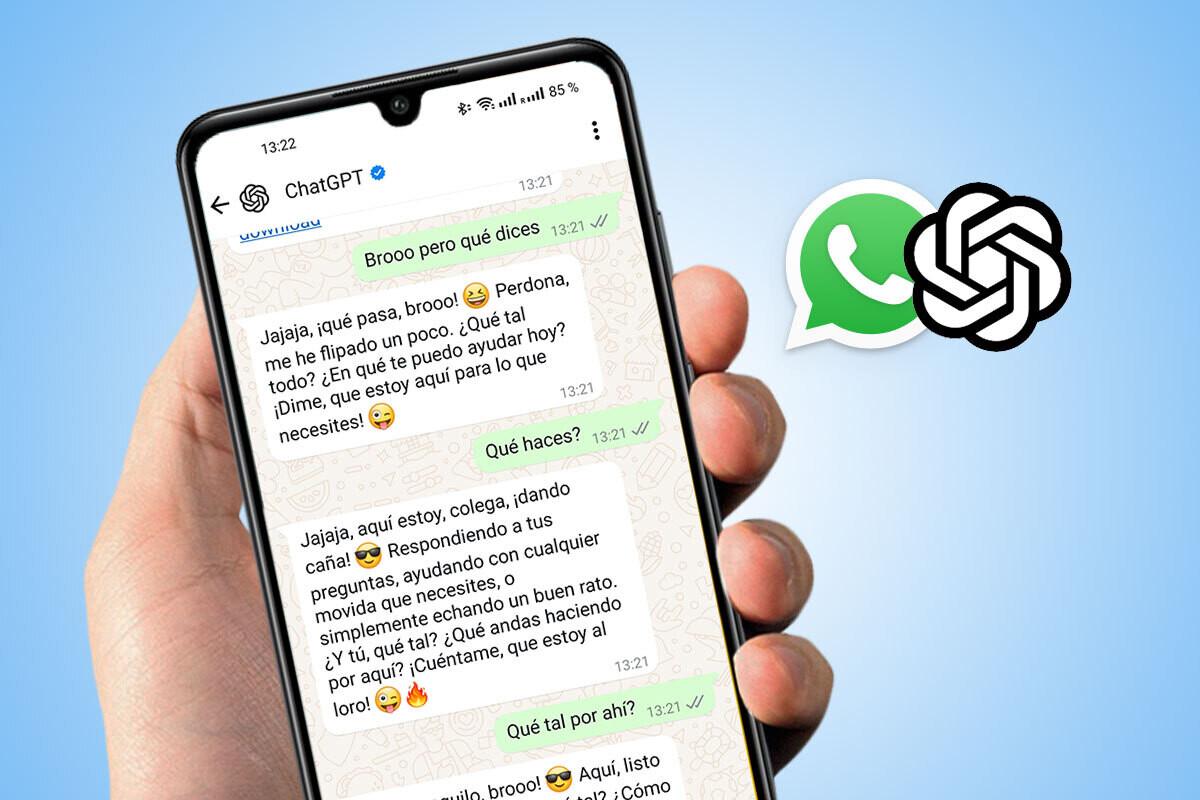
When you confirm the group creation, the system automatically generates an invitation link . You can copy this link and send it via WhatsApp , email, Telegram, or any other platform you prefer. Anyone who receives and accepts the link will be able to join the collaborative space.
An interesting detail: if you add people to a chat you already had by yourself using ChatGPT, the system creates a separate copy of that conversation to use as a group chat, without modifying the original private chat. This way, you keep your individual chat history intact and, at the same time, start a shared space from that context.
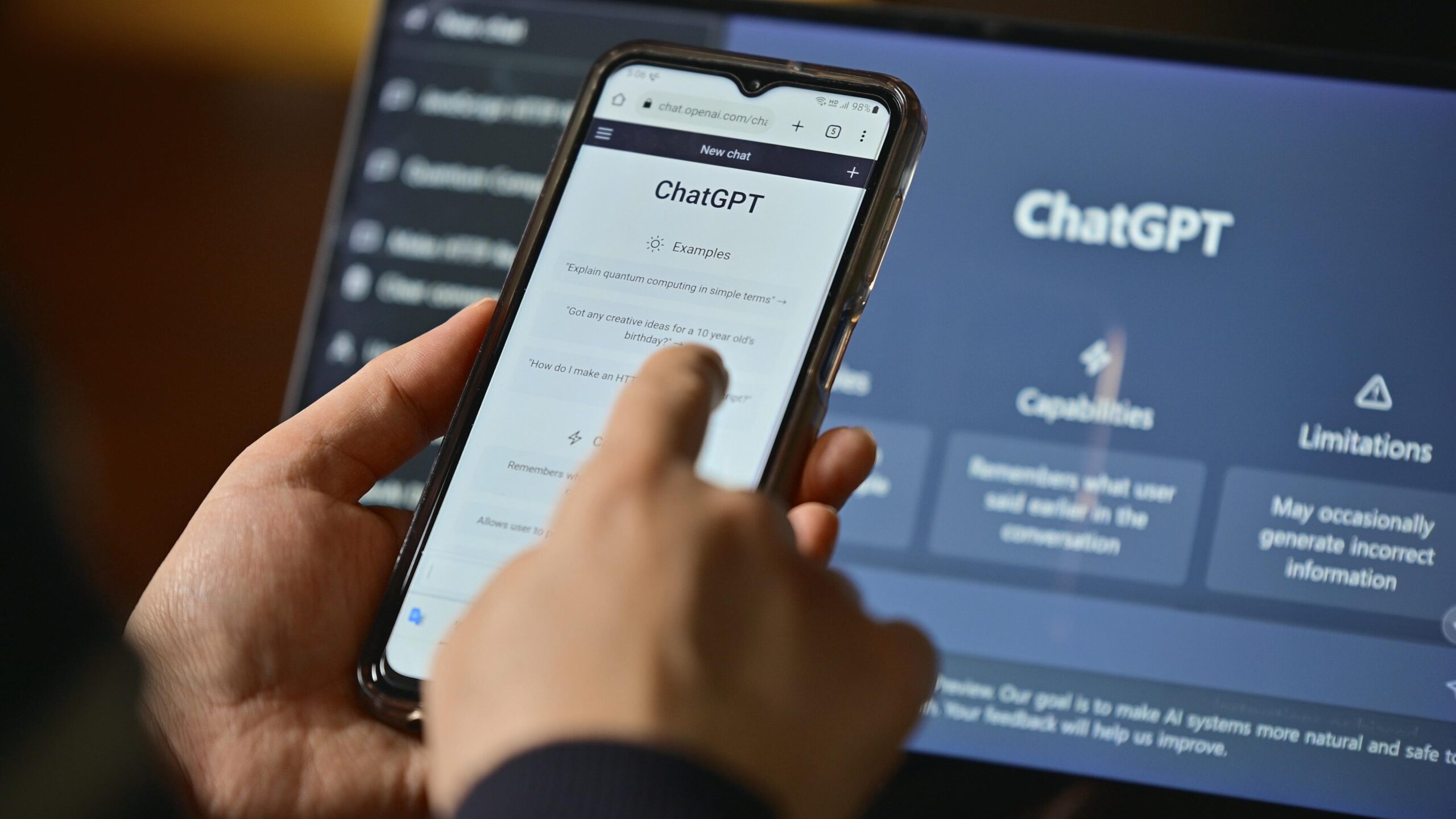
Once the invitees accept the invitation and set up their basic profile (name and photo), the group is created and ready to use . From that moment on, all messages will appear in a single timeline, similar to any messaging app.
Boundaries, roles and functioning within the group
Each group chat on ChatGPT supports a maximum of 20 human participants , plus the AI itself as an additional member. This limit cannot be exceeded, so it might not be the best tool for very large groups.
All members can write messages, share files, and invite others via the link , not just the group creator. However, there are some controls: anyone can remove other members, except the user who created the chat, who cannot be removed by others.
Regarding visibility, everyone can see who is part of the group , and any member is free to leave at any time. Group chats can be renamed, muted, or managed from the dedicated groups section in the sidebar.
During the conversation, messages from other users usually appear in a different color (for example, green) to clearly distinguish them from ChatGPT's contributions. At the bottom, you'll see indicators such as "ChatGPT is browsing" when the AI is reading what has been written, or "ChatGPT is typing" when it's generating a response.
One striking aspect is that the AI's responses are not displayed letter by letter in real time ; instead, ChatGPT first drafts the entire message and then sends it all at once, making the experience more like a normal chat between people.
How and when does ChatGPT intervene in a group chat
AI participation in these groups is quite flexible. By default, ChatGPT doesn't reply to every message as it did in many individual chats, but instead tries to respect the natural flow of the conversation and only intervenes when it's useful.
The most direct way to ask it for something is to mention it explicitly, by typing “ChatGPT” in the message and selecting it if it appears in a context menu. This mention acts as a clear call for the assistant to respond to your request or question.
However, it can also happen that ChatGPT decides to intervene without explicit mention if it detects a clear question or a specific problem where it can add value: for example, when the group is stuck deciding on a travel destination or discussing the pros and cons of various options.
In typical use, ChatGPT can help organize a trip with friends , suggest itineraries, compare prices, create shared budgets , or generate to-do lists, always visible to all participants. In a student setting, it can answer questions from several students simultaneously, adapting the explanations to each student's level or needs.
In addition to text, group chats support web search, voice dictation, and image and file processing . This allows users to upload documents, PDFs, photos, presentations, or code snippets for AI to analyze, summarize, compare, or transform based on the group's instructions.
Practical use cases for getting the most out of group chats
Once you understand how it all works, the interesting part begins: what to actually use these groups for . The key isn't just "trying something new," but integrating them into your daily routine to save time and headaches.
One of the standout features is the collaborative trip planner . Instead of a group of friends arguing for days on WhatsApp without making any decisions, you can create a group chat on ChatGPT, paste flight and accommodation links, and ask the AI to compare prices, calculate budgets, and suggest optimized routes with schedules and activities.
For those working in design, marketing, or content, the group becomes a space for visual brainstorming . Sketches, reference images, campaign ideas, or copy can be uploaded, and the AI can be asked to suggest variations, critique proposals, or generate new creative approaches based on what the team shares.
In academia, group chats are ideal as a collaborative study club . Students can upload notes, PDF syllabi, or exercises and ask the assistant to generate multiple-choice quizzes, summaries tailored to the available time, or explanations of specific topics. If someone gets stuck on a concept, the AI can explain it to them while the rest of the group continues.
They are also very useful for team programming and debugging . A group of developers or students can share the same code snippet, the errors it throws, and the tests they've run. GPT-5.1 Auto can analyze the problem and propose solutions, offering a shared answer that everyone can see and refine.
In a home setting, it can be used as a project manager for family or friends : organizing a move, planning a renovation, redesigning a garden, or coordinating shared expenses. You upload photos of the space, budgets, and ideas, and the AI helps you prioritize tasks, create lists, and suggest realistic improvements.
What does it offer compared to other AI-powered collaborative tools?
ChatGPT's group chats fit into a clear trend: more and more platforms are integrating AI into collaborative spaces . Slack, Notion, Zoom, and others already allow the use of intelligent assistants within teams and work channels.
The unique aspect here is that, instead of revolving around documents, tasks, or video calls, the focus is on pure, unadulterated conversation . It's a standard group chat, but with AI acting as another participant, capable of reading the social context, respecting turns, and adapting to what's happening.
This makes ChatGPT more of a hybrid social space than a typical productivity tool. You can use it for serious things (projects, studies, work) or for fun, like debates, prediction contests, silly lists, or creative experiments with your friends.
OpenAI has also refined the balance between human control and AI initiative . Although the assistant can take the initiative at times (for example, suggesting a travel itinerary when it sees that everyone is stuck), the conversation is always led by people: users decide who to invite, what to share, what to ask, and when they want the AI to respond.
If we add to this the fact that the function is free and available to accounts without a paid subscription (although with differences in limits and models depending on the plan), the result is a very accessible tool to use both personally and professionally.
This entire set of features makes group chats in ChatGPT a very convenient way to coordinate with others, with AI as a central support tool . Whether it's to reach a consensus on a decision, document ideas on the fly, or maintain a single thread with all the important information, this type of group can save a lot of back and forth in other apps.
Looking at the big picture, ChatGPT's group chats are positioned as a key piece in the evolution towards truly social assistants , capable of integrating into conversations between several people, understanding roles, protecting privacy and adapting to different contexts, from an impromptu trip to a serious work or study project.

Table of Contents
- 1 What is a group chat in ChatGPT and what makes it different?
- 2 Privacy and memory in group chats
- 3 How to create a group chat in ChatGPT step by step
- 4 Boundaries, roles and functioning within the group
- 5 How and when does ChatGPT intervene in a group chat
- 6 Practical use cases for getting the most out of group chats
- 7 What does it offer compared to other AI-powered collaborative tools?