- Nextcloud allows total control of data by eliminating dependence on public storage services.
- The installation is versatile, and can be run on home hardware such as Raspberry Pi or on VPS virtual servers.
- Security is ensured through the use of SSL certificates, configured firewalls, and data encryption.
- The application ecosystem allows you to add chat, calendar, and collaborative document editing features.
I'm sure it's happened to you: you rely on Google Drive or Dropbox to keep your files safe, but it bothers you that your data is stored on third-party servers and that, overnight, they might change the rules or charge you a more expensive subscription for extra space. The truth is, setting up your own home cloud storage is much easier than it seems and gives you complete control over your digital life.
In this sense, Nextcloud has become the star tool because it's not just a place to upload files, but a complete collaboration ecosystem . Whether you want to set up your system on a powerful server, a Raspberry Pi to minimize costs, or even a VPS for hassle-free global access, the important thing is that you decide who gets in and how your memories and documents are protected.

Why make the leap to a private cloud?
When you use public services, it's like renting a safe deposit box at a bank; the building isn't yours, and the owner sets the rules. By running your own infrastructure, you're the administrator . This means no arbitrary storage limits and privacy, not a fine-printed terms and conditions policy, but your own security settings.
Furthermore, the advantages extend far beyond simply storing PDFs. You have granular control over access, you can scale the hardware as needed, and, above all, you prevent third-party companies from analyzing your files to sell you advertising. Essentially, it's about regaining control over your personal and professional information through secure file storage both locally and in the cloud.
Hardware options: Where to install Nextcloud?

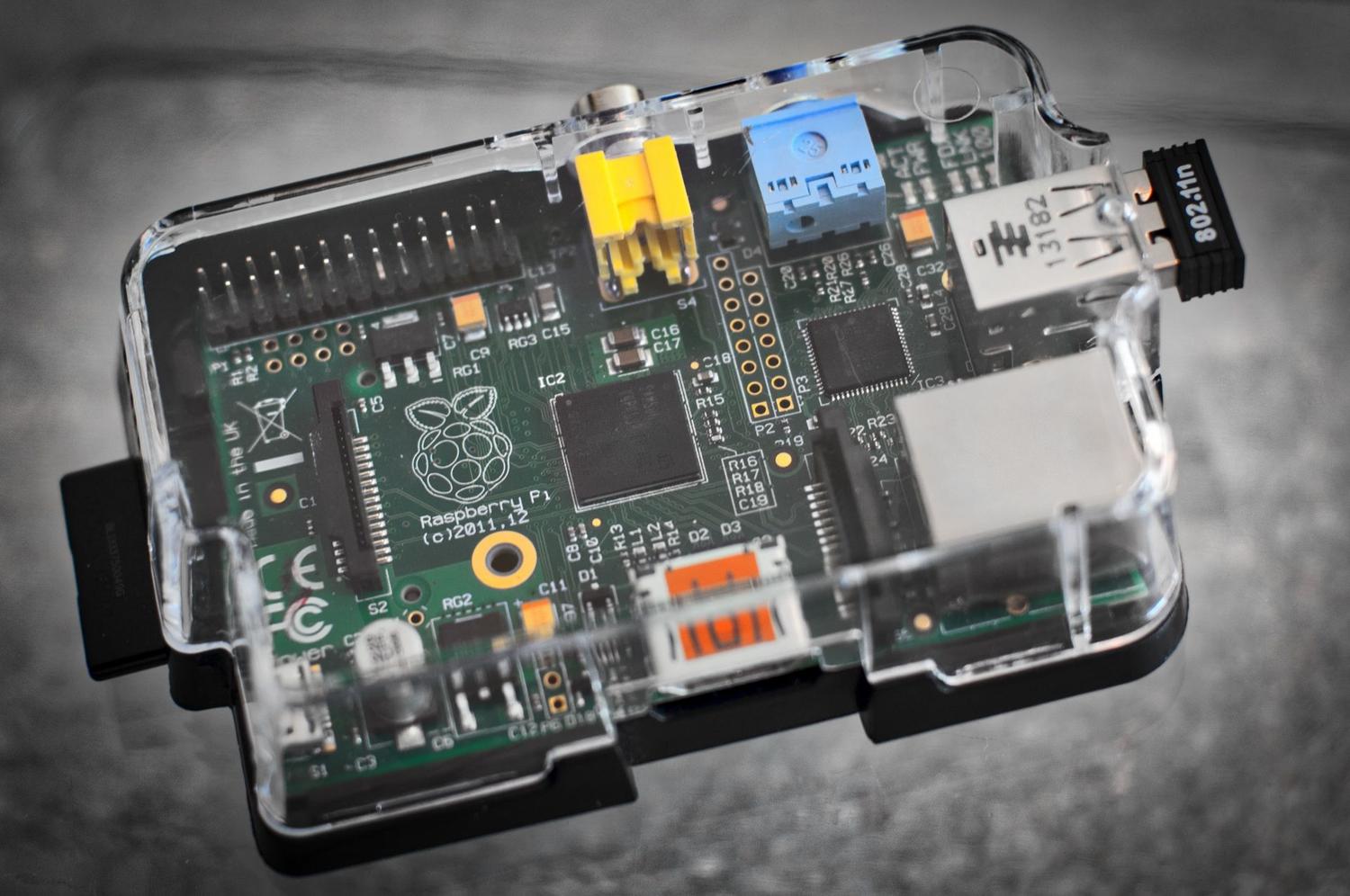
Depending on your needs, there are several ways to set up your server. If you want something affordable and efficient , a Raspberry Pi (preferably model 4) with Raspberry Pi OS Lite is ideal for basic home use. You'll just need a good microSD card and, if you want significant storage space, an external hard drive.
If you prefer not to have physical hardware at home or need the cloud to be incredibly fast, a VPS (Virtual Private Server) is the best option. It allows you to have a static IP address, a professional internet connection, and consistent processing power without your electricity bill skyrocketing. For those seeking maximum business performance, there are dedicated servers or VDSs , which can manage terabytes of data and hundreds of simultaneous users with ease.

Step-by-step technical installation guide
To get Nextcloud up and running in a Linux environment (like Debian or Ubuntu), the first thing to do is prepare the foundation. You need what's known as LAMP battery (Linux, Apache, MySQL/MariaDB, and PHP). It is essential to update the system with apt update && apt upgrade and set up a robust firewall (like UFW) to open only the strictly necessary ports: 80 for HTTP and 443 for HTTPS.
- Database: You need to create a specific database (for example,
clouddb) and a user with a secure password who has all privileges on that basis. - Software Installation: Download the latest stable version from the official Nextcloud website and extract it to the web directory.
/var/www/htmland they adjust property permits awww-dataso that the web server can write files. - PHP settings: To avoid errors when uploading large videos, it's vital to edit the file
php.iniand raise the values of upload_max_filesize and post_max_size to 16G or more, in addition to expanding the memory limit to 512M.
Once the VirtualHost is configured in Apache and the modules are activated rewrite y headersAll that remains is to access it via a browser to complete the wizard. This is where you define your administrator account and you link the previously created database.

System security and optimization

Don't make the mistake of leaving your cloud open without encryption. Installing a free SSL certificate using Certbot (Let's Encrypt) is essential to prevent your passwords from traveling in plain text across the network, ensuring effective cloud data encryption . It's also highly recommended to configure the system's cron job instead of AJAX, adding a task every 5 minutes for smooth internal Nextcloud maintenance.
If you notice that the interface is slow, you can optimize performance by enabling APCu for caching in the File config.phpIt is also useful to monitor server health with tools such as htop or install Cockpit to manage the server from a simple web interface.

Expanding Capabilities: Apps and Collaboration

What makes Nextcloud amazing is its app store. Don't just stick to files; you can install Nextcloud Talk for your own encrypted chat and video calls, or Nextcloud Deck if you need to organize tasks Kanban-style without using Trello.
For those who work with documents, integrating a Collabora Online or OnlyOffice server allows you to edit text and spreadsheets in real time from your browser, similar to what LibreOffice Online offers . Furthermore, if you have a huge photo collection, the Memories app offers a timeline and facial recognition that makes multimedia management a breeze.

Solutions to common problems
It is common to encounter the error of "untrusted domains"This happens when you try to log in using an IP address or domain that you didn't define initially. It can be fixed by editing the array. trusted_domains in the configuration file. If you see that large files fail, check that the PHP-FPM memory limit match the Apache one, as they are sometimes different files.
Having your own network space means managing storage intelligently. A good strategy is to use Object Storage for large files and reserve the NVMe or SSD drive for the operating system and databases, ensuring instant application response.
Setting up your own server with Nextcloud is the most effective way to protect your privacy and centralize all your information in one place. By combining suitable hardware, whether a Raspberry Pi or a VPS, with a security configuration based on HTTPS and firewalls, you create a professional tool that scales to your needs, allowing you to manage everything from simple family photos to complex business workflows without relying on any large tech corporation.
