- Full control over geolocation permissions for each application installed on the system.
- Manage device visibility and real-time location through the Search app.
- Review of active location sharing features in third-party messengers and maps.
- Advanced security measures to eliminate unauthorized access or physical tracking.

It's normal to feel uneasy when we suspect someone knows our location without our consent. Sometimes, our iPhone's privacy can be compromised not only by a malicious app, but also by a setting we accidentally left enabled or because someone with physical access to the phone has made a change.
The truth is that Apple's ecosystem is quite secure, but there are multiple tracking methods we need to be aware of. From the native location-sharing feature to messaging apps that keep GPS enabled, it's essential to thoroughly clean up your system to regain peace of mind and know exactly who has a map of your life in their hand.
Controlling global location permissions
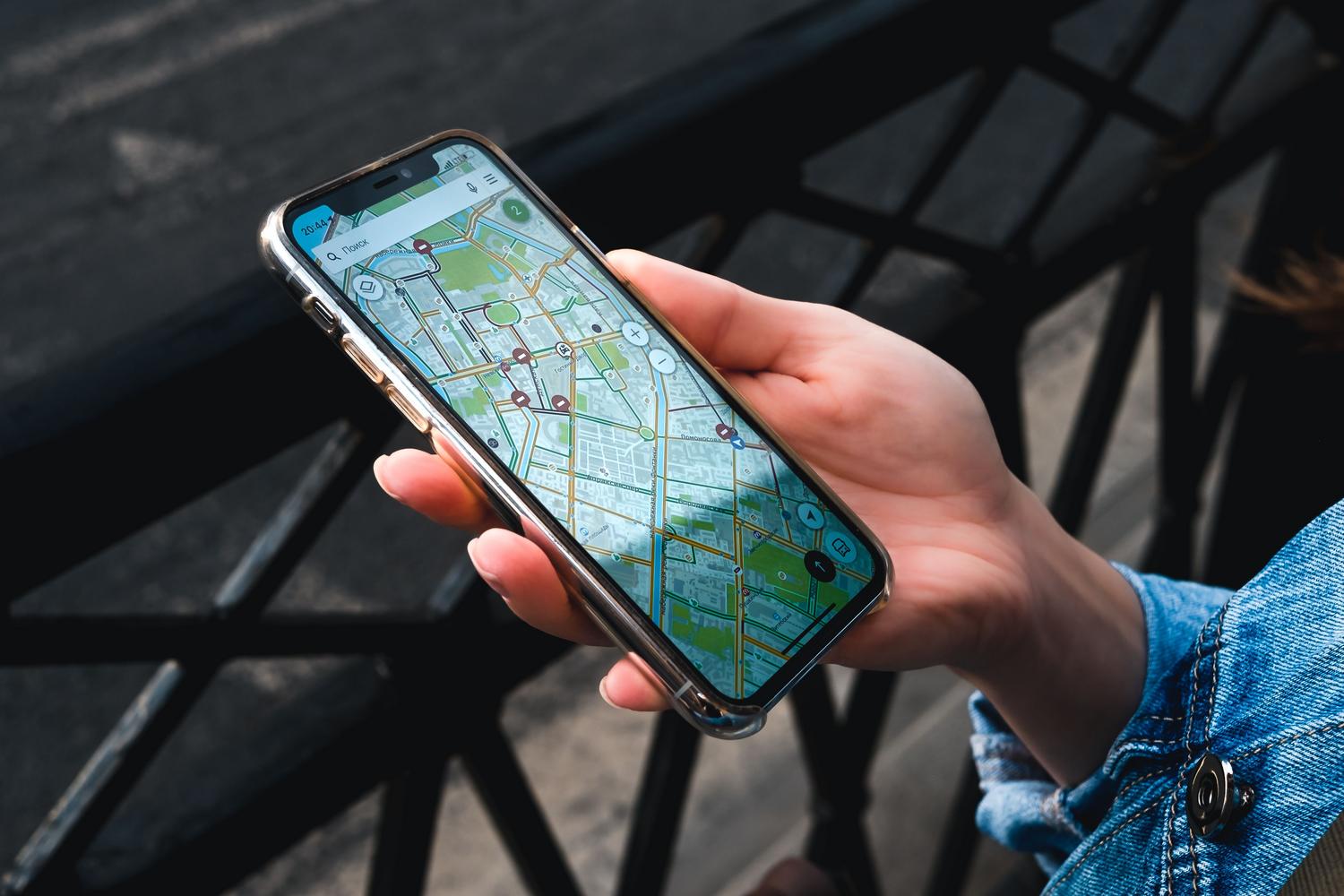
If you want to cut off location services completely, the easiest way is to go to your general settings. If you go to Settings > Privacy and security > Location , you'll find the main switch. By turning it off, no app, not even Maps, will be able to know your location. However, keep in mind that some phone functions might stop working properly.
If you don't want to be so drastic, you can see a list of apps with permission in that same menu. A key detail is that if you see an arrow next to an app, it means it has recently accessed your location . To restrict them, simply tap on the app and select " Never" in the "Allow access" section.
Managing the Search and Nearby Contacts app
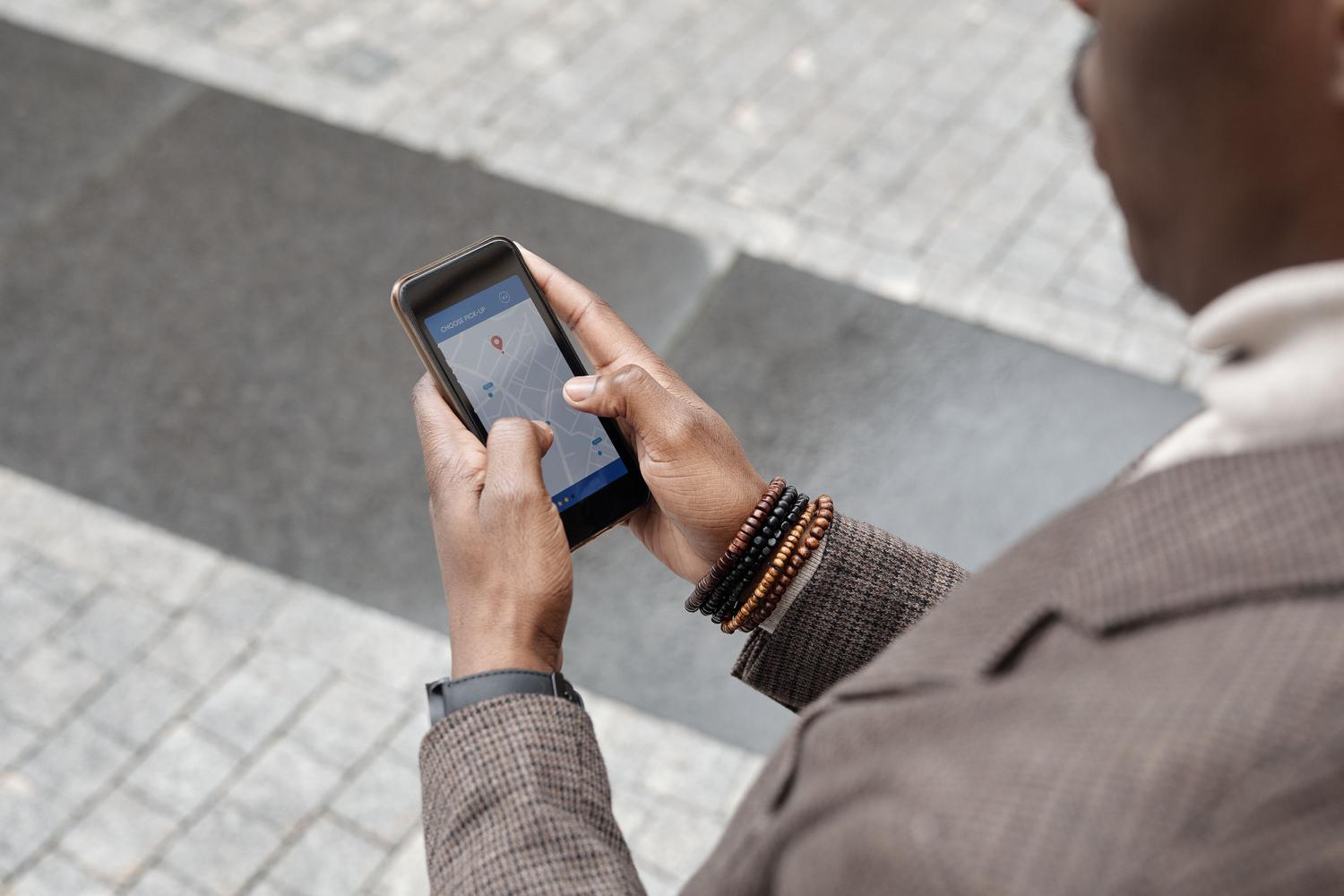
The "Find My Friends" tool is the most common way to share your location with family or partners. To check who can see you, go to your profile in Settings and enter the Find My location section . There you'll see the list of contacts who can track your device. If you see someone who shouldn't be there, simply tap their name and select Stop Sharing.
It's important to know that if you stop sharing your location, the other person won't receive any alerts; you'll simply disappear from their map . On the other hand, if you check the Devices tab and find any device you don't recognize linked to your Apple account, it's best to remove it immediately to prevent data leaks.
Tracking in third-party apps and messaging
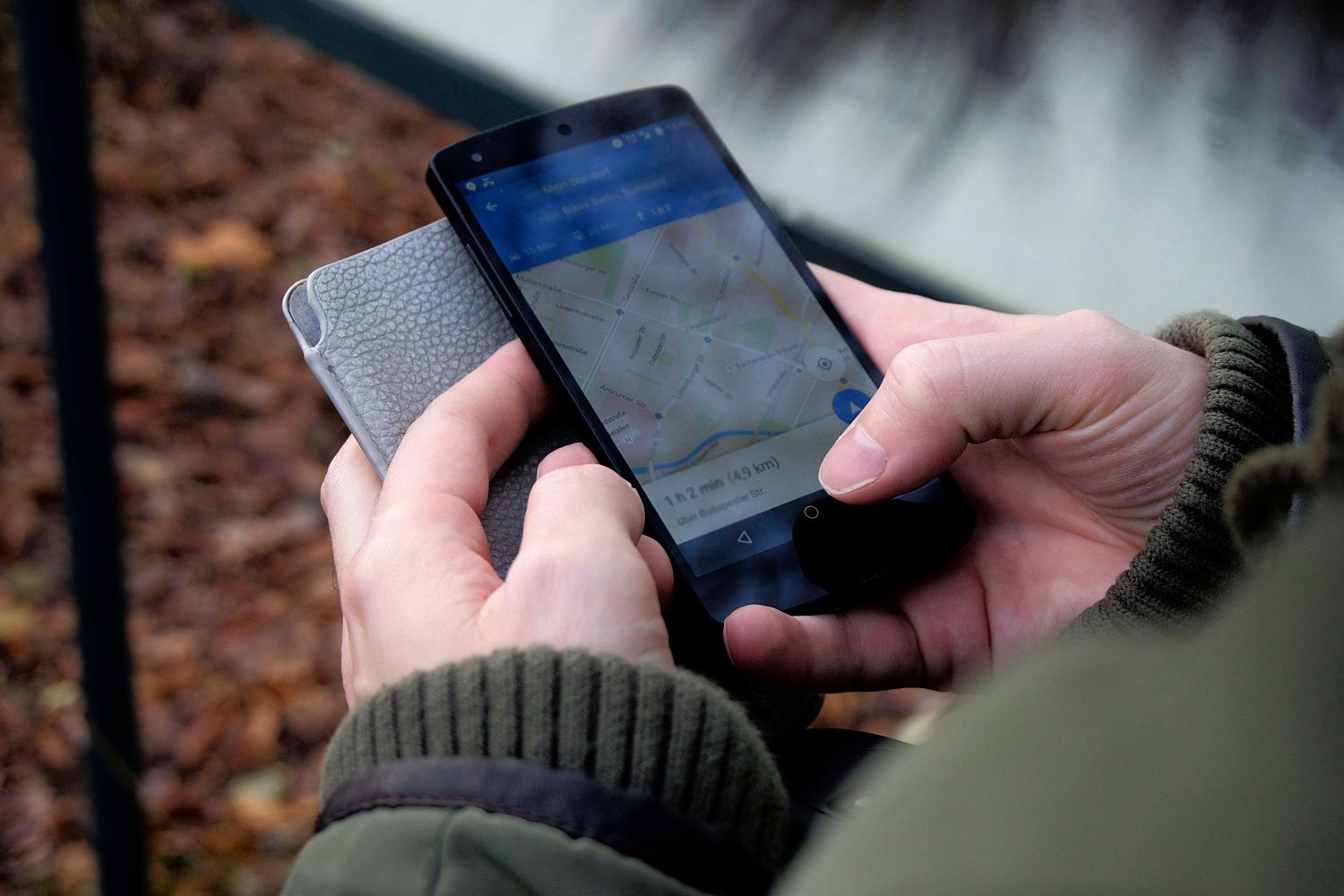
Not everything happens in Apple's settings; often the "spy" is in the apps we use daily. In WhatsApp , for example, there's an option to share your real-time location. To check this, go to Settings > Account > Privacy and look for the Real-time Location section to disable any active sessions.
In the case of Telegram , it's more visual: if you're sharing your location, you'll see a notification at the top of the screen. Simply go into the relevant chat and delete the location message for both users. Google Maps , on the other hand, has its own location sharing feature. By going to your profile and tapping "Share location," you can see which Gmail accounts have access to your movements and stop it with a single click.
Critical cases and advanced security

There are more delicate situations, such as when we fear someone has installed tracking software while they had the phone. If you suspect there are hidden apps or settings , the most drastic and effective solution is to restore the device to its factory settings. This erases everything and reinstalls the latest version of iOS, eliminating any trace of unwanted software.
Another point we often forget is photos. When sending images, location metadata (EXIF) can reveal where the photo was taken. If you want to avoid this, you can configure your iPhone to stop collecting this data or delete it before sharing the file.
For those who use Google Maps, there's also the Timeline , which keeps a detailed history of every place visited over the past 36 months. If you don't want Google to keep this record, you can disable location history in your account settings within the app. Maintaining strict control over your privacy settings, regularly reviewing the list of apps with GPS access, and being mindful of real-time services are the only ways to ensure that no one tracks you without your permission.