- Legitimate CAPTCHAs are limited to simple visual or auditory tests within the browser and never request the execution of external commands.
- Modern scams use social engineering to trick the user into installing malware such as Lumma Stealer or AsyncRAT.
- Early detection relies on being wary of any requests to download files or use the system console during a check.

You've probably experienced this a thousand times: you're browsing the internet and suddenly the typical "I'm not a robot" box pops up , or you're asked to select all the photos that show traffic lights. These tools, known as CAPTCHAs, are fundamental components of web security to prevent bots from flooding the internet with spam or creating fake accounts indiscriminately.
The problem is that cybercriminals, who are always looking for loopholes, have started using malicious imitations of these tests. They take advantage of the fact that we're used to seeing them and blindly trust them to sneak malware onto our computers without us even noticing. Essentially, they turn a security measure into a Trojan horse to compromise our privacy.

What exactly is a CAPTCHA and how should it work?

For those unfamiliar with the topic, CAPTCHA is an acronym for an automated Turing test designed to distinguish humans from machines . Its purpose is to block scripts and automated programs that cannot solve simple puzzles. The most common types are visual (distorted letters or images), auditory, and Google's advanced reCAPTCHA , which analyzes mouse behavior and background navigation to determine if you are a real person.
The most important thing to remember is that a genuine verification system only takes place within the web . It will ask you to click, solve a puzzle, or type in a code you see on the screen, but it will never force you to leave the browser to interact with the inner workings of your operating system.
The trap of fake CAPTCHAs and the ClickFix method
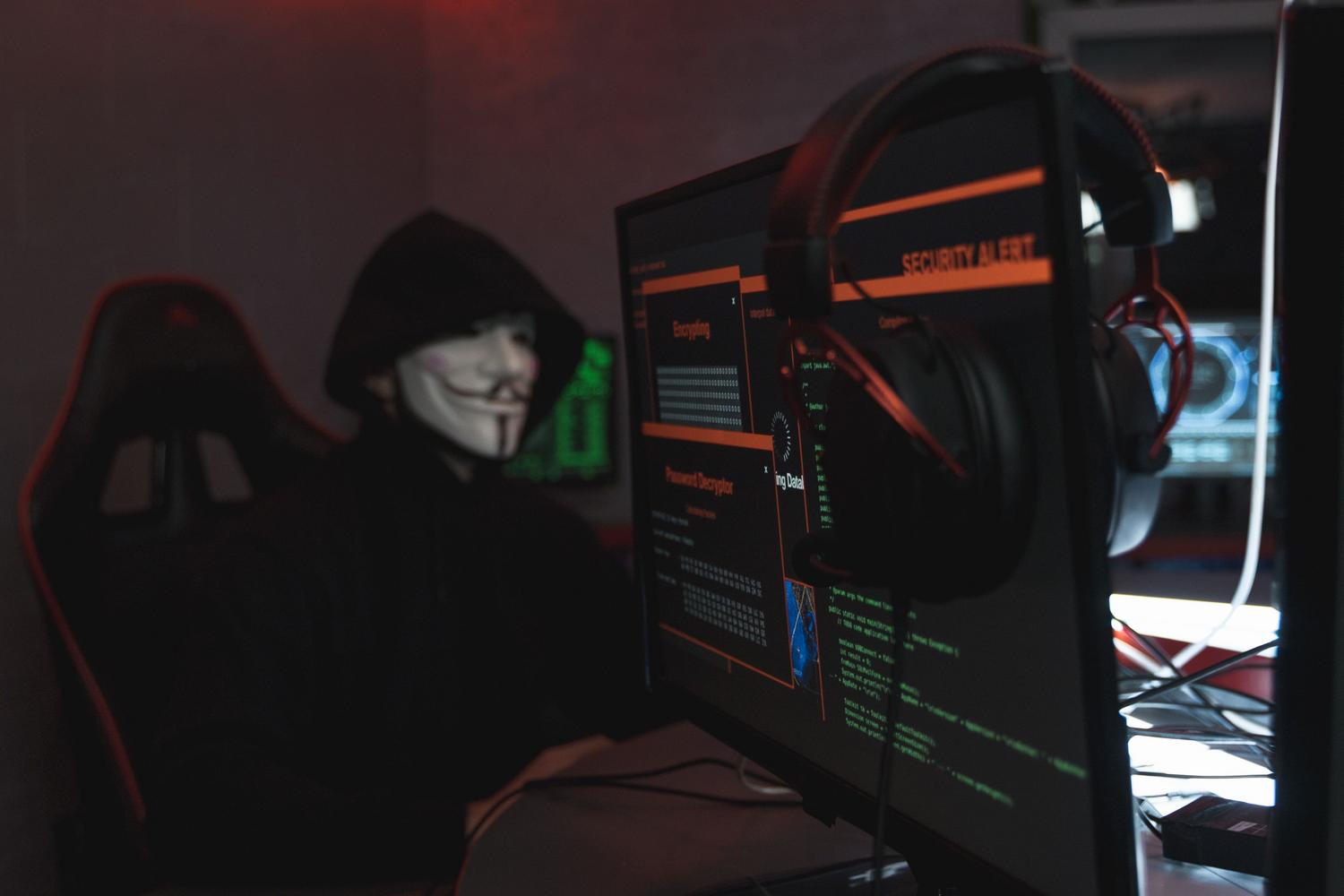
Scammers have perfected the art of deception. Now they not only create pages that resemble those of well-known brands, but they also infect legitimate sites (especially those based on outdated WordPress ) to inject their fake checks. One of the most dangerous tactics is called ClickFix.
In this scenario, the user sees a CAPTCHA that appears completely normal. However, when attempting to verify their identity, the site displays a message stating that there is a technical error or that additional verification is required . Here's the catch: the site automatically copies malicious code to the clipboard and prompts the user to press Win + R, Ctrl + V, and Enter on Windows, or to use Terminal on a Mac.

By doing this, the user is manually running a PowerShell command or mshta.exe . This is extremely dangerous because the browser cannot block something the computer owner decides to execute. It's pure social engineering: they make us believe we're fixing a bug when in reality we're opening our front door to an attacker.
The invisible danger: EtherHiding and data theft
To make these scams even harder to track, some groups like ClearFake use a technique called EtherHiding . Instead of storing the virus on the infected website's server, they host it in smart contracts on the blockchain (such as Binance Smart Chain ). Because the blockchain is immutable and decentralized, traditional antivirus programs and system administrators have a very difficult time removing the malicious code.
And what do they install once you take the bait? Mainly infostealers like Lumma Stealer or Vidar Stealer. These malware doesn't make a sound; they rummage through your browser to steal session cookies , saved passwords, and, most importantly, access your cryptocurrency wallets . They can also install remote access trojans (RATs) like AsyncRAT or SecTopRAT, which allow the hacker to view your screen , log every keystroke, and move around your company's network if you're logged in to work.
Clear signs to detect fraud
If you don't want to be scammed, be alert to these signs. First, be suspicious if the CAPTCHA appears in a pop-up window or on a domain with a very strange name full of meaningless numbers and letters. Legitimate systems are usually organically integrated into the page.
The telltale sign is a request for external actions. If a website asks you to download a file , install a browser extension, or execute any key combination outside the current tab, run away immediately . No reputable company, not even Google or Cloudflare, will ask you to open the command prompt to prove you're human.

What to do if you have already executed the command?
If you've realized too late and already pasted the code, don't panic, but act quickly. The first thing to do is disconnect from the internet (turn off Wi-Fi or unplug the cable). This is vital because the malware needs to communicate with the attacker's server to send your data; by cutting off the connection, you limit the exfiltration.
Next, follow these steps strictly:
- Do not restart your computer immediately, as some viruses take hold better during startup.
- run a full antivirus scan and updated (offline scans if possible).
- Clean your browser: clear cache, cookies, and remove any suspicious extension that you didn't install yourself.
- From another secure deviceChange the passwords for your critical accounts (email, bank, social media).
- Close all active sessions in your accounts, since cookie theft allows the attacker to enter even if you change your password.
To avoid these surprises, the best tool is to pause. Don't rush when an unexpected verification appears. Always keep your operating system and antivirus software up to date, and if you use a modern browser, enable all protections against dangerous websites.
If you own a WordPress website, don't neglect updates. Keep your plugins and themes up to date , use two-factor authentication (2FA) for the administrator account, and use monitoring tools like Wordfence to detect if someone has injected suspicious code into your files. Remember that the fewer unnecessary plugins you have installed, the smaller your attack surface becomes.