- Sideloading allows you to install applications using APK files to bypass regional or compatibility restrictions.
- It is essential to download files from secure repositories and scan them with antivirus software to avoid malware.
- There are several installation methods, ranging from the basic file manager to using ADB from a computer.
- Google has implemented security measures such as Advanced Flow to prevent fraudulent installations.

I'm sure it's happened to you: you're looking for an app you desperately need, but when you go to the official store, you get that dreaded message saying it 's not compatible with your device or that it's not available in your country. It's a real pain, but Android has a huge advantage over other systems: the freedom to install whatever you want without being limited to a single app store.
This is what we call sideloading , which is simply the ability to add apps to your phone using external files. In this guide, we'll explain in detail how to safely install APK applications on Android so you can bypass Google Play restrictions without complications, whether you have a modern phone or one that's a few years old.

What on earth is an APK file and what is it used for?
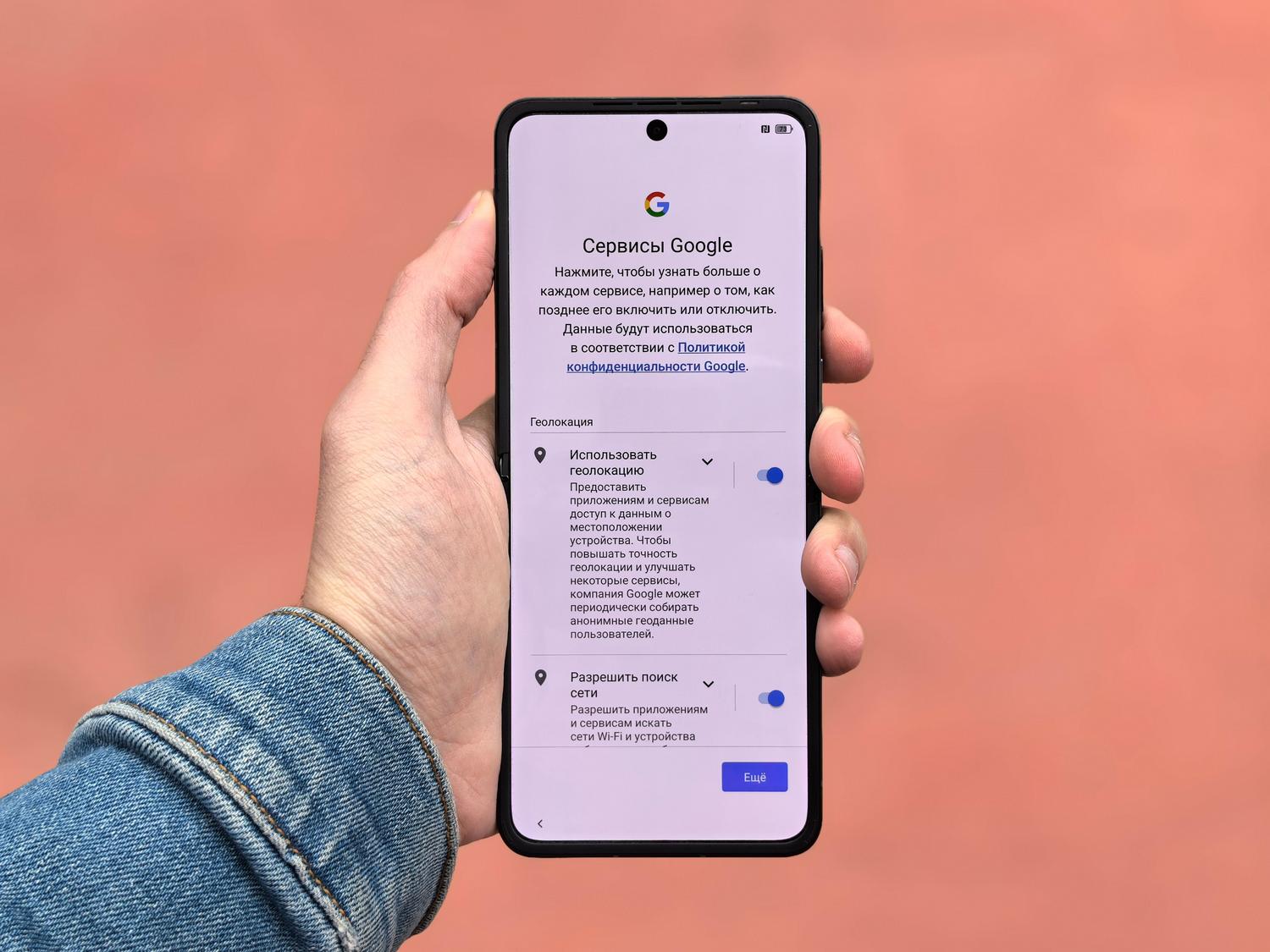
To put it simply, an APK (Android Package Kit) is the standard packaging format that Google's operating system uses to distribute its applications. If you're coming from Windows, think of it as the equivalent of an .exe file, or if you use a Mac, as a .dmg file. Essentially, it's a compressed container that holds all the code, visual resources, and manifest that the app needs to function correctly on your device.
The great advantage of these files is that they allow you to install software manually . This is pure gold if you want to try beta versions before anyone else, access apps that are only available in other countries, or revert to an older version of an application that worked better than the current one. Furthermore, it's the primary method for those who use open-source applications or modified versions with extra features that Google doesn't allow in its store.

Risks and precautions: Don't jump in blindly

Installing apps from outside the official store can be tricky. The biggest danger is that some APK files can be infected with malware, spyware, or Trojans designed to steal your data or spy on your activity. Therefore, don't download just anything you receive in a Telegram group or find on a website full of misleading advertising.
For peace of mind, it's best to use verified repositories like APKMirror or F-Droid, which filter files. It's also highly recommended to scan the file with VirusTotal before running it; this free web tool analyzes the APK with dozens of antivirus programs simultaneously. Finally, carefully check the permissions the app requests : if a simple calculator asks for access to your contacts and microphone, it's suspicious and best to delete it immediately.

How to install APKs: Step-by-step methods
This is the most common method and the one most people use. First, you need to download the file from a trusted source. Once it's in your downloads folder, try opening it. Most likely, Android will display a warning stating that the installation is blocked for security reasons.
To fix this, go to Settings > Apps > Special access and find the "Install unknown apps" option . There, grant permission specifically to the browser (like Chrome) or file manager you're using. Once the permission is enabled, go back to the file, tap it, and then tap "Install ." When the process is complete, the app will be in your main menu.

Option 2: For those looking for incompatible apps (APK Downloader)
If the Play Store tells you your phone is too old or doesn't meet the requirements, there are APK downloader services . These work by simulating a different device (for example, a Pixel 7) to trick the store and get the original file. Simply copy the app's URL from Google Play, paste it into the downloader, choose the phone model you want to simulate, and generate the download link. It's a brilliant way to bypass hardware restrictions without any risk.
Option 3: The advanced method (ADB from the PC)
For more technical users or developers, there's the Android Debug Bridge (ADB). This involves connecting your phone to your computer via USB cable and enabling USB debugging in the developer options. From a command prompt on your PC, you run the command "adb install filename.apk" and the app will be installed directly on your device. It's the cleanest and fastest option if you need to install multiple apps at once, similar to uninstalling pre-installed Android apps using ADB without root access.
Security updates: Google's Advanced Flow
Google recently introduced "Advanced Flow" to combat social engineering scams. Now, to install certain unverified apps, the system may require you to enable developer mode and, in some cases, wait 24 hours before allowing the installation. This forced pause gives the user time to think and prevents them from acting under pressure from a scammer who might be remotely guiding them.
In addition, the system now requires biometric authentication (fingerprint or face) after restarting your phone to confirm that you are the one making the change. While it may seem inconvenient, it's a necessary measure to prevent someone with remote access to your screen from installing malware without your knowledge.

Solutions to common problems
If you encounter the "Application not installed" error , it's most likely because the APK file is corrupted, you don't have enough storage space, or your processor architecture is incompatible. Try downloading the file again or free up some space. If you can't find the "Unknown sources" option, remember that in modern Android versions, permission isn't granted globally, but rather on a per-app basis.
For more extreme users, there's the option to root the device using tools like Magisk. This allows you to obtain full administrator privileges and use modules like "Device Spoofer" to change the phone's identity at the system level. However, be careful because this can void your phone's warranty and, if done incorrectly, render your phone an expensive paperweight.
Alternatives to manual sideloading
If you don't feel like downloading individual files, there are much better alternatives to the Google Play Store for Android . The Amazon Appstore and the Samsung Galaxy Store are solid options. For those seeking complete privacy, Aurora Store is fantastic, as it allows you to download apps from the Play Store anonymously. There are also P2P sharing apps like SHAREit and Xender, which let you transfer an installed app from one phone to another without needing an internet connection or downloading files from the web.
Mastering APK installation gives you complete control over your smartphone, allowing you to use restricted software or optimized versions. The key is to always maintain a balance between curiosity and security , using reliable sources and keeping your system updated. Ultimately, knowing how to navigate Android settings and manage installation permissions is the best way to get the most out of your device without compromising the integrity of your personal data.
