- Essential technical requirements such as support for the MHL standard and specific adapter cables.
- Software configuration using streaming receiver applications and TV launchers.
- Optimization of legacy hardware to improve performance and audio and video quality.

You probably have an Android phone lying around somewhere that you no longer use because it's become slow or the battery is failing, but throwing it away would be a shame. The truth is, these devices still have plenty of power, and with a couple of tricks, you can turn them into a multimedia center to give your old, non-smart TV a second life.
From setting up a system that works exactly like a Chromecast to creating a personal streaming server, the options are varied. Depending on what you're looking for, you can transform that old device into a super useful tool for watching your favorite series and movies on the big screen without spending a penny on new equipment.

Turn your Android into a Chromecast-like content receiver

If you want to send videos from your current phone to your TV using your old phone as a bridge, the old phone needs to act as a receiver. For this setup to work, the old device must meet certain essential technical requirements , starting with having Android operating system version 4.1 or higher.
The most critical point is that the phone must support wired video output, specifically the MHL standard . This protocol was common in high-end phones a few years ago, but it's now obsolete. To avoid buying cables blindly, I recommend using the MHL Checker app from the Play Store or searching for the exact model on Google to confirm compatibility.
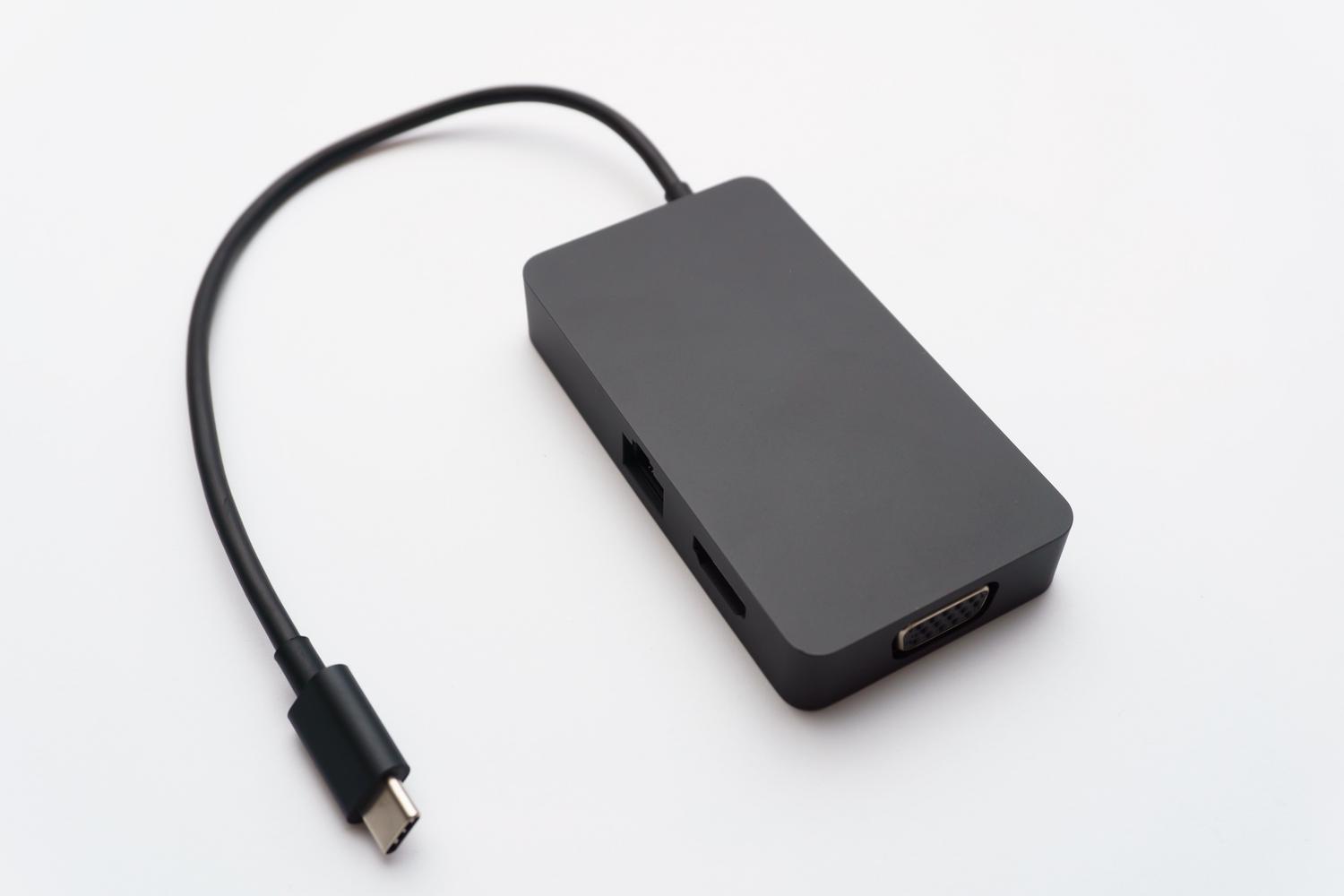
As for the hardware, you'll need a USB-C to HDMI OTG cable (or a Micro USB to HDMI cable, depending on your phone's port). These cables are quite affordable, costing around €13 to €20, and allow the image to be sent directly to the TV via an HDMI connection.

For the magic to happen, you need to install the Cast Receiver app . This app tricks the system into thinking your phone is a Chromecast. It has a free trial version limited to a few minutes, but if you find everything works smoothly, the full version costs around €4,60.
The setup process is a breeze: install the app, grant it the necessary permissions, and, if you like, give it a custom name for easy identification. Once you see the " Ready to Cast" message on the screen, connect the cable to your phone and the TV's HDMI port, select the corresponding input source on the TV, and you're ready to cast content from YouTube or any compatible app on your main phone.
Transform your mobile phone into a standalone TV Box
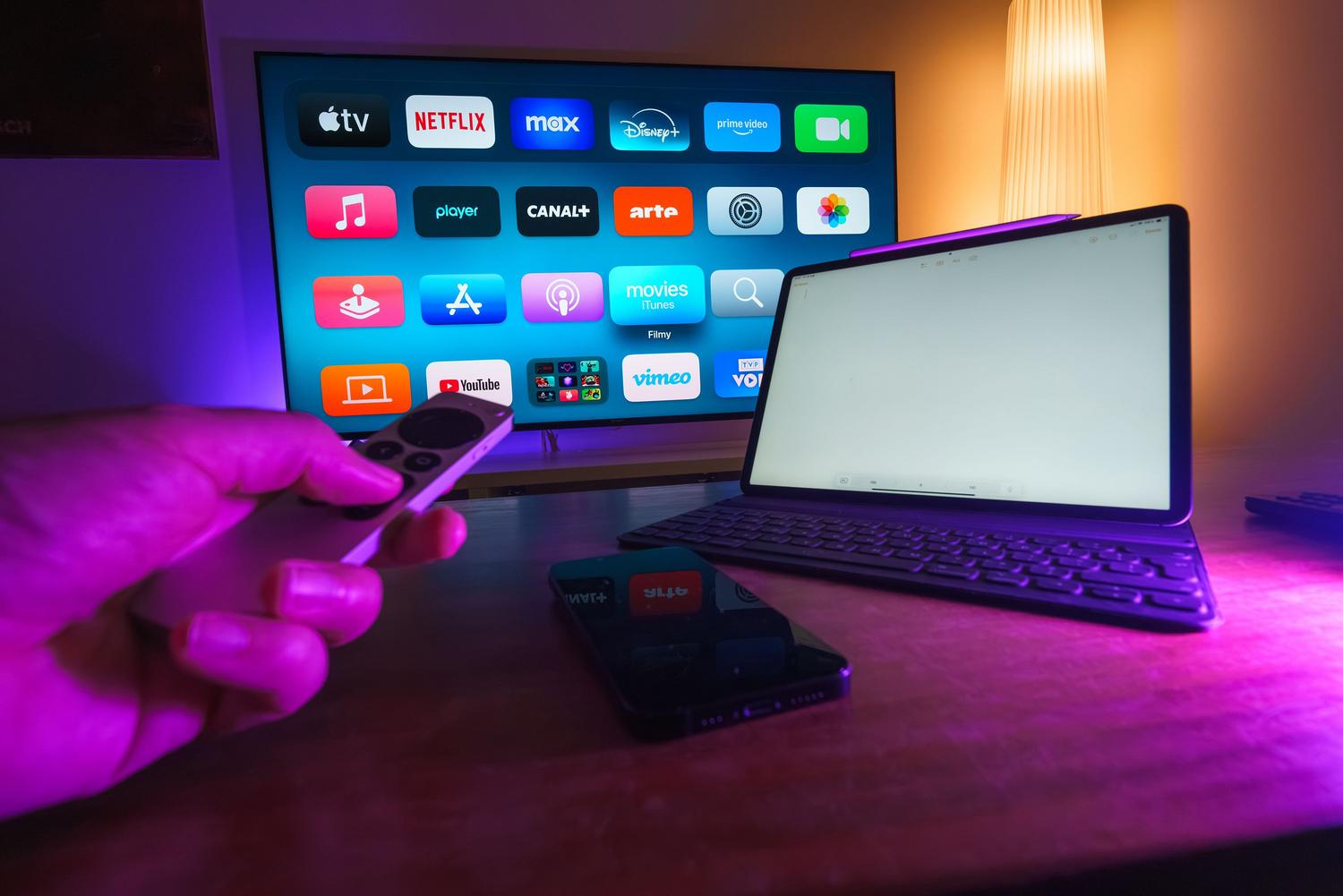
If you prefer your phone to function independently as a portable TV or local media server , the approach is different. The first step is to perform a thorough cleaning; ideally, a factory reset to erase all accumulated junk files and make the system run smoothly.
To optimize resources, it's essential to uninstall unnecessary apps like social media or banking apps. Additionally, it's advisable to disable GPS, Bluetooth, and automatic syncing to prevent the device from overheating and extend battery life.
To make the interface look less like a phone, you can install an Android TV launcher , such as ATV Launcher or TV Launcher. These apps replace small icons with larger ones and arrange everything in a horizontal format, mimicking the experience of a Roku or Apple TV. To complete the visual experience, you can use Rotation Control to force the screen to always be in landscape mode.
Regarding content, you can install premium streaming apps like Netflix or Disney+, although if your Android device is very old, you might need to look for Lite versions or use a web browser . For free TV, options like Pluto TV or RTVE Play work perfectly with these setups.
Hardware and ergonomic improvements
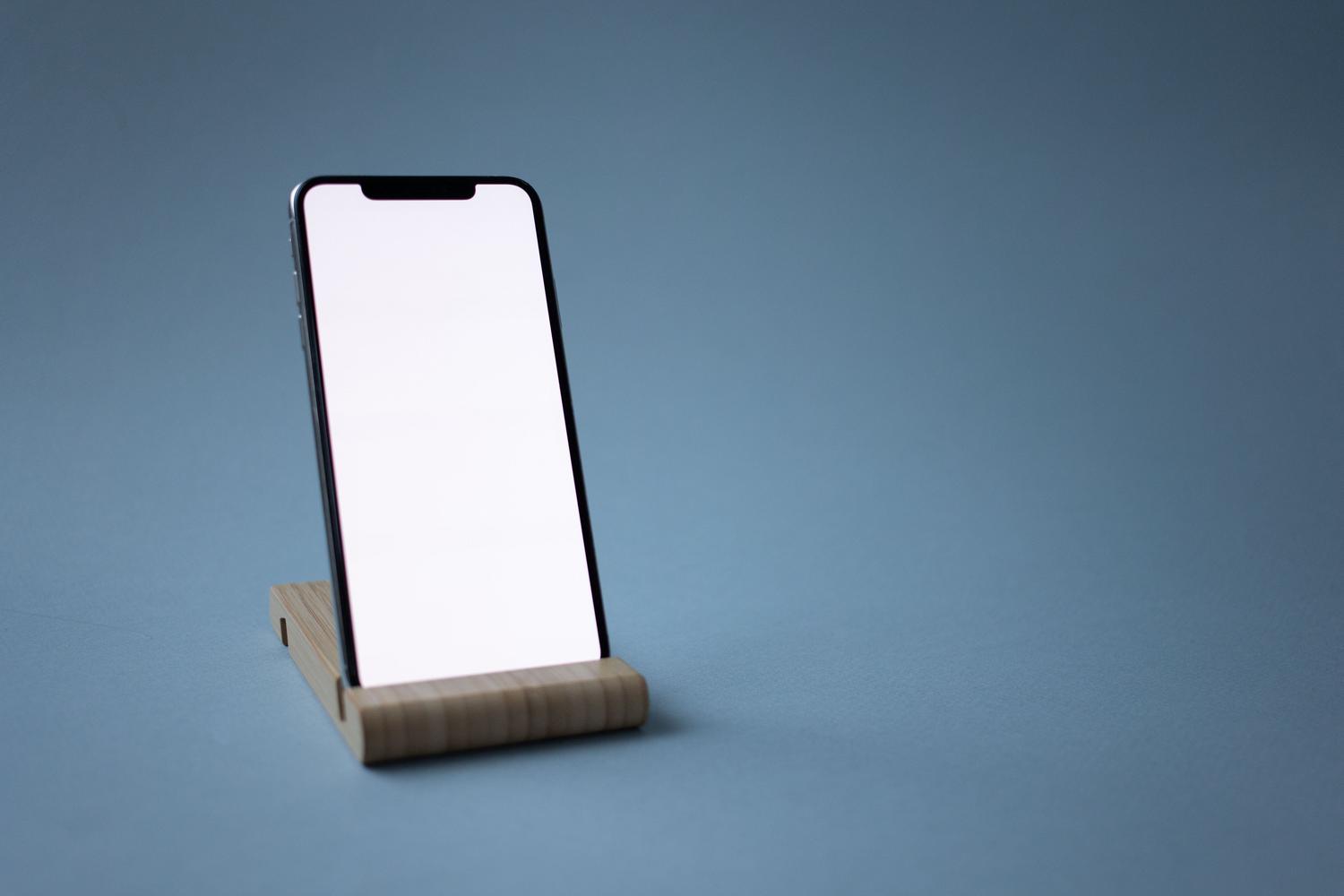
Having your phone connected to the TV is great, but convenience is key. To avoid leaving your phone dangling or holding it in your hand, you can use commercial phone mounts or tripods . If you don't want to spend money, a large paperclip or even an old cassette case can make a very stable, makeshift stand.
Another weakness of older mobile phones is their sound, which is often tinny and weak. The best solution is to connect a Bluetooth speaker to improve the acoustics. If you're somewhere you don't want to disturb others, a good pair of wired headphones will always be the most reliable option.

It's important to mention that this DIY system has its limitations, especially with DRM-protected content , which might not play correctly. Even so, it's a brilliant alternative for making use of hardware you already own and preventing it from ending up in the trash.
Taking into account the steps above, you can decide whether the streaming receiver option using a Cast Receiver and HDMI cable is more suitable, or creating a standalone TV Box by optimizing the interface and software. Both options allow you to repurpose the processing power of an old smartphone to add intelligence to any monitor or television, saving money and reducing electronic waste.
