- System performance depends directly on the availability of internal storage and the management of RAM memory.
- Software updates and the physical condition of the battery are determining factors in the device's response speed.
- The presence of invisible processes and malicious software can degrade the user experience regardless of the hardware's power.

Have you ever noticed that, suddenly or gradually, your smartphone starts to lag? It's a frustrating feeling: apps take forever to load, the keyboard is unresponsive, and the device seems to freeze just when you need it most. Many of us think this is the inevitable fate of having a phone that's a couple of years old, but the truth is that most slowness problems can be fixed without spending a penny on a new device.
To bring order to this chaos, the first thing to understand is that a phone is an ecosystem where software and hardware work together seamlessly. If one of them fails, performance plummets. From a full memory to a battery that's long overdue for retirement, there are many factors that can slow down your Android device . In the following lines, we'll break down each of these causes and give you the best tips to get your device running like new again.

The usual culprits of slowness
One of the most common problems is storage. Imagine the internal memory as the phone's lungs; if it's full of photos, WhatsApp videos, and temporary files, the system doesn't have room to "breathe." When storage exceeds 75% or 80%, Android starts to struggle because it doesn't have enough space to manage temporary data , causing everything to become sluggish and slow.
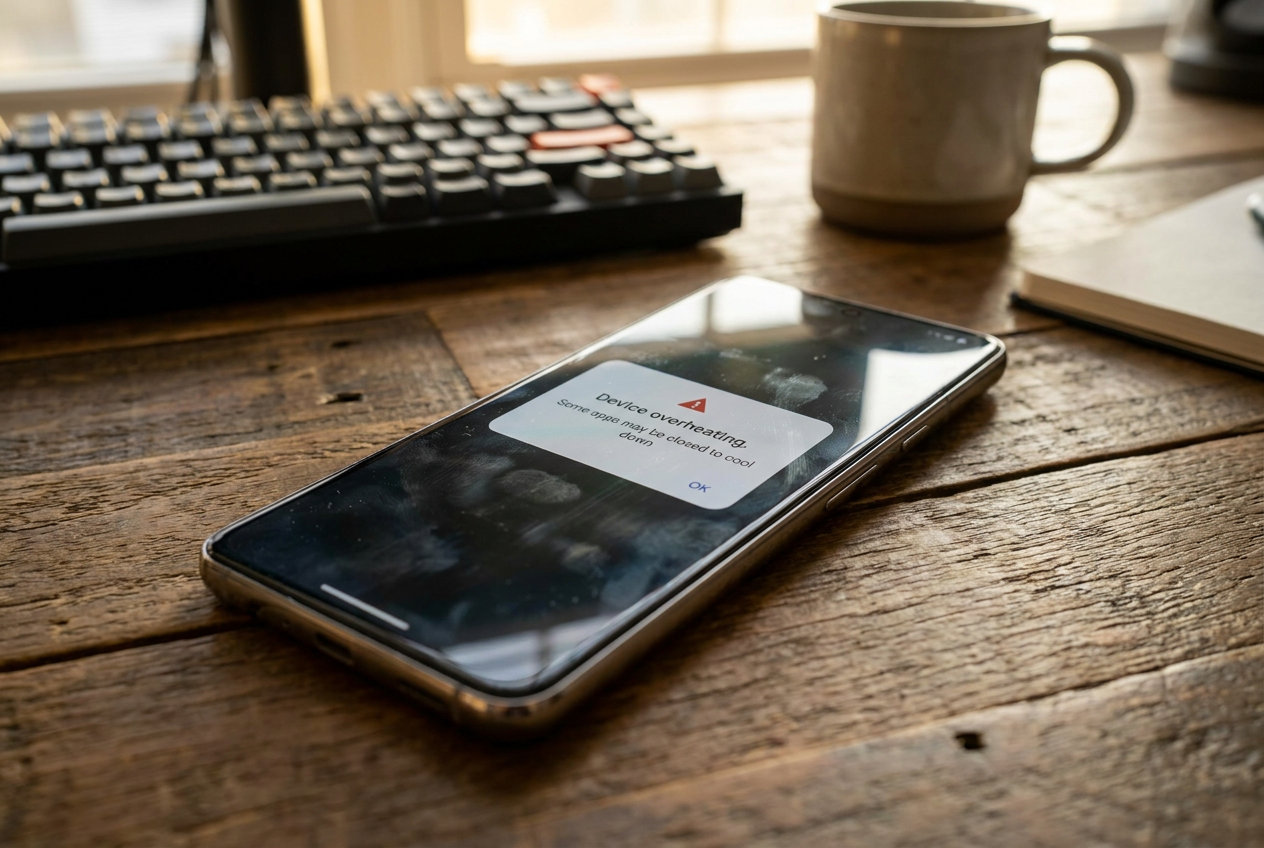
Then there's the invisible drain. Even if you close an app, many continue running in the background, hogging RAM and draining the battery. Apps like Facebook, TikTok, and Google Maps are notorious for consuming system resources without you noticing , making the processor work twice as hard as necessary and causing the phone to overheat.

Software can also be a double-edged sword. On the one hand, not updating the operating system is a mistake, as you miss out on performance and security patches. On the other hand, some people prefer not to update to major versions on older phones, since newer versions of Android are more demanding and can overload hardware that's already reached its limits.
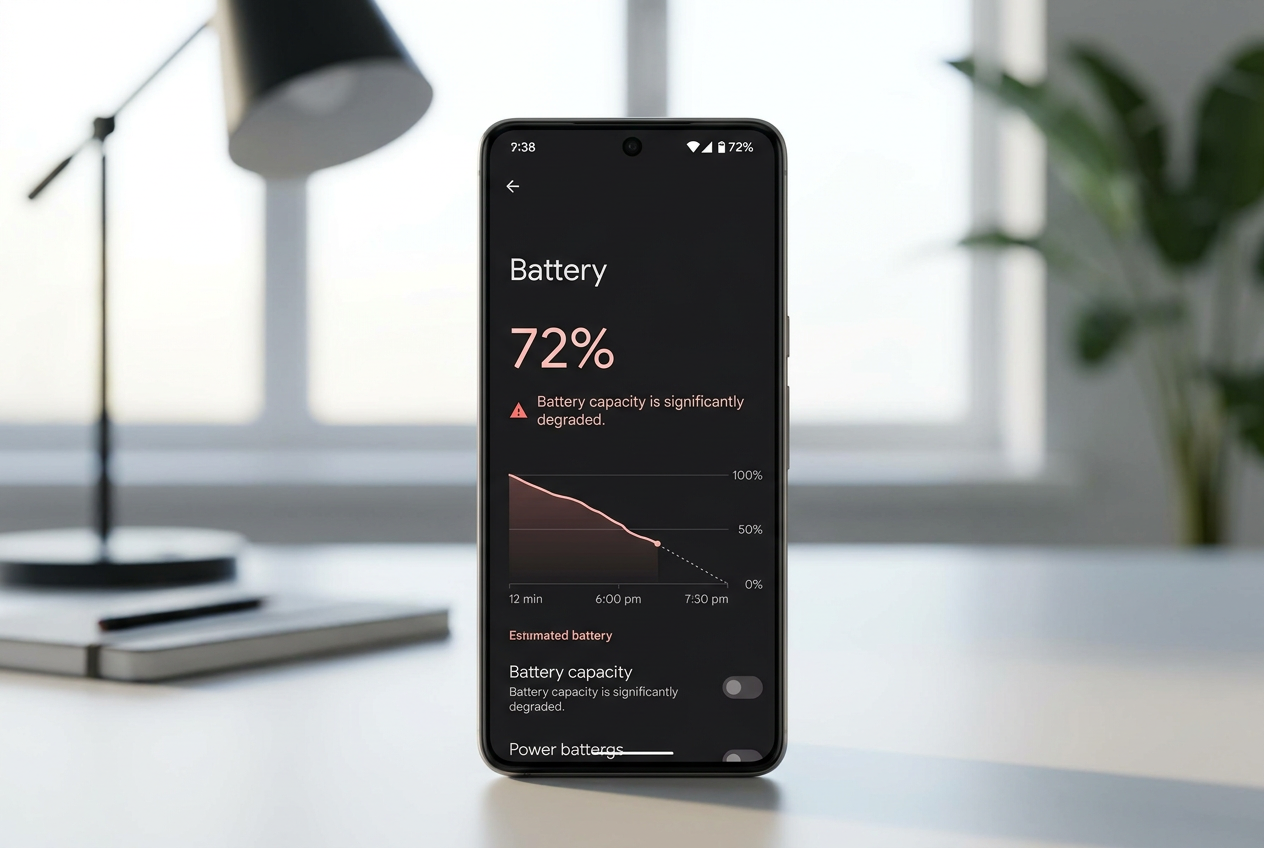
We can't forget the hardware. A degraded battery (especially if it's below 80% of its original capacity) can cause the system to reduce processor power to prevent sudden shutdowns. Likewise, overheating is the number one enemy : when the phone gets too hot, the system activates thermal throttling, slowing down the processor to protect the internal components from the heat.

Effective tricks to regain speed
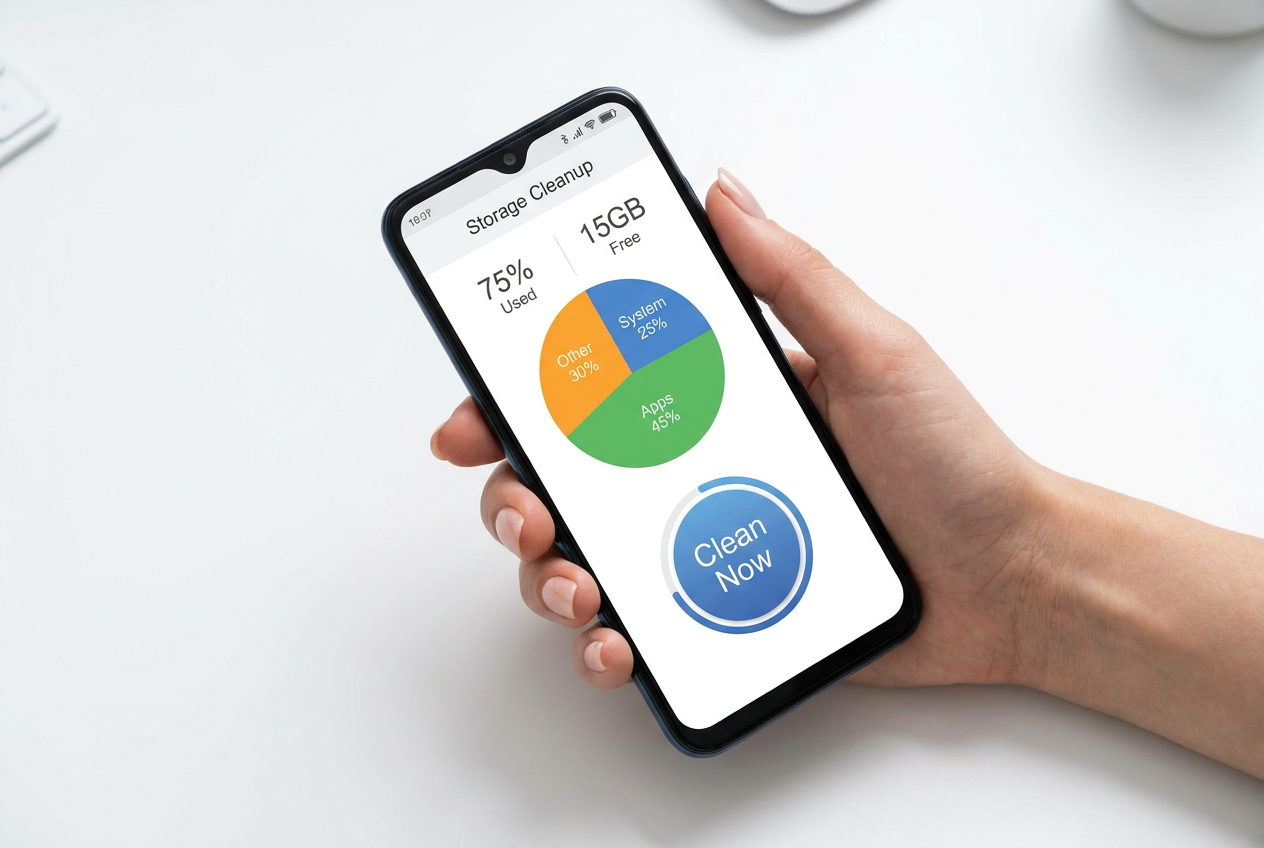
If you want quick results, the first step is a thorough cleanup. Deleting just a couple of photos isn't enough; ideally, you should use tools like Google Files to remove duplicate files, junk files, and cache from resource-intensive apps like Instagram or Chrome. Freeing up at least 20% of internal storage usually provides an immediate speed boost, making it very useful to know how to delete duplicate photos on Android.
Another crucial step is restarting. It might seem trivial, but turning your phone off and on at least once a week clears temporary memory and closes frozen processes that are consuming RAM . If the problem persists, you can access Developer Options (by tapping the Build number seven times in Settings) and make two key adjustments: reduce the animation scale to 0.5x or disable it completely, and limit background processes so your phone focuses only on what you're currently using.

Regarding apps, the golden rule is to install "Lite" versions. If you notice that Facebook or Messenger run incredibly fast on a new phone but are sluggish on your old one, try the versions optimized for Android Go , which consume significantly fewer resources. Also, check your home screen; having too many active widgets forces your phone to constantly load data, so keeping it cleaner helps speed up system response.
Advanced measures and security
If none of the above works, you may have an unwanted "guest." Malware and viruses aggressively consume CPU and RAM. Ideally, run a scan with reliable software like Avast or Norton to detect and remove malicious applications that might be running hidden processes. Always avoid downloading APKs from dubious websites to keep your system clean.
For the more adventurous or in desperate cases, there's the factory reset. This option erases everything and leaves the system like new. It's the definitive solution for removing bloatware (pre-installed apps that serve no purpose) and fixing deep-seated operating system errors . However, be sure to make a complete backup first, because you'll lose absolutely everything that isn't backed up to the cloud.

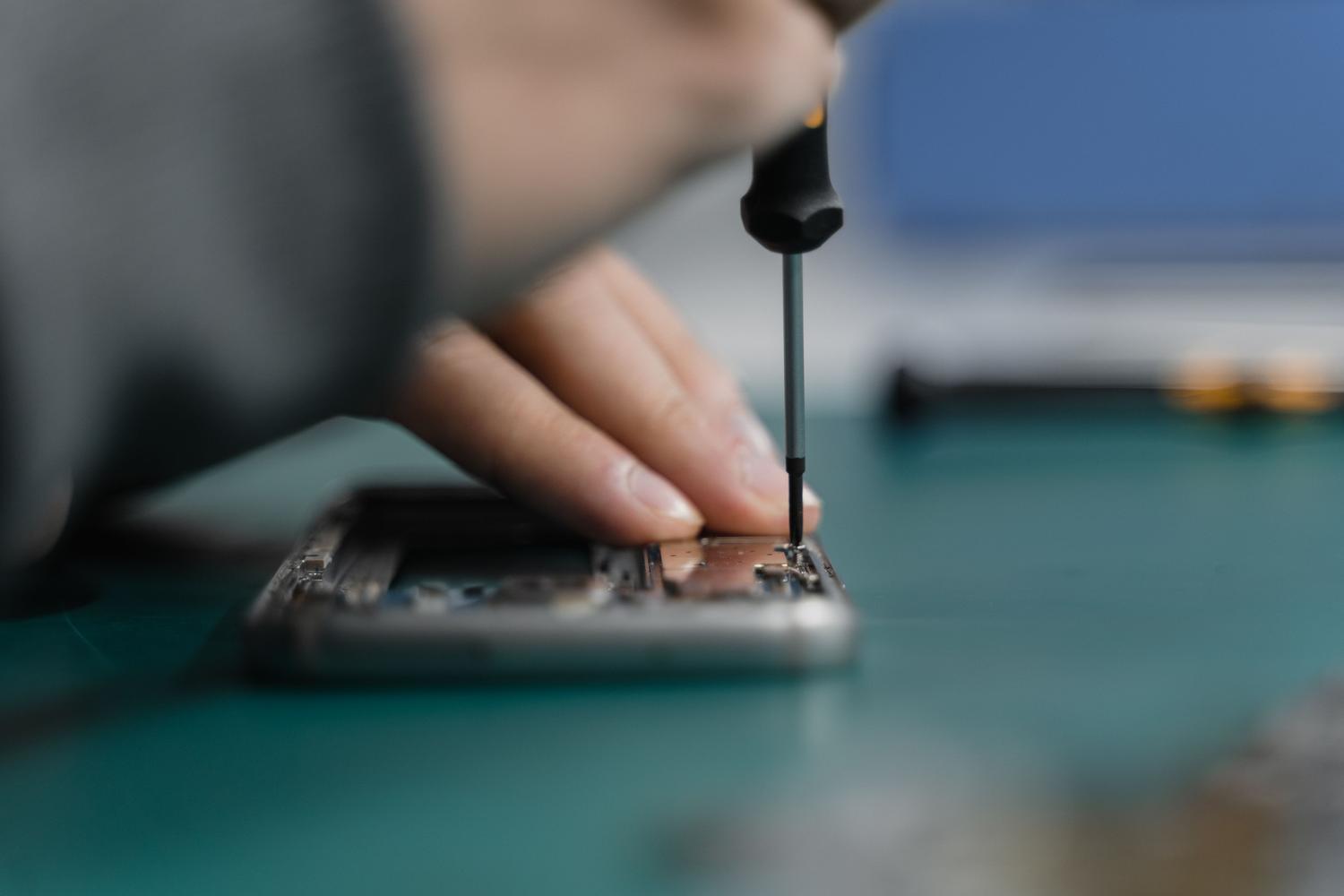
If your phone is still slow after formatting, the problem is hardware-related. Whether it's a damaged motherboard, a dirty charging port causing electrical issues, or a dead battery, it's best to take it to a specialized repair shop for a diagnosis . Sometimes, a simple battery replacement can breathe new life into a phone we thought was obsolete.
Keeping storage clear, controlling background apps, and monitoring battery health are key to preventing your smartphone from becoming obsolete. By combining cache cleaning, animation optimization, and regular restarts, you can extend the device's lifespan by several years, preventing planned obsolescence or misuse from forcing you to replace your phone prematurely.