- Page load speed influences user experience, SEO, and conversions, and should ideally be below 3 seconds.
- Optimizing images, code, cache, hosting, and external resources is key to reducing loading times without sacrificing quality.
- Measuring with tools like PageSpeed, Lighthouse or GTmetrix allows you to detect bottlenecks and validate performance improvements.

The first impression of your online business isn't just about the design or the text: it's about how quickly your website loads when someone clicks. If a page takes more than a few seconds to appear, the user won't think twice: they'll go back, visit another website, and your sales opportunity will vanish without them even seeing what you have to offer.
A slow website loading speed increases your bounce rate, worsens your online reputation, reduces conversions, and also harms your SEO. The good news is that, with the right tools and a few technical adjustments (most of which are very manageable), you can significantly speed up your site and turn it into a fast, stable website ready to compete on Google.
What exactly is website loading speed?
When we talk about page speed, we're referring to the time it takes from when someone requests a URL until the page appears in their browser. It's not just about "something appearing on the screen," but about the main content being visible and the website responding well to clicks.
In practical terms, a page is considered acceptably fast if it loads in under 3 seconds; anything under 2 seconds is already a very good result. Various studies indicate that approximately 47% of users expect a website to load in 2 seconds or less, and around 40% abandon the site when the wait exceeds 3 seconds.
This speed is measured with different web performance metrics (Core Web Vitals and others), which help us understand if the problem is in the images, the server, the code, third-party scripts, or a combination of all of the above.
In summary: loading speed is the feeling of speed perceived by the user, backed by measurable technical data that allows us to optimize it objectively.
Why is it so important to optimize loading speed
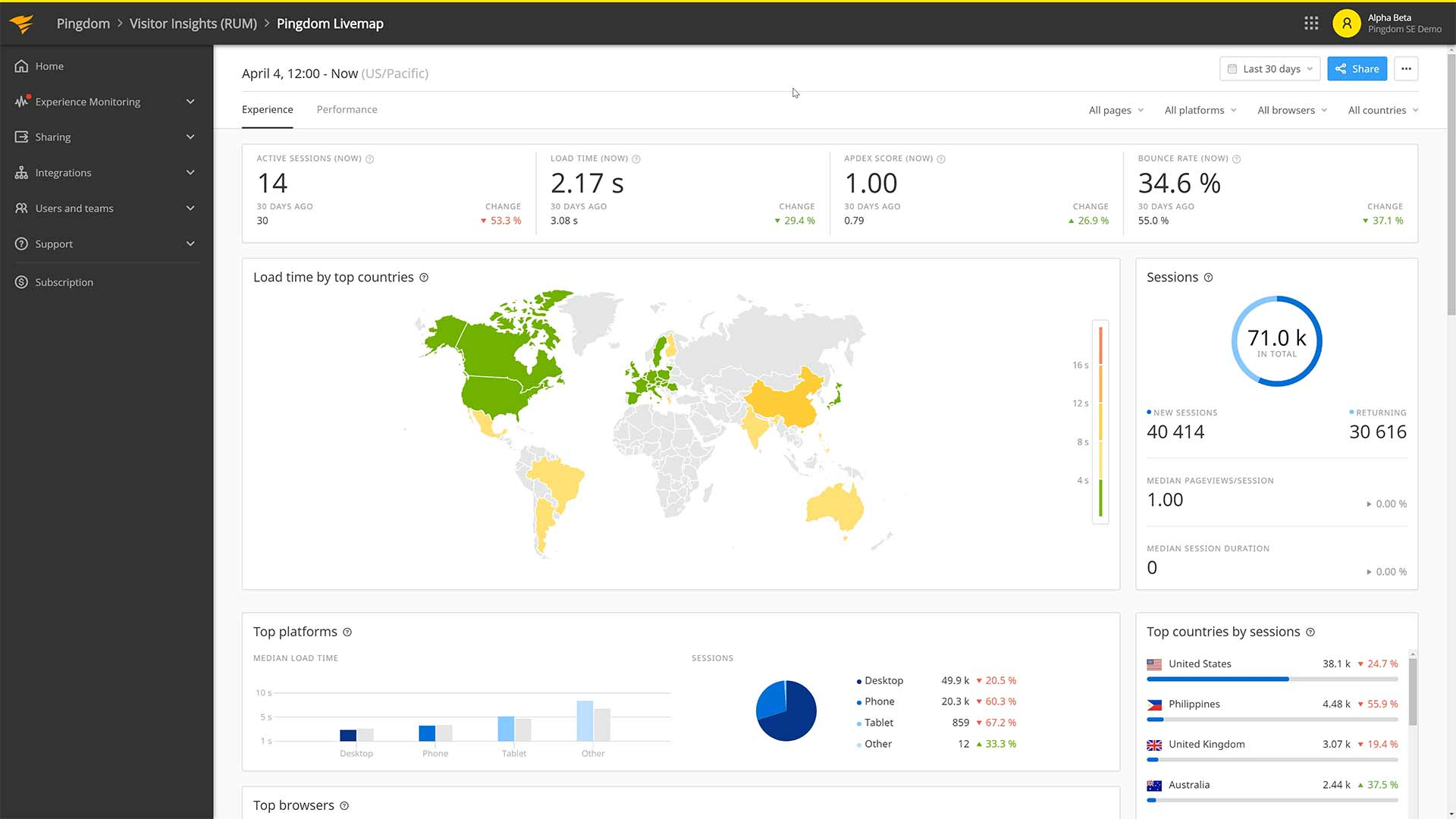
Your website's speed directly impacts three key areas: user experience, business (sales, leads, contacts), and search engine ranking. Ignoring it means accepting that many users will leave without interacting with you.
From the user's point of view, a fast website allows for almost instant interaction : navigating between sections, filling out forms, adding products to the cart, or reading a complete article without interruptions or abrupt jumps in the content.
In business terms, even the slightest delay makes a difference. Studies show that an increase of just 100 milliseconds (one-tenth of a second) in loading time can translate into an approximately 7% drop in the conversion rate. In an online store, that's the difference between closing a sale and having a customer abandon their cart.
For SEO, Google has been clear: speed and loading experience are ranking factors. A slow site tends to rank lower, has more bounces, less time spent on the site, and consequently, less organic visibility compared to faster websites competing for the same keywords; if you want to know how to improve your website's ranking, improving your website's ranking is a good starting point.
Furthermore, a lightweight website makes it easier for Googlebot to crawl more pages in less time, which is crucial for large sites or those with frequent updates. If your server is slow, crawling is limited, and parts of your content take longer to be indexed or may even go undetected.
Key metrics for measuring loading speed
To truly optimize speed, a subjective perception of "it seems slow" or "it looks fast" isn't enough; you need concrete data on how your website loads . Modern tools (PageSpeed Insights, Lighthouse, GTmetrix, etc.) rely on a series of standard metrics.
Some of the most important ones in 2024 are the following, many of them included within Google's Web Vitals:
- First Contentful Paint (FCP)Time until the first useful content (text, image, icon, etc.) appears on screen. This influences the feeling that "the website is alive".
- Largest Contentful Paint (LCP)This measures how long it takes for the main visible content element (large image, highlighted text block, etc.) to load. Ideally, it should be kept below 2,5 seconds.
- Cumulative Layout Shift (CLS)This quantifies how much elements move while the page loads. A high CLS value causes that annoying feeling of text scrolling, making you accidentally click where you didn't intend to.
- First Input Delay (FID) or equivalent interaction metrics: these evaluate how long it takes the website to respond to the user's first action (click, tap, etc.). A low value indicates that the site is responsive.
- Speed Index (SI): indicates how quickly the content is visually rendered on screen, taking into account the entire loading process.
- Time to Interactive (TTI): time until the page is fully usable, without blocking by heavy scripts or other processes.
These metrics allow you to detect if the bottleneck is in the initial rendering, visual stability, or interaction , and thus apply specific measures (optimize images, defer JavaScript, improve the server, etc.).
How does the CMS influence performance and why should you consider headless options?
The content management system (CMS) you use (WordPress, Drupal, Shopify, a custom-built system, etc.) significantly impacts loading speed. Each CMS has its own architecture, base size, method of generating HTML, and way of loading resources.
A well-configured CMS can efficiently manage resources , serve lightweight HTML, and facilitate caching, while a sloppy installation, overloaded with plugins and heavy templates, can irreparably slow down the website, no matter how much you optimize other aspects.
In projects aiming for maximum performance, headless CMSs are becoming increasingly common . In this approach, the backend that manages the content is decoupled from the frontend that displays it, and the visible layer is typically built with modern frameworks (React, Vue, Next, etc.) highly optimized for performance.
A headless approach allows for reduced loading times , serving content through APIs, and leveraging techniques such as static prerendering or incremental generation, improving perceived speed without sacrificing flexibility and scalability.
How to improve your website's loading speed
When it comes to optimizing performance, a combination of good design, content, and technical practices makes all the difference. It's not about applying a single magic trick, but rather about combining several coherent adjustments.
We're going to review the main strategies that appear in the best guides and that, combined, usually offer a significant leap in loading times and scores from tools like PageSpeed or GTmetrix.
Design and content: less is more
The first step is to critically examine your website and ask yourself if everything you see is truly necessary. An overloaded design is heavier, harder to understand, and significantly slows down the initial loading time.
The homepage is often the most problematic; a professional web design approach prioritizes the essentials and improves loading speed. It's tempting to fill it with sliders, videos, animations, galleries, and endless blocks of content, but this forces users to wait too long without seeing what's truly important.
As a general rule, your homepage should be clear and relatively short , focusing on explaining who you are, what you do, and what the user can do next. If you need more information, spread it across other pages and use "See more" buttons to guide navigation.
It also helps to prioritize the content above the fold. The strip visible without scrolling should load very quickly and contain the essentials: logo, brand name, a clear value proposition, a subheading or brief explanation, and a clearly visible call to action.
Optimization of images and multimedia resources
Images and videos are, by far, the resources that slow down a website the most if they aren't handled properly. A photo of several megabytes uploaded directly from the camera is a considerable burden on any page.
To improve your loading speed, there are several areas where you can work with images:
- Resize before uploadingIt doesn't make sense to use images that are 4000 px wide if the maximum width in your design is 1200 px. Adapt the dimensions to the actual use.
- Choose modern formatsFormats like WebP or AVIF offer a much better quality-to-size ratio than traditional JPEG or PNG. They reduce file size without any noticeable visual loss.
- Compress intelligentlyTools such as ShortPixel, Smush, TinyPNG, and others allow you to compress batches of images while maintaining more than acceptable quality.
- Remove unnecessary metadataEXIF data, additional thumbnails, and other embedded information increase the file size without providing any benefit to the user.
Additionally, it's advisable to enable lazy loading , which prevents images and videos further down the page from downloading until the user hovers over them. This makes the initial load much lighter and faster, especially on mobile devices and slow connections.
In the case of embedded videos (for example, from YouTube), it is advisable to use lazy loading techniques or previews , preventing all scripts and iframes from being downloaded from the beginning if they are not essential.
Fonts, animations, and other visual elements
Custom fonts give a brand a lot of personality, but they also add weight to the page: they are files that the browser has to download before displaying correctly.
A good practice is to limit yourself to two or three font families and very few styles (regular, bold, perhaps italic). Loading many different variations, weights, or families just for minor aesthetic details will noticeably impact performance without providing a proportional benefit.
Something similar happens with animations. They're attractive and help make the interface more dynamic, but overusing effects, complex transitions, or animated GIFs can significantly increase the page's size and cause crashes on less powerful devices.
The key is to use them sparingly and strategically, prioritizing lightweight animations (CSS, SVG, small optimized videos) and avoiding very heavy resources that loop without adding real value.
Plugins, external scripts, and redirects
Each plugin, external script, social widget, or statistics system that you add to your website involves additional HTTP requests and often JavaScript execution that can block loading.
The recommendation is to do an honest audit of everything you have installed: deactivate and remove plugins you don't use , evaluate whether you really need each embedded widget, and avoid filling the website with "just in case" tools that you then barely use, including libraries like jQuery.
Similarly, it's best to minimize the number of unnecessary redirects . Every time a user requests a URL that redirects to another, an extra step is added to the loading process. If you chain several redirects together, the wait time multiplies.
Redirects are useful for maintaining traffic when you change URL structures, migrate domains, or clean up old content, but they should be well planned and minimized to avoid penalizing performance.
Browser caching allows many resources (images, CSS, JavaScript, fonts, etc.) to be temporarily stored on the user's device. This way, when the user revisits the website, everything doesn't need to be downloaded again, resulting in much faster loading times.
Properly configuring cache headers on the server (expiration times, validation, file versions) is one of the most effective ways to speed up recurring pages and improve the experience for repeat visitors.
Another key point is code minification and compression . This includes:
- Remove unnecessary whitespace and comments from CSS, JavaScript, and HTML files.
- Combine, when it makes sense, several files into one to reduce the number of requests.
- Enable Gzip or Brotli compression on the server so that files travel compressed and are decompressed in the browser.
In addition, the order in which the code is loaded must be taken into account: ideally it is prioritize critical CSS at the top, avoid the @import that chain requests, and defer or asynchronously load JavaScript that is not essential to display the initial content.
With all this, HTML renders faster, visible content appears sooner, and the user gets a superior sense of fluidity even though there are background processes still loading other resources.
Hosting, infrastructure and CDN usage
No matter how well optimized your code is, if the server is slow or overloaded , your website won't load quickly. Choosing reliable, fast, and secure hosting is a fundamental part of any page load speed strategy.
In general terms, we can distinguish between:
- Shared hostingMultiple sites share the same resources. It's the cheapest option, but also the most limited in terms of performance and stability.
- VPS (Virtual Private Server)The server is divided into virtual machines with allocated resources, which improves speed and isolation from other projects.
- Dedicated serverAll resources are allocated to your project. This is the most powerful option, designed for websites with high traffic or very specific needs.
Complementing your hosting with a content delivery network (CDN) is also highly recommended. A CDN replicates your static files (images, CSS, JS, fonts, etc.) on servers distributed around the world, so users download content from the geographically closest node.
This reduces latency, lightens the load on the main server, and improves overall loading speed , especially for users connecting from other countries or continents.
Mobile-specific optimization
Most current traffic comes from smartphones, and in many cases, these connections are unreliable . A website that seems fast on a desktop can become frustratingly slow on a phone with weak 4G or in areas with poor coverage.
That's why it's essential to design and optimize your site with mobile priority : responsive layouts, legible fonts, easy-to-click buttons, and above all, a much smaller page weight than the desktop version.
On mobile devices, it's advisable to further limit the use of large images, animations, superfluous scripts, or cluttered visual effects. It's recommended that the top section on mobile include only the essentials : logo, company name, and a clear call to action; the rest of the content can be displayed as the user scrolls.
Some elements that are acceptable on desktop (background videos, complex sliders, highly graphic widgets) can be hidden or simplified in the mobile version to avoid impacting performance. Many modern templates allow you to do this easily.
Tools to analyze and improve loading speed
To find out where you're failing and how you're improving, you need to use performance measurement tools that analyze your website and suggest specific actions.
Among the most useful and widespread we find:
- Google Insights PageSpeed: analyzes any URL on both mobile and desktop, displays key metrics (LCP, CLS, FID/FID-proxy, etc.) and offers detailed recommendations for optimization.
- Lighthouse (Chrome DevTools)Integrated into the Chrome browser, it allows you to audit a page in real time and obtain scores for performance, accessibility, SEO and best practices.
- GTmetrixIt combines PageSpeed and YSlow analysis, offering accurate information on load times, page size, number of requests, resource waterfall, and more, with historical data if you register.
- Pingdom: very useful for monitoring loading times from different locations and detecting specific elements that are slowing down the experience.
- YSlowAlthough it is used less today than before, it is still a reference for reviewing classic optimization rules and seeing in which specific points your site can improve.
Some builders and platforms also offer internal performance dashboards with aggregated data from real visitors, comparisons with other similar sites, and automatic improvement suggestions based on PageSpeed Insights and your users' behavior.
Common mistakes when optimizing speed (and how to avoid them)
When starting to work on loading speed, it is common to fall into well-intentioned mistakes that end up worsening the situation or leaving the optimization half-finished.
Among the most common errors are:
- Do not prioritize visible content first, loading scripts and secondary resources ahead of what the user needs to see initially.
- Forget about file compression and minification, leaving behind huge, comment-filled CSS and JS files that nobody needs.
- Installing too many "optimization" plugins that overlap with each other and in some cases cause conflicts or slow down the server.
- Neglecting regular testing after changes to the CMS, template, or hosting, without checking how they affect performance metrics.
- Applying aggressive optimizations without checking that the website continues to function correctly (for example, deferring essential scripts that break forms or menus).
The best way to avoid these problems is to optimize step by step and measure each change : make a backup, apply an adjustment, run your speed tests, check that everything works, and only then move on to the next step.
Web speed as a competitive advantage
In an environment where users have thousands of alternatives just a click away, loading speed ceases to be a technical detail and becomes a business lever. A fast website retains visitors better, converts more, improves search engine rankings, and makes any advertising investment (SEO, SEM, social media) more profitable.
While some companies remain solely focused on visual design, others understand that every millisecond counts in the conversion funnel. Optimizing speed is no longer optional: it's a way to take care of your users, protect your visibility on Google, and maximize your website's commercial potential.
Addressing the improvement of page load speed means reviewing content, code, hosting, CMS, multimedia resources, mobile devices, and metrics, relying on reliable analysis tools and established best practices. By doing so methodically, your site transforms from a slow and frustrating page into a fast, smooth, and professional experience that inspires confidence from the very first second.