- Isopropyl alcohol is the ideal product because of its ability to evaporate quickly and the absence of residues.
- The white eraser allows the oxide layer to be removed by gently abrading the contacts.
- Cleaning should be corrective and not preventive to avoid damage from static electricity.
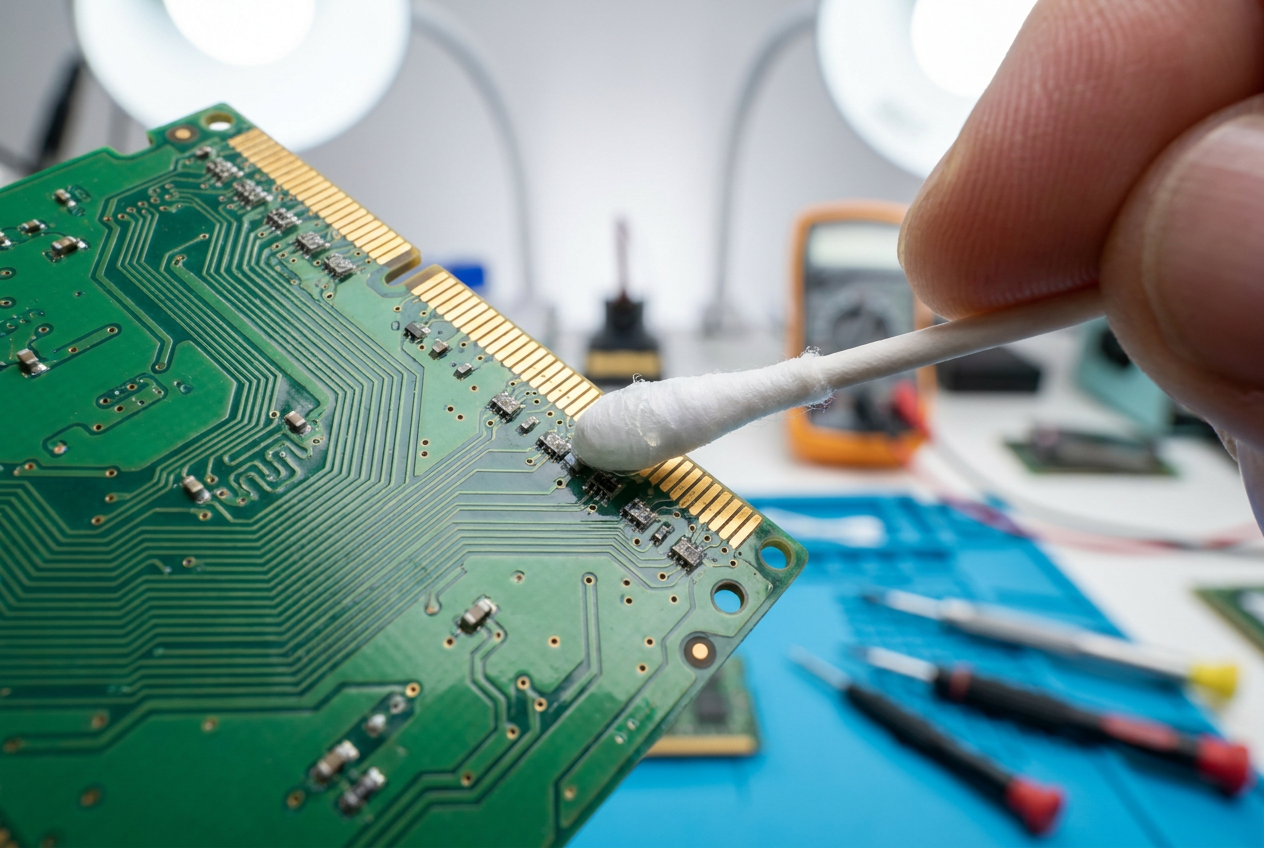
You've probably experienced this before: your computer starts acting strangely, displays blue screens, or simply won't boot, and you suspect the problem lies with the memory modules. When we talk about cleaning RAM contacts , we don't mean erasing stored data, but rather removing the physical dirt and corrosion that accumulates on the gold pins connecting the memory to the motherboard.
Many people jump into performing unnecessary preventative maintenance, but the reality is that you should only touch these components if you have obvious memory errors. Unnecessarily tampering with the hardware carries risks, such as a static electricity discharge from your own body sending the module straight to the junkyard before you even get a chance to clean anything.

Recommended materials for safe cleaning
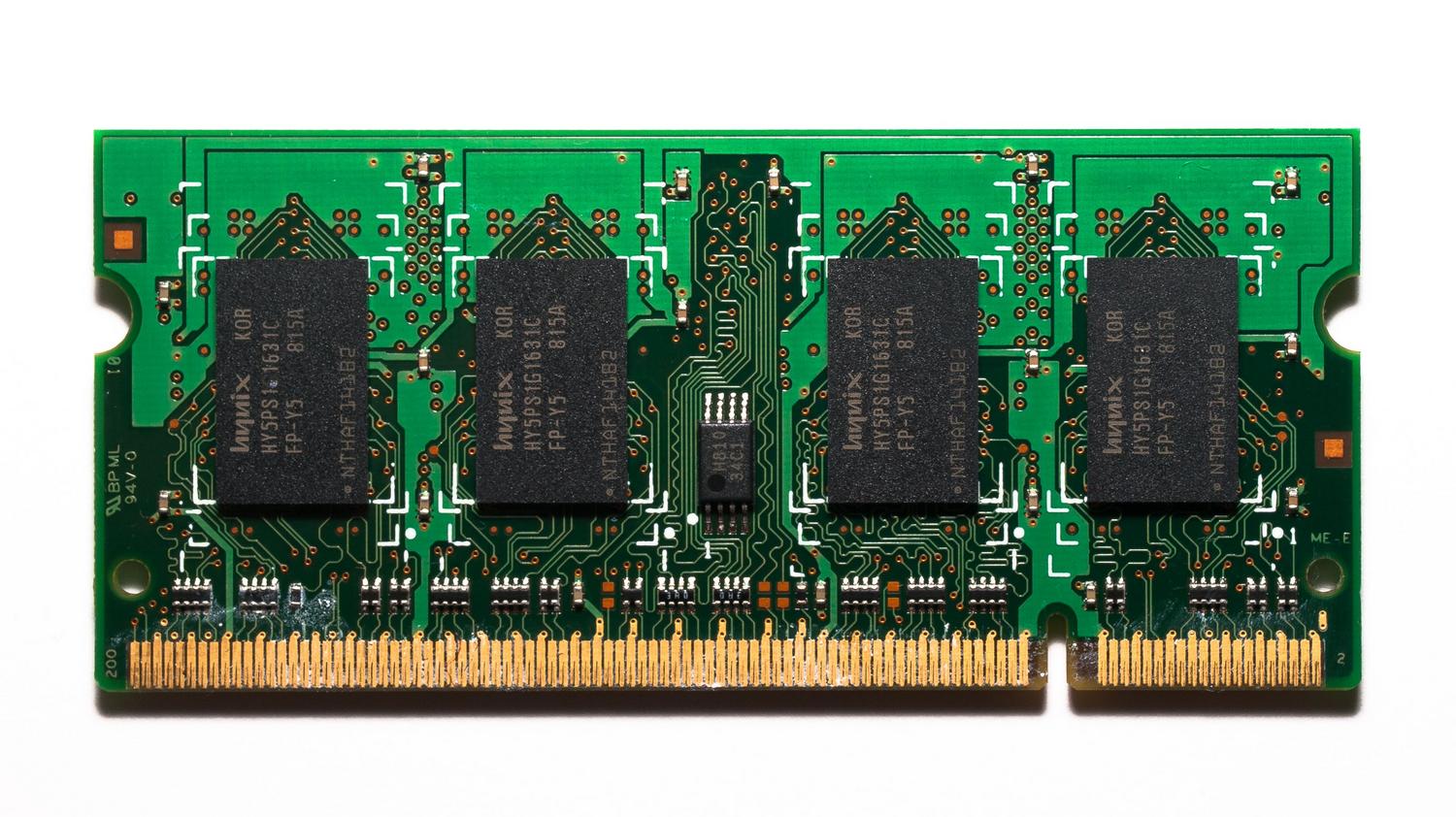
If you've already confirmed there's a problem, the most important thing is not to use just any product you have at home. The gold standard is isopropyl alcohol , as it's able to dissolve grease and, most importantly, evaporates very quickly without leaving any residue. Some suggest using water, but only if it's distilled water , because tap water contains salts that can leave annoying deposits on the contacts.
Effective techniques for cleaning memory pins
There are several methods circulating online that may work depending on the level of dirt. One of the most common options is to moisten a cotton swab with isopropyl alcohol and gently rub the gold contacts. If you notice a more stubborn layer of oxide, you can use a white eraser , which is abrasive enough to remove that layer without damaging the metal.
To achieve a professional result and avoid leaving rubber residue scattered on the pins, it is best to follow a logical sequence: first, wipe with alcohol and a cotton swab , then rub with the rubber to remove the rust, and finally, give a last wipe with alcohol and a new cotton swab to leave the surface spotless.

Warnings about common mistakes
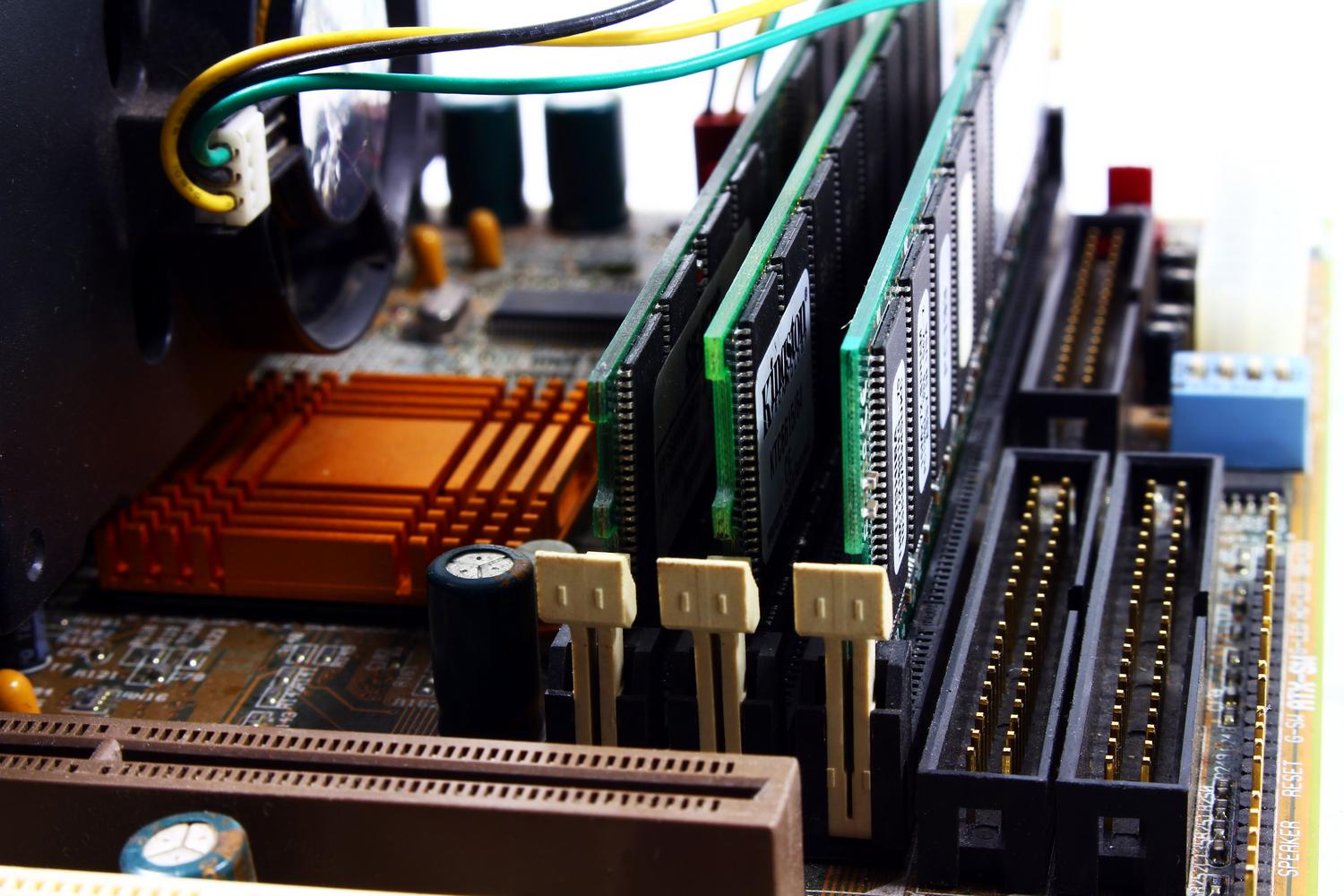
Be careful with improvised home remedies. For example, using eyeglass cleaner mixed with an eraser is neither the most technically sound nor the most advisable method. Furthermore, it's crucial to remember to properly clean the PC's ports and motherboard slots, as a gleaming module is useless if the slot it fits into is full of dust or lint that impedes electrical conductivity.
Remember that rust appears because the electricity flowing through the metal ionizes the surface, and when it comes into contact with oxygen in the air , these insulating layers are created. However, I want to emphasize that this should not be considered routine maintenance, but rather a corrective measure when the equipment fails.
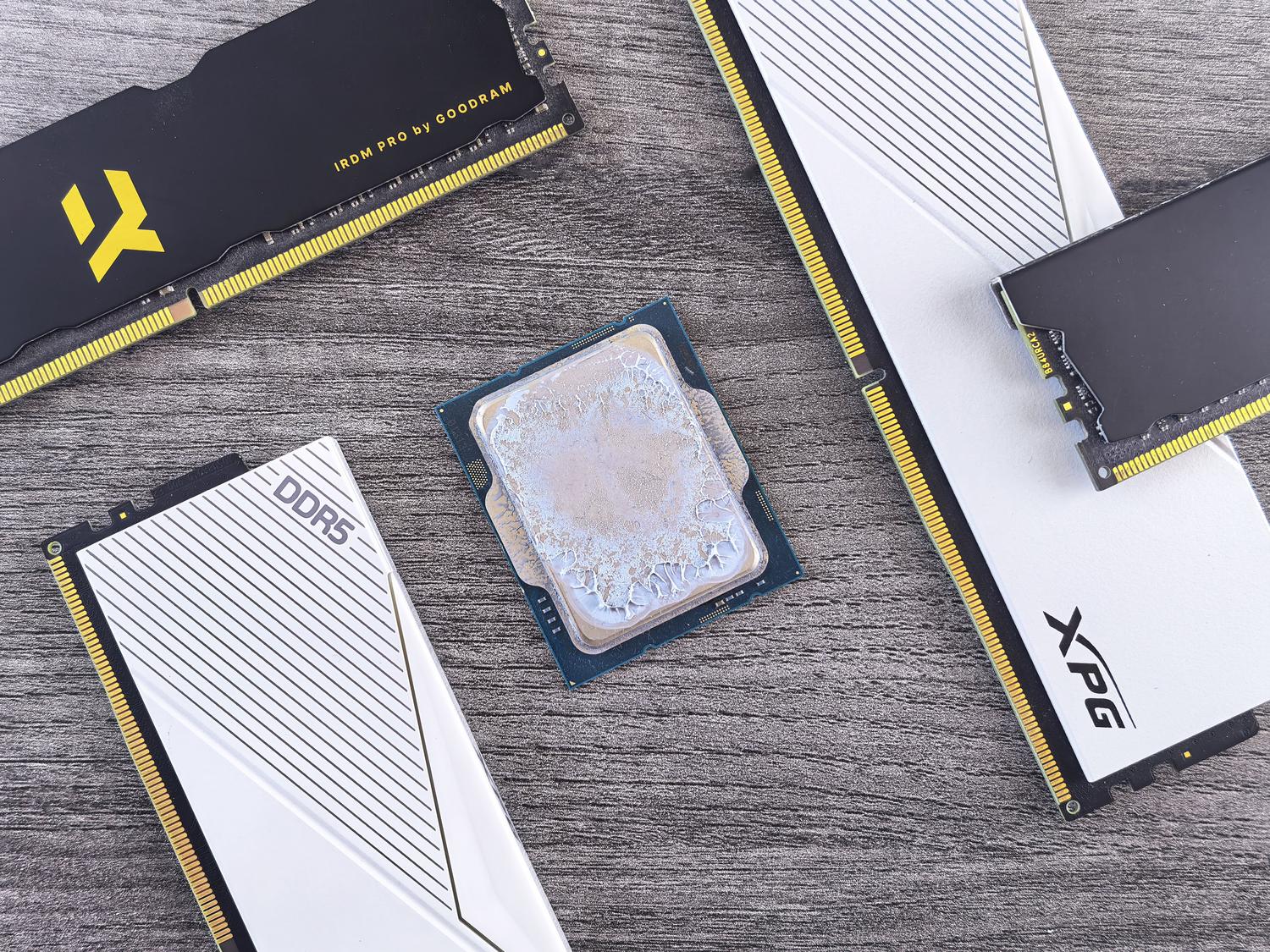
To get the RAM ready, the ideal is to combine the use of isopropyl alcohol to degrease and a white eraser to remove oxidation, always ensuring that no physical residue remains before reinserting the module into its clean slot.
