- Transforming an old router into a switch allows you to expand your Ethernet ports at no cost.
- Using it as a WiFi repeater is ideal for eliminating dead zones in your home.
- Advanced configurations such as NAS or VPN servers give a second life to obsolete hardware.
- It is essential to adjust the IP address and disable DHCP to avoid network conflicts.
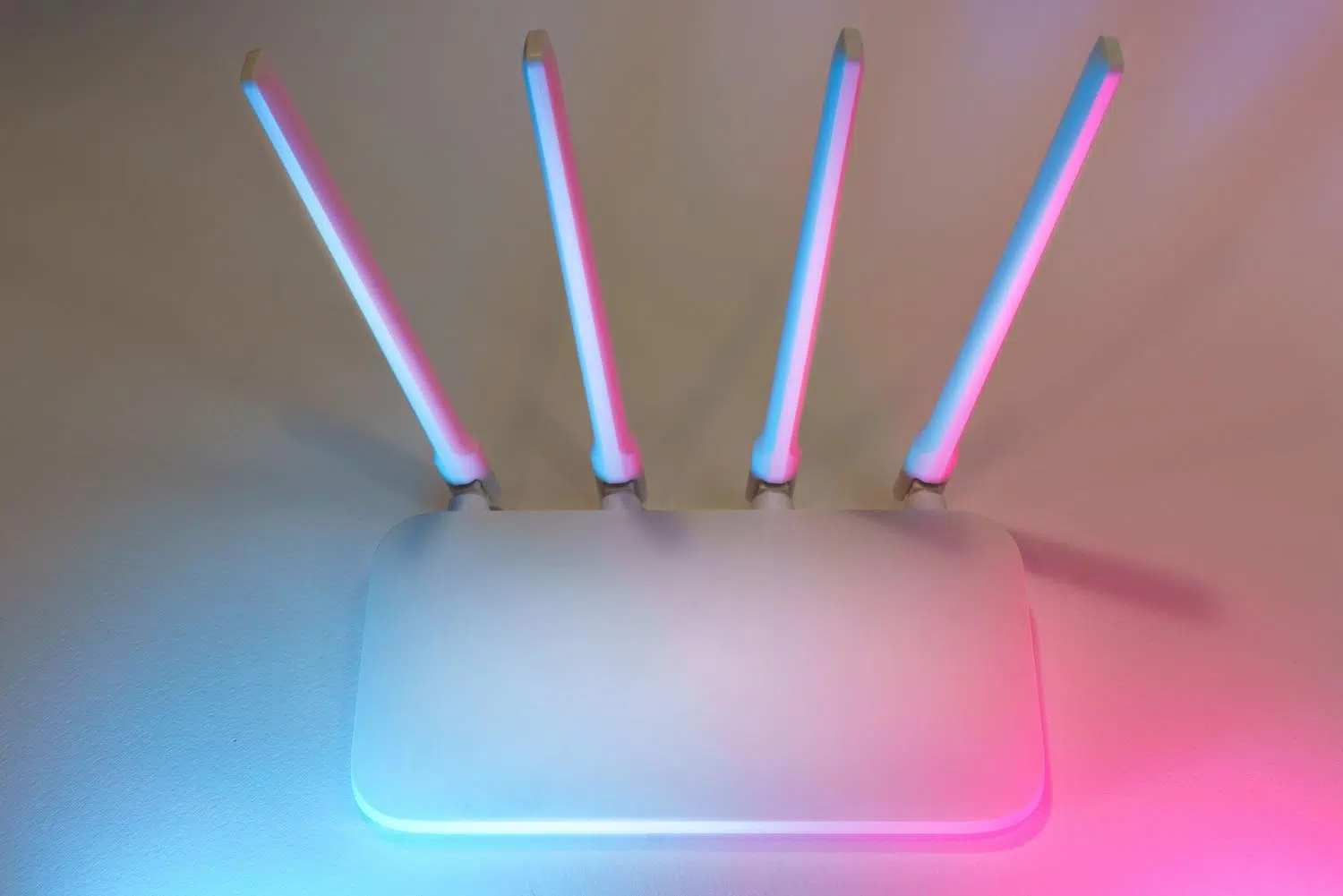
You probably have an old router lying around somewhere, in a drawer or in the storage room, that you no longer use because you switched providers or bought a newer one. Throwing these devices away is the most common thing to do, but the truth is they're real technological gems that can save the day when we need to connect more devices via cable or when the Wi-Fi signal doesn't reach every corner of the house.
Repurposing this hardware is a great way to save some money and, at the same time, give the equipment a second life while helping the environment. While it's not as simple as plug and play, with a couple of tweaks to the configuration, we can transform that old device into a switch, an access point, or even a file server, depending on our daily needs.

Convert your old router into an Ethernet switch
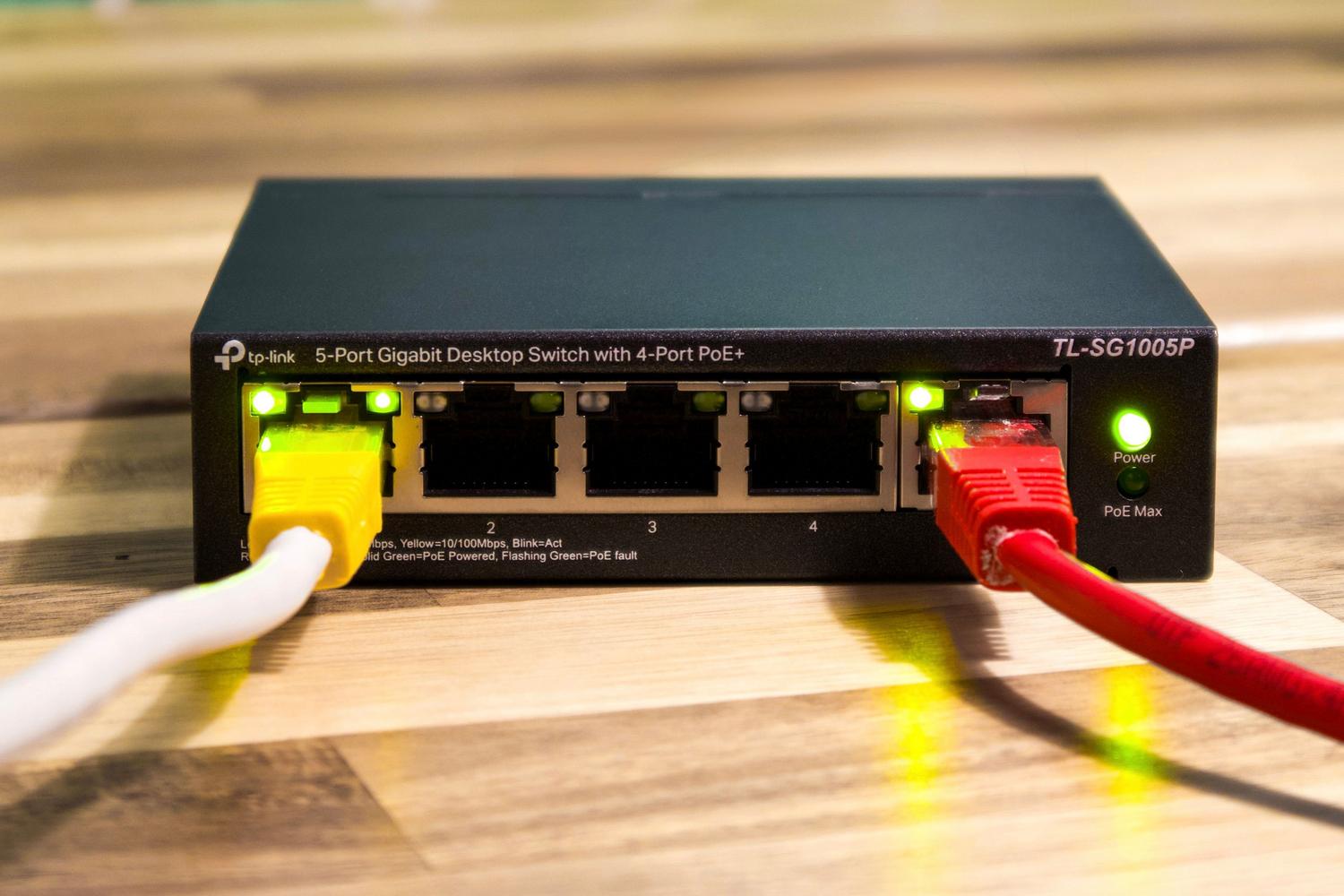
When you have many devices that require a stable connection, such as a game console, Smart TV, or TV box in the living room, the four ports on your main router quickly become insufficient. If you don't want to spend money on a new switch, you can use your old router to gain more network ports . Essentially, you disable its routing functions so it acts as a simple signal splitter.
However, it's important to keep in mind that this isn't the most efficient option. A real switch is smaller, uses less power, and is plug and play , meaning it requires no configuration. Furthermore, older routers can suffer from buffer saturation if they're under heavy load, which could cause brief interruptions if there's a lot of simultaneous data traffic.

Steps for configuring as a switch
To make this work without causing network issues, we first need to access the device's administration panel. This is usually done by typing the gateway IP address (such as 192.168.1.1) into your web browser and entering your administrator credentials. It's crucial to make these changes before connecting the old router to the new one.
- Adjust the LAN IP address: If both routers have the same IP address (for example, 192.168.1.1), there will be a conflict. We need to assign the old router an IP address that is within the same subnet but on a different network. no conflict with DHCP range of the main one. For example, if the main one distributes IPs from .100 to .253, we can assign 192.168.1.2 to the old one.
- Turn off the DHCP server: This is the most critical step. There can only be one boss assigning addresses on the network. We must Disable DHCP on the old router so that the main one takes care of everything and there are no IP collisions.
- Manage WiFi: If your router is very old and uses an older standard (like WiFi 4), it's best to disable the wireless signal to avoid interference. If it's a modern router, you can enable it. same network name (SSID) and password the main one is to try to create a kind of home roaming.
Once configured, simply connect an Ethernet cable from any LAN port on the new router to any LAN port on the old router . Forget about the WAN port; in this mode, we'll only be using the LAN ports.

Use it as a WiFi repeater or access point
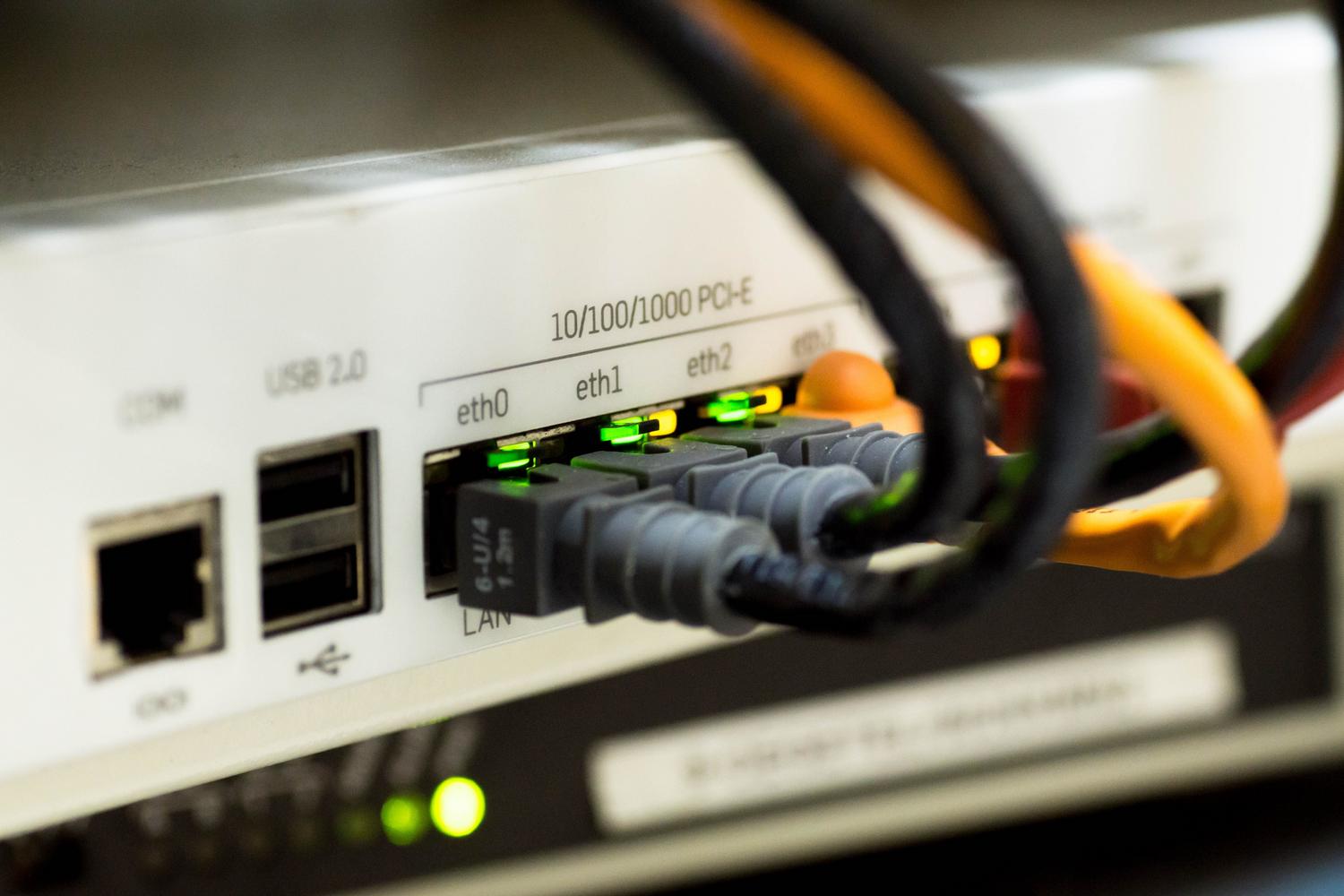
If you have rooms where the Wi-Fi signal is terrible, your old router can be used to extend wireless coverage . The best way to do this is with an Ethernet cable running from the main router to the repeater, ensuring no speed loss. If you don't have any cabling in your home, you can use powerline adapters (PLCs) or even a long cable laid on the floor, although it's less aesthetically pleasing.
In the setup, some models have a built-in "Repeater" mode that simplifies everything. If not, you'll have to do it manually: change the IP address, disable DHCP, and configure the Wi-Fi . This way, the old router receives the signal and redistributes it, also allowing you to use its Ethernet ports to connect devices in that area of the house.

Other creative uses for old hardware
Beyond simply extending the network, there are more advanced projects for these devices. If the router has a USB port, we can connect a hard drive and set up a basic NAS to share movies or create backups on the local network. It's also possible to configure it as a print server if we have an older printer without network connectivity.
For the more adventurous, installing open-source firmware like OpenWRT, DD-WRT, or Asuswrt Merlin opens up a world of possibilities. With these systems, we can set up a VPN server to securely access our home from outside or even create an isolated guest network, preventing unauthorized access to our private files.

Options for gamers and experimenters
If you enjoy video games, you can set up a LAN party with your friends . All you need is your old router and cables for each PC. Assign static IPs to each one, and you've got a local network for playing games without needing the internet. It's also the perfect device for practicing network configurations or flashing firmware without worrying about cutting off the internet connection for the whole family.
Risks and disadvantages to consider
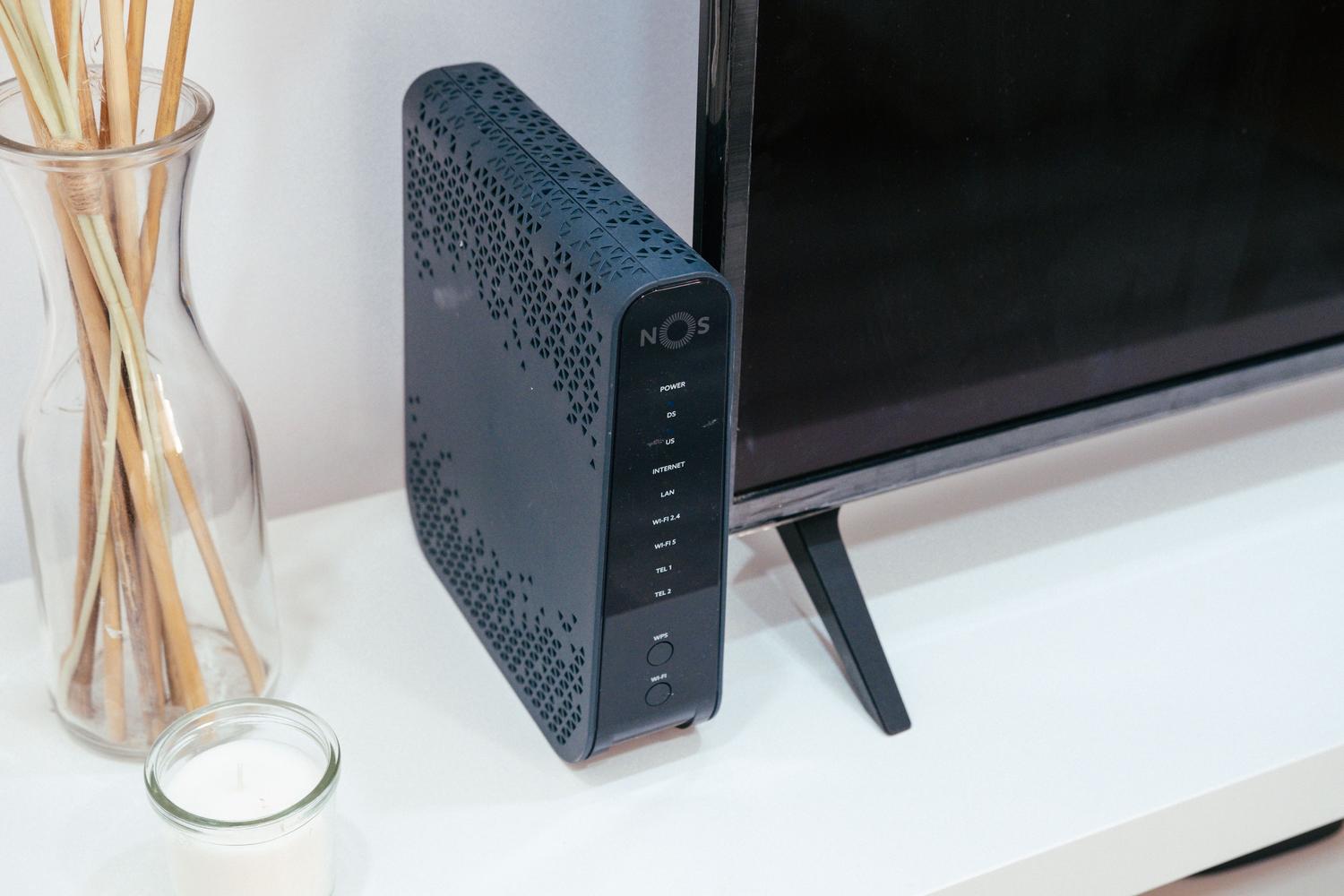
It's not all sunshine and rainbows. Using outdated equipment can lead to security problems, as older encryption protocols like WEP or WPA are very easy to hack these days. If your router doesn't support WPA2 or WPA3, leaving Wi-Fi on is risky.
There's also the issue of performance. If the router has Fast Ethernet ports, you'll be limited to 100 Mbps , which is a bottleneck if you have a 600 Mbps or 1 Gbps fiber connection. Furthermore, it consumes more power than a modern switch, and there's a possibility that the internal capacitors will fail over time, causing random restarts or dropped connections under load.
If you ultimately decide it's no longer useful, don't throw it in the regular trash. The correct thing to do is recycle electronic devices responsibly or try to sell it on platforms like Wallapop. And remember to always access the system menu and clear the router's history so no one can access your personal data.
Recycling an old router allows you to optimize home connectivity by creating home switches, extending the WiFi signal, or implementing services like NAS and VPN, provided that IP and DHCP are managed correctly to avoid conflicts, assuming that there are security and speed limitations compared to current equipment.
