- Analysis of the most effective AI tools for synthesizing documents, from quick assistants to in-depth research platforms.
- Advanced prompting methodologies to extract specific and structured data instead of generic summaries.
- Fundamental security criteria and human verification to avoid errors in legal or financial documents.
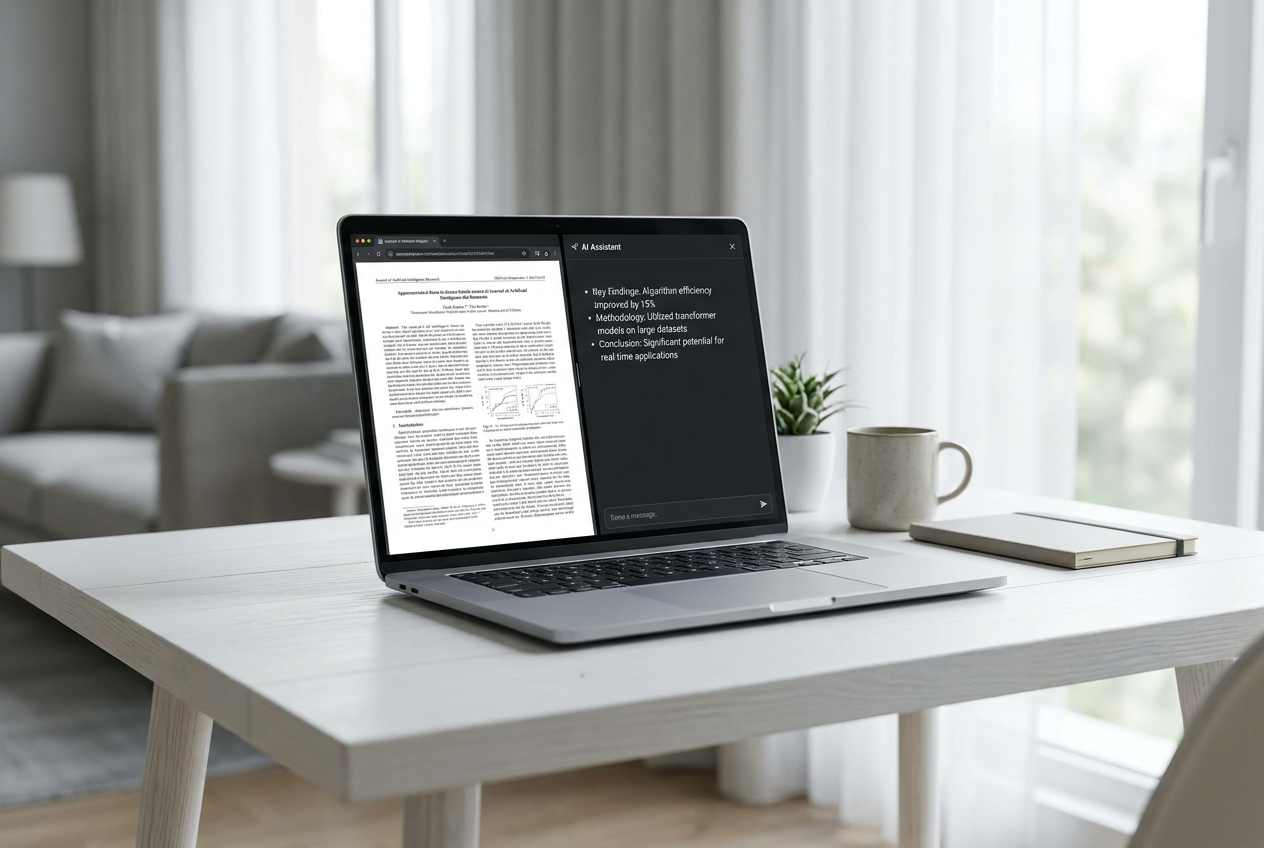
I'm sure it's happened to you: a fifty-page report or a dense academic article lands in your mailbox, and you simply don't have the time to read it word for word. The good news is that you no longer need to spend hours underlining paragraphs; artificial intelligence is here to make our lives easier, allowing us to extract the essential information from any document in a matter of seconds.
But be aware, it's not just a matter of uploading a file and clicking a button. To get the most out of these tools and ensure you don't miss any important details, you need to know how to ask questions and which tool to choose based on your needs. Whether you need a quick outline for an exam or a comprehensive analysis for a business decision, here's everything you need to know to master AI-powered PDF summarization.

The best AI options based on your profile

Not all tools are created equal. Depending on whether you're a student, a researcher, or a corporate professional, one tool will suit you better than another. Here's a breakdown of the most powerful options currently available:
- iWeaver: It's the crown jewel for those who manage complex workflows with multiple files. It doesn't just summarize a text; it allows you to upload several PDFs to compare findings or extract common risks across different documents. Furthermore, it features OCR, meaning it can read Scanned PDFs without ruffling.
- ChatPDF: Ideal for those seeking immediacy. Its strength lies in its ability to chat with the documentThe most useful thing is that it includes direct references to the original page, allowing you to jump to the source text to verify that the AI isn't making things up.
- Adobe Acrobat AI Assistant: The logical choice if you already use the Adobe ecosystem. It allows you to summarize sections and navigate through the content. without leaving the PDF readermaintaining a smooth and consistent workflow.
- NotebookLM: Perfect for in-depth research. This Google tool organizes various sources (PDFs, websites, notes) into a notebook, allowing you to ask questions that connect information from different files.
- Claude: He stands out for his flexibility and analytical skills. More than a summarizer, he's an analyst you can ask to... rewrite technical sections for someone who doesn't know about the subject or who creates detailed comparative tables.

How to get professional (error-free) resumes
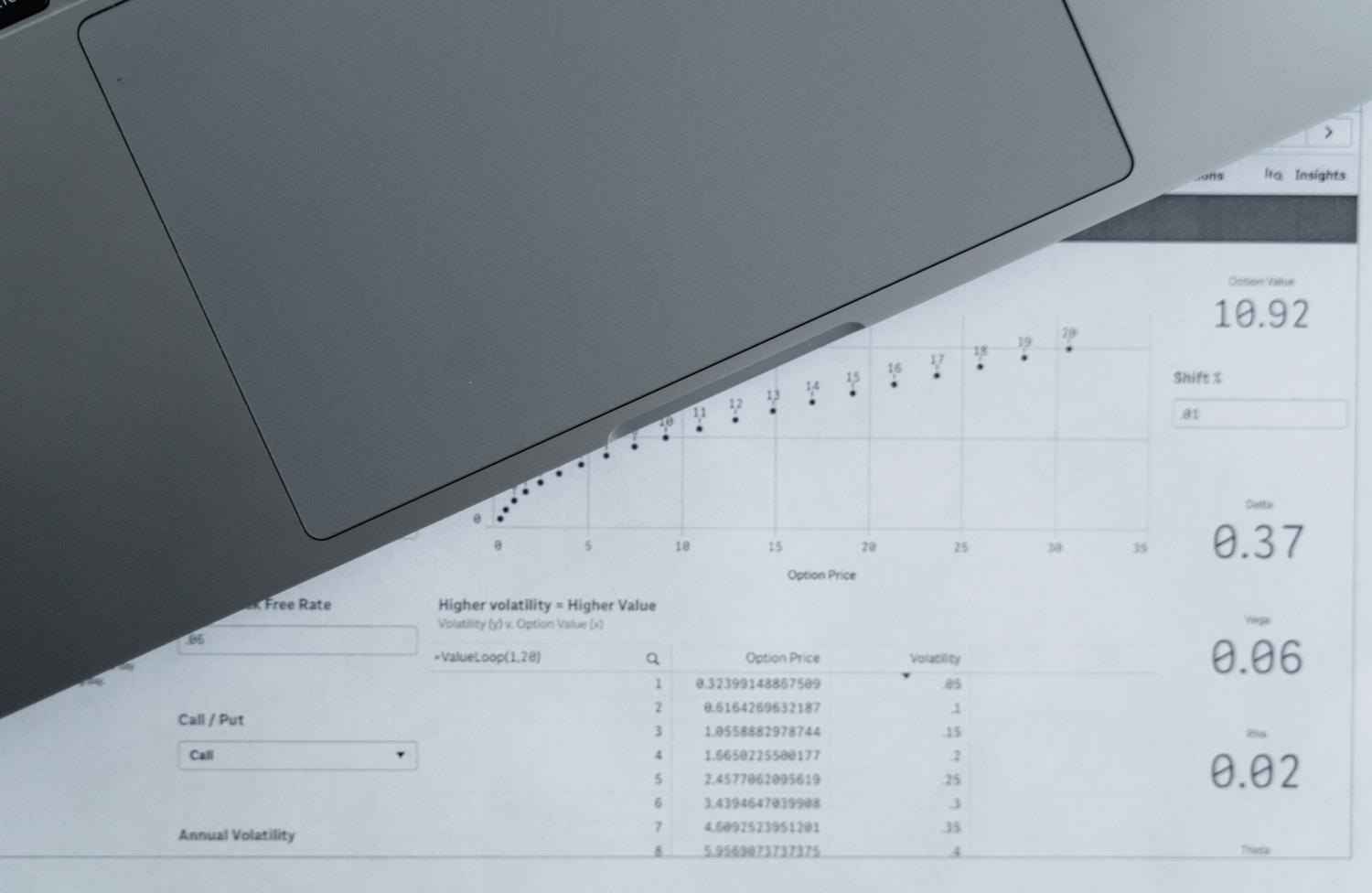
If you simply ask AI to "summarize this PDF," you'll likely get a mediocre and generic result. To achieve something truly useful, it's best to follow a structured, step-by-step process :
First, define the objective. Summarizing for a strategy meeting is not the same as summarizing for an exam. Tell the AI, "I'm reviewing this report to decide on investing in X; give me the key numbers and risks ." By providing context, the machine knows what to filter and what to discard.
Second, request a document map. Before moving on to the conclusions, ask for a section-by-section outline . This allows you to understand the document's hierarchy and decide if any specific parts require further analysis.

Third, opt for structured formats. Instead of a block of text, request that the information be organized into clear sections : purposes, findings, recommendations, and limitations. This makes reading much more efficient and productive.
Effective prompts for different scenarios

- For executive reports: "Summarize this for an executive with only 5 minutes available. Highlight the five most critical findings and the urgent decisions that need to be made."
- For legal contracts: "Extract the parties involved, payment terms, termination clauses and penalties. Remember, I'm not looking for legal advice, just a summary of key points."
- For market research: "Focus on the size of the sector, emerging trends and the behavior of the competition, including all relevant statistics."
- To compare files: "Create a comparative table between these documents that includes points of agreement and contradictions«.

Precautions and common mistakes
Despite how brilliant these tools are, they are not infallible. A very common mistake is blindly trusting the summary . AI can miss important nuances or misinterpret complex tables. It is vital to refer back to the original PDF whenever dealing with financial figures, deadlines , or contractual language.
Another common mistake is ignoring visual elements. Much of the valuable information resides in charts and footnotes. Don't forget to specifically ask the AI to analyze tables and figures so that the hard data isn't lost.
Regarding privacy, always remember to check that the tool you use handles your data securely, especially if you are dealing with confidential company documents or sensitive personal data.
Additional features to consider
Today, many of these platforms are part of more comprehensive suites. For example, some integrate summarization with tools for converting PDFs to audio , editing, or signing PDFs, centralizing all the work in one place. It's also important to consider whether the tool allows you to choose the AI model, as this can influence language accuracy and summarization capabilities depending on the text's complexity.
Using artificial intelligence to process documents allows us to move from passive reading to active, targeted research . By combining the power of tools like ChatPDF, iWeaver, or Claude with a methodology of precise questioning and manual verification of critical data, we transform a tedious file into a source of immediate value for our decision-making.
