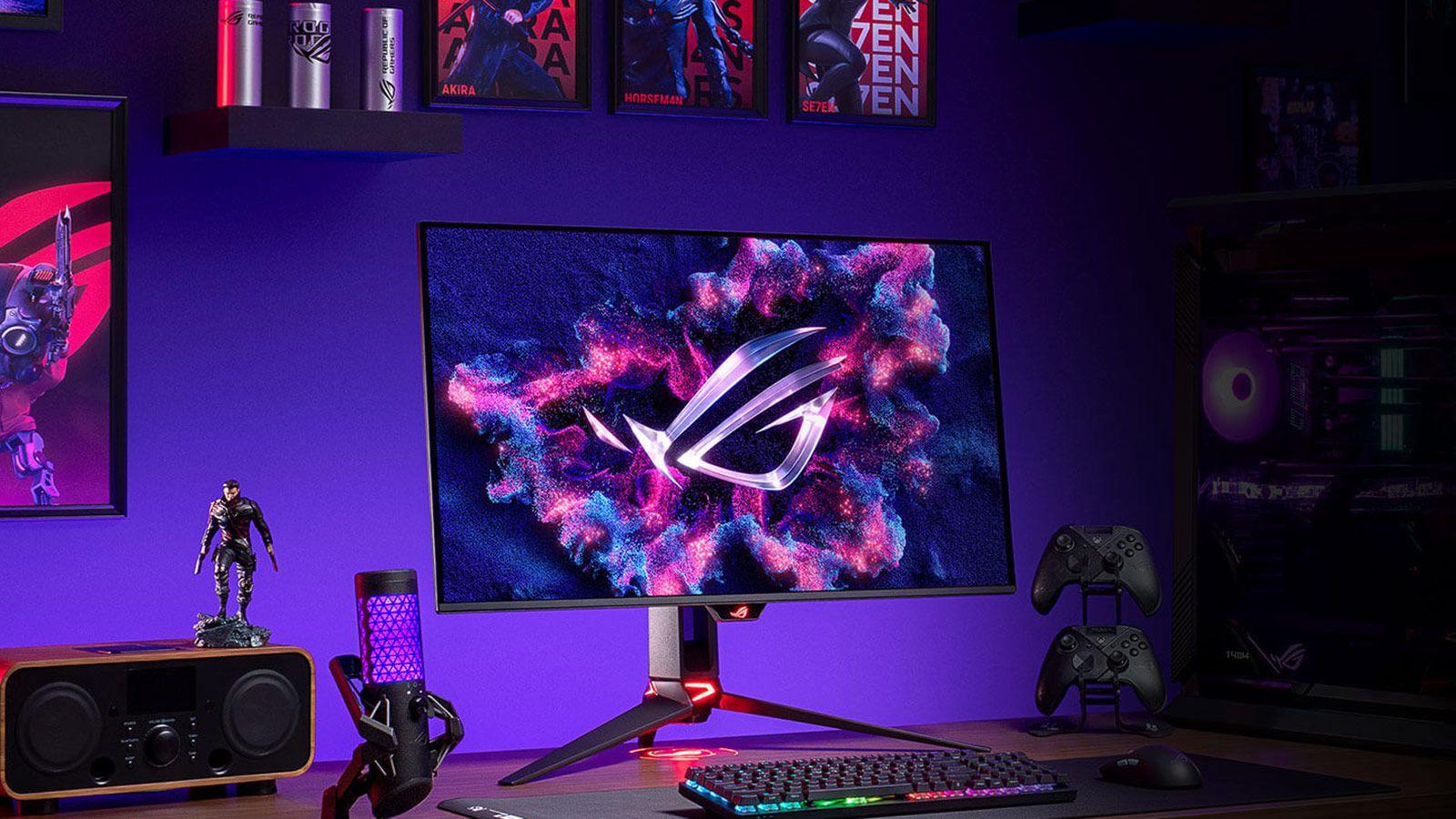
OLED gaming monitors have gone from being an expensive luxury to a very serious option for anyone who wants the best possible image quality on their desktop. In recent months, 27, 32, and even 45-inch models have been arriving, with extremely high refresh rates, 4K resolutions , and a host of extras that were unthinkable in a monitor just a few years ago.
After analyzing what the leading brands are offering and seeing what's being said in long-term user tests, it's clear that not all OLED TVs are created equal or suited for the same purpose . There are models designed for top-level competition, others that are almost like 4K Smart TVs with gaming features, and some that aim to be versatile enough for working, gaming, and watching movies on the same screen.
What does an OLED gaming monitor really offer compared to an LCD?
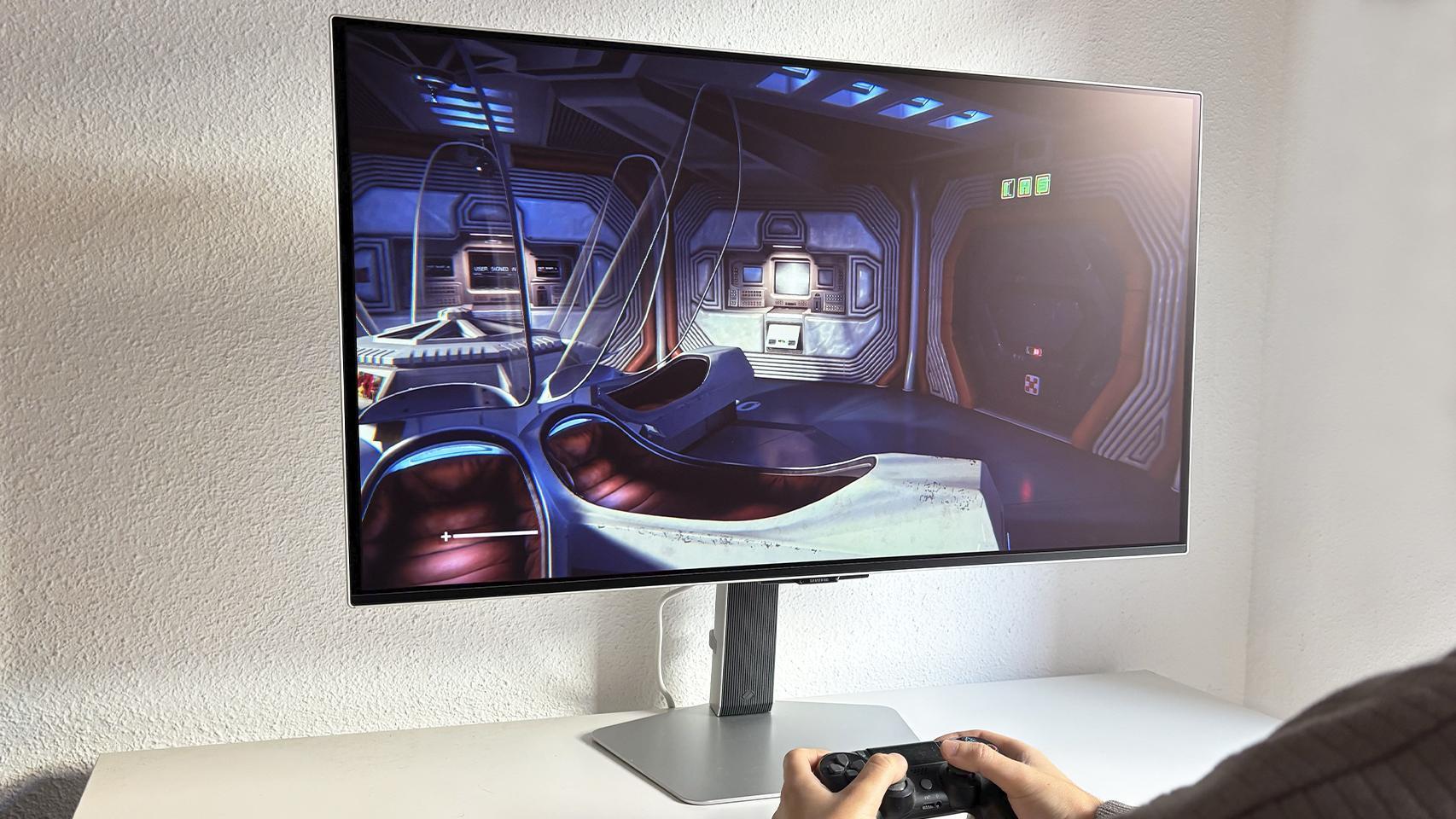
When you look at prices, it may be surprising that a 27-inch OLED with 1440p resolution costs around 600 euros while a similar LCD is below 300 , but the difference is not just marketing: the visual experience changes completely.
The first major advantage is the pure blacks and virtually infinite contrast . Each pixel turns on and off independently, so instead of the dark grays typical of many LCDs, on an OLED dark scenes have real depth and a much greater sense of immersion, especially in games and movies.
In addition, OLEDs offer superior color reproduction and HDR compared to conventional panels . Many OLED gaming monitors cover around 99% of the DCI-P3 color space, come factory-calibrated with Delta E < 2, and support certifications such as DisplayHDR True Black 400 or 500, resulting in more accurate colors and more vibrant highlights.
In the realm of pure gaming, the combination of ultra-fast response time and high refresh rates is where they truly shine. Most of these monitors move pixels in 0,03 ms or even 0,01 ms, far faster than what LCDs typically offer. In competitive shooters, racing games, or titles with a lot of movement, the sharpness of the motion and the absence of ghosting make all the difference.
In addition, many OLED models already offer refresh rates of 240 Hz, 360 Hz and even 480 Hz , which, together with technologies such as AMD FreeSync Premium (or Premium Pro) and NVIDIA G-SYNC Compatible, allows for tear-free and incredibly smooth gameplay, provided the PC is up to the task.
The other side of the coin is the more limited maximum brightness compared to some LCDs, something that is especially noticeable in very bright rooms. In those scenarios, an OLED panel might fall a bit short if you're looking for an extremely bright image, while in controlled environments or dark rooms it performs spectacularly.
It's also important to be aware of the risk of burn-in or image marking when static elements (HUDs, taskbars, program interfaces) are left on screen for extended periods. In games with a fixed HUD that cannot be hidden, that part of the image is susceptible to uneven panel wear.
The good news is that manufacturers have developed increasingly aggressive systems to prevent burn-in : subtle image displacement (screen move), periodic panel refreshes, spot brightness limiters, algorithms that detect and dim static logos, and specific warranties that cover burn-in for several years.
In any case, while an OLED gaming monitor can be used for everything, it's not always the best option for long hours of pure office work , especially if you're working with interfaces full of static elements. For video or photo editing, it can make a lot of sense due to its color accuracy and contrast.
When is an OLED gaming monitor worth it and when isn't it?
The decision to switch to OLED depends heavily on how and where you're going to use the monitor . It's not the same for a competitive gamer in a dark room as it is for someone who plays occasionally in a very bright living room.
It's especially worthwhile if you're not on a tight budget and really want to improve your viewing experience . If you're looking for a screen larger than 24 inches, appreciate perfect blacks, play a lot in low-light environments, and value both video games and movies or TV shows, an OLED gaming monitor will put a smile on your face every time you turn it on.
Conversely, it might not be worth it if budget is a major concern and every euro counts , if you play or work in a room flooded with natural light, or if you find overly large screens uncomfortable and can't go above 24 inches. In those cases, a good mid-range IPS or VA panel might make more sense.
It's also important to consider how much you're worried about burn-in. If the idea of any potential burn-in, however remote, bothers you, and you know you'll be using the monitor for many hours with static elements (bars, HUDs, static windows), a high-quality LCD might give you more peace of mind, even if it doesn't offer the same contrast.
Anyone who knows they're going to combine competitive gaming, movies, TV series, and some creative work, who wants a reference image and can pay a little more, is exactly the profile these latest generation OLED gaming monitors are aimed at .
ASUS ROG Swift OLED PG32UCDM: the 32-inch all-rounder
Among all the current models, one of the most frequently mentioned as a reference is the ASUS ROG Swift OLED PG32UCDM , a monitor that stands out for doing practically everything well and aiming directly at the super high-end range.
This model features a 32-inch, 3rd generation QD-OLED panel with a 16:9 aspect ratio, 4K UHD resolution, and a 240Hz refresh rate. It offers smooth and sharp motion and is compatible with both AMD FreeSync Premium Pro and NVIDIA G-SYNC , so it works well with any modern GPU.
ASUS delivers it with a very finely tuned factory calibration , which is appreciated if you don't want to bother measuring color profiles. On paper, its color space coverage and image uniformity place it among the best in its class, both for gaming and demanding HDR content.
One of the distinguishing features of this PG32UCDM is the custom heatsink with a graphene plate inside. This cooling solution keeps the panel cooler, reduces the risk of heat retention and burn-in, and at the same time maintains maximum brightness during long sessions without the thermal protection kicking in too quickly.
In terms of extras, ASUS includes its DisplayWidget Center software , which simplifies monitor adjustments from Windows without having to struggle with the OSD, and adds specific gaming and image modes. Furthermore, it's one of the very few monitors that already offer Dolby Vision compatibility , a feature still rare in desktop displays.
In terms of price, it's not exactly cheap, and it's true that ASUS usually positions itself slightly above the competition. In return, it offers a mix of features, image quality, advanced cooling, and extras that make it one of the most complete candidates if you want a 32-inch 4K OLED TV that can do absolutely everything.
Philips Evnia 32M2N8900: understated design and high-quality QD-OLED
If what puts you off about some gaming monitors is their overly aggressive look with futuristic lights and shapes , the Philips Evnia 32M2N8900 is a very interesting alternative that opts for a much more discreet design.
This model features a 31,5-inch QD-OLED panel with 4K UHD resolution , a 240Hz refresh rate, and a 0,03ms response time. In practice, it offers the perfect combination of definition and fluidity for AAA and competitive gaming, while maintaining the contrast and color advantages typical of QD-OLED displays.
The screen offers true 10-bit color depth and Philips' Ultra Wide-Color technology, which expands the color gamut for a more vibrant and saturated image without overdoing it. This makes it ideal for HDR content, movies, and photography, as well as gaming.
In terms of additional functionality, it boasts a fairly comprehensive connectivity suite and Philips' Ambiglow lighting system, which projects ambient light around the screen to enhance immersion. It also incorporates a graphene layer to help dissipate heat and reduce the risk of burn-in.
Philips also offers a dedicated application to control monitor options from Windows , which makes it much easier to adjust image parameters, change profiles, or activate game modes without having to touch physical buttons.
It's a monitor that has surprised many in tests because it exceeds what many people expect from the brand in the gaming segment and holds its own perfectly with better-known options, while maintaining a more understated and elegant aesthetic.
MSI MPG 271QR QD-OLED X50: 500 Hz of competitive madness
If your absolute priority is competitive performance and you prefer more compact screens, the MSI MPG 271QR QD-OLED X50 is aimed directly at that niche of gamers who want to squeeze every possible hertz out of their system.
This is the first 27-inch QD-OLED gaming monitor with 2K (1440p) resolution and real-time human detection . Its main selling point is a 500Hz refresh rate, an insane figure even by today's standards, placing it at the forefront of the most demanding eSports.
The 4th generation QD-OLED panel delivers exceptional image quality despite its focus on pure performance , with deep blacks, vibrant colors, and virtually instantaneous response times. It doesn't sacrifice contrast for speed, something that was previously common in purely competitive monitors.
MSI has gone all out with panel protection, incorporating the MSI OLED Care 3.0 feature set , which integrates several automatic mechanisms to minimize retention and burn-in ( periodic cleaning , pixel movement, brightness management in static elements, etc.).
In terms of certifications, it boasts a VESA ClearMR 21000 rating, guaranteeing extremely low motion blur, and DisplayHDR True Black 500 for demanding HDR content. Connectivity is also state-of-the-art, with DisplayPort 2.1 and USB-C up to 98W for powering laptops while using the monitor.
It's the kind of model that becomes a must-have if you're into competitive shooters like Valorant, CS, or similar games, and you want a 27-inch screen where the absolute priority is to see and react before anyone else, but without sacrificing great image quality.
MSI MPG 321CURX: curved option for 32-inch
Those who don't want to give up the curved screen but aren't keen on ultra-wide monitors of 34 inches or more have a very balanced option in the 32-inch format in the MSI MPG 321CURX.
This monitor features a 3rd generation QD-OLED panel with a 1700R curvature , which is smooth enough not to be extreme, but does help improve immersion compared to a completely flat screen, especially in driving games or first-person adventures.
Otherwise, it comes well-equipped: 4K UHD resolution, 240 Hz refresh rate, 0,03 ms response time , and ClearMR 13000 and DisplayHDR True Black 400 certifications. This combination places it among the most advanced curved monitors on the market in its range.
MSI boasts excellent color coverage and solid factory calibration , making it perfectly suitable for content creation tasks as well. Added to this is a 3-year warranty specifically for the OLED panel, covering burn-in, a reassuring feature if you plan on using it for many hours a day.
In terms of connectivity, the USB-C with 98W Power Delivery is impressive , ideal for connecting a laptop and charging it while you work or play, reducing cables and leaving your desk cleaner.
If you're looking for a high-end 32-inch curved 4K TV that's equally suitable for gaming, work, and leisure, this MPG 321CURX is one of the most complete options currently available in the curved QD-OLED universe.
LG 32GS95UV-B: Dual-Mode for maximum versatility
Within LG's catalog, the LG 32GS95UV-B stands out for offering a Dual-Mode designed for those who alternate between competitive gaming and visual enjoyment without wanting to compromise on anything.
The key to Dual-Mode is that it allows you to switch between 240 Hz at 4K or 480 Hz at 1080p . In other words, you have two very different configurations on the same monitor: one focused on absolute image quality with high resolution and another on extreme frame rates for competitive games.
The panel is a 34-inch 4K UHD OLED with MLA+ technology , based on a Micro Lens Array to improve brightness efficiency and uniformity. In terms of compatibility, it supports AMD FreeSync Premium Pro, NVIDIA G-SYNC, and VESA AdaptiveSync certification, so it integrates well with any ecosystem.
In terms of connectivity, it features HDMI 2.1 ports, which are now essential if you want to take advantage of next-generation consoles at 4K and high refresh rates, in addition to the usual DisplayPort input for PC.
LG has cut corners in some areas, such as the lack of a USB-C port , which some may consider a drawback if they're looking for a monitor that also functions as a modern desktop hub. Even so, when it comes to what matters for gaming and enjoying content, it excels.
It's a particularly attractive screen for those who want to use it with both PC and console, mixing competitive gaming with more cinematic experiences, and who appreciate being able to literally switch modes with a couple of taps on the OSD.
LG UltraGear 45GX950A: the ultra-wide monster
At the most extreme end of the spectrum, we find the LG UltraGear 45GX950A, a monitor that stands out as one of the most ambitious OLED gaming monitors on the market, both in terms of size and price.
What makes it unique is its combination of a 45-inch diagonal screen with a 21:9 aspect ratio and 5K resolution , a configuration with virtually no direct rivals. It's a format designed for both immersive gaming and advanced productivity with ample horizontal screen space.
The panel utilizes MLA+ (Enhanced Micro Lens Array) technology , which improves brightness, efficiency, and uniformity while maintaining deep blacks and exceptional contrast. It is, in essence, a reference panel for those seeking the most cutting-edge ultrawide OLED gaming technology LG has to offer.
Its main drawback is obvious: it's probably one of the most expensive monitors on the market right now . It's clearly aimed at enthusiast users who don't mind paying a very high price for a highly exclusive experience.
If it fits your budget and you have the desk space, it offers a nearly unique experience for both gaming and multitasking, with the ideal curve and width to make you feel like you're inside the scene.
ASUS ROG Strix XG27AQWMG: 4th generation OLED RGB tandem
Among the 27-inch models with the latest panels, the ASUS ROG Strix XG27AQWMG is a good example of what the 4th generation of OLED gaming with LG Display's primary RGB tandem technology is achieving.
This monitor features a 4th generation glossy OLED True Black panel , which translates into perfect blacks, very deep colors, and an improvement over previous generations in brightness, uniformity, and text handling.
Users who have upgraded from 60Hz VA monitors to this XG27AQWMG highlight the impressive brightness for all types of use : office work, web browsing, Google Docs, spreadsheets, email, and, of course, video games. Even in brightly lit rooms, the screen maintains accurate colors and truly deep blacks.
One of the improvements over QD-OLED panels is the absence of the purple haze and raised blacks that some users criticize in the latter. Here, the black remains deep even in ambient light and without any strange color artifacts.
In terms of performance, the panel offers a 0,03 ms response time and a 280 Hz refresh rate , a huge leap compared to any traditional 60 Hz display. In modern shooters like Battlefield, gameplay feels extremely smooth and responsive.
Another much-discussed aspect is the improvement in text fringing, or color haloing in fonts , a problem that plagued several generations of desktop OLED displays. With this XG27AQWMG, LG Display has significantly reduced the issue, and users who work eight hours a day with productivity tools report that it is no longer bothersome.
In terms of comfort, those who use it for both work and play report that they have not noticed significant eye strain even after long sessions, something that is always a concern when making the switch to new panel technologies.
Other notable OLED models in the gaming market
Beyond the big names like ASUS, MSI, LG, or Philips, there are several OLED monitors that have been gaining ground and have become benchmarks in different price and format segments.
One of the most highly recommended entry-level options is the 27-inch ASUS ROG Strix OLED XG27AQDMG . It features a 3rd generation LG WOLED panel with QHD resolution (2560 x 1440), a 240Hz refresh rate, a 0,03ms response time, G-SYNC and FreeSync Premium compatibility, and a price that often falls below 600 euros.
This model includes a custom heatsink to reduce temperatures and a set of technologies aimed at protecting the OLED: anti-flicker, OLED Care system against burn-in, DisplayWidget Center to control functions from software and ROG Gaming AI technology, in addition to the well-known ELMB to reduce motion blur.
In the ultrawide segment, one of the pioneers was the 34-inch Dell Alienware AW3423DWF , featuring a Samsung QD-OLED panel, WQHD (3440 x 1440) resolution, 165 Hz, 0,01 ms response time, FreeSync Premium Pro and G-SYNC compatibility, and peak brightness of up to 1000 nits with HDR10 or DisplayHDR True Black 400 enabled.
This Alienware offers 99,3% DCI-P3 color coverage, Delta E < 2 , and an anti-glare coating on a glossy panel. It also includes features like a "night vision" mode to enhance detail in dark scenes and the AlienFX lighting system. Connectivity is ample, with multiple DisplayPort ports, HDMI 2.1, USB 3.2, and an audio output.
Among the latest 4K alternatives, the 31,5-inch AOC AGON AG326UD stands out , using a Samsung QD-OLED panel (2024 generation) with 4K resolution, 165 Hz, 0,01 ms response time, 99% DCI-P3 coverage and up to 1000 nits of peak brightness.
This AOC monitor features a matte, anti-glare finish , AMD FreeSync support, and dedicated gaming modes such as Frame Counter, Game Color, and Low Input Lag, in addition to its OLED Care system and DisplayHDR True Black 400. It also includes Wide Color Gamut technology to further expand color coverage.
In a more compact size but with an obsession for refresh rate comes the LG UltraGear 27GX790A-B , a 27-inch monitor with a 26,5″ OLED panel and MLA+ technology, 1440p resolution, 480 Hz refresh rate, and 0,03 ms GtG response time. This monitor reaches up to 1300 nits peak brightness, 98,5% DCI-P3 color gamut coverage, support for FreeSync Premium Pro, G-SYNC Compatible, hardware calibration, and DisplayHDR True Black 400.
The 27GX790A-B also includes DisplayPort 2.1, HDMI 2.1, and a full suite of burn-in protections : VESA ClearMR 21000, Dynamic Action Sync, OLED Screen Move, Screen Save, and Image Cleaning, along with the LG Switch app for advanced control. Its biggest drawback is the price, close to €900, which clearly places it in the realm of enthusiasts who absolutely require 480Hz.
Another 32-inch model to keep an eye on is the Dell Alienware AW3225QF , featuring a 4K QD-OLED panel, 240Hz refresh rate, 0,03ms response time, up to 1000 nits brightness, G-SYNC compatibility, Dolby Vision support, and DisplayHDR True Black 400 certification. It boasts a 1700R curvature, 99% DCI-P3 color gamut coverage, Delta E < 2, and a highly effective anti-glare coating.
The AW3225QF adds an unusual feature: an integrated Dolby Atmos decoder , designed to create a near-cinematic multimedia experience around the monitor. It includes HDMI 2.1 support for 4K output at 120Hz on consoles, as well as DisplayPort, multiple USB 3.2 ports, and VESA 100 x 100 mount support. Dell also offers the Premium Panel Exchange service, which covers OLED burn-in during the warranty period.
Samsung Odyssey OLED G8: when the monitor also functions as a Smart TV
A particular case within the OLED gaming ecosystem is the Samsung Odyssey OLED G8 , which mixes a high-level monitor with Smart TV functions, creating a rather curious hybrid product.
This is Samsung's first 32-inch 4K UHD OLED gaming monitor . The panel's image quality is so impressive that the system immediately suggests downloading video streaming apps upon turning it on, as it's clearly designed for watching series and movies without needing to connect an external device.
In terms of design, the Odyssey OLED G8 boasts a striking metallic finish and a robust stand that requires a fair amount of desk space. It's one of those monitors that commands attention even when switched off, thanks to its premium aesthetic.
In terms of pure visual experience, the OLED panel offers vibrant colors, excellent shadow detail, and crisp dark scenes . The matte finish helps minimize reflections and enhances immersion, especially in brightly lit rooms. It features the integrated NQ8 IA Gen3 processor, capable of upscaling content to 4K quite effectively.
In the gaming arena, it more than delivers with a 240Hz refresh rate and 0,03ms response time , guaranteeing no perceptible lag and incredibly smooth movement in fast-paced titles. Furthermore, it integrates access to cloud gaming platforms like Luna, Xbox Cloud Gaming, and GeForce NOW, allowing you to stream games without a console or PC.
When connecting controllers, you can use console controllers or even your mobile phone as a controller via an app . The latter option works, although for long sessions a dedicated physical controller is still ideal.
In terms of physical connectivity, it includes two HDMI 2.1 ports, two USB ports, and a DisplayPort input , making it easily compatible with PCs and consoles. It also features integrated speakers with more than decent sound quality for a monitor, further reinforcing its all-in-one appeal.
For desktop use, the Odyssey OLED G8 offers various connection and screen mirroring options , from apps like Easy Connection to Screen to the classic HDMI. When placed on your desk , it's almost like working with two monitors simultaneously, thanks to its size and resolution.
It runs on Tizen OS, the same as many Samsung Smart TVs, giving you access to TV channels, video-on-demand apps, and extras like Samsung Daily+, with personalized workout routines. All this raises the big question of where to put it at home: in the living room, as a TV replacement, or on your desk, as a full-featured monitor.
It doesn't reach the 2000 nits of brightness that some of the brand's TVs can achieve; here, the brightness hovers around 250 nits , sufficient for most uses but clearly below that of top-of-the-range TVs. It's not exactly cheap compared to other gaming monitors, but it's worth considering that it can replace a monitor, Smart TV, and work screen all at once , which changes the perception of its cost.
Guarantees, cooling, and long-term use: Is it safe to bet on OLED?
One of the recurring concerns with OLED monitors is whether they will withstand the test of time without burn-in , especially if used for many hours a day with static interfaces. Each brand is approaching protection differently, with both hardware and software solutions.
ASUS, for example, has turned its advanced cooling system and extended warranties into a key selling point . In models like the PG32UCDM, the company uses specific cooling systems and offers international warranties of up to 3 years that include burn-in coverage, providing considerable peace of mind.
As we have seen, MSI has developed several versions of its MSI OLED Care , which in the 3.0 iteration of the MPG 271QR QD-OLED X50 applies very aggressive algorithms to reduce the risk of burn-in, slightly moving the image, cleaning the panel periodically, and managing brightness according to the type of content.
LG, for its part, combines physical technologies such as MLA+ with protective features like OLED Screen Move, Screen Saver or Image Cleaning , in addition to certifications such as VESA ClearMR and systems to reduce input lag while maintaining defenses against burn-in.
Manufacturers like Dell rely on both software protection and specific warranty programs such as the Premium Panel Exchange , which replaces the panel in case of burn-in within the warranty period without too much drama for the user.
The accumulated experiences of prolonged use, such as those of users who have been using models like the ASUS PG32UCDM for over a year and more than 1200 hours without any signs of burn-in , help to reinforce the idea that, with minimal care and using the integrated protections, today's gaming OLEDs are much safer than they were a few years ago.
With all the advancements in QD-OLED and WOLED panels—the improved brightness, enhanced desktop text clarity, and enhanced burn-in protection—the current situation is very different from that of the first generation of OLED displays. Today, those seeking the best contrast, the greatest immersion, and breathtaking gaming performance have a wide range of options in almost every size and format, provided they are prepared for the higher price compared to an LCD and carefully consider their usage environment and daily needs.
