- Containers share the kernel with the host, so their isolation depends on namespaces, cgroups, and system hardening.
- Podman provides extra security compared to classic Docker by avoiding a central root daemon and facilitating rootless execution.
- The bridge, host, and rootless networks (slirp4netns, paste) in Podman allow you to adjust the balance between connectivity and isolation.
- Combining KVM, containers and best practices (rootless, MAC, seccomp, image scanning) provides a robust platform for production.
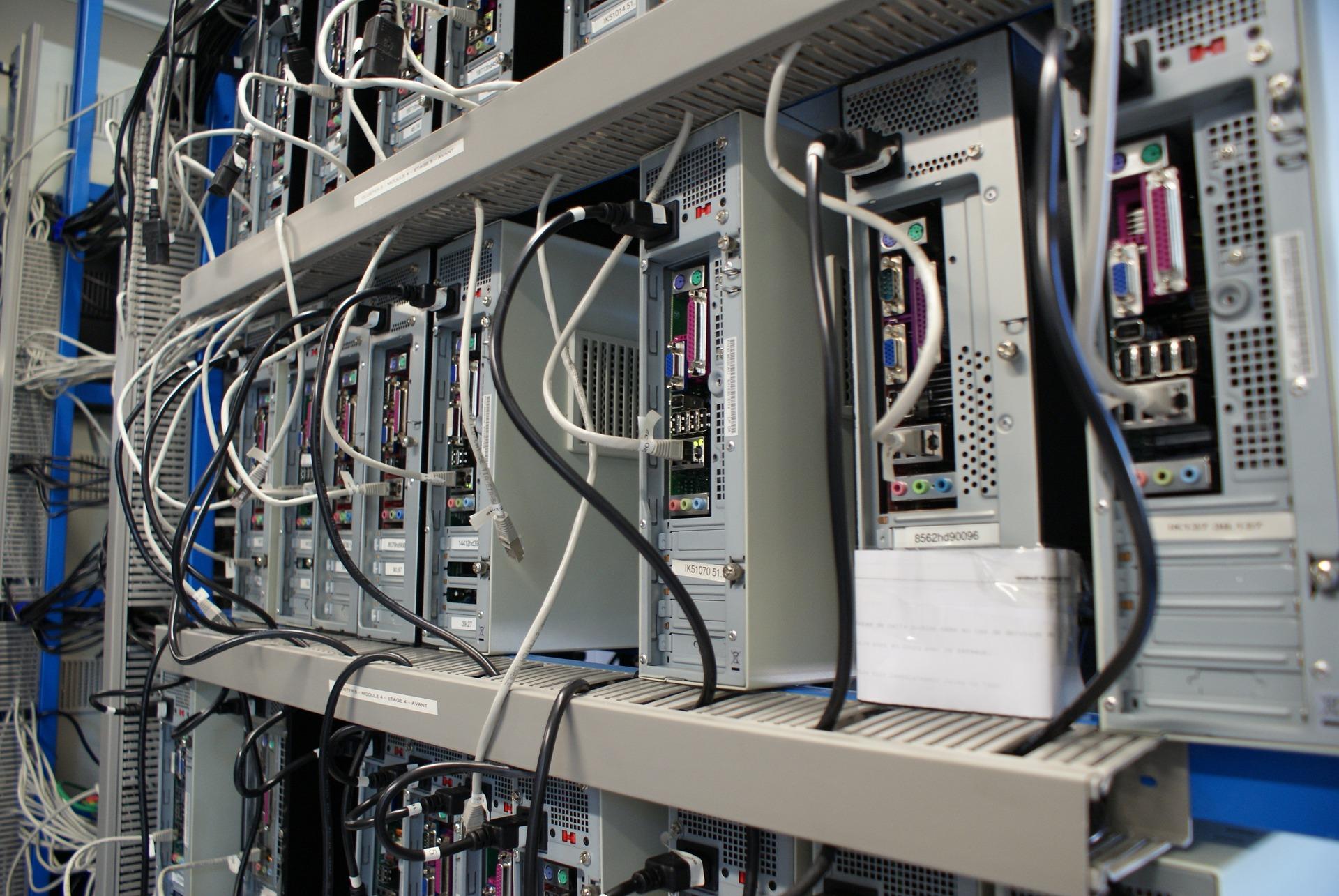
When you start setting up a serious container environment on Linux, the same question immediately arises: to what extent is it safe to rely solely on containers, and when is it advisable to upgrade to KVM or micro-VMs? In corporate environments, where Docker, Podman, LXC, KVM virtual machines, and various hypervisors are mixed together, a solid understanding of the isolation model is key to avoiding mistakes.
Furthermore, somewhat complex scenarios are not uncommon, such as trying to use Docker Desktop or Podman within a virtual machine in VirtualBox or KVM , where several levels of virtualization (nested or not) come into play, and it's easy to encounter errors like "KVM is not enabled on the host." Let's organize all these pieces—containers, VMs, Podman, KVM, networking, and security—and see how to combine them to achieve truly secure and practical virtualization.
Classic virtualization with KVM and virtual machines
The foundation of this whole setup remains the complete virtualization of operating systems using hypervisors such as KVM, Xen, or ESXi . Here, the physical hardware runs a hypervisor that is responsible for "splitting" the machine into several independent virtual machines.
In this model, each virtual machine boots its own kernel and guest operating system , completely separate from the host. The hypervisor (for example, KVM, integrated into the Linux kernel) acts as a gatekeeper between the hardware and the VMs, and is responsible for the strong isolation between them.
We generally talk about two types of hypervisors: Type 1 or bare metal hypervisors, which run directly on the hardware, and Type 2 hypervisors, hosted on top of an existing operating system. VirtualBox or VMware Workstation would be Type 2 , while a KVM managed by libvirt on a Linux server is closer to a Type 1 scenario, even though it shares space with the host itself.
The biggest benefit of this approach is that each VM has its own complete stack: kernel, user space, services, network, and storage . This provides a lot of flexibility and the ability to run different operating systems and kernel versions on the same physical machine.
To manage these virtualized platforms in GNU/Linux, libvirt is almost always used as an orchestration API , on top of which graphical and command-line tools are supported, or larger projects like OpenStack, which builds complete clouds by combining VMs, bare metal and containers.
Hardware requirements and common problems with KVM
Before running KVM or using solutions that depend on it (such as some Docker Desktop or micro-VM configurations), you need to make sure that the processor supports hardware virtualization (VT-x on Intel or SVM/AMD-V on AMD) and that it is enabled in the BIOS/UEFI.
In Linux, we have a quick check: if the command `grep -E 'svm|vmx' /proc/cpuinfo` returns nothing, or the option is still disabled in the firmware, KVM will not work. Furthermore, in scenarios where we will run VMs inside another VM (nested virtualization), the top-level hypervisor must explicitly expose those extensions to the guest.
When something goes wrong, typical messages appear, such as the infamous Docker Desktop popup in RHEL 9 within VirtualBox: “KVM is not enabled on the host .” The problem here isn't with Docker or RHEL directly, but rather that the VirtualBox VM isn't receiving the necessary virtualization extensions to run KVM within it.
Commands like `modprobe kvm` or `modprobe kvm_amd / kvm_intel` should load the kernel modules without error messages. If `dmesg` shows nothing relevant, or `lsmod | grep kvm` only shows a bare `kvm` and `irqbypass`, and the CPU-specific modules are missing, it's very likely that hardware virtualization isn't being exposed to the guest system or is disabled in the firmware.
In these scenarios, even if all possible features are enabled within the guest, if VirtualBox doesn't offer nested virtualization or it's misconfigured, KVM simply won't work . The solution involves reviewing the host hypervisor's configuration (VirtualBox, VMware, etc.) and enabling nested virtualization if available.
Containers: lightweight virtualization at the operating system level
In contrast to traditional VMs, containers offer a different approach: they do not emulate all the hardware, but rather reuse the host kernel and isolate processes and resources using Linux kernel functions.
A container is essentially a set of processes encapsulated using namespaces and cgroups . Within this "environment," the application believes it is running on its own machine, with its own file system, network interfaces, and PIDs, but in reality, it shares the kernel with the host.
Containers offer near-native performance because there's no second kernel involved and no full hardware emulation . The overhead is minimal: just enough to mount namespaces, restrict resources with cgroups, and enforce security policies (seccomp, AppArmor, SELinux, etc.).
However, this design has a significant consequence: all workloads share the same physical kernel . A serious vulnerability in that kernel can suddenly become a potential escape vector for all containers running on that node.
That's why it's often said that container isolation isn't "absolute" like that of a virtual machine . If someone manages to exploit a critical kernel bug, namespaces cease to be an effective barrier, and the boundaries between containers and hosts can be broken.
Namespaces and cgroups: the foundation of container isolation
In Linux, container isolation is built on two main pillars: namespaces to separate system views and cgroups to limit and account for resources.
Namespaces isolate things like PIDs, network, mount points, IPC, hostname (UTS), and users . This way, a process only "sees" the processes, network interfaces, file system, and hostname of its own namespace, giving it the feeling of being on a different system.
For their part, cgroups allow you to specify how much CPU, memory, disk I/O, number of processes, etc., a container can consume . This prevents uncontrolled load from overwhelming the entire host, which is essential when sharing nodes between teams or projects.
However, it's crucial to understand that namespaces and cgroups alone are not a complete security system . They don't prevent the exploitation of kernel vulnerabilities, filter system calls, or manage granular access policies. They are the foundation, but they need to be reinforced.
The sensible way to harden the environment is to combine syscall filters with seccomp, MAC policies (AppArmor or SELinux) and a drastic reduction of process capabilities, ideally along with user namespaces and rootless mode to minimize damage if someone manages to escape the container.
Security threats on container platforms
In a real container platform, the attack surface is spread across several layers: the kernel and runtime (runc, containerd, CRI-O), the image supply chain, the container/orchestrator configuration, and the underlying infrastructure (cloud, storage, IAM, network).
Common attack vectors include software vulnerabilities in the kernel or container runtime, using insecure or unmaintained images, making configuration errors in Kubernetes or Docker (privileged containers, dangerous host mounts, excessively open network modes), and security flaws in registries or CI/CD pipelines.
In many real-world incidents, there is no single "magic bug," but rather a combination of known vulnerability plus lax configuration : containers running as root, use of the --privileged flag, mounting the host file system within the container, and absence of seccomp or MAC.
Added to all this is the issue of the supply chain: public base images often carry CVEs, outdated packages, and poorly controlled dependencies . It's relatively easy for malware to slip through or for a compromised library to remain dormant until the conditions are right for it to execute.
Therefore, in production it is not optional: you have to scan images for vulnerabilities with tools like Trivy, Clair or Grype , control which registries are used (Harbor, Quay, GHCR with policies) and sign/verify the images before deploying them in a cluster.
Docker vs Podman: Impact on the threat model
Within the world of application containers, Docker and Podman cover similar functions, but their architecture differs considerably, and that changes the security model we work with on a host.
Docker, in its classic rootful mode, relies on a central daemon (dockerd) that runs as root . The CLI communicates with this daemon through /var/run/docker.sock or via TCP, and it is this privileged process that creates and destroys containers, manages images, networks and volumes, and interacts with registries.
This means that anyone with access to the Docker socket practically has root access to the host , because they can launch privileged containers, mount arbitrary filesystems, and modify critical configuration. The daemon effectively becomes a single point of failure.
Podman, on the other hand, was born with the idea of being a daemon-free container engine that is as "native" to Linux as possible . There is no permanent central process; containers are controlled by the user or by systemd, and integration with the latter allows containers to be controlled through service units.
This approach aligns better with the Unix model of "each process belongs to the user who launches it" and avoids relying on a high-privilege daemon . Furthermore, Podman offers compatibility with Docker commands, simplifying migration (you can even alias `docker=podman` in environments where you don't want to install Docker CE).
Rootless mode and user namespaces
One of the major practical advances in reducing the impact of a potential container escape is rootless mode combined with user namespaces . The question this aims to answer is: "What happens if the container does escape?"
User namespaces allow you to remap the container's UID 0 to an unprivileged UID on the host . In other words, inside the container the application believes it is root, but from the host's perspective, that process is actually a regular user with an assigned subuid/subgid range.
In this way, even if an attacker gains root privileges inside the container and manages to chain a kernel or runtime exploit, upon returning to the host they do so as an unprivileged user . They cannot overwrite root binaries, mount sensitive file systems, or manipulate devices where they lack the necessary privileges.
Podman was designed from the beginning with this model in mind: rootless containerization by default whenever possible , use of SELinux/AppArmor and cgroups even without root, and a strong emphasis on minimizing structural privileges.
Docker now also offers a true rootless mode , where dockerd and containers reside within a user namespace, unlike the older userns-remap where the daemon remained root. From a security standpoint, this prevents an exploit against dockerd from granting automatic root access to the host.
Container networks with Podman: bridge, host, macvlan, and rootless interfaces
Another important element for security and practical operation is the container network layer . Podman offers various mechanisms for providing connectivity, with particular attention to rootless scenarios.
Podman 4 introduced netavark, a network driver that follows the CNI model to provide containers with IP addresses on bridge networks, macvlans, etc. With netavark, rootful containers typically connect by default to a network called “podman” associated with a Linux bridge (podman0) on the host, with addressing 10.88.0.0/16.
This default bridge network provides basic internet connectivity via SNAT rules and allows you to expose container ports to the host using `-po --publish`, which generates DNAT rules in iptables/nftables. For Docker compatibility, this network does not run an internal DNS server.
We can also create user-defined bridge networks , which isolate groups of containers from each other and provide internal DNS. This allows containers to resolve by name within their private network, makes it easier to separate services that shouldn't be able to see each other, and gives more control over MTU, firewalls, and other features.
In more advanced environments, it's possible to use macvlan or ipvlan networks to connect containers directly to the host's physical network. Macvlan allows containers to communicate with each other, while ipvlan tends to isolate them more; these are useful options in deployments where each container needs to be seen as a real host by the rest of the network.
Rootless networks: slirp4netns and pasta
When the user is not root, things get complicated: a user without privileges cannot freely modify the global network namespace or create arbitrary interfaces, so Podman has to resort to user-space solutions to provide connectivity.
This is where slirp4netns comes in , the classic mechanism used by Podman rootless . This project creates an isolated network environment within the container and uses the kernel's slirp module to perform address translation (NAT) and allow the container to access the internet through the host's network.
In practice, slirp4netns creates a TAP interface within the container's network namespace (for example, tap0 with IP 10.0.2.100 and gateway 10.0.2.2) and routes traffic via a TCP/IP stack implemented in user space. It is functional, but adds some overhead and certain limitations.
One of these limitations is that unprivileged users cannot use ports below 1024. The sysctl parameter net.ipv4.ip_unprivileged_port_start marks which port they are considered "unprivileged" from (by default, 1024), although this can be carefully adjusted if the security model allows it.
In Podman 5, slirp4netns is replaced by pasta as the default rootless mechanism . Pasta also operates entirely in user space, but thanks to the tap interface and zero-copy techniques, it achieves near-native network performance, reducing the impact on latency and throughput compared to slirp4netns.
Bridge and host networks in rootless containers
Even when working in non-root mode, we can connect rootless containers to the default "podman" bridge network using `--network=podman`. This takes advantage of netavark's capabilities and maps ports to the host with `-p`, just as in rootful mode.
It is also possible to create user-defined bridge networks in rootless environments . In this case, the bridges and associated devices are not created in the host's global network namespace, but in the user's namespace, so these interfaces will not be visible from the host with a simple `sudo ip a` command.
To inspect these rootless bridges, Podman offers the command `podman unshare --rootless-netns` , which opens a shell in the user's network namespace. From there, the internal bridges can be observed, and direct connectivity to the containers can be verified.
This isolation has a curious effect: There may not be direct connectivity from the host to the IPs of those rootless containers.but it does work with ports mapped to the host's own IP address, which act as the entry point to the service.
For communication between containers, the DNS server integrated into the user-defined bridge network allows them to speak by name, which greatly simplifies the configuration of distributed applications.
At the other end is the host network (--network=host) , where the container shares the network stack with the host without its own IP address. In this mode, if a rootless container starts a server on port 8080/tcp, the service will be directly available on port 8080 of the host, saving port mapping but reducing isolation.
Podman Desktop, imaging tools and local orchestration
For those who prefer something more visual, Podman Desktop provides a graphical environment for managing containers, pods, images, and network configurations on development machines, acting as a direct alternative to Docker Desktop but relying on the daemonless engine.
Images are obtained using `podman pull`, which downloads from the registries defined in `/etc/containers/registries.conf` . If the image is specified without a registry name, Podman attempts to locate it within the configured registry order, using the `latest` tag by default.
In addition to the Podman CLI, we can use skopeo as a dedicated tool for managing, inspecting, and copying images between registries and local repositories. Commands like copy, delete, and sync allow us to automate synchronization between repositories, mark images for garbage collection, and move artifacts between environments.
Once the image is downloaded, `podman run` allows you to start containers by specifying the transport and path (by default, Docker transport and searching in the configured registry). The usual options (-d, -p, --name, --pod, etc.) cover both lab scenarios and more serious deployments.
Daily management is completed with `podman ps` to list containers, `podman stop/start` to stop or start existing instances, and `podman rm` to remove stopped containers . If a container has been modified and we want to convert it into a new image, `podman commit` saves those changes under a new name.
Pods and advanced execution models with Podman
Inspired by Kubernetes, Podman allows you to group containers into pods that share the same network stack and certain resources . It's a perfect pattern for things like a database and its client, or multiple microservices that need to communicate with low latency.
The command `podman pod create` creates a new pod and returns its ID, but by default the pod remains stopped until an associated container is started or it is explicitly launched with `podman pod start`.
To see which pods are on the system, use `podman pod ls` , which will also list the INFRA container associated with each one. This special container keeps the network and other shared resources of the pod running, so the number of containers is never zero.
Podman offers specific commands to start, stop, or restart entire pods (podman pod start/stop/restart) , but we can also act on only a specific container within the pod without modifying the rest, maintaining process isolation at the application level.
To add more containers to an existing pod, use `podman run --pod POD_NAME` , following the same syntax as for individual containers. You cannot remove a container from a pod without destroying it, as pod membership is tied to its lifecycle.
Monitoring is completed with podman ps –pod or specific commands to monitor the processes of all containers in all pods , quickly identifying what belongs to which group and how the services are distributed.
Containers, LXC, and application virtualization
Although Docker and Podman dominate the conversation, they are not the only containerization options in GNU/Linux . Solutions such as LXC/LXD, systemd-nspawn, and Kata Containers address the problem from slightly different angles.
LXC provides very lightweight system containers, with their own hostname, IP address, file system, and complete init system . Combined with LXD, which acts as a hypervisor for containers and VMs, it delivers an experience very close to having multiple lightweight machines with near-bare-metal performance.
While Docker/Podman focus on OCI-compliant application containers , LXC shines when persistent environments with multiple services and processes are needed, behaving like a VM but with less overhead and a very natural integration with the Linux kernel.
From a performance standpoint, LXC can run data-intensive enterprise applications with virtually no penalty , making it a powerful choice for latency-sensitive workloads that don't require the strong isolation of a traditional VM.
Alongside this, technologies geared towards micro-VMs and enhanced isolation have also gained traction, such as Kata Containers , which launches each pod within a small virtual machine with its own kernel, or gVisor, which inserts a "kernel sandbox" written in Go between the application and Linux. Both reduce dependency on the shared kernel and move closer to the security model of VMs while maintaining the user-friendliness of containers.
Best practices for hardening Docker and Podman
With all of the above, the reasonable approach to a robust container platform is to work in layers: segmentation with namespaces/cgroups, filtering policies with seccomp and MAC, and structural privilege restriction through rootless mode.
In practice, it's advisable to adopt the standard practice of running containers in non-root mode whenever possible , especially in multi-tenant environments or within shared clouds. Podman facilitates this by default, and Docker rootless covers the same philosophy when compatibility is required.
The host kernel must be kept up-to-date with security patches . Vulnerabilities such as Dirty COW, Dirty Pipe, and others are addressed with updates that must be applied relatively quickly if we don't want to leave the door open for container escapes.
Another highly effective measure is to use immutable, container-oriented distributions, such as openSUSE MicroOS or Flatcar Linux . Their read-only root and atomic update system greatly reduce the attack surface and facilitate rollbacks if something goes wrong after a patch.
Regarding configuration: no privileged containers in production except in extremely controlled cases , do not run applications as root inside the container, use read-only file systems whenever possible, and limit capabilities to the bare minimum. SELinux/AppArmor and seccomp profiles tailored to the application's actual calls are practically mandatory.
Finally, we mustn't forget the runtime monitoring aspect . Tools like Falco, Sysdig Secure, or Aqua help detect anomalies, escape attempts (such as unusual access to /proc or /sys), atypical network traffic, or suspicious commands, providing time to react before the attack takes hold.
By combining classic virtualization with KVM, containers managed by Podman (preferably in rootless mode), well-segmented networks, and good hardening practices, a highly flexible and quite secure virtualization platform can be built. Understanding that the shared kernel is the most critical point, relying on VMs or micro-VMs when risk or regulatory compliance demands it, and carefully managing the image supply chain makes the difference between a lab environment and a production-ready infrastructure.
