- HDMI is the most compatible and versatile standard for TVs and consoles, while DisplayPort is the preferred choice for high-performance PC gaming.
- USB-C stands out for its ability to transmit video, data, and power simultaneously, simplifying the workspace, especially in laptops.
- The final image quality depends more on the capabilities of the monitor panel and the power of the graphics card than on the cable itself, provided that it meets the necessary standard.

When you're setting up your ideal computer or getting a new monitor, it's normal to have doubts about which cable to plug in. Sometimes we see that the monitor has three or four different inputs and we wonder if switching from HDMI to USB-C actually makes a difference or if it's simply a matter of convenience. The truth is, although they all carry video and audio, each one has its advantages and is designed for different situations.
To avoid confusion, the first thing to understand is that the cable is simply the pathway for data. If you have an amazing 4K screen but your graphics card isn't up to par, there's no magic cable that will solve the problem. However, choosing the right connector is vital to take full advantage of the refresh rate and prevent image tearing or distorted colors, especially if you spend hours gaming or editing video.

HDMI: The all-rounder of connectivity
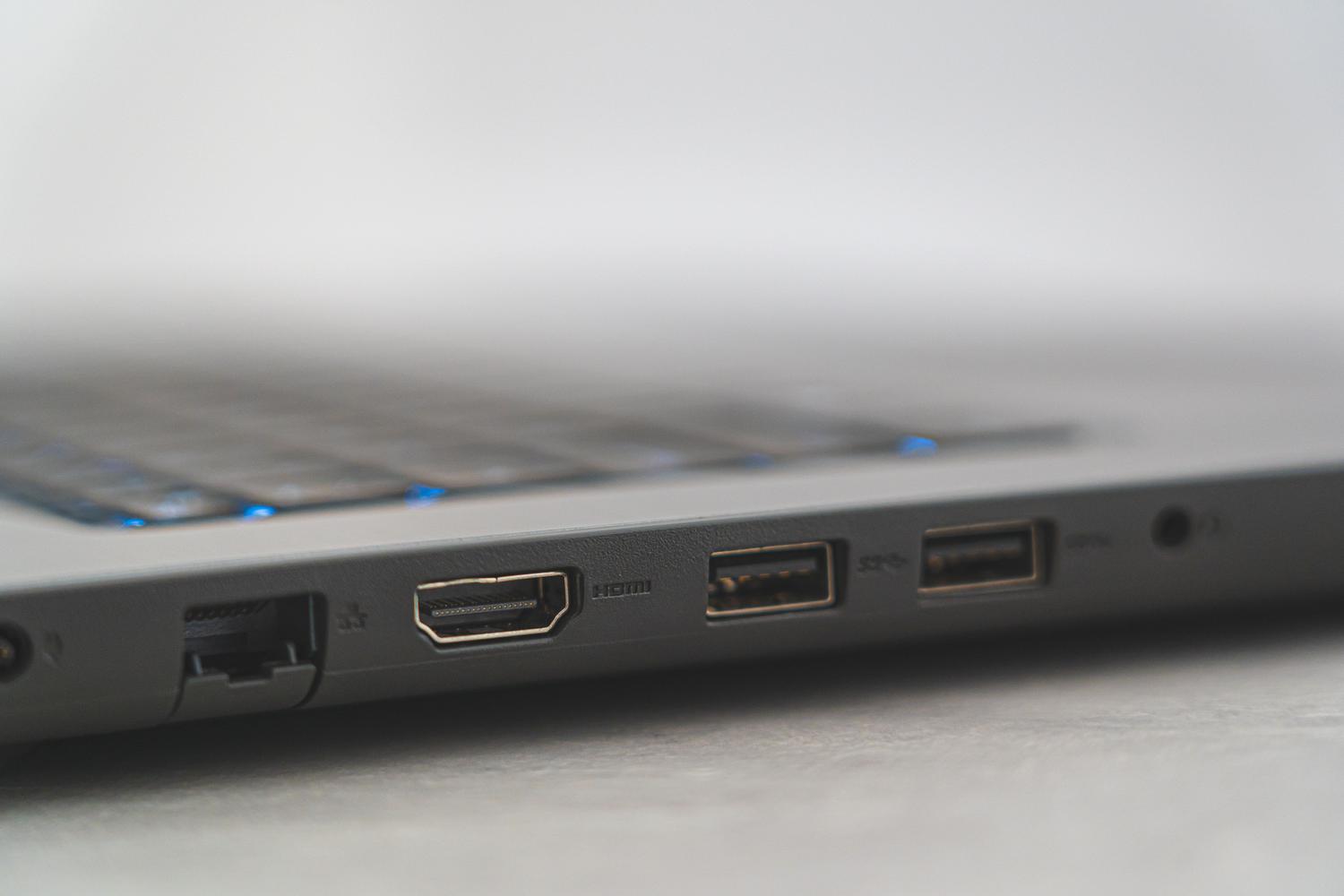
HDMI is undoubtedly the standard we all know. It's everywhere: from the living room TV to the PlayStation or the office laptop. Its main advantage is its simplicity , sending digital audio and video seamlessly through a single cable, saving us from a tangle of wires all over our desks.
When it comes to versions, there's a significant leap between HDMI 2.0 and 2.1. 2.0 falls a bit short for the most demanding users, as it limits 4K to 60 FPS and doesn't handle dynamic HDR very well. In contrast, HDMI 2.1 is a beast with a bandwidth of 48 Gbps, allowing for extremely high resolutions and even support for 8K or 10K. For someone who mainly uses the monitor for watching movies or streaming, any modern version will be more than sufficient, but for gaming, it's advisable to ensure the hardware supports the latest versions to avoid any loss of smoothness.

DisplayPort: The crown jewel for PCs
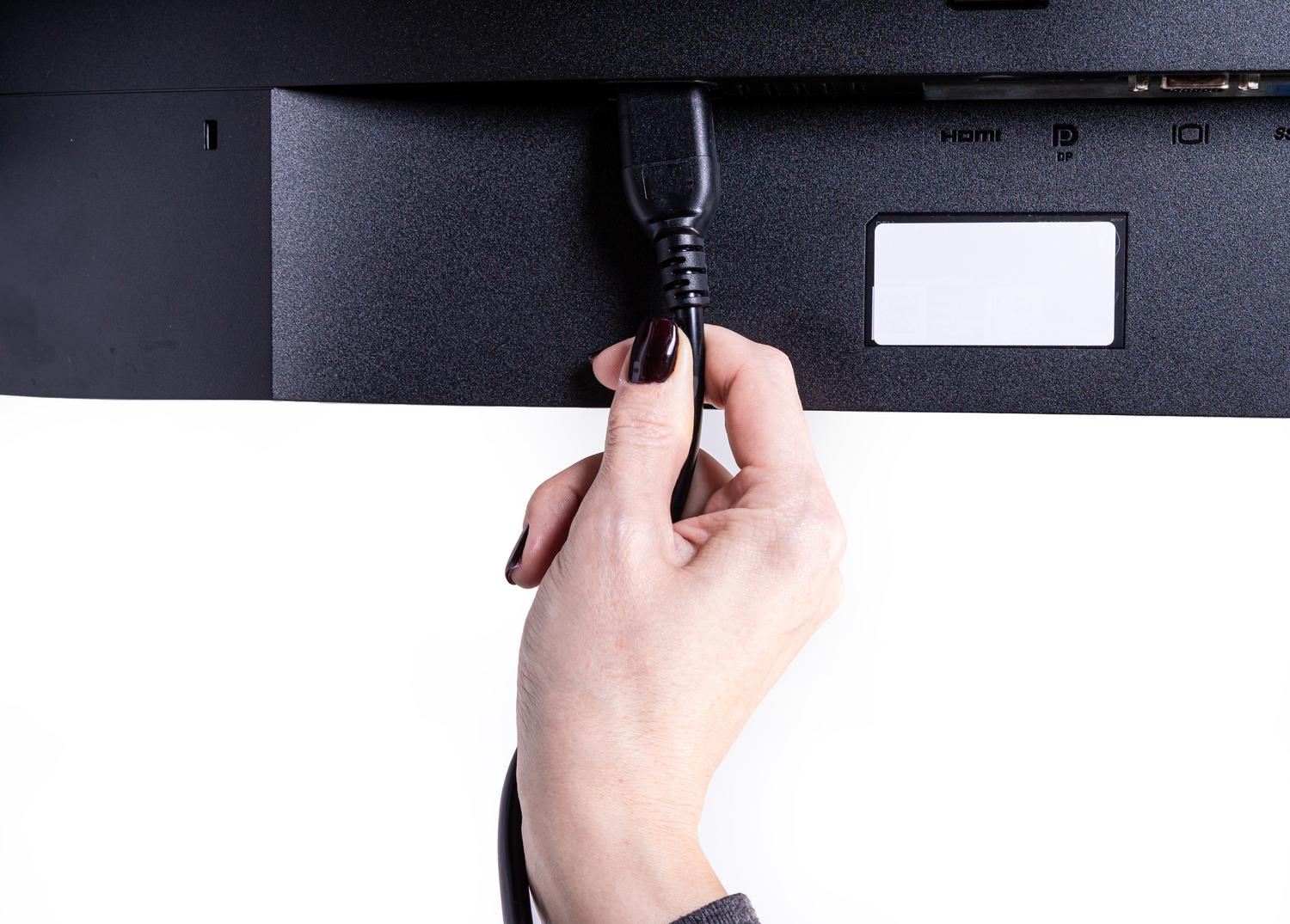
If you're a computer enthusiast or a graphic designer, DisplayPort is probably your best friend. Unlike HDMI, which was originally designed for home use, DP was created specifically for high-performance peripherals . It's the preferred option because it typically handles much higher refresh rates, exceeding 144 Hz and even reaching astonishing figures on the latest generation of OLED gaming monitors .
A very powerful feature of this standard is daisy-chaining , which essentially allows you to connect one monitor to your PC and then connect that monitor to a second monitor in series, eliminating the need to run cables from the tower to each screen. Furthermore, it handles HDR dynamic metadata more effectively, resulting in superior color depth and a much more realistic image—essential for professional video editing.

USB-C: Minimalism in cable form
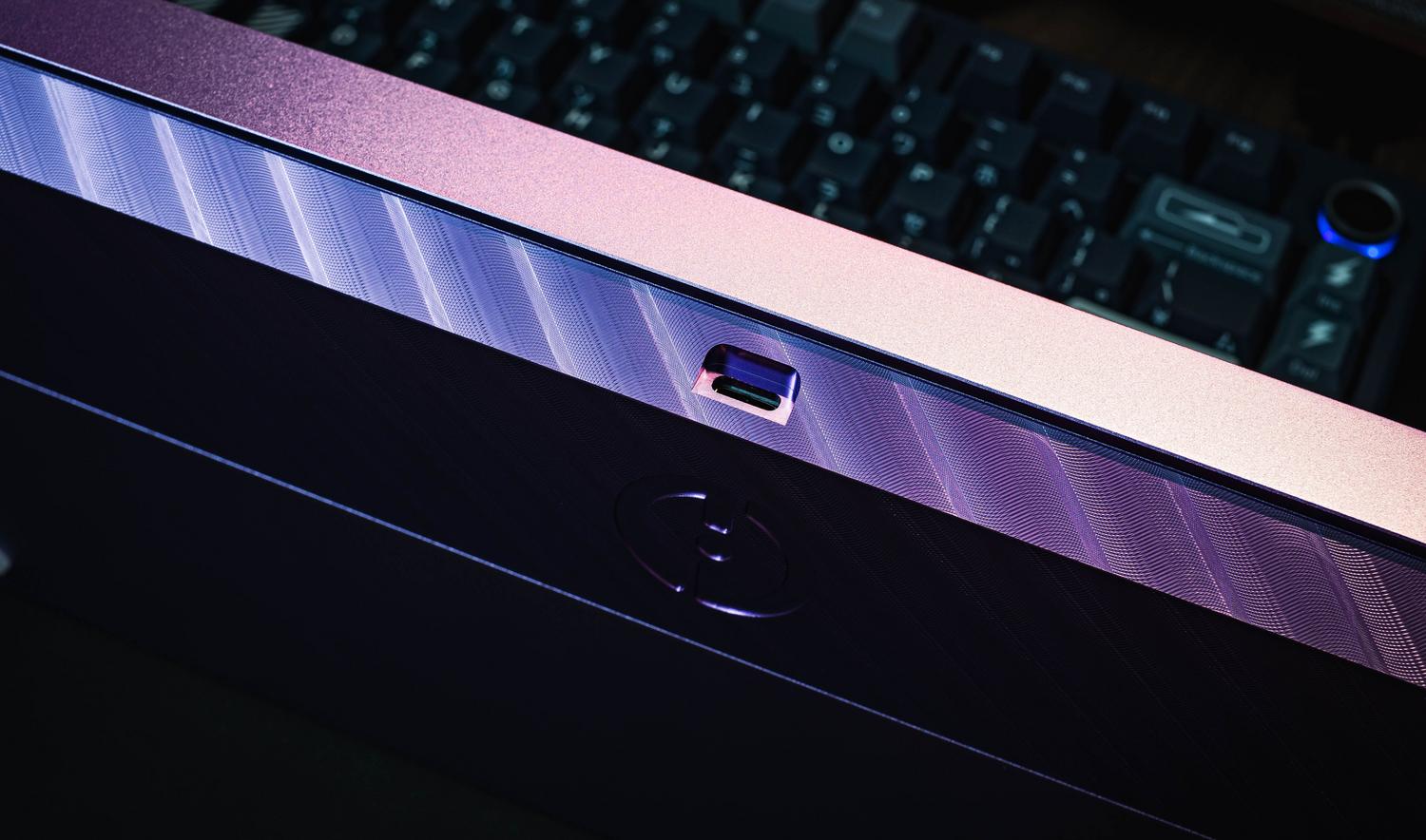
USB-C has arrived to revolutionize the way we connect our laptops. Thanks to DisplayPort Alternate Mode (Alt Mode) , this compact port can send video signals identical to those of a DisplayPort cable, but with an incredible extra: it can carry data and power simultaneously. This means that, with a single cable, you can send the image to the monitor and have the monitor charge your laptop's battery.
It's the ideal solution for those seeking a clean, cable-free desktop. However, caution is advised, as not all USB-C ports are created equal ; some are only for charging or file transfer, making it essential to verify that your device supports video output. In terms of quality, it offers the same performance as DisplayPort 1.4, which is more than sufficient for the vast majority of users. However, in extreme cases of competitive gaming, native DisplayPort remains the superior choice.

Comparison based on usage and device
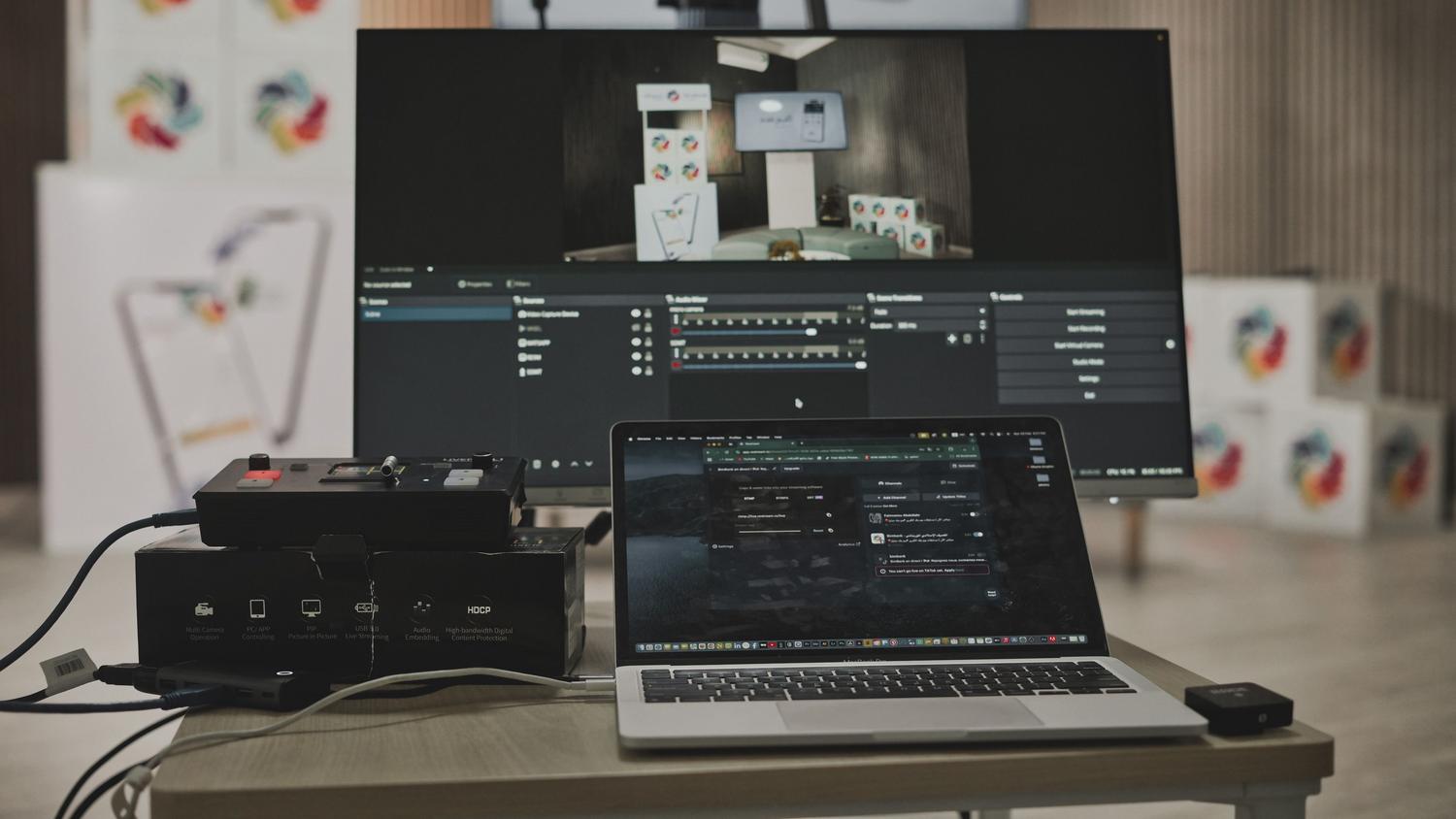
- For consoles and televisions: HDMI is the logical choice due to its universal compatibility and ease of setup.
- For competitive PC gaming: DisplayPort is unbeatable thanks to its support for high refresh rates and adaptive sync technologies.
- For laptops and productivity: USB-C wins hands down by allowing you to charge your computer and connect peripherals via a hub integrated into the monitor.
If you find yourself in a situation where the ports don't match, you can use adapters. The key here is understanding that the signal is unidirectional. Converting from DisplayPort to HDMI is usually straightforward with passive adapters, but if you want to do the opposite, you'll need an active converter with an internal chip and, sometimes, external USB power to prevent signal degradation. Keep in mind that using adapters can introduce slight input lag or cause you to lose features like FreeSync or G-Sync.
