- VRAM is dedicated, ultra-fast memory that feeds the GPU with textures, geometry, and shaders.
- Key types: GDDR6/6X/7 for consumer use; HBM reigns supreme in professional acceleration due to its massive bandwidth.
- Demand is growing with resolution, texture quality, and ray tracing; 12–16 GB is the norm at 1440p/4K.
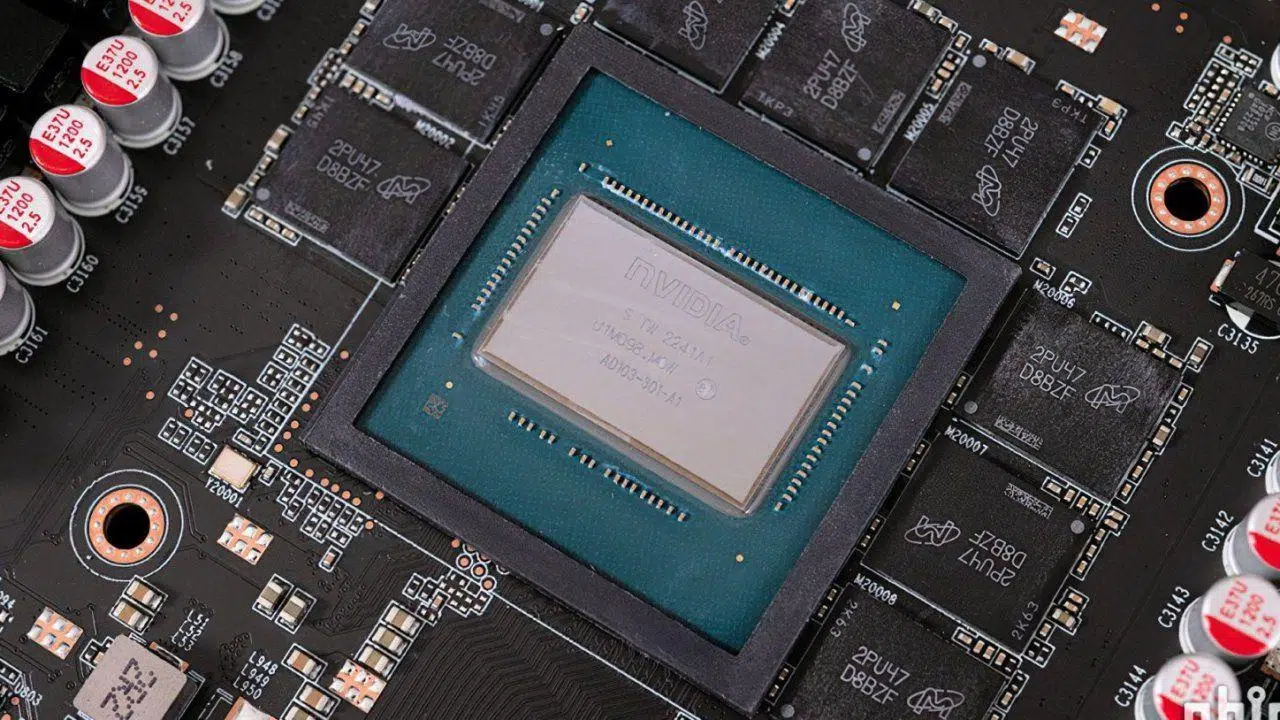
In a world where gaming, video editing, 3D modeling, and medical visualization raise the bar every year, video memory is the fuel for graphics. When everything flows smoothly on screen, it's not magic: it's because the GPU accesses graphics data at full speed in the VRAM , avoiding bottlenecks and maintaining immersion.
If you've ever noticed textures taking a long time to load, stuttering, or unexpected crashes in demanding games, you've probably hit the limit of your video memory. This VRAM is a specialized component that acts as an ultra-fast storage for textures, geometry, and shaders , and its amount and speed make all the difference between a smooth experience and a frustrating one.
What is VRAM and why does it matter?

VRAM stands for Video Random Access Memory: a specialized memory integrated into the graphics card whose purpose is to store the image data that the GPU needs to render and send to the screen. It is not general-purpose memory: it is optimized for graphics operations and works closely with the graphics processor.
This memory is located between the graphics chip and the monitor, acting as a high-speed buffer . The GPU reads and writes to the VRAM in parallel with high bandwidth and very low latency, allowing for real-time rendering of scenes without the graphics processor "waiting for data."
VRAM vs. System RAM and the Role of the GPU
System RAM is the main memory that the CPU uses to run applications. It's versatile, but not designed for intensive graphics workloads . VRAM, on the other hand, is dedicated to the GPU and delivers graphics data at a different speed and with a different access pattern.
A GPU (graphics processing unit) is a highly parallel circuit designed to accelerate the calculation of pixels, vertices, and shading . The combination of GPU and VRAM prevents the computer from having to use the hard drive or general RAM as "crutches" for textures, which significantly impacts performance in games and visual applications.
How VRAM works: architecture, bandwidth, and buffer
The VRAM is organized into multiple banks/modules, allowing simultaneous access that boosts performance. This parallel architecture enables concurrent reads/writes, and its high bandwidth with low latency is the reason why frames arrive smoothly even when the scene gets complex.
In practice, when you launch a game, the GPU uses VRAM to fetch the textures, meshes (geometry), shaders, and buffers needed to generate each frame. If the VRAM becomes saturated, the system starts using the computer's RAM or even storage, and that's when you experience stuttering, texture pop-in, and FPS drops.
VRAM Types: GDDR and HBM
In the consumer market, GDDR memory reigns supreme, a type of RAM designed for graphics. In professional environments or for AI acceleration, HBM (High Bandwidth Memory) emerges, offering even greater bandwidth and improved efficiency , but with higher manufacturing and integration costs.
For gaming and general-purpose graphics cards, GDDR offers a very good balance between cost and performance. HBM shines in compute accelerators and data centers, where massive bandwidths with controlled power consumption are needed, but it's not common in gaming graphics cards due to its higher cost.
GDDR6
GDDR6 represented a leap in efficiency and speed compared to GDDR5/5X, with chips capable of reaching around 16 Gbps per pin . In models that migrated from GDDR5 to GDDR6 (same graphics chip), measurable FPS increases have been observed due to the increased effective bandwidth, in addition to better power consumption.
GDDR6X
GDDR6X, developed in conjunction with Micron and used by NVIDIA in its high-end cards, raises the bar with PAM4 signaling (two bits per symbol) , allowing it to reach approximately 19–21 Gbps. While not standardized by JEDEC, its adoption in cards like the high-end RTX series reflects its ability to handle demanding configurations with ray tracing and high-resolution textures.
GDDR7
The next evolution comes with GDDR7, which targets initial chips of 16 Gbps and speeds of up to 32 Gbps . It employs PAM3 signaling, improves efficiency (estimated power consumption reductions of approximately 20% compared to the previous generation), and optimizes heat dissipation with new internal structures to lower thermal resistance. In practice, it offers higher performance per watt and opens the door to bandwidths on the order of 1,5 TB/s in high-bandwidth bus configurations.
The main manufacturers of VRAM chips
The major manufacturers of GDDR and other types of VRAM are Samsung, Micron, and SK hynix . These three companies compete head-to-head, with similar development timelines and cutting-edge technologies that set the speed and efficiency standards later adopted by AMD and NVIDIA in their graphics cards.
In practical terms, there is no huge gap between them in mature product: integrators choose based on availability, costs, validation and performance objectives, keeping reliability and compliance with the standard as priorities.
VRAM in games: resolution, textures, and why consumption skyrockets
The more visual detail you want, the more VRAM you'll need. Increasing the resolution (1080p → 1440p → 4K), enabling "Ultra" textures, or adding ray tracing multiplies the demand. It's not uncommon for a modern AAA game to consume many gigabytes just for large textures (2K, 4K, and even 8K) , in addition to buffers and shadows.
Geometric complexity also plays a role: modern models use thousands or hundreds of thousands of polygons , and all of that requires associated data. Competitive titles like MOBAs or shooters with stylized art tend to be much lighter on VRAM; open worlds packed with detail or the latest blockbusters are not.
If the VRAM fills up, the system diverts data to the computer's RAM (which is slower) and sometimes to storage. The symptoms are noticeable: stuttering, texture pop-in, sudden FPS drops , and even system crashes. Technologies like DLSS can help alleviate this pressure, while ray tracing, on the other hand, often increases it.
Integrated graphics (iGPUs) are a special case, as they lack dedicated VRAM and draw memory from system RAM . This limits graphics performance compared to solutions with dedicated memory, because system RAM cannot match the bandwidth or latency of dedicated GDDR.
Can VRAM be upgraded? The hardware reality
The VRAM is soldered to the graphics card board, and the firmware is configured for a specific type and quantity of chips. While in theory an expert could attempt a "reballing" and flash the firmware, in practice it's neither a viable nor a recommended upgrade . It's risky, unsupported, and, due to compatibility issues, it often fails.
Therefore, if you need more video memory, the realistic solution is to switch to a GPU with more VRAM . It's not a conspiracy: it's a matter of design, validation, and ensuring data integrity, because VRAM stores resources that must be read/written with precise timings and topologies.
Techniques that optimize VRAM usage in games
Modern graphics engines employ various strategies to avoid wasting video memory and maintain performance on devices with varying capabilities. Among the most common are texture compression, dynamic loading/streaming, and fine-tuned memory management.
- Texture Compression: Reduces the size of textures while maintaining visual fidelity, allowing store more resources in the same VRAM and limit consumption peaks.
- Streaming: Assets are loaded only when needed and They are released when they are no longer useful, crucial in open worlds where not everything fits at once.
- Memory management: prioritization of critical resources, controlled swapping between VRAM and RAM when there is no alternative and caches to minimize latencies.
How much VRAM do I need based on my usage?
There's no universal figure, but some useful guidelines can be given. For 1080p at high quality in current titles, many setups still work with 8 GB as a base , although there are increasingly more cases where 10–12 GB is appreciated.
If you're aiming for 1440p with high quality settings, modern effects, and some future-proofing, 12 GB is a good starting point , and 16 GB offers ample headroom. For 4K, especially with "Ultra" textures and ray tracing, 16 GB is a reasonable minimum , and even more so if you want plenty of storage on high-end devices.
For local AI/machine learning, projects and models have grown in size: starting from 16 GB of VRAM makes a clear difference in times and in the ability to load networks without resorting to tricks.
Remember that the type of game matters: a lightweight MOBA doesn't require the same resources as a hyper-realistic open-world sandbox. Furthermore, upscaling technologies like DLSS/FSR can reduce the effective resource requirements for certain profiles, while enabling ray tracing usually increases them.
How to know what a game is asking for and if your VRAM is good enough
Before buying or upgrading settings, check the developer's official requirements , which often include the recommended video memory. Then, during gameplay, monitoring tools allow you to see the actual VRAM usage and adjust textures, shadows, or rendering resolution if you find yourself reaching the limit.
GPU ranges and capacity examples (VRAM, resolutions, and budgets)
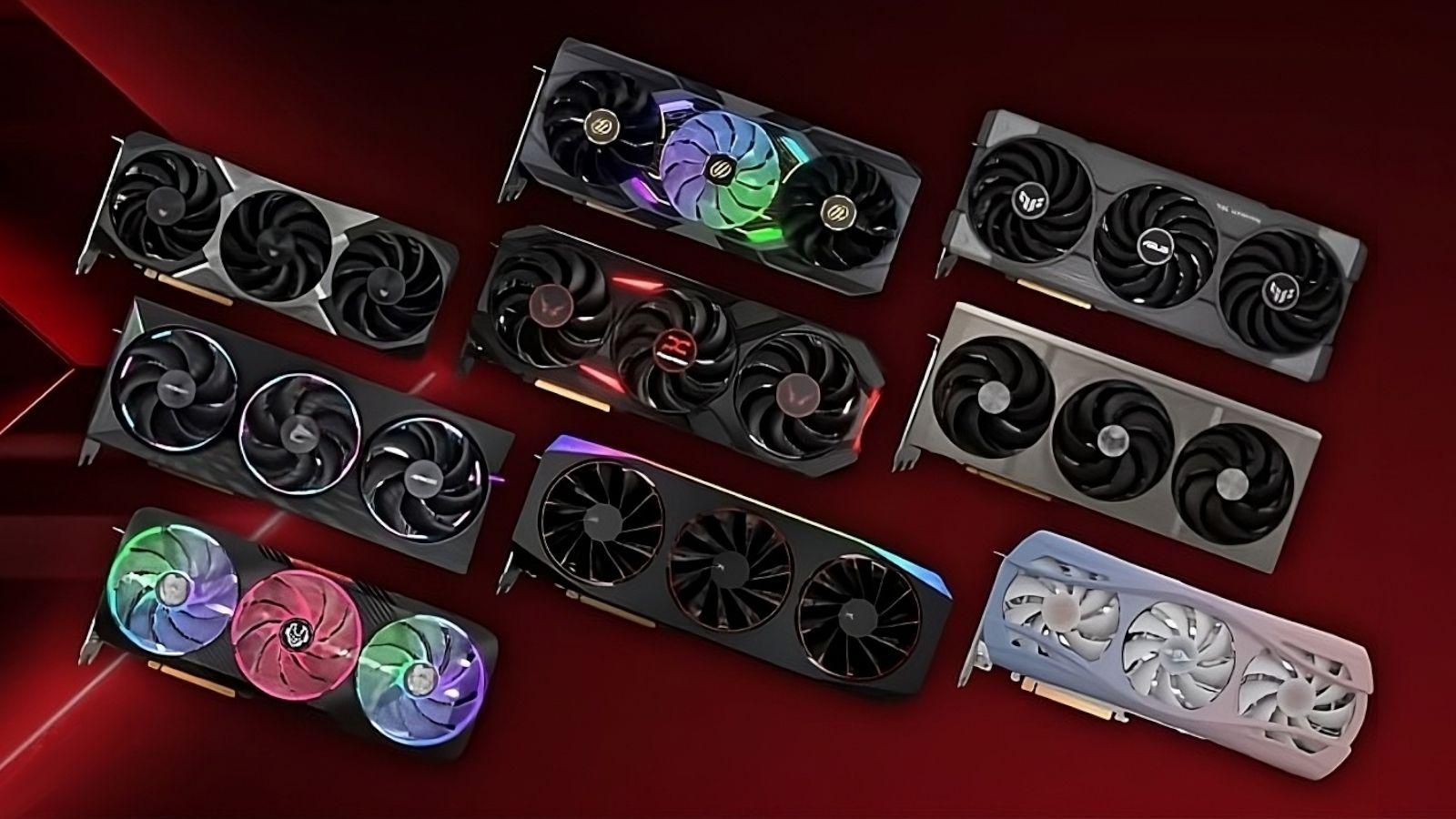
Depending on your budget, there are options designed for entry-level, mid-range, high-end, and enthusiast users. As a reference, entry-level solutions with 8GB of RAM are common, geared towards 1080p for less demanding or competitive games; moving up to 12–16GB, you'll find models better suited for 1440p and high-resolution textures.
The analyzed content cites representative examples by brand and segment (using recent nomenclature and approximate capacities): NVIDIA with options like “RTX 5050 8 GB” or “RTX 5060 8 GB” for entry-level, “RTX 5060 Ti 16 GB” for mid-range, and “RTX 5070 12 GB”, “RTX 5070 Ti 16 GB”, and “RTX 5080 16 GB” for high-end; AMD with “RX 9060 8 GB” for entry-level and “RX 9060 XT 16 GB”, “RX 9070 16 GB”, and “RX 9070 XT 16 GB” for higher-end; and Intel with offerings like “Arc B580 12 GB” for budget-conscious customers. Names, capacities, and prices may vary depending on the manufacturer, market, and availability, but they clearly illustrate the progression of VRAM by segment.
For enthusiasts (“Master Race”), top-of-the-line configurations are mentioned, boasting 32 GB of VRAM at the peak, designed for 4K with everything on ultra, high refresh rates, and heavy AI/creative workloads. The cost skyrockets, but so does the potential for future upgrades, and some users resort to overclocking.
VRAM vs. GDDR and HBM: A Quick Reminder
VRAM is the general term (video memory); GDDR and HBM are specific types . For most users and gamers, GDDR6/6X/7 will be more than sufficient; if your focus is on professional AI or high-performance computing, HBM makes sense due to its bandwidth and efficiency, provided your budget and platform justify it.
FAQ
What exactly is VRAM?
It is the memory soldered to the GPU where textures, meshes, and shaders are stored so that the graphics processor can read them instantly without depending on the system's RAM.
What happens if my game needs more VRAM than I have?
The system will rely on RAM and storage, which are much slower, causing stuttering, delayed textures , and possible crashes or closures.
Can I increase the VRAM on my card?
No. The chips are soldered and the firmware is locked to one configuration; the sensible thing to do is change the GPU if you need more memory.
How much VRAM is needed for 1080p, 1440p, and 4K?
1080p: 8 GB base (better 10–12 GB if you want headroom). 1440p: 12–16 GB . 4K: 16 GB or more , especially with Ultra textures and ray tracing.
And for AI or advanced creation?
For local AI workloads, starting with 16 GB of VRAM offers a noticeable improvement in models and execution times.
Choosing the right video memory is one of those decisions that makes a difference every day: with enough VRAM and bandwidth suited to the graphics chip, textures load on time, FPS remains stable, and engines can apply modern techniques without bottlenecks; with a short choice, on the other hand, you'll hit the limit sooner than you'd like and have to juggle settings.