- Overclocking involves increasing the frequency of components such as the CPU or GPU to improve performance.
- Its main advantages are increased power and the possibility of extending the useful life of the equipment.
- Risks include overheating, instability, loss of warranty, and potential reduction in hardware lifespan.
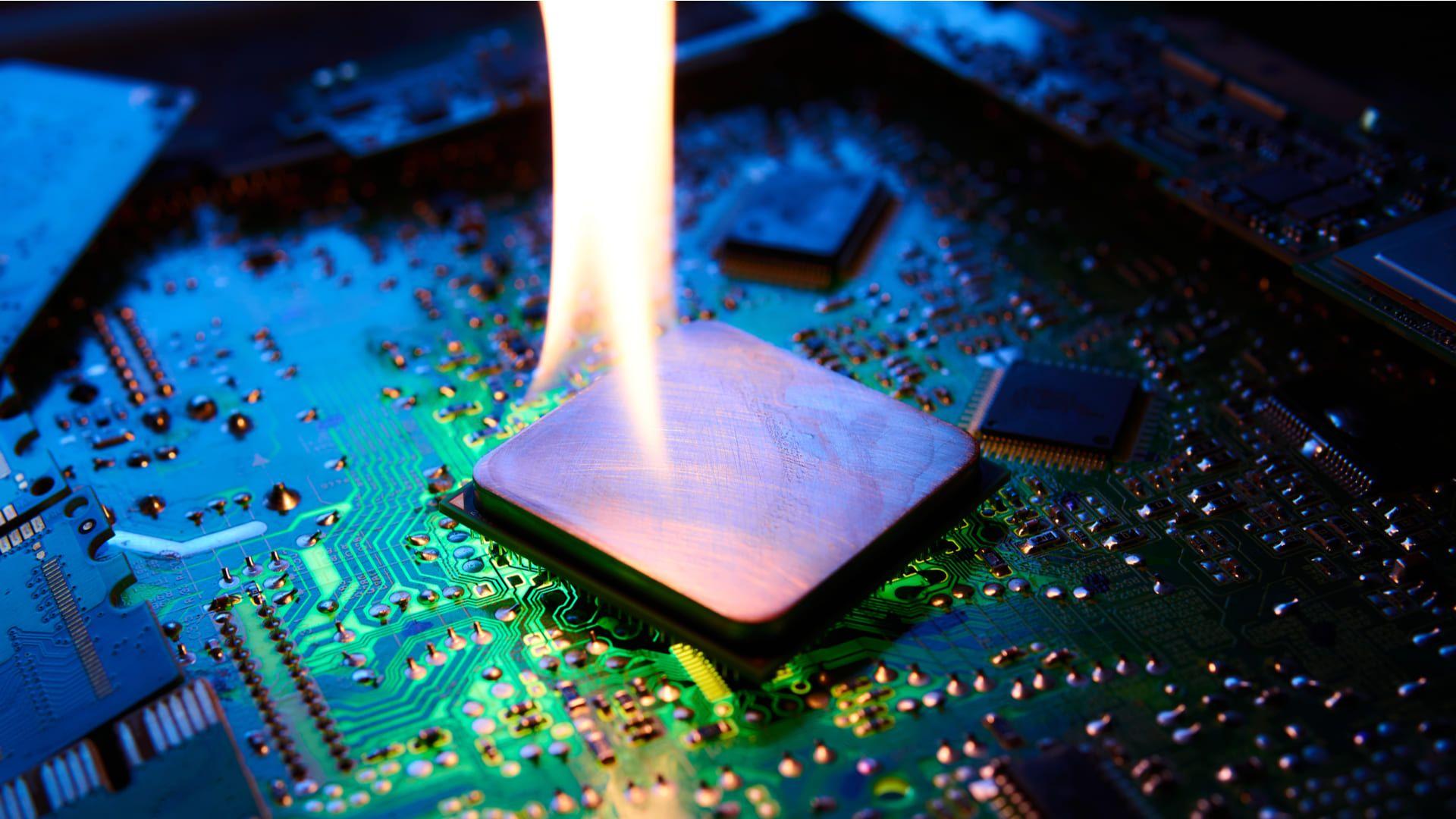
Have you ever felt like your computer's performance is lacking just when you need it most? You've probably heard or read the term "overclocking " or simply "overclock" in forums, gaming channels, or among fellow tech enthusiasts. Well, today I'm bringing you a detailed and accessible explanation of this practice, its advantages, disadvantages, real implications for your computer, and the correct way to approach it without putting your PC at risk.
Get ready to embark on a journey where you'll learn exactly what overclocking is , what this technique for "squeezing" a little more out of your hardware involves, how it can help you get a few extra years of life out of your computer, and of course, what you should be clear about before deciding to try it at home.
What is overclocking?
Overclocking is a technique that allows you to increase the operating frequency of one or more electronic components in your PC, such as the CPU, GPU, and even RAM, far beyond the nominal or "factory" value set by the manufacturer. Clock frequency is measured in hertz (Hz) and determines how many operations per second that component can perform.
For example, a CPU may come with a base frequency of 3,5 GHz, which the manufacturer considers safe over the long term. However, overclocking could force it to run at, say, 4 GHz or higher, thereby increasing the speed and processing power for demanding tasks like gaming, video editing, or scientific calculations.
The main goal of overclocking is to get more performance out of the hardware you already own , without needing to buy new components. That's why it's especially popular among gaming enthusiasts and users who want to maximize the lifespan of their hardware investment.
However, it's not as simple as just increasing a number and that's it . Manufacturers set frequencies to balance performance, energy consumption, and durability. Exceeding these limits means taking certain risks.
How does overclocking work?
The overclocking process involves adjusting internal parameters of the chosen component. On a CPU, you can adjust the multiplier (if the processor allows it) or the base bus frequency. On a graphics card or GPU, you typically adjust the core clock speed and memory speed. It's even possible to overclock certain RAM modules or, in some cases, the motherboard itself.
To make these adjustments, you usually need to access the motherboard's BIOS/UEFI, or use specialized applications that allow you to modify these values from Windows or Linux.
When the frequency increases, the component typically requires a bit more voltage to remain stable, which in turn increases heat generation and power consumption. Therefore, proper cooling becomes crucial if you want to avoid damaging your equipment.
Some manufacturers include automatic overclocking modes (such as "Turbo Boost" on certain CPUs), which activate safe profiles on demand. But if you're looking to push your hardware to the limit, there are much more advanced, though also riskier, manual options.
What components can be overclocked?
Processors (CPUs): This is the most popular component for overclocking. Some models, especially those designed for enthusiasts, come with an unlocked multiplier to make the process easier.
Graphics cards (GPUs): Overclocking graphics cards is common in gaming, as it can translate into several extra FPS. Tools like MSI Afterburner or EVGA Precision allow you to make these adjustments relatively easily.
RAM: Although less common, it's also possible to increase RAM frequency if the motherboard and modules allow it. The difference is usually not as noticeable as with the CPU or GPU, except in very specific applications.
Motherboard: Some motherboards allow advanced adjustments of the bus or even the power supply voltages to different components, although usually only the most advanced users explore these options.
Advantages of overclocking: is it worth it?
The great advantage of overclocking is that you can get more power without spending money on new components . You'll notice a particular difference in demanding tasks like gaming, multimedia editing, or intensive computing software, where a few extra MHz can make a significant difference.
For example, a mid-range processor can perform similarly to a more expensive one with a good overclock. The same goes for a graphics card, especially in titles that make good use of the hardware.
Another advantage is that it extends the lifespan of your computer before you're forced to upgrade . If your PC is starting to become outdated but you can't yet afford an upgrade, it can be a temporary lifesaver.
What are the risks of overclocking?
However attractive the idea of obtaining "free" power may seem, overclocking carries clear risks :
- Loss of warranty: Most manufacturers don't cover damage caused by overclocking. If you break something, you'll be stuck with the repairs.
- Overheating: Increasing frequency and voltage generates more heat. If you don't have proper cooling, you can damage the component and, ultimately, other system components.
- System instability: An improperly adjusted overclock can cause crashes, random errors, and in severe cases, data corruption or blue screens.
- Reduced lifespan: Overstressing a component can negate years of efficient operation, especially if the temperature is not under control.
Therefore, overclocking isn't for everyone. If you're inexperienced, getting informed and taking it slow is essential to avoid any setbacks.
How to overclock safely?
If you decide to delve into the world of overclocking, follow these basic safety tips :
- Research your hardware firstNot all processors, motherboards, or graphics cards support overclocking. Make sure your model is compatible and look for feedback from other users.
- Take care of the coolingA good case, quality heatsinks, and, if possible, liquid cooling or additional fans. Replacing the thermal paste if your computer is a few years old is also a good idea.
- progress gradually: Increase values gradually and run stability tests (Prime95, Cinebench, 3DMark, etc.) after each adjustment. If the system freezes or graphical artifacts appear, back off.
- Monitor temperaturesAlways keep the component's maximum temperature under control. If you exceed the recommended limits, lower the frequency or invest in better cooling.
- Make benchmarks before and after: This will help you check whether the performance increase is worth the effort and risk.
Don't forget that some BIOSes offer automatic overclocking options , which, while they don't push the hardware to its limits, are a very safe way to start. If you decide to go further, do so sensibly.

How does overclocking affect real-world performance?
The impact depends greatly on how you use your PC and the component you overclock. In games or programs that require a lot of calculations, the performance increase may be noticeable, although in most office or web-based tasks, you'll barely notice any difference.
GPU overclocking is often most noticeable in modern titles, potentially gaining several extra frames per second. On the CPU, the effect depends largely on how much headroom your model allows and the bottlenecks of other components.
Don't expect miracles: a good overclock can give you the boost you need to extend the life of your computer, but it won't turn an old PC into a supercomputer . Furthermore, current processors and graphics cards have automatic frequency boosting systems (Turbo, Boost), so the potential for manual improvement is less than in previous generations.
What tools are used for overclocking?
There are many specialized tools :
- CPU: Motherboard BIOS/UEFI, Intel XTU, AMD Ryzen Master.
- GPU: MSI Afterburner, EVGA Precision X, NVIDIA or AMD proprietary software.
- Stability tests: Prime95, OCCT, AIDA64, Cinebench, 3DMark, Unigine Heaven, Memtest86 for RAM.
Additionally, applications like CPU-Z and GPU-Z allow you to monitor current frequencies, temperatures, and voltages in real time, making them essential for any overclocking enthusiast.
Frequently Asked Questions About Overclocking
Is overclocking dangerous? If done without knowledge, yes. The biggest risk is damaging the hardware due to excessive heat or voltage. If you are careful and monitor the system at all times, the risks are greatly reduced.
Can you overclock laptops? Generally, it's not recommended. Laptops already operate at the thermal limits of their components. Pushing the hardware even slightly further usually leads to rapid overheating, even with additional cooling pads. Some advanced gaming models do offer safe overclocking options, but most are not designed for this practice.
How do I know if my PC is overclocked? You can check the actual processor frequency in Task Manager (Windows) or using CPU-Z or GPU-Z. If the frequency is higher than the manufacturer's specified frequency, you've probably overclocked it.
Why is my computer still slow after overclocking? If the problem is memory, storage, or the overall age of the computer, overclocking will have little impact. The hardware needs to be balanced, and you might need to upgrade components (more RAM, an SSD, etc.).
Technical aspects and real overclocking margin
Manufacturers typically include a safety margin in their products to ensure stable operation under all conditions. Commercial overclocking exploits this buffer, but reduces it drastically. Pushing a component beyond its physical limits will lead to errors, freezes, and, ultimately, damage.
The maximum speed you can achieve by overclocking depends on:
- The quality of the chip (not all units perform equally even if they are the same model).
- The installed cooling.
- The set of components (board, power supply, RAM, etc.).
For some enthusiasts, part of the appeal lies in "competing" or experimenting to see how far their hardware can go. There are even overclocking competitions , where extreme cooling methods like liquid nitrogen or custom cooling systems are used to break temporary frequency records (not applicable to home users).
Does overclocking void the warranty?
Yes, in most cases. Manufacturers usually make it clear in the fine print that any use outside of specifications voids the warranty. Some brands sell "factory overclocked" products that do come with a warranty, but generally, if you adjust the parameters yourself, it's at your own risk.
How much does consumption and heat increase?
Increasing the frequency and voltage significantly increases power consumption. At the same time, heat generation increases, requiring better cooling solutions. A standard cooling system may fall short , so if you plan on sustained overclocking, consider investing in high-end heatsinks, additional fans, or, in extreme cases, liquid cooling.
Heat doesn't just affect the overclocked component itself; it can also affect the entire system. Prolonged high temperatures can reduce the lifespan of the motherboard, RAM, SSD, and other components.
Commercial overclocking and underclocking
Some manufacturers release "factory overclocked" models, which come with their frequencies already boosted and, therefore, tested and guaranteed for that specific setting. These are usually midway in price between the entry-level and high-end versions.
At the opposite extreme is underclocking , which reduces frequencies to save energy and heat, sacrificing performance, something common in laptops or servers where battery life or stability are priorities.