- The MikroTrick attack chains together critical SSH vulnerabilities to bypass authentication and escalate privileges to the root level.
- Active exploitation affects RouterOS devices exposed to the internet, allowing total control without the need for passwords.
- Complete remediation requires updating the system, closing public management ports, and conducting a thorough persistence audit.
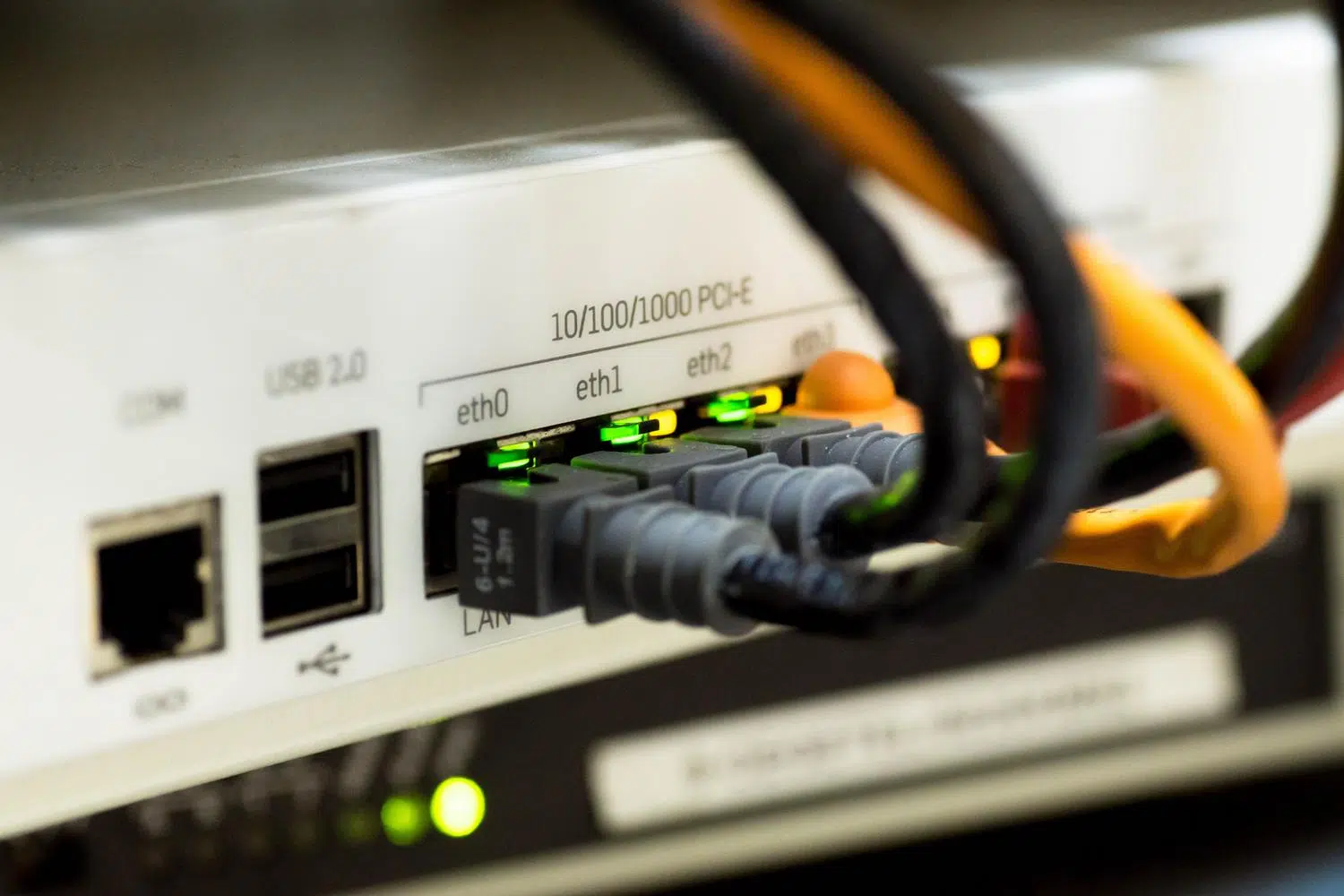
If you have a MikroTik router at home or in your business, you might be interested to know that a serious red alert has been issued. Researchers have uncovered a vulnerability called MikroTrick , which is essentially a combination of security flaws that allows malicious actors to access your device without permission or a password. Worst of all, if your SSH service is open, the attacker can take complete control of the device, turning your gateway into a central hub for spying on everything that enters and leaves your network.
This problem isn't just a theoretical exercise; it 's being exploited in real-world situations . The risk is critical because whoever controls the router controls the traffic, can change DNS routes to redirect you to fake websites, or create backdoors to infiltrate your computers and internal servers. Simply using a long, complex password isn't enough, as the flaw lies in the authentication system itself. This means the lock is broken , and a hacker can gain access simply by manipulating the connection.
The anatomy of the MikroTrick attack

To understand how this works, it's important to know that MikroTrick isn't a single bug, but a chain of vulnerabilities. The first piece of the puzzle is CVE-2026-67279 . Normally, when you connect via SSH, there's a strict authentication process, but this flaw occurs during key rekeying. An attacker can force this process so the router bypasses the identity check and allows them to proceed to the command-line phase without having entered a password.
But gaining access is just the beginning; the real blow comes with CVE-2026-86060 . This is where the intruder escalates privileges. RouterOS's login system doesn't properly filter usernames. If the hacker sends a string that begins with a hyphen, specifically the value -2 , the device gets confused and reads the permissions from an internal channel controlled by the attacker. Thus, the system grants them full administrator rights out of thin air, allowing them to do whatever they want with the device.
Other security holes detected

Although MikroTrick is the main focus, there are other vulnerabilities that are truly alarming. For example, CVE-2026-67276 affects RSA keys; an attacker who knows the modulus of an authorized key could forge a signature using an exponent equal to one to trick the system and log in as a legitimate user.
On the other hand, there's the WebFig vulnerability (CVE-2026-67281) , where a flaw in the JavaScript proxy allows someone who hasn't even authenticated to read sensitive system files , including configurations that could contain secret keys. A vulnerability was also detected in the bandwidth-test tool (CVE-2026-67277) that could cause the router to reboot itself or leak kernel memory, and a flaw in X.509 certificate validation (CVE-2026-67278) that allows remote server impersonation if the router initiates TLS connections on unsecured networks.
How to tell if you've been scammed

If you suspect your router has been compromised, don't just restart it haphazardly, because the logs are stored in memory and you could erase the evidence. The first thing to do is check the logs for the user -2 or login attempts from suspicious IPs like 82.192.72.4 or 103.102.31.18 . Another clear sign is finding a user named "ops" with full privileges that you didn't create.
MikroTik has implemented a feature called flaggedIf after updating the system you run the command /system device-mode print and you see that the state is YesIt means the router has detected traces of suspicious modifications. Be careful, if it appears No. It also doesn't mean you're 100% clean, since the system only detects known patterns, but the 'yes' status is almost a sure confirmation that Someone has been snooping around.
Emergency plan: Patch and secure the equipment
The immediate solution is to update RouterOS. Depending on your branch, you should upgrade to version 6.49.21, 7.23.4, 7.23.5, or 7.24.2 , as appropriate. But be aware that updating the software is like putting a new lock on a door that's already been forced: the hacker may have left a copy of the key. That's why it's vital to audit the configuration, looking for unusual scripts, scheduled tasks in the scheduler, or VPN tunnels you don't recognize.
To prevent this from happening again, the golden rule is to remove SSH from the internet . If you don't need it, disable it. If it's essential, restrict it to a specific IP address or a management network. The same applies to WebFig; disable HTTP and leave HTTPS only for administrators. A masterstroke is to set up a VPN with WireGuard and manage the router only through that tunnel, keeping all management ports closed to the outside world.
Advanced hardening measures
For those who want to go all out with security, we recommend using address lists in your firewall . Create a list called MGMT-TRUSTED with your secure IPs and configure the firewall to only accept connections on management ports from that group, blocking everything else on the WAN interface. Don't forget to do the same for IPv6 , which is where many people make mistakes and leave the door open while closing the one for IPv4.
It's also highly recommended to disable the bandwidth testing server and restrict Layer 2 access by turning off MAC-Telnet and MAC-WinBox on non-management interfaces. Finally, the most professional approach is to centralize logs on an external server (Syslog) so that even if an attacker erases traces on the router, you still have a record of what happened on your monitoring server.
To keep the network secure, it's essential to combine immediate firmware updates with a drastic reduction of the attack surface, eliminating any management services exposed to the internet and monitoring indicators of compromise such as the ops user or the flagged status. True security doesn't rely on a single patch, but rather on a defense-in-depth strategy that includes VPN segmentation, constant configuration audits, and the use of strict firewalls for both IPv4 and IPv6.