- Integration via a sidebar plugin available to users of Anthropic paid plans.
- Ability to read and edit files directly in real time without the need to copy and paste content.
- Implementation of bidirectional connectors that allow creating and modifying documents from Claude's chat.
- Advanced privacy control and permission management supervised by the Workspace administrator.

If you spend all day glued to Google tools, get ready because Anthropic has just made a game-changer. They've launched an integration that puts Claude directly into the heart of Google Workspace , eliminating the hassle of switching between tabs to copy and paste text. Now, the assistant lives in a sidebar, meaning it can read what's in front of you and access your files in real time—a game-changer for anyone who works in an office.
The most powerful aspect of this move is that it's not just about adding another feature, but about transforming AI into an integrated assistant that understands the context of your document, spreadsheet, or presentation. While Google has Gemini, Claude's success in entering its market demonstrates that the battle is no longer about who has the best chatbot, but about which tool accompanies us where our daily work actually happens.
What exactly does this integration consist of?
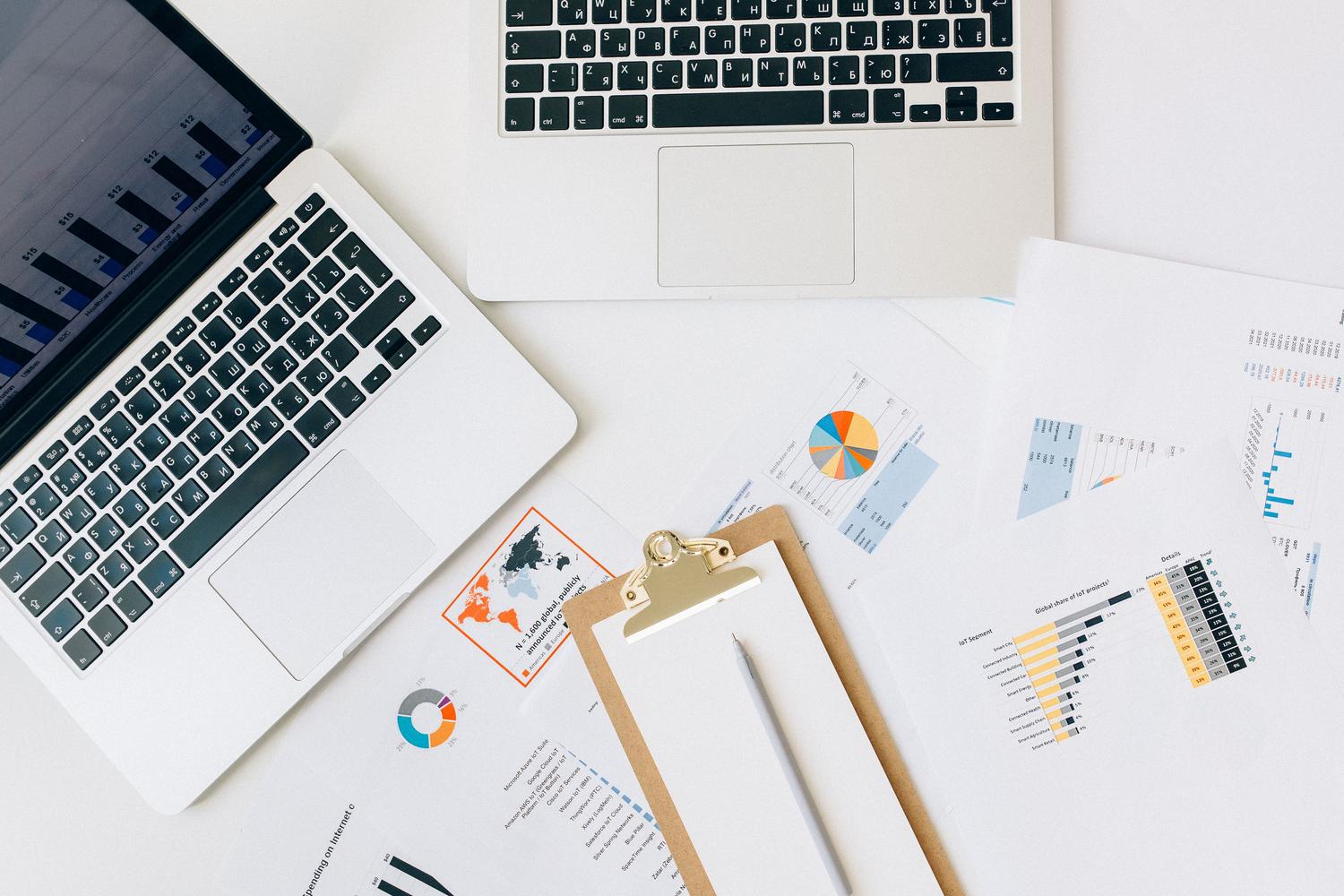
The system is deployed through an add-on that adds an interactive sidebar to Docs, Sheets, and Slides. Unlike previous versions, Claude is no longer an external entity; it now has the ability to analyze selected text or active cells and apply changes directly . Furthermore, connectors have been introduced that allow for reverse workflow: you can start a conversation in Claude's chat and ask it to create a new file or modify an existing one simply by pasting the link.
For this to work, a paid plan (Pro, Max, Team, or Enterprise) is essential. If you're using the free version, you're unfortunately excluded from this public beta. A crucial detail is that activation usually depends on the company's Workspace administrator , so if you don't see the option, you'll likely need to ask your IT department for permission to enable the application from the Marketplace.
Claude's potential in every application

Each of Google's tools leverages AI differently, adapting to the nature of the file you have open:
- Google Docs: Here Claude shines by restructuring entire sections, summarizing dense reports, or adjusting the tone and style It allows you to format headers without messing up the rest of the document's formatting. It's ideal for turning disorganized notes into structured tables with assigned roles and dates.
- Google Sheets: It's probably where you save the most time. You can drafting complex formulasIt can generate pivot tables and create native charts. It can even process data ranges using Python to return accurate results, detecting duplicate rows or errors in nested cells.
- Google Slides: AI can generate new slides based on the design and theme you're already using. It also acts as a critical reviewer, alerting you if there are any issues. overlapping elements or if the text is too long and difficult for the audience to read.
Editing control: Who's in charge here?
To prevent AI from wreaking havoc on important documents, Anthropic has implemented two working modes. The first, which is enabled by default, is Ask before edits . In this mode, each suggested change appears as an approval card; you review the proposal and decide whether to apply or discard it, which is vital for contracts or official reports. The other mode is Accept all edits , where Claude executes the task from start to finish without stopping, which is very useful for internal drafts where speed takes precedence over pinpoint accuracy.
It's important to know that all these modifications are recorded in Google's version history under your name. Claude doesn't log in as an external user; rather, it acts on your behalf, making it easier to audit the changes. However, there are certain mandatory security checks : the AI will always ask for your permission before inserting external links, web images, or changing file access permissions.
Current limitations of the beta

It's not all sunshine and rainbows, and you need to be aware of the limitations to avoid frustration. For now, Claude can only work with one file at a time ; it can't switch between multiple Drive documents or export them to PDF from the sidebar. In the case of Slides, the charts it generates are static images and not linked to Sheets, so if the data changes, you'll have to ask it to regenerate the image.
Furthermore, there are technical limitations: very long tasks may time out if they exceed six minutes . It also cannot interact with Docs comments or read Sheets tabs connected in real time to BigQuery. It also doesn't yet support Gmail or Calendar, so calendar management remains a manual process.
Privacy and business management
For businesses, security is the critical issue. Anthropic has made it clear that it does not use the content of these files to train its language models. The information is deleted from its systems within 30 days. Enterprise plans integrate corporate-level tools such as the Compliance API and customer-managed encryption keys (CMEK), although zero data retention and HIPAA compliance are not yet available in this beta phase.
If you're an administrator, the best approach is to roll out the system gradually with a pilot group. Defining which folders are off-limits to AI and setting the default editing mode will prevent problems with sensitive financial or legal documents.
How to get started today
To start using it, go to the Google Workspace Marketplace , search for the Anthropic app, and install it. Once installed, open any document and go to Extensions > Claude > Open Claude . If the install button is grayed out, it means your administrator has blocked external applications.
A tip for beginners: don't throw the most complex task at it on the first day. Start with a file you know inside and out to detect any glitches or errors in the formulas. Keep approval mode enabled for the first week and compare the AI's results with your manual work to gain confidence in the workflow.
This integration transforms productivity by merging Claude's reasoning power with the ubiquity of Google Workspace, enabling everything from cleaning complex data in Sheets to optimizing presentations in Slides, all under an enterprise security scheme that does not compromise the privacy of data for model training.