- The presence of the NPU can be verified through Task Manager or Device Manager in Windows.
- All Macs with Apple Silicon chips (M1 and above) integrate a neural processing unit.
- The main advantage of the NPU is energy efficiency, allowing AI inferences with minimal power consumption.
- Current software support is limited and relies on specific runtimes such as OpenVINO or QNN.
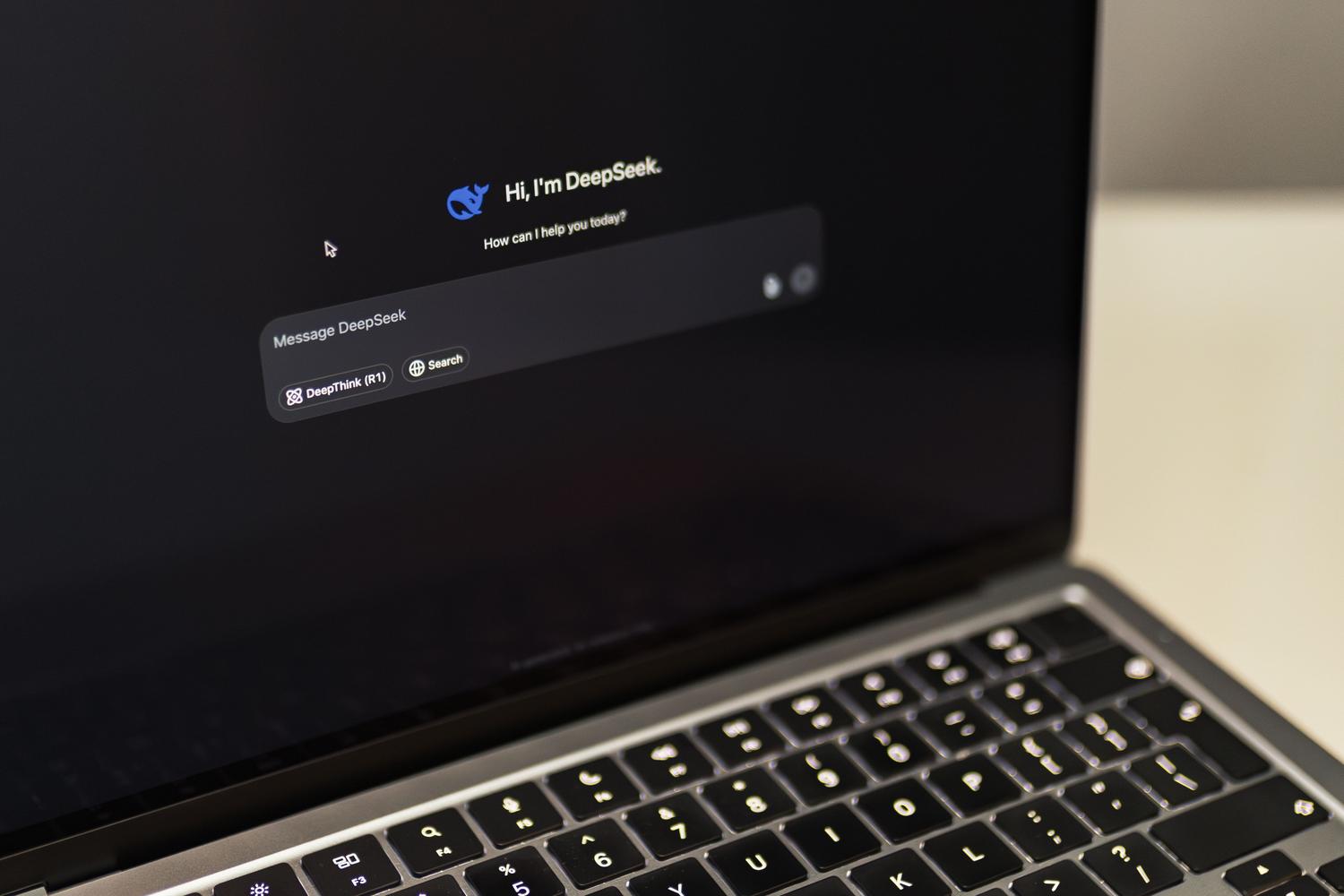
You've probably heard about the famous "AI PCs" lately and wondered if the computer on your desk is one of them. The key lies in the NPU (Neural Processing Unit) , a component that's becoming common in almost all modern laptops. This prevents artificial intelligence from overloading the rest of the system and, above all, keeps the battery from draining in minutes.
Knowing if you have this accelerator is crucial if you want to run AI models locally , without relying on the cloud. It's not just about showing off your hardware, but about taking advantage of incredible energy efficiency that allows you to perform complex tasks without your PC fan sounding like it's about to blast off to Mars. Let's see how to find out if you have it and what you can actually do with it right now.
Quick methods to detect the NPU in Windows
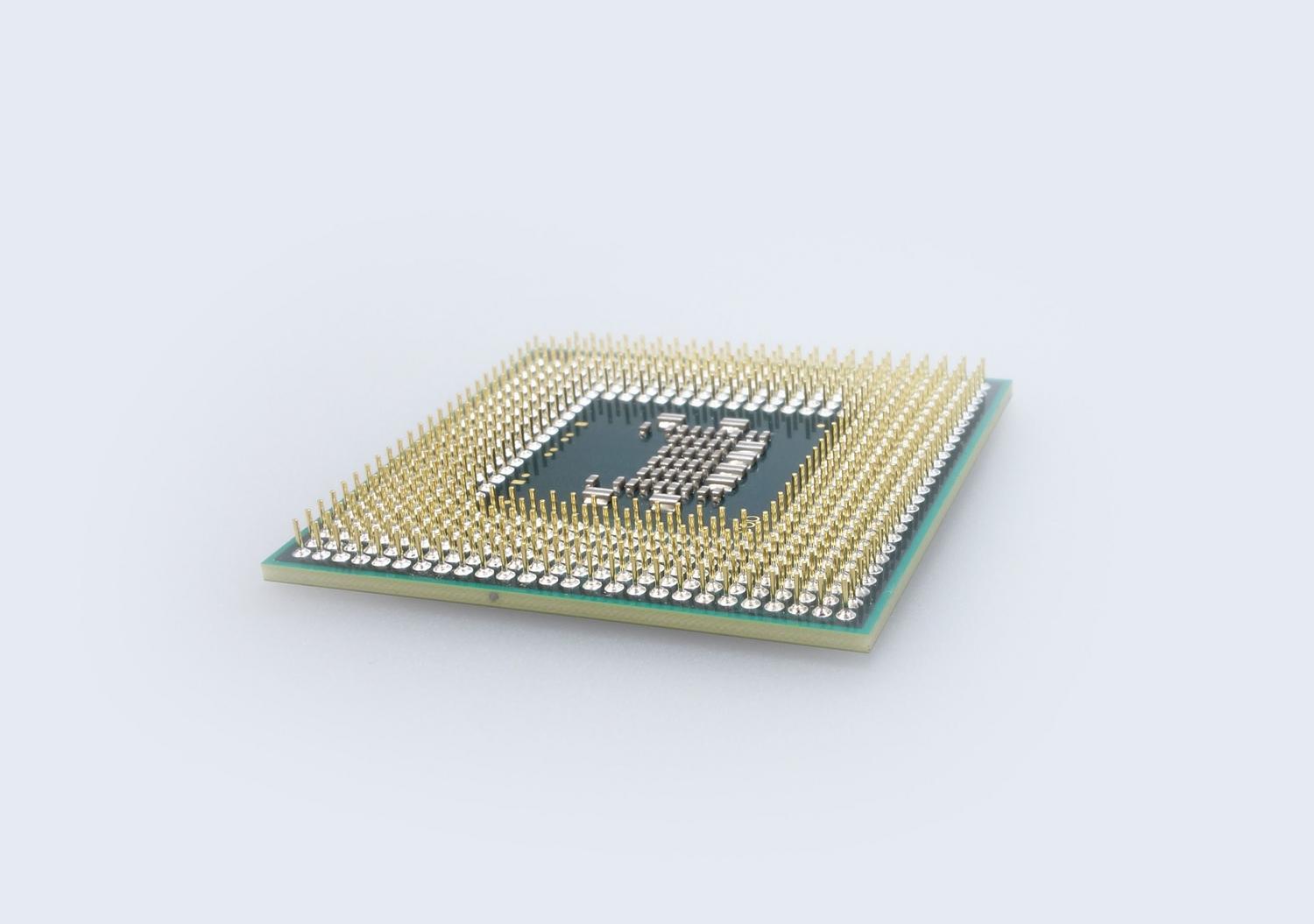
If you use Windows, you don't need to be a computer expert to find the answer. The most direct way is to open Task Manager (Ctrl + Shift + Esc) and take a look at the Performance tab. If your computer supports it, you'll see a specific section called NPU next to the CPU and GPU, where you can monitor its workload in real time.
Another very reliable option is to go to Device Manager . Just look for the section called "Neural Processors ." If that category appears in the list, congratulations: you have an NPU installed. The best thing about this method is that it tells you the exact name of the chip, allowing you to look up its technical specifications online to find out how many TOPS (operations per second) it can achieve.
Technical inquiries and manufacturer support
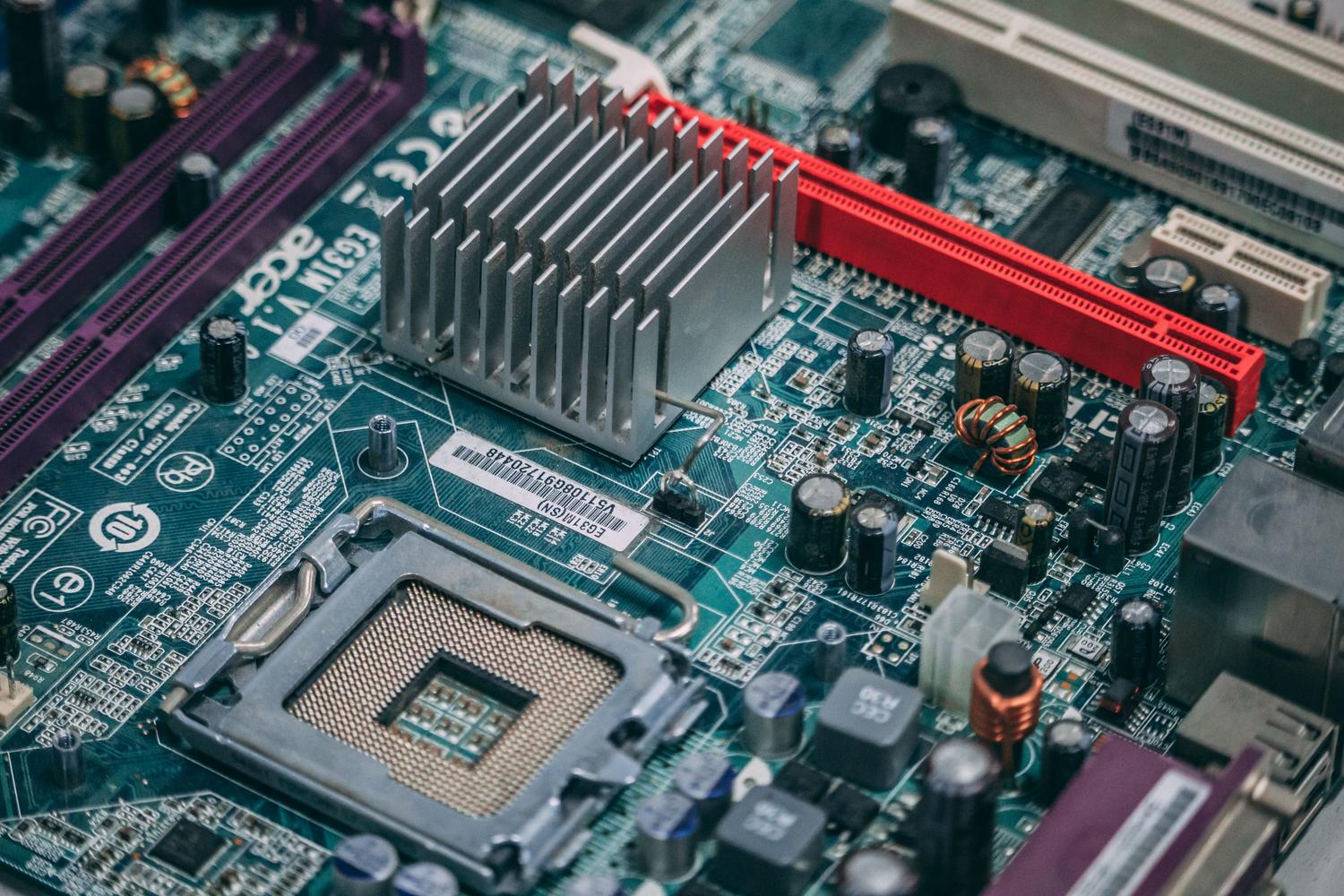
Sometimes, software can cause problems or drivers may be outdated, and that's when it's best to go to the source. Ideally, you should identify your processor in the Settings menu and then visit the manufacturer's official website (whether it's Intel, AMD, or Qualcomm). In the specifications sheet for your exact model, you can confirm whether the chip integrates AI capabilities and which Windows features it supports, such as camera studio effects.
If you've purchased a device labeled as a Copilot+ PC , especially those with a Snapdragon X Elite or Plus processor, you can rest assured that the NPU is integrated as standard. However, it's always advisable to check that the drivers are up to date through Windows Update or the manufacturer's website so that the system recognizes the hardware correctly.
The NPU's situation in the Mac ecosystem
In the Apple world, the story is simpler and more straightforward. The NPU arrived with the transition to Apple Silicon . This means that any Mac with an M1, M2, M3, or M4 chip already has an integrated neural unit. This architecture, partly inherited from iPhone chips, is what allows features like Apple Intelligence to run smoothly and locally on Apple computers.
What is it really for and what are its limits?
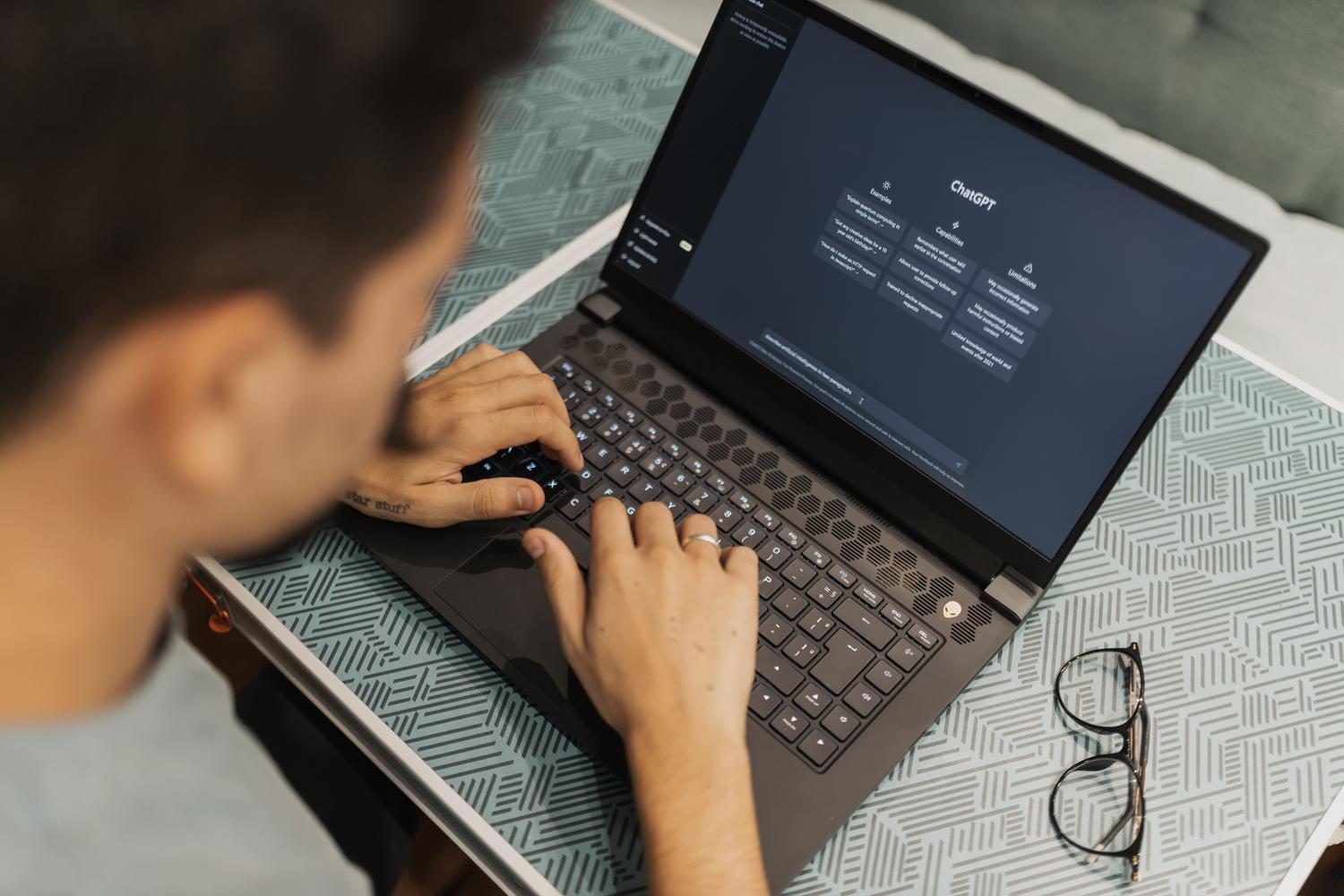
It's a common misconception that the NPU replaces the graphics card. In reality, it's a specialist in neural network inference with quantized weights (INT8 or INT4). While a GPU is a general-purpose powerhouse, the NPU is a precision tool that can run small models, like the Phi-3 Mini, consuming only 5 to 10 watts, compared to the 40-50 watts a laptop GPU would use.
However, it's not all sunshine and rainbows. The NPU isn't designed for training models or fine-tuning; that remains the exclusive domain of GPUs with dedicated VRAM. Furthermore, if you have a system with only 16 GB of RAM, trying to run a model with 7B parameters can be a real headache, since the NPU shares memory with the system and you might find your computer struggling to run smoothly.
The challenge of current software and applications
This is where things get tricky. Having the hardware doesn't mean all apps will use it. Currently, each manufacturer has its own "language": OpenVINO for Intel, ROCm/Ryzen AI for AMD, and QNN for Qualcomm . Although the ONNX Runtime standard attempts to unify this, many popular applications still ignore the NPU.
- LM Studio: It has already begun to support Qualcomm NPUs via QNN.
- Ollama: For the time being, it continues to rely mainly on the CPU or GPU, leaving the NPU aside.
- Windows Copilot: Use the NPU for native tasks such as background blurring in video calls or live captions.
If you notice that the NPU usage in Task Manager is always at 0%, it's not necessarily a problem on your end; the software ecosystem is still maturing . We're in a similar phase to when GPUs first started being used for scientific computing: the hardware is ahead, and developers are beginning to adapt their tools.
Having a neural accelerator is a competitive advantage these days, especially in ultrabooks and mini PCs where silence and battery life are paramount. Although its applications are currently limited to Windows functions or some quantized models, the trend is clear: in the short term, the NPU will be the standard engine for any personal assistant that resides on our hard drive without draining the battery.