- Power output (W) is the critical factor for charging laptops, generally requiring USB-C Power Delivery technology.
- The actual charging capacity is usually between 60% and 70% of the theoretical mAh specified by the manufacturer.
- It is essential to verify voltage (V) compatibility and the use of cables with an E-Marker chip for high power.
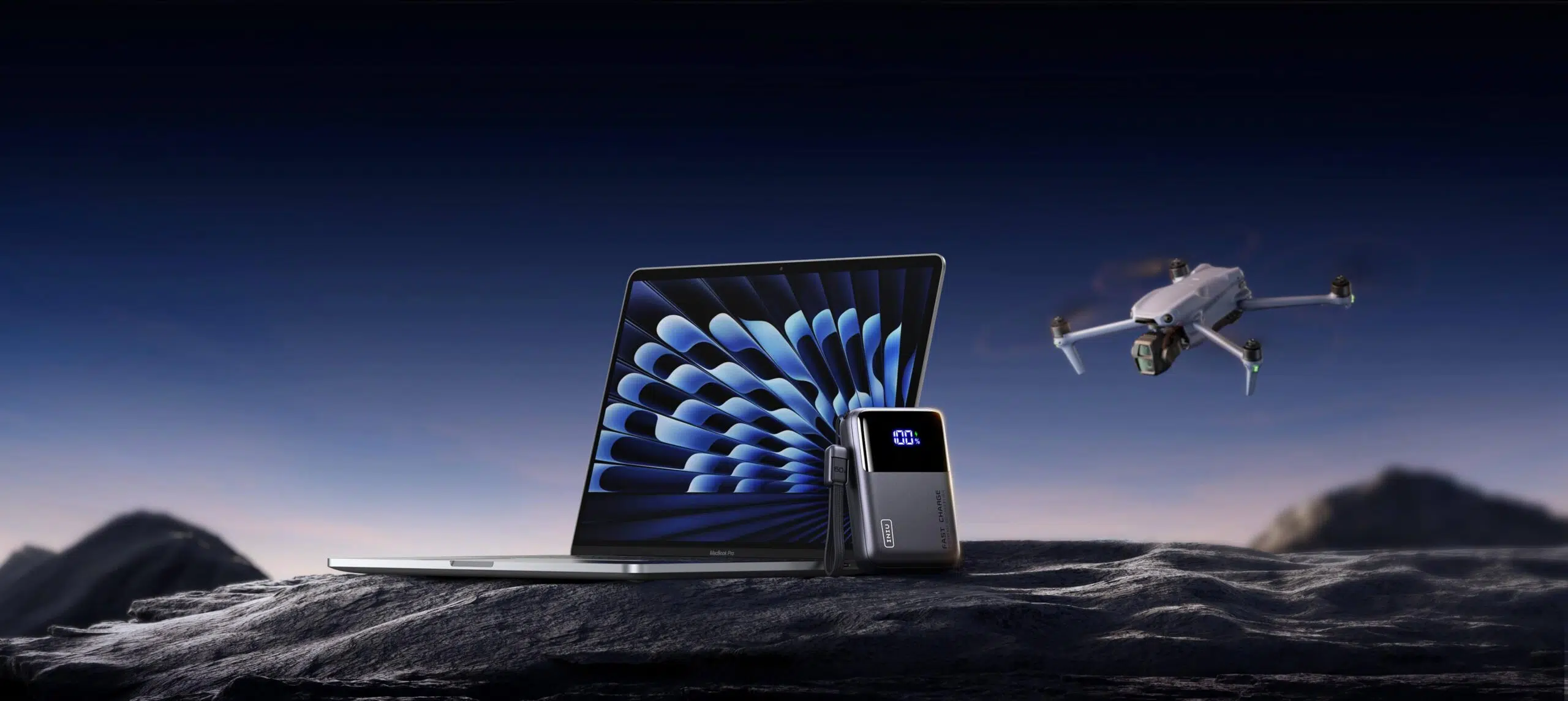
These days, almost everyone is glued to a screen, whether for work, studies, or simply for leisure. The problem is that, although devices are becoming increasingly powerful, the battery often falls short and leaves us stranded at the worst possible moment. That's why carrying an external battery is no longer a luxury, but a basic necessity to avoid desperately searching for a power outlet in a café or airport.
But be careful, charging a mobile phone is not the same as powering a computer. If you try to charge your laptop with just any battery, chances are nothing will happen, or worse, you'll stress your computer's battery . To avoid making a mistake, you need to understand concepts like voltage, wattage, and actual capacity, so that the investment is worthwhile and the device works at its best.

Basic concepts: What exactly is a power bank?
Basically, it's a portable power bank. Unlike a conventional charger, which needs to be plugged into a wall outlet to deliver power, a power bank stores electricity beforehand so you can use it wherever you want. In the case of laptops, these batteries need to be much more robust, with higher voltage and a greater capacity than those used for smartphones.
There are different types of cells, with lithium polymer cells being the most valued at present because they are lighter and allow you to store more energy in less space, something vital if you don't want your backpack to weigh as much as if you were carrying stones.


Key factors to avoid mistakes when buying
If you want your laptop to really charge, you need to look beyond the big numbers on the box. Here are the key points to consider:
- Output power (W): This is the most important information. A mobile phone can charge at 18W, but a laptop usually requires between 45W and 100WIf you buy a 15W battery for a MacBook Pro, it simply won't charge. High-performance models may require up to 140W under the PD 3.1 standard.
- Capacity (mAh and Wh): Capacity is measured in milliampere-hours. For a laptop, it's ideal to start with the 20.000 mAhPlease note that the actual capacity is less than the theoretical capacity (approximately 65%) due to energy loss through heat and voltage conversion.
- Voltage (V): Most computers need between 15 and 20 voltsIf the battery cannot supply this voltage, the device will not recognize the charge.
- USB-C Power Delivery (PD) Technology: This is the standard that allows the battery and laptop to "talk" and agree on the necessary power. Always check that it's compatible with USB-C PD.
Don't forget about the cables. For power outputs above 60W, you need a cable with an E-Marker chip . If you use a cheap, standard cable, the charging speed will be drastically limited, or you could run into safety issues.
Recommendations according to device type
Not all needs are the same. Depending on what you're carrying in your backpack, you should look for different things:
For MacBook Air or Ultrabook users , a 65Wh battery is usually the sweet spot, offering a perfect balance between weight and speed. However, if you have a 16-inch MacBook Pro or a gaming laptop, don't go below 100W or 140W if you don't want your battery to drain while you're using it.
If you're looking for something more versatile, there are models that combine USB-C ports for your PC and USB-A ports for accessories like headphones or your phone. Brands like Xiaomi, Anker, and INIU offer options ranging from 10.000 mAh for light emergencies to 45.000 mAh power banks for those who go days without seeing a power outlet.

Tips and tricks for use and safety
Charging a laptop generates heat. To prevent damage to your device, it's best to avoid demanding tasks (like video rendering or gaming) while using a power bank, as overheating can slow down charging.
If you're planning to travel by plane, remember that most airlines only allow batteries up to 100Wh in the cabin . To calculate this, multiply the voltage by the amp-hours. Also, it's prohibited to carry them in checked baggage; they must always be in your hand luggage.
To extend the accessory's lifespan, avoid leaving it charging overnight once it's fully charged, although most already have overcharge protection systems . Also, try to keep the battery on flat, well-ventilated surfaces to prevent overheating.
To choose the right option, you need to balance wattage with mAh capacity and ensure the USB-C port is compatible with the Power Delivery standard. Ultimately, it comes down to deciding whether you prioritize extreme portability with compact models or maximum battery life with high-capacity batteries, always verifying that the voltage matches your manufacturer's requirements to guarantee safe and efficient charging.