- It allows modeling dynamic systems from experimental data using estimation tools.
- It offers a wide range of model structures, from transfer functions to state space models.
- It facilitates the validation of the obtained models by comparing the response of the real system with the simulated one.
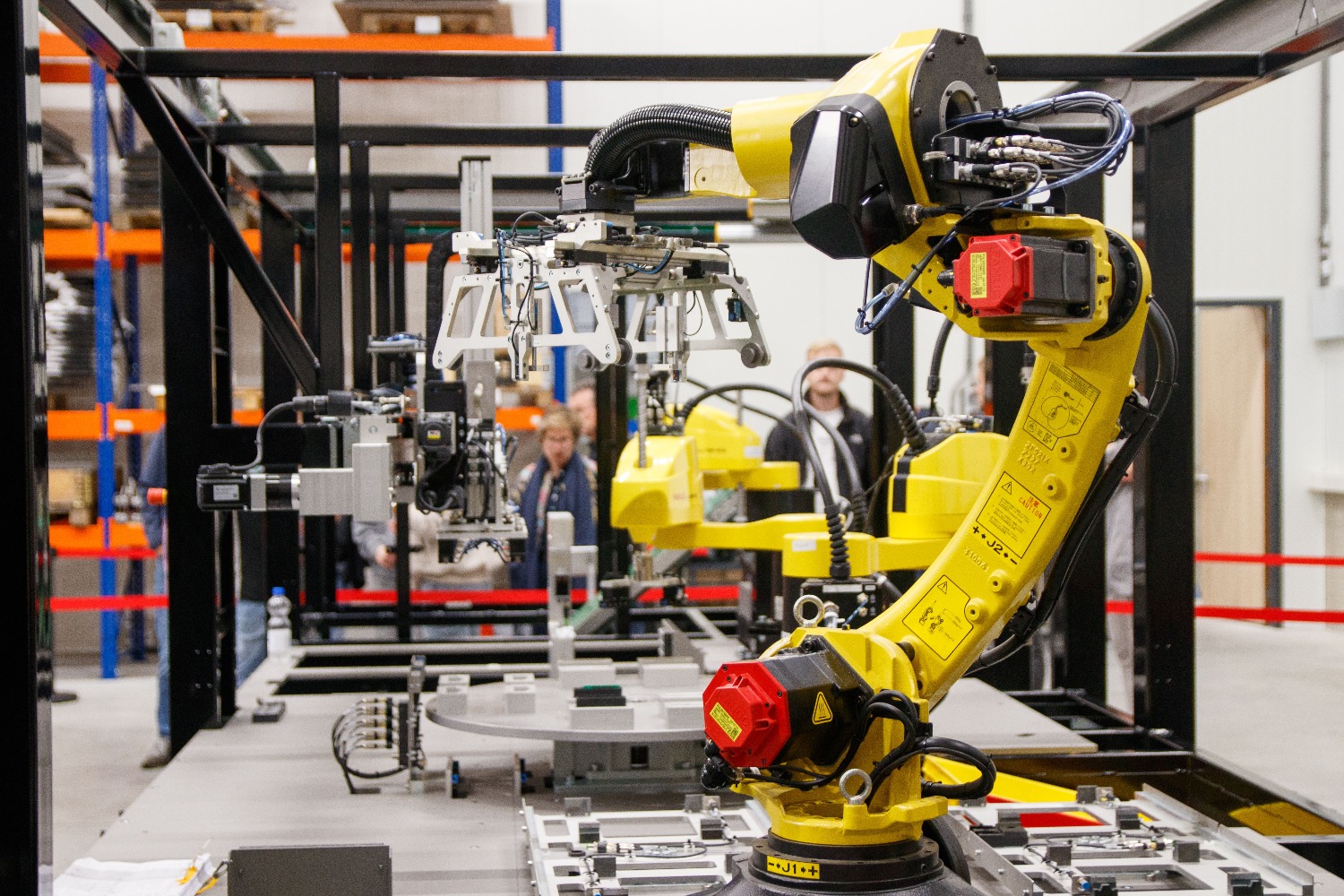
If you work in the fields of engineering or automation, you've surely encountered the challenge of understanding how a real-world system behaves without having all the mathematical equations at hand. This is where the System Identification Toolbox comes in , a powerful MATLAB tool specifically designed to create mathematical models based on measured data, saving us the headache of trying to deduce each parameter from scratch.
Essentially, this software takes the input and output signals of a process and transforms that raw data into a dynamic model capable of predicting the system's future behavior. It is, in essence, the perfect bridge between practical experimentation in the lab and the theoretical design of controllers, allowing any engineer to fine-tune the accuracy of their models to suit the needs of their project.
Workflow in systems identification
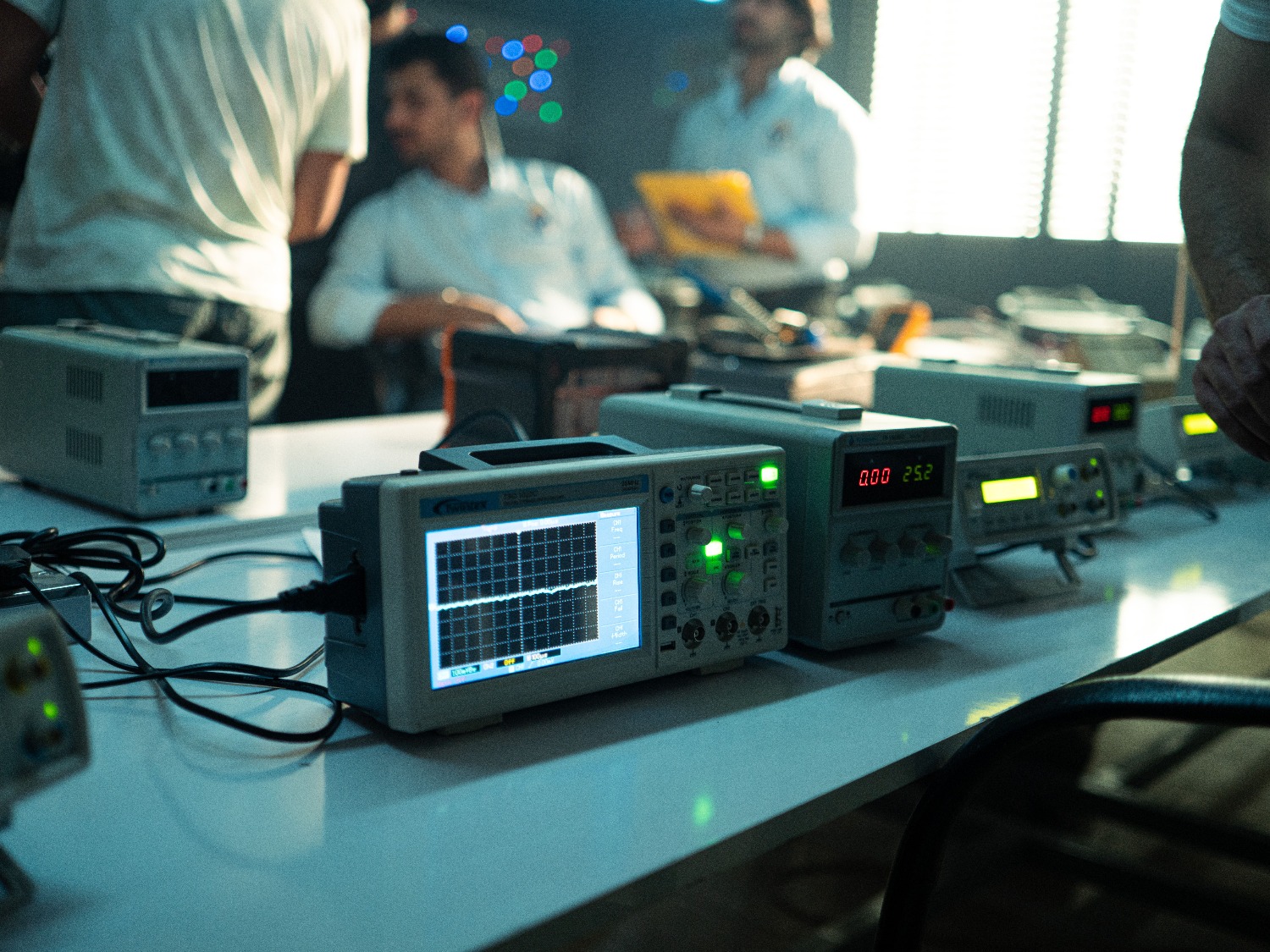
To get the most out of this tool, simply pressing a button isn't enough; a clear methodology must be followed. First, we need to acquire quality data , which involves exciting the system with appropriate signals (such as white noise or PRBS signals) so that all relevant frequencies are represented. Once we have the data, the Toolbox allows us to preprocess the information , eliminating constant trends or filtering out noise that could distort the final result.
The next step is choosing the model structure. Depending on our objective, we can opt for linear or nonlinear models , deciding on the system order and the number of poles and zeros. The software then runs estimation algorithms that search for the model that best fits the observed data, minimizing the error between the actual output and the output of the proposed model.
Types of models available

The Toolbox is incredibly versatile in terms of the representations it offers. For those who prefer classical analysis, transfer functions are the ideal choice, as they allow for a quick visualization of the system's gain and dynamics. If the project is more complex or requires modern analysis, state-space models can be implemented , which are much more efficient for handling multivariable (MIMO) systems.
- ARX models: Ideal for a quick estimate based on linear regression.
- ARMAX Models: They add a noise term to improve accuracy in environments with interference.
- Box-Jenkins models: They offer complete flexibility by modeling input dynamics and noise separately.
In addition, there is the possibility of using interactive tools such as the System Identification application, where you can drag and drop data, visually compare models, and adjust parameters in real time without having to write endless lines of code.
Validation and refinement of the model
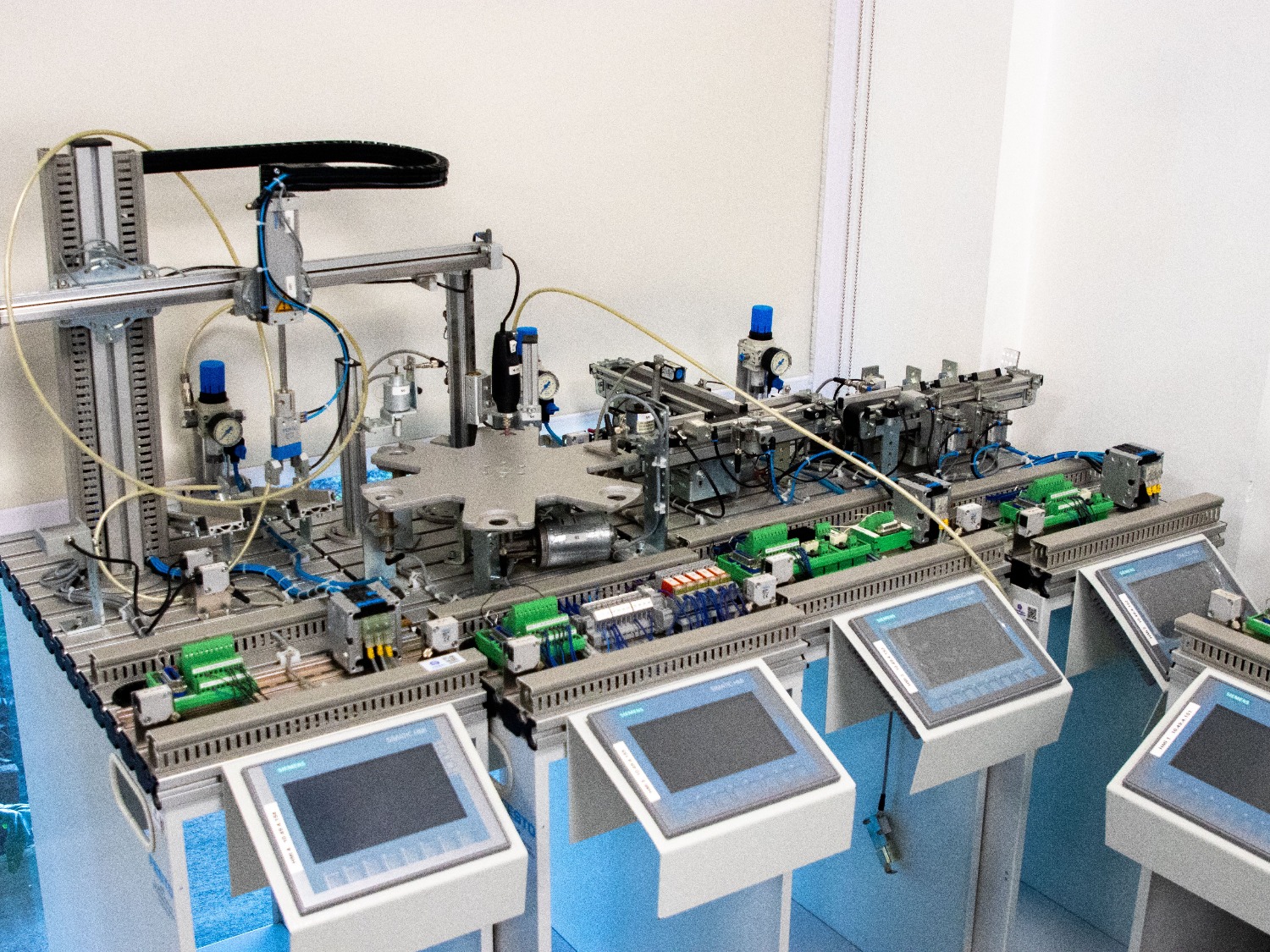
We cannot accept a model simply because the software says it has finished. Validation is the critical phase where we verify that the model has not overfitted. To do this, the data is usually divided into two sets: one to estimate the model and another, completely independent, to verify its predictive capacity.

One of the most commonly used metrics is the fit percentage , which indicates how closely the simulation matches reality. If the result is unsatisfactory, the engineer can modify the model order or check for any problems during data acquisition, repeating the cycle until the model is reliable enough to design a robust controller.
This tool is establishing itself as the definitive solution for those who need to convert experimental data into precise mathematical models, allowing everything from the selection of the structure and the estimation of parameters to the final validation of the dynamic behavior of the system.
FAQ
What is the System Identification Toolbox in MATLAB used for?
It is used to create mathematical models of dynamic systems from experimentally measured input and output data.
What is the difference between the ARX and ARMAX models?
ARX models use simple linear regression, while ARMAX models include an additional noise model for a more accurate estimate.
How do you know if an identified model is correct?
A validation is performed by comparing the model's response with a dataset that was not used during the estimation, analyzing the percentage of fit.
What is data preprocessing in the Toolbox?
This is the stage where the data is cleaned, removing offsets, constant trends, or unwanted noise before starting the estimation.
Can systems with multiple inputs and outputs be modeled?
Yes, the software allows working with MIMO systems through the use of state space models or matrix transfer functions.
What signals are recommended to excite the system?
The use of white noise or random binary signals (PRBS) is recommended to ensure that all system frequencies are estimated.
