- The virtual PC allows multiple independent operating systems to run on a single physical hardware using a hypervisor.
- Tools like VirtualBox and Hyper-V make it easy to create isolated environments for testing, development, and cost savings.
- Modern virtualization is evolving from basic emulators to cloud infrastructures with high availability and fast recovery.

Have you ever wondered what it would be like to manage multiple different computers without having to buy a bunch of hardware that just takes up space? Well, that's where the magic of the virtual PC comes in , a technology that basically tricks software into thinking it's running on a physical machine when, in reality, it's inside another. It's like having one computer inside another, allowing you to try out unusual things or run older programs without fear of crashing your main system.
Essentially, we're talking about an emulated environment that relies on a hypervisor to distribute the resources of the real machine, such as RAM or the processor, among different independent instances. This is a real lifesaver for those of us who work in software development, as well as for companies that need their servers to be always operational and available , preventing a single application failure from bringing the whole operation down.
Understanding virtualization and its pillars
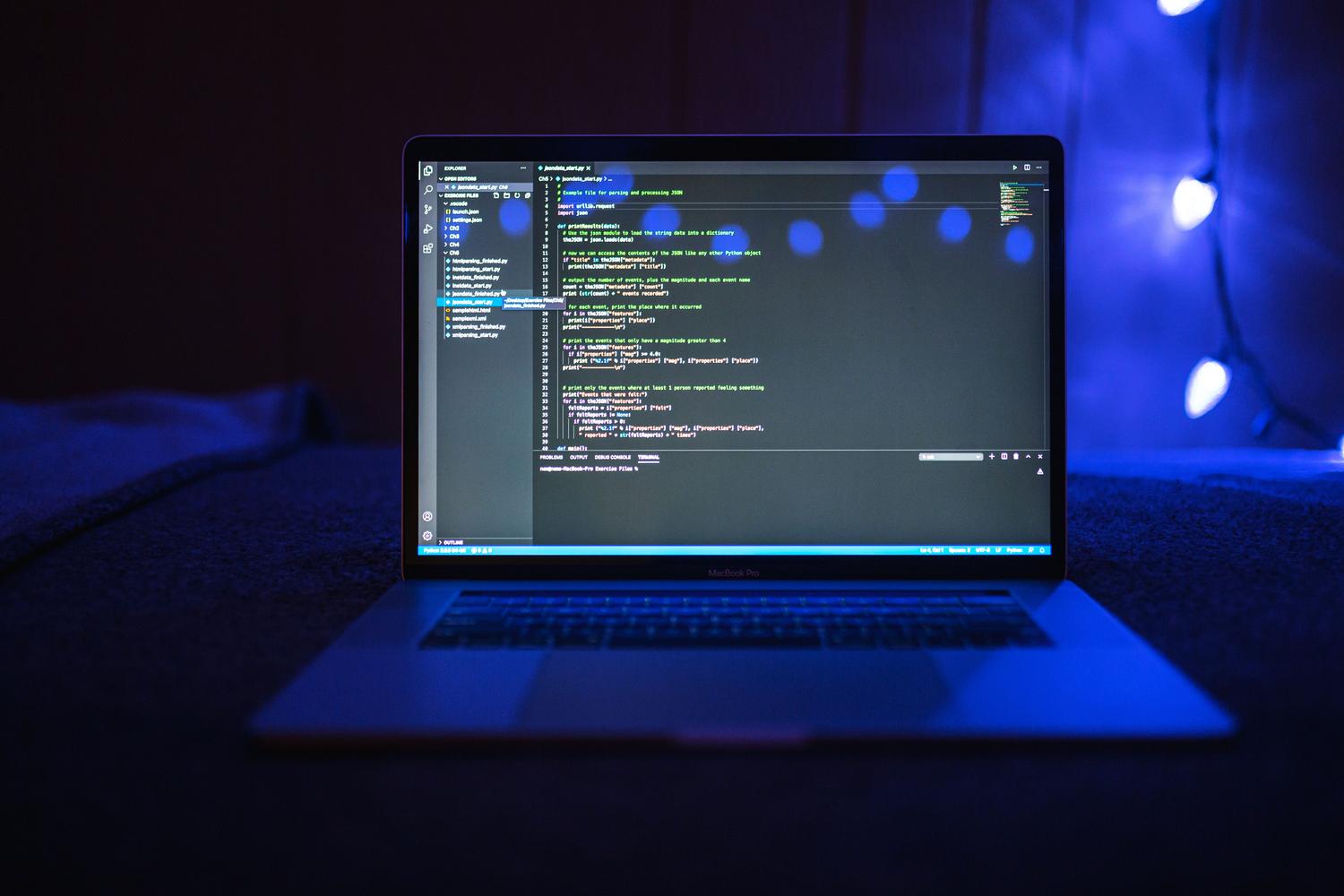
For a virtual PC to function, we need software to act as a bridge. This system abstracts the physical components to dynamically allocate CPU, storage, and memory . Thanks to this, we can run operating systems that would normally be incompatible, such as Windows, Linux, or macOS, on the same machine, keeping them in completely isolated environments so that nothing that happens in one affects the other.
The legacy of Microsoft Virtual PC and the evolution to Hyper-V
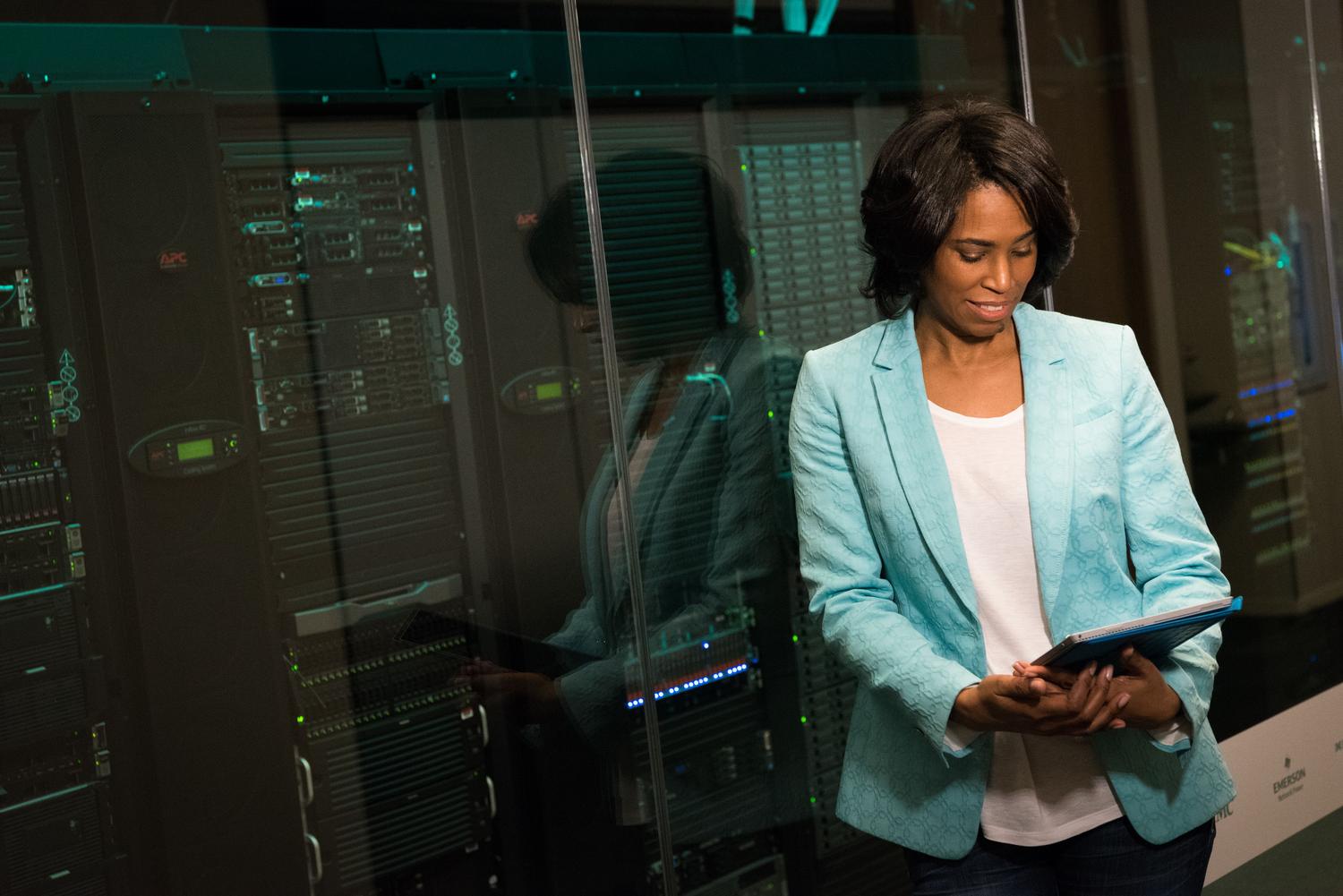
Looking back, we had tools like Windows Virtual PC, a manager originally developed by Connectix and later acquired by Microsoft. Its main function was to emulate complete hardware to run guest operating systems. Interestingly, while in Windows it didn't emulate the processor but let it execute instructions, in macOS it had to do more work emulating an Intel Pentium III processor and other components like the Intel 440BX motherboard or Sound Blaster 16 sound cards.
To make the experience less of a headache, there were Virtual Machine Additions . These add-ons were key to ensuring smooth mouse movement, automatic screen resolution adjustment when resizing windows, and the ability to drag and drop files between the host and guest machines. Although very useful, this product was eventually superseded by the power of Microsoft Hyper-V , as Windows Virtual PC was discontinued with Windows 8.
Compatibility and technical requirements of the classic environment
Back then, to set up a virtual machine on Windows 7, you needed basic but specific hardware: Intel Celeron or AMD Athlon Dual Core processors, at least 1 GB of RAM , and a video card with 64 MB of VRAM. As for the systems that could run as guests, the list was extensive, ranging from older versions like Windows 95 or MS-DOS 6.22 to Windows 7 Professional. You could even install Linux distributions, although things weren't always smooth, and sometimes you had to configure the color depth in the xorg.conf file to avoid problems.
Modern and powerful alternatives: The case of VirtualBox
Today, if you're looking for something flexible and free for personal use, VM VirtualBox is probably the most well-rounded option. It's an open-source platform that allows you to create virtualization containers on various operating systems. The best part is that it allows you to import and export instances directly from the Oracle Cloud (OCI), making it much easier for developers to deploy their code faster and save a lot of money on operating costs.
VirtualBox doesn't skimp on features. It offers everything from disk image encryption to keep your data safe, to 3D graphics support so visual applications run smoothly. It also has a great feature called multigenerational snapshots , which is basically like a restore point: if you install something and crash your system, you can revert to the previous state in no time.
Advanced features for demanding users
- Flexible networks: It allows you to configure NAT, internal networks, or bridges to manage how the virtual PC communicates with the outside world.
- Peripheral management: You can connect webcams, USB devices, and high-definition audio cards directly to the guest system.
- Hardware support: It is optimized for Intel and AMD chips, ensuring that client performance is as fast as possible.
Other business tools and solutions
The world of virtualization is vast and extends far beyond VirtualBox. Other options include VMware , which, although proprietary, offers free versions, and open-source solutions like KVM, Xen, QEMU, and Proxmox . For very specific needs, there are tools like Wine and CrossOver, which don't virtualize a complete system but allow you to run Windows applications in other environments, or DOSBox for retro enthusiasts.
For those seeking a more professional solution, services like DePC Cloud or Whitestack focus on cloud infrastructure . These solutions guarantee that the virtual server is always online with high availability, allowing for restoration in minutes in the event of a disaster, thanks to dedicated support teams. This eliminates the need to manage physical hardware at home or in the office.
Having the ability to emulate complete computer systems using hypervisors allows for maximum optimization of physical resources, facilitating everything from software development and the execution of legacy applications to the creation of cloud servers with optimized performance and total security through environment isolation.