- AI stabilizes and accelerates QA with self-healing, prioritization, and relationship-based visual testing.
- The lack of model determination requires multiple metrics and continuous validation.
- Orchestration (Latenode) and intelligent virtualization allow for the integration of data, CI/CD, and reporting.
- A mature ecosystem of tools covers web, mobile, API, accessibility, and test generation.
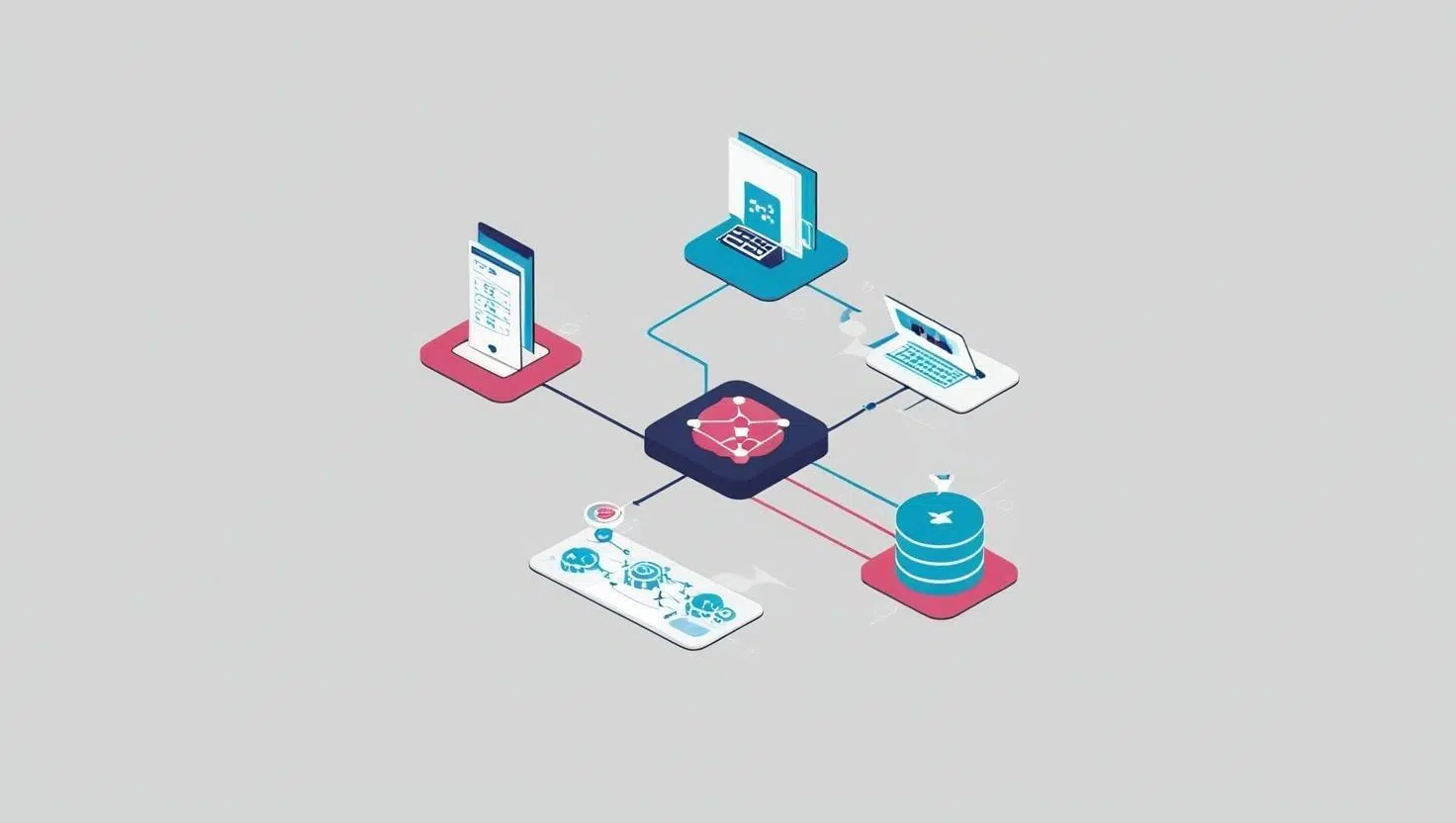
The arrival of artificial intelligence in quality assurance teams has changed the game for software assurance, and also for automated testing of systems with AI models . We're no longer just talking about running huge suites: we're talking about prioritizing with data, healing broken tests on their own, and analyzing results that, in AI, aren't always binary.
In leading organizations, AI is used to reduce development time, save effort, and find elusive flaws in their early stages. Thanks to techniques such as machine learning , NLP, and computer vision , it is now possible to generate test cases, run self-healing tests that adapt to changes, and visually validate interfaces without resorting to the classic "comparison of pixels."
Challenges of traditional testing and why AI fits in
One of the biggest problems with the traditional approach is unstable test suites: you change a selector, you change a component, and suddenly dozens of scripts break. This triggers maintenance and slows down deployment, increasing time to market because you end up running huge test suites to cover minor changes.
To address this vulnerability, self-healing frameworks have emerged . Technologies like Healenium detect interface changes and automatically reconstruct locators using machine learning. The result: fewer manual patches, greater stability, and suites that adapt to the changing environment.
AI also shines in predictive quality analysis. With models that flag risk areas before they scale to production, teams can prioritize testing where it truly matters, working proactively rather than reactively.
And when it comes to visual testing, the leap is clear: purely manual approaches don't scale, and pixel-level bitmap diffusion suffers from the dreaded "snapshot problem." Modern algorithms compare relationships and structures (the presence of elements, relative positions) instead of exact colors, reducing false positives even with dynamic content like news or advertisements.
Intelligent automation: from generating cases to healing tests
Automation "on steroids" comes when we combine ML and NLP to automatically generate and execute test cases . This expands coverage, accelerates execution, and uncovers hidden defects from the very beginning of development.
Furthermore, self-healing test suites free the QA team from tedious tasks: if an attribute or the DOM hierarchy changes, the engine adjusts the locators without human intervention. This self-regeneration reduces maintenance and makes the suites more robust.
Continuous optimization is another plus: AI engines learn from executions and adjust the strategy. What works is enhanced, and what's unnecessary is eliminated, resulting in more effective prioritization and greater alignment with business objectives.
Testing bots also come into play, using metrics such as coverage, code changes, and suite status to decide what to run in each iteration. This "brain" reduces unnecessary executions and accelerates deliveries without sacrificing quality.
When the SUT is an AI model: it's not all pass/fail
There's a critical nuance: AI systems are not deterministic. The same input can generate different outputs, so a binary verdict is no longer valid. We need multiple metrics (accuracy, recall, F1, bias, temporal stability, etc.) to assess alignment with requirements.
Furthermore, models learn and adapt. This necessitates ongoing validation: it's not enough to certify a version and forget about it, because a model's behavior can change with new data or environments. Testing strategies must take this lifecycle into account.
Visual tests: manual, classic automated, and AI-powered
In manual visual testing, a team compares screens to find differences. It works on a small scale, but with multiple combinations of browsers, operating systems, and screen sizes, maintaining that approach at scale becomes impractical .
Classic automated scanning captures bitmaps and compares hexadecimal values pixel by pixel. It detects shape changes consistently, but suffers from "false positives" due to antialiasing, fonts, or minor variations, especially with dynamic content.
The AI-powered version replaces pixel comparison with analysis of relationships and structures. This distinguishes between intentional design changes and actual errors, allowing for the validation of visual intent without requiring a static environment.
In practice, these approaches are combined. AI performs the initial intelligent screening and, where it detects significant discrepancies, focuses on comprehensive testing for confirmation and diagnosis.
Key advantages and frequent uses of AI in QA
AI brings intelligent automation that processes large volumes of data faster and more accurately than traditional methods, facilitating early detection and better coverage.
In terms of performance, it simulates realistic workloads, identifies bottlenecks, and anticipates performance degradation. In terms of usability, it analyzes interactions and proposes improvements. In terms of security, it locates vulnerabilities using static analysis and threat modeling.
This ability to prioritize risks, allocate resources, and continuously adjust the approach makes AI a lever for continuous optimization throughout the testing lifecycle.
Natural language tools and QA support
Language models and cognitive platforms help document requirements, improve acceptance criteria, and accelerate test writing. Among the options mentioned are generative engines like ChatGPT (based on GPT-3) , cognitive services in suites like Azure AI, and conversational assistants like BARD . The choice depends on latency requirements, cost, capabilities, and, very importantly, data privacy.
This assistance also facilitates PO-QA communication, reduces ambiguities and standardizes documentation, leaving final validation in human hands.
AI-powered service virtualization and agent testing
At the integration layer, a chat-based assistant integrated into the Virtualize UI generates virtual services from API definitions, request/response pairs, or descriptions. AI handles complex configuration tasks, parameters responses, and suggests appropriate default values.
This aligns with API-first workflows for faster and better testing, even when real systems are unavailable. Furthermore, Virtualize enables testing AI applications that use the Context Protocol Model (CPM) by simulating and controlling dependent CPM servers to validate generative agents.
Key benefits: quickly generate virtual services from natural language or service definitions and eliminate manual steps thanks to the automation of parameterization and adjustments.
Reduction of testing time and representative tools
AI-enhanced test suites can reduce testing time by up to 80% by creating, maintaining, and running tests more intelligently, adapting to UI changes without rewriting scripts. Examples include Mabl (visual regressions and performance), ACELQ (no-code with self-healing ), Applitools Eyes (advanced visualization), and Functionize (NLP for generating test cases).
To orchestrate multiple tools, platforms like Latenode automate repetitive tasks, merge data, and manage results. This simplifies web, mobile, and API testing, and shortens delivery cycles in complex environments.
Real-world scenarios show the impact: in e-commerce, smart locators and self-healing reduce maintenance; in mobile, distributed execution improves coverage and error detection per device; in APIs, generating realistic scenarios lowers false positives and speeds up integration; in visual, AI distinguishes intentional design from errors; in cross-browser, automated comparisons detect browser-specific problems.
According to shared experiences, the investment in these tools is quickly recovered through the combination of increased productivity and more frequent time to market, especially when integrated into CI/CD pipelines.
Flow orchestration with Latenode
While specialized tools perform tests very well, much of the effort (data, reporting, integrations) is better handled with general automation platforms. This is where Latenode excels, connecting testing ecosystems with over 300 integrations and an accessible visual builder.
Typical workflows: AI-powered HTTP case generation, execution across multiple environments, centralized storage, and reporting to channels like Slack or email; for mobile, it starts with GitHub webhooks , analyzes changes, generates scenarios, runs tests, and opens tickets in Jira; for API, it combines Postman collections with AI for edge cases, executes via REST, and updates dashboards in real time.
Differentiating features: headless browser automation with central database, multi-model coordination (e.g., GPT-4 for generation, Claude for code analysis, and Gemini for interpreting results), and extensive integrations for CI/CD, test management, and communication.
With over 200 projects, they report up to a 50% reduction in process complexity through end-to-end orchestration. Furthermore, Latenode articulates best practices for adoption, ensuring that AI is not isolated but rather a cohesive flow.
Choosing well: selection factors and best practices
Key selection factors: architecture (modern web vs. legacy vs. native mobile), team expertise (advanced customization vs. low-code/no-code), CI/CD integration and test management, total cost of ownership, and compliance and security needs (encryption, auditing, RBAC, data policy).
Best practices: set objectives and success metrics from the outset; run limited pilots to measure setup and maintenance times; invest in training and change management; integrate orchestration to cover data creation, results analysis, and reporting; establish governance and periodic review of the suite; and take care of data management and test environments.
When these elements come together, AI ceases to be a promise and becomes a real lever for efficiency, with less maintenance, greater coverage, and more agile cycles.
AI Test Generation and Optimization
AI helps build a model of the system under test and, from there, automatically generates cases that cover paths and states. This model-based generation relies on graphs, static analysis, and NLP on requirements.
For data, synthesis techniques (GANs, autoencoders) create realistic datasets without exposing sensitive information, perfect for load, stress, or compliance testing such as GDPR.
In exploratory mode, AI suggests hotspots, routes, and data combinations with a higher probability of failure, relying on reinforcement learning and user session analysis.
Suite optimization includes prioritization (what to run after each change), pruning of redundants, and automatic healing of UI tests when elements or attributes change.
Steps to adopt it: identify where it hurts the most (creation, maintenance, coverage), collect historical data, choose tools (commercial or OSS) and start small with pilots, measuring impact and training the team in interpreting results.
AI-powered test case generators: overview and uses
Modern generators transform requirements, user stories, and real-world traffic into executable tests, prioritize based on failure history, and automatically update tests affected by changes. Among the tools mentioned are: Keploy (records API calls and creates CI/CD-ready suites and mocks), Testim (E2E with auto-healing), Testsigma (natural language to scripts), Mabl (functional and visual in the cloud), Functionize (advanced model for adaptive testing), and Appvance IQ (generative AI for coverage at scale).
Benefits: greater coverage including edge cases, less manual effort, faster feedback for CI, savings from less manual QA, self-healing tests in the face of changes, and accuracy by learning from failure patterns.
Typical cases: regression that regenerates with each commit, API based on real traffic, robust UI in the face of changes, transformation of requirements into automatic checks, and performance with model-based loads.
Best integration practices: run tests on every build, link results to the issue tracker, balance generated tests with exploratory tests, and version test artifacts alongside the code for full traceability . Firms like Q2BSTUDIO integrate these solutions into custom projects, combining AI, security, and cloud.
Key tools and experience in real projects
Among the platforms cited by experienced teams: Testim accelerates functional and UI testing with smart locators and AI-powered generation; Qase manages tests and turns manual cases into automated ones, with dashboards and integrations; Sauce Labs offers unified cross-browser and real-world device testing with ML insights; Applitools enhances visuals (including PDFs) with "visual AI" for regressions and design changes.
In content and localization, Spling checks spelling and grammar with advanced contextual understanding, useful for validating messages and formats in multiple languages. In OSS accessibility, Axe DevTools automates contrast, keyboard navigation, and label OCR; in business compliance, AccessiBe assists with WCAG/ADA/EAA compliance through AI-powered corrections and expert support.
For massive compatibility, BrowserStack adds low-code automation, visual testing with Percy, and test management; it also incorporates self-healing, NL-to-steps , and intelligent timeouts. In ALM-connected generation, the AI Test Case Generator creates complete test cases in Jira or Azure with IDs, steps, and expected results.
In the API ecosystem, Postbot (Postman) assists with documentation, test creation, visualization, and debugging using natural language. As an OSS alternative, TestCraft (a browser extension) generates test ideas and scripts for Playwright, Selenium, or Cypress, and detects accessibility issues directly from the browser.
They are complemented by Functionize (AI agents for functional automation and maintenance), Testers.ai (agents for exploratory and automatic discovery), Momentic.ai (self-healing locators and natural language assertions) and TestGrid (web, mobile, API, performance and IoT in cloud, on-premises and hybrid with CoTester AI ).
Indicators, adoption and human approach
In terms of metrics, savings of up to 80% in testing time and 70% in maintenance are reported with AI. According to shared data, 57% of organizations already use AI in testing and 90% plan to increase investment, with a market estimated at 3,4 million by 2033. In parallel, 72% of companies have reportedly adopted AI in at least one business function.
Even so, it's unwise to fall into the trap of "fully automated" solutions. AI solutions should expand coverage and efficiency, not replace human judgment. There's still plenty of room where expert input is essential, especially in critical domains or those with complex usability requirements.
Automated testing for AI models and modern software relies on intelligent generation and prioritization, self-healing, AI-powered visualization, selection bots, assisted virtualization, and orchestration. With the right combination of tools (from ACELQ to TestGrid, from Applitools to BrowserStack), best practices (pilots, metrics, governance, data), and workflow platforms like Latenode, teams gain speed, reduce maintenance, and improve quality without losing human control .
