- The balance between the processor (CPU) and the graphics card (GPU) depends on whether the rendering is done locally or in the cloud.
- RAM and NVMe SSD storage are critical to avoid bottlenecks in BIM workflow and multitasking.
- The choice between a laptop or desktop computer should be based on the need for mobility versus raw power and upgradeability.

Setting up an architecture studio today is no longer just about having a computer that can run the design software. We're in an era where the digital workflow integrates BIM methodology, real-time rendering, and the rise of artificial intelligence, making the computer the strategic core of any project. Raw power is no longer enough; now the challenge is finding hardware that is efficient and capable of seamlessly transitioning from complex modeling tasks to generating conceptual images without the system crashing.
Choosing the right machine can be the difference between delivering a project on time and spending sleepless nights because the renderer keeps crashing. It's not just about spending money, but about investing wisely in the components that truly impact your daily productivity. In the following lines, we'll break down which parts you need based on your profile, whether you're a student just starting out or a professional managing massive scenes with millions of polygons.
The brain of the machine: The processor
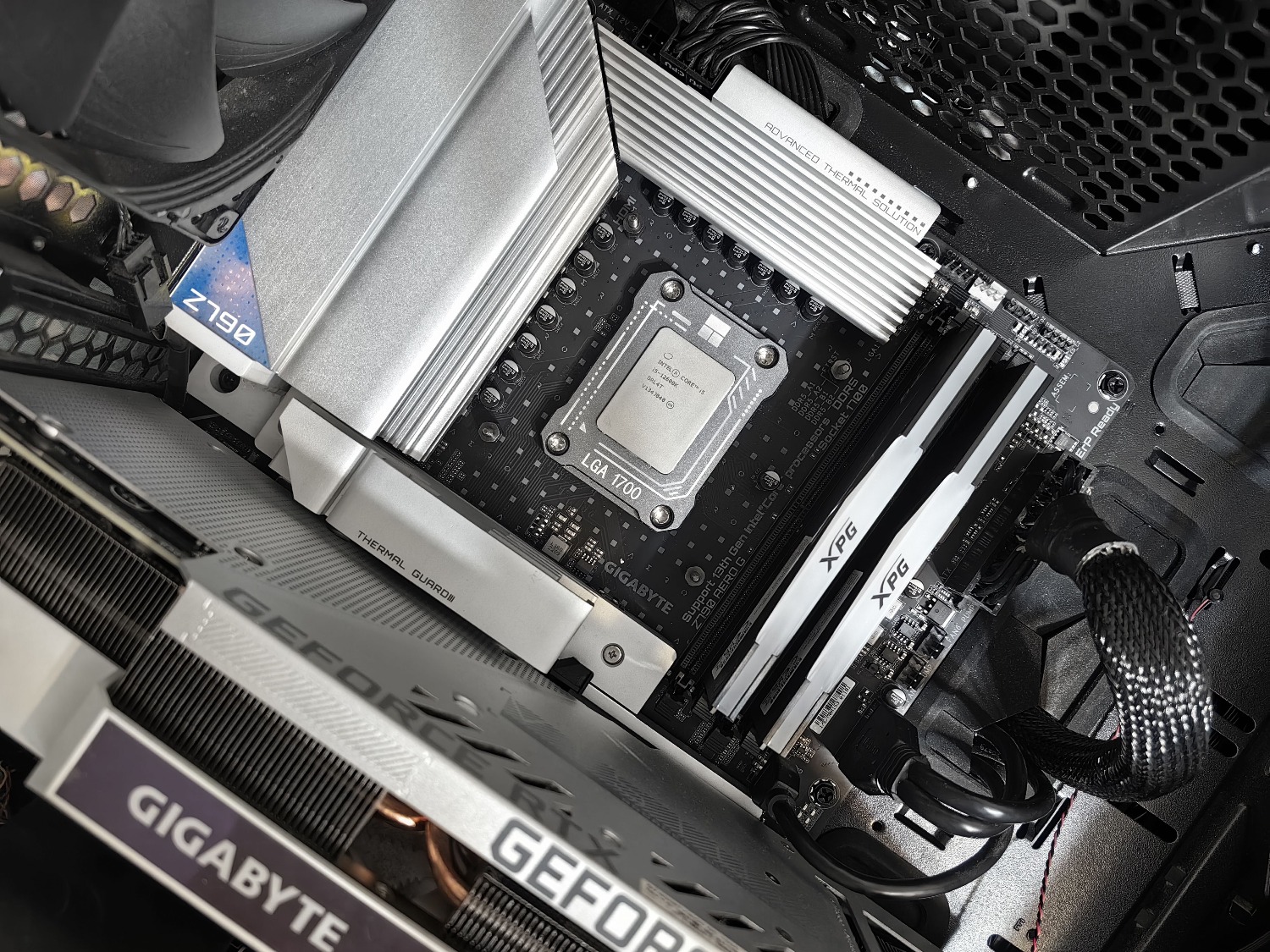
The CPU is undoubtedly the engine that powers everything. However, there's an important distinction: not all architecture programs use the processor in the same way. Tools like Revit or ArchiCAD are somewhat finicky and, during modeling, tend to rely on a single core . Therefore, you need that core to have a high clock speed (more GHz). On the other hand, if you're rendering with CPU-based engines like V-Ray or Corona, then you'll definitely want as many cores as possible to reduce latency.
For general, smooth use, Intel i7 or AMD Ryzen 7 processors are usually a good fit. But if you're doing heavy rendering, you should upgrade to an Intel i9 or Ryzen 9. A word of advice: if you're using a laptop, avoid processors with "U" or "P" suffixes, as they're designed for office tasks and won't handle intensive modeling and AI sessions.
Visual power: Graphics Card and VRAM

This is where many people get confused. The video card is vital, especially for real-time rendering engines like Lumion, Enscape, or Twinmotion. These programs consume video memory (VRAM) voraciously. If you have a card with only 4GB of VRAM and you add dense vegetation or 4K textures, the program will start to stutter, which can make you look unprofessional in front of a client.
To begin with, an entry-level NVIDIA RTX with 8GB of VRAM is sufficient. However, for larger projects, 12GB or 16GB of VRAM is ideal. Regarding the perennial debate between Quadro and GeForce: for 95% of architects, a consumer RTX series offers significantly better value for money. The professional (Ada) lines are only worthwhile if you need certified drivers specifically for very specific industrial software.
RAM and Storage: Goodbye to bottlenecks
Having the best processor is useless if your RAM gets overloaded. These days, 16GB is the absolute minimum, but the reality is that 32GB of RAM is what allows you to work smoothly with Revit, Photoshop, and twenty Chrome tabs open simultaneously. And if you're working on very large V-Ray scenes, 64GB goes from being a luxury to a basic necessity.
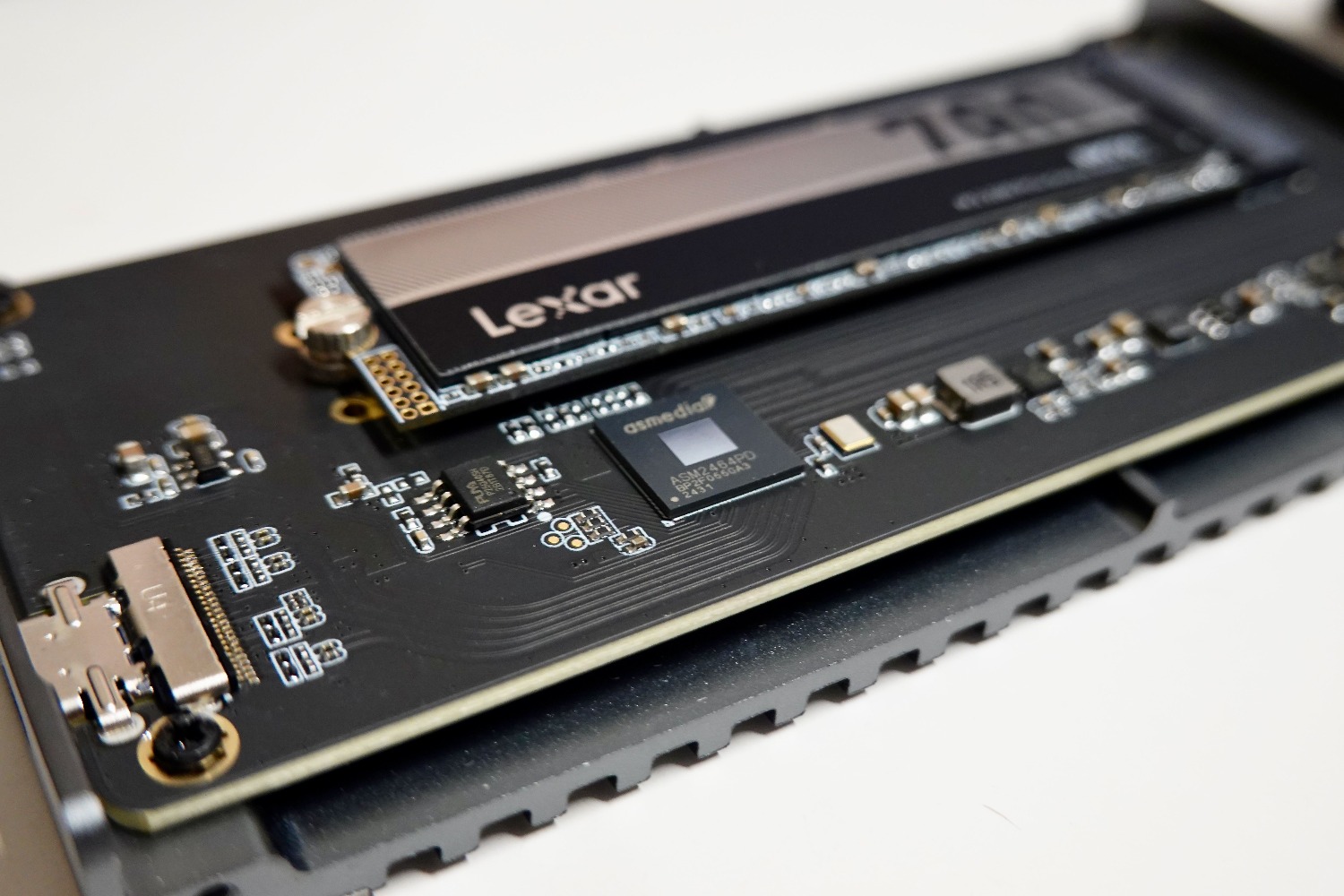
As for storage, forget about mechanical hard drives (HDDs) for work. The only viable option is an NVMe M.2 SSD , which is infinitely faster at loading textures and opening large files. A smart setup would be to use a fast SSD for the operating system and active projects, and reserve a cheap HDD for inactive files or backups.
Laptop or Desktop? The Mobility Dilemma
The short answer is that, all other things being equal, a desktop computer will always be cheaper and more durable. Towers have far superior cooling , preventing the system from throttling during extended rendering sessions. Furthermore, they are easy to upgrade: increasing RAM or changing the graphics card takes only minutes, whereas in many laptops, the components are soldered in, forcing you to buy a new machine if you run out of space.
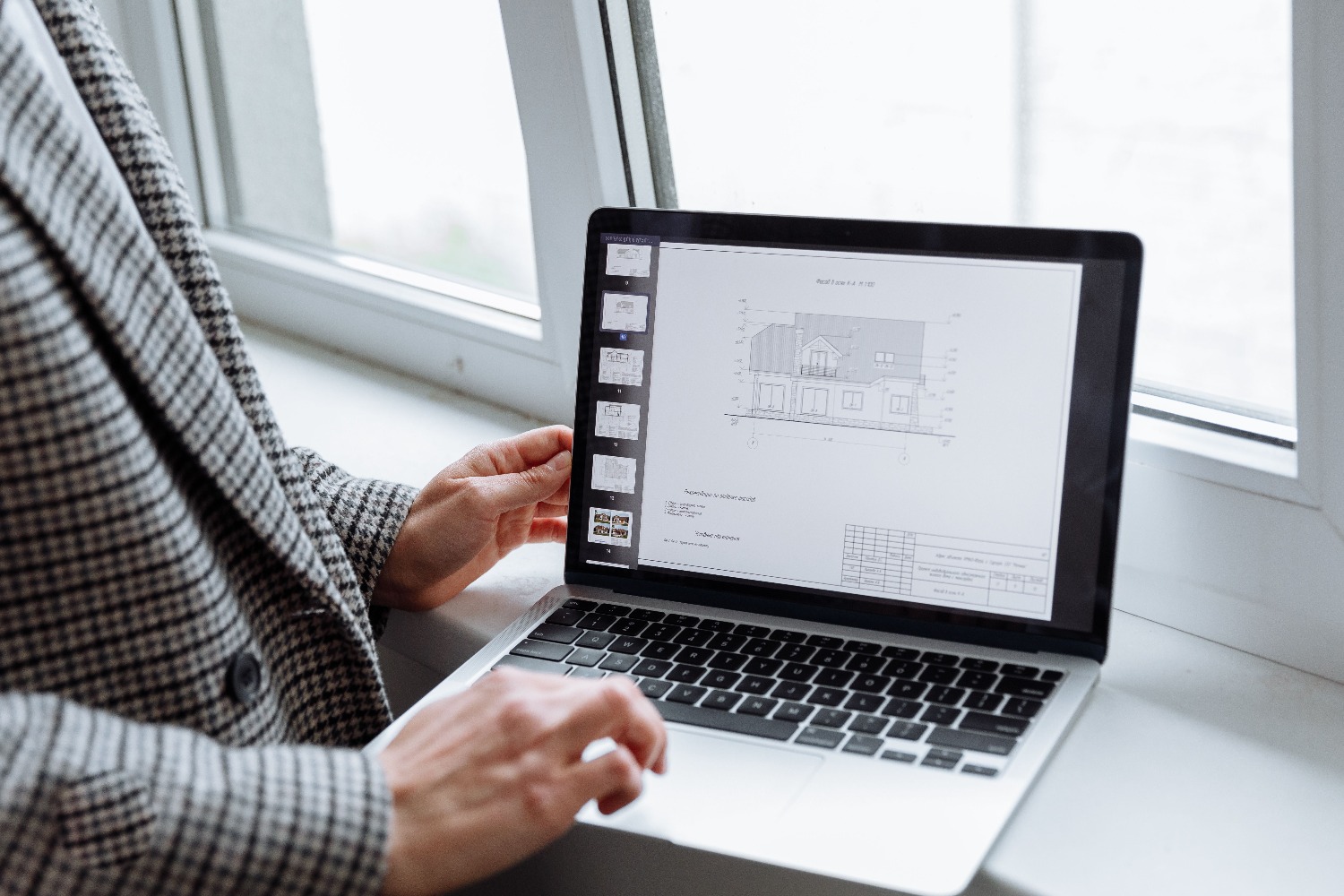
Even so, a laptop is the ideal tool for those who need to take their studio to the construction site or present projects at a client's office. If you choose this option, look for laptops with QHD screens and good thermal management, such as the ASUS ProArt series or the Lenovo Legion series. Ideally, a professional would have a desktop workstation for heavy workloads and a lighter laptop for lighter tasks and portability.
Windows vs Mac in the architectural environment
Although Apple Silicon chips have improved significantly and run programs like SketchUp and Blender incredibly well, there's one major obstacle: Revit and 3ds Max don't run natively on macOS. If your workflow relies on the Autodesk BIM ecosystem, a Windows PC is the only way to avoid headaches. Furthermore, Windows offers hardware freedom and upgradeability that Apple simply doesn't allow.
The Impact of Artificial Intelligence
In today's architecture, AI is no longer science fiction. Tools like Midjourney for concepts, Stable Diffusion, and automation scripts with Python and Dynamo require suitable hardware. NVIDIA's Tensor Cores are fundamental here. Having an AI-optimized system isn't a luxury, but a way to gain efficiency, allowing you to generate technical documentation or concept images in a fraction of the usual time.
Ultimately, the best machine is the one that fits your budget and the programs you use most. If you prioritize 2D and blueprints, an i5 or Ryzen 5 will suffice; but if you're looking to master rendering and AI, don't skimp on VRAM and CPU cores . Combining a good processor with NVMe storage and plenty of RAM is the foolproof recipe for making your computer an ally, not an obstacle, to your creativity.
FAQ
What is the best graphics card for an architect?
NVIDIA RTX cards are recommended due to their Tensor cores and compatibility. 8GB of VRAM is sufficient for basic projects, while 12GB or more is suggested for complex renders.
Is it advisable to buy a Mac for studying architecture?
It depends on the software used, as essential programs like Revit and 3ds Max don't run natively on macOS. For a complete BIM workflow, a Windows machine is preferable.
How much RAM does an architectural PC really need?
Although 16GB is the minimum, 32GB is ideal for smooth multitasking. Professionals working with very large scenes in V-Ray or Corona typically require 64GB.
Which processor is best for Revit and AutoCAD?
For these programs, core clock speed is more important than the number of threads. Intel i7 or AMD Ryzen 7 processors offer an excellent balance for modeling.
Is it worth investing in a professional graphics card like Quadro?
They are only justified if the study requires certified drivers for very specific industrial software. For the vast majority of architects, GeForce RTX cards are more powerful and affordable.
What is the difference between cloud rendering and local rendering?
Local rendering requires a very powerful and expensive GPU. Cloud rendering shifts the load to external servers, allowing the use of a more modest and efficient graphics card.
Why is it important to use an NVMe SSD instead of an HDD?
NVMe SSDs have drastically higher read and write speeds, reducing the time it takes to open heavy projects and load textures.
