- Access to hundreds of designs optimized for VESA adapters and mounts on 3D modeling platforms.
- Importance of verifying copyright and usage rights before downloading STL files.
- Ability to customize screen mounting through additive manufacturing to optimize workspace.
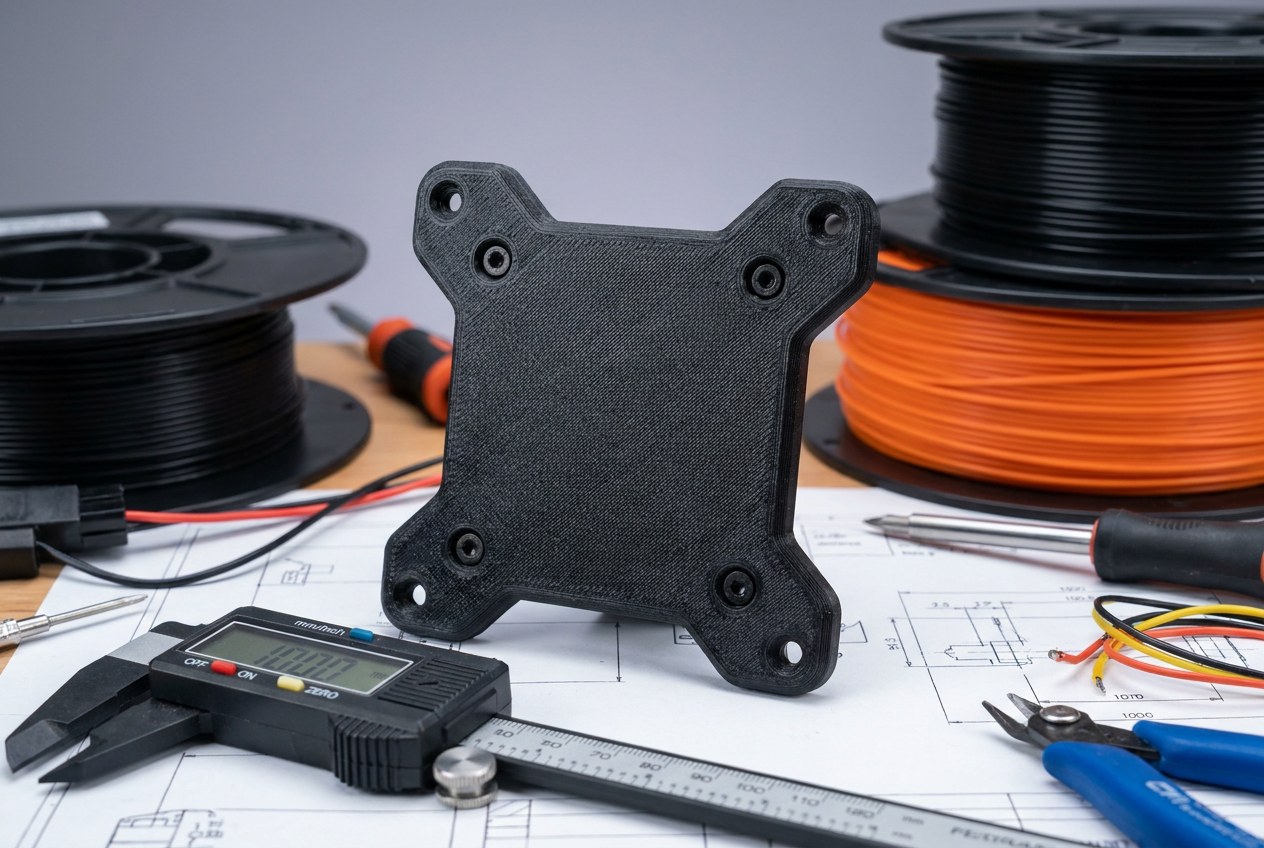
If you've noticed your monitor doesn't fit on the articulating arm or you simply want to optimize your desk, 3D printing is the perfect solution . There's nothing more frustrating than buying a mount only to discover the holes don't line up, but thanks to additive manufacturing, you can create custom parts that solve this problem in no time.
Access to global repositories allows us to find hundreds of ideas and models already designed by other users who have gone through the same process. From simple adapters to more complex structures, printing your own VESA mount is a brilliant way to put your printer to practical use and discover more useful 3D printing ideas and projects , saving you money on commercial accessories.

Exploring the VESA model repositories
To get off to a good start, it's best to browse search engines specializing in STL files. There are platforms where you can find over 400 VESA mount designs , guaranteeing that regardless of your monitor's brand, there's something that will work for you. Simply enter specific terms like "monitor mount" and filter the results according to your needs.
The process is incredibly simple: once you find a design you like, just download the corresponding files and run them through your favorite slicer. This ease of access makes the 3D printing community a goldmine for those looking to create objects that are both cool and extremely useful in everyday life.
Legal aspects and download licenses
Something we sometimes overlook when downloading files from the internet is the issue of intellectual property. Many of the models available on cloud services like Creality Cloud are shared by the community itself, but this doesn't mean they're without rules. It's crucial to be aware that many works are protected by copyright licenses (such as Copyright 4.0).
In most cases, the original creator allows users to freely use their work , provided that the original author is credited. However, it's advisable to review the terms of each file to avoid any legal infringement, especially if you plan to modify the design or use the piece in a professional or commercial setting.
Tips for durable printing
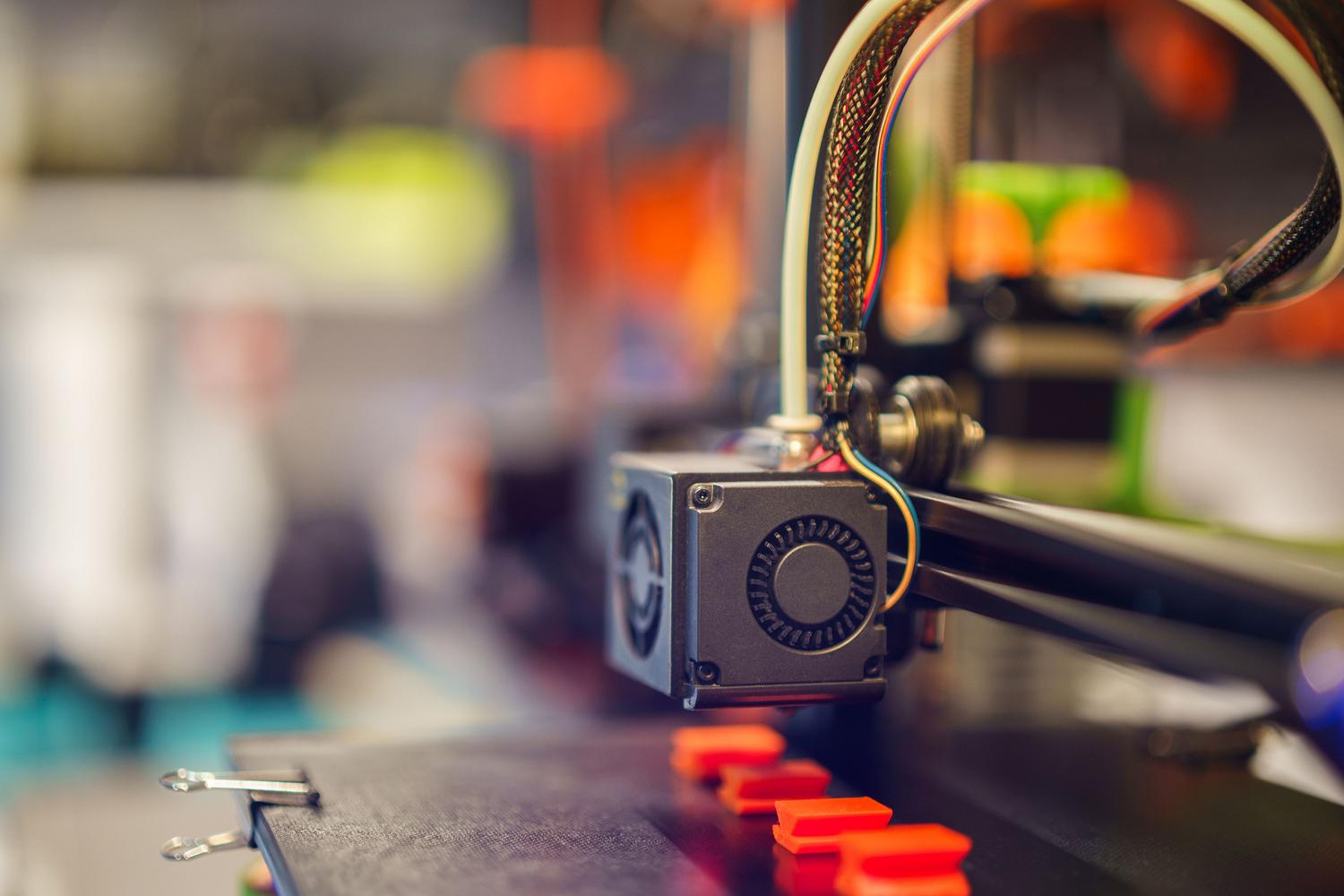
Since these parts have to support the weight of a screen, we can't print them lightly. It's vital to choose materials with good mechanical strength; PLA can work for very lightweight monitors, but for greater safety, using PETG or ABS is much more advisable due to their greater toughness and thermal resistance. You can consult a complete PETG vs. PLA comparison guide to help you decide.
- Make sure you use a high infill, preferably greater than 40%, with patterns such as the gyroid to avoid deformations.
- Pay special attention to the walls; add more plastic perimeters It will considerably increase the structural rigidity of the support.
- Verify that the model's dimensions exactly match your monitor's VESA standard (75x75mm or 100x100mm) before starting the print, using a Complete guide to calibrating your 3D printer and achieve precise parts.
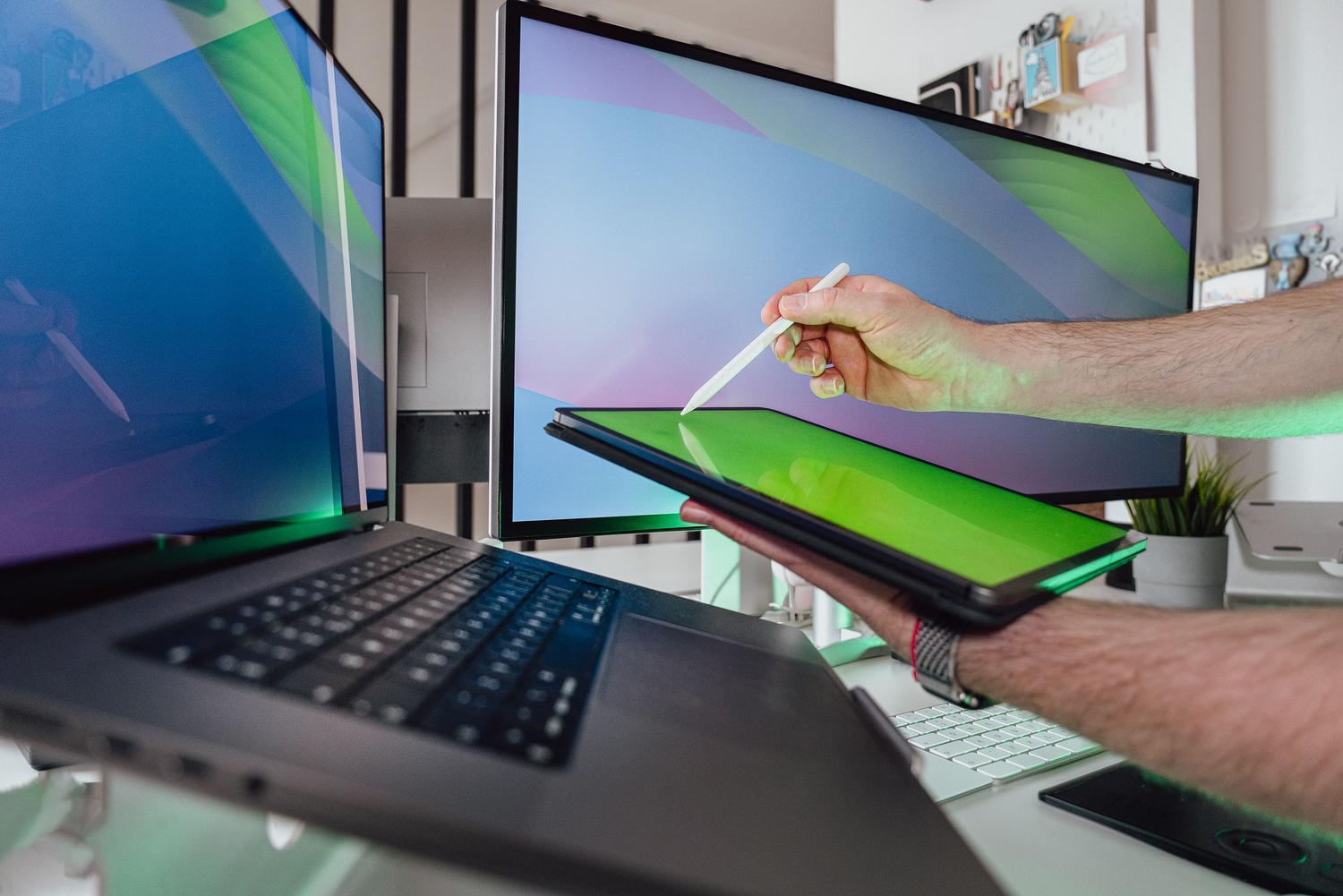
Being able to manufacture your own adapters allows you to customize the ergonomics of your workstation without relying on limited store catalogs. Whether you need a specific angle or a special anchor point, the versatility of these tools is simply unbeatable.
Having a wide variety of downloadable templates and the support of community licenses makes it easy for anyone to improve their screen layout using 3D printed parts, ensuring that the choice of material and printing settings guarantee the stability of the equipment.