- Klipper divides the processing between a host computer (laptop) and the printer's electronics to gain speed and quality.
- It allows you to optimize basic electronic boards and make configuration changes without needing to recompile the firmware.
- Installing it on older laptops is an economical and efficient alternative to using Raspberry Pi.
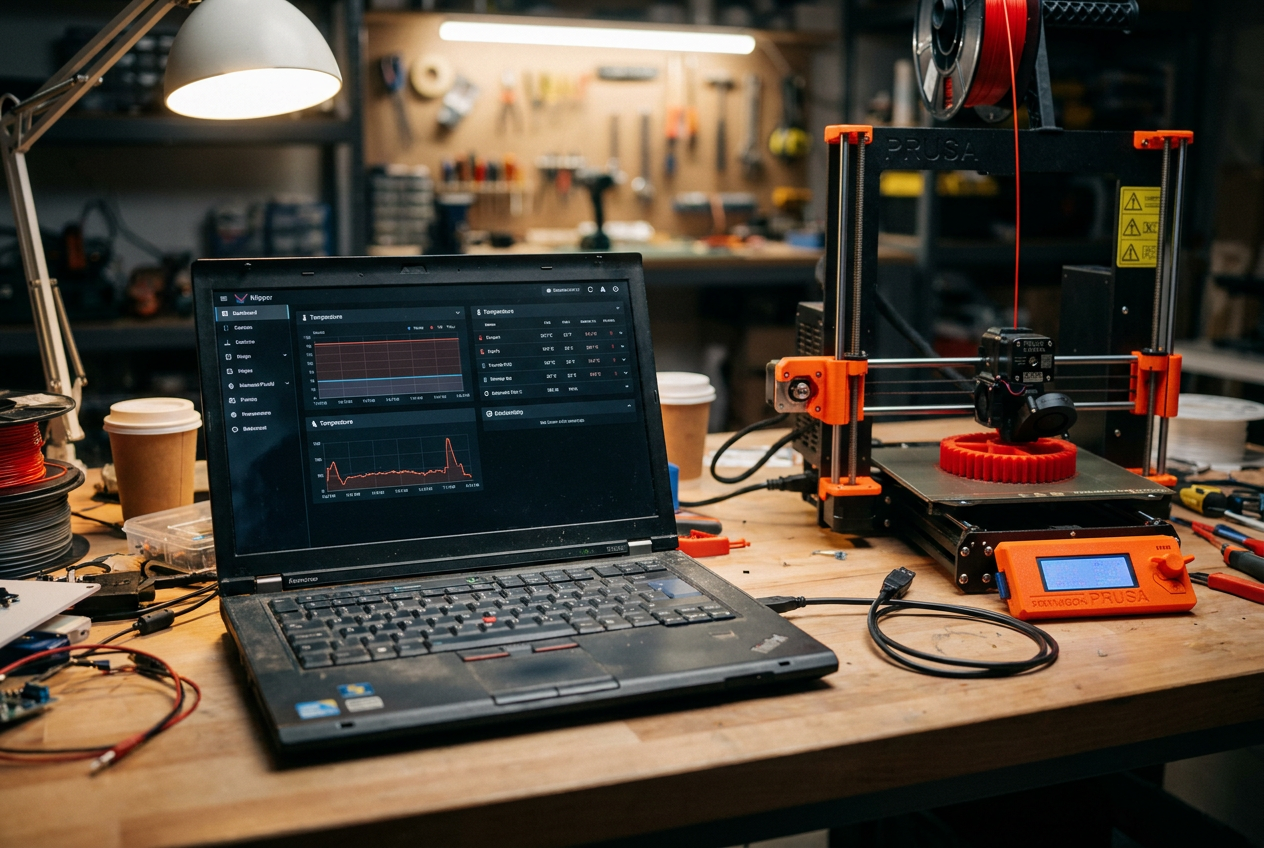
If you have an old laptop lying around that you no longer use, don't throw it away. It turns out that this machine is a fantastic piece of hardware that can be given a second life and transformed into the brain of your 3D printer by installing Klipper . Instead of spending a fortune on a Raspberry Pi, which are sometimes impossible to find or extremely expensive, you can harness the power of a laptop to take your prints to the next level of quality.
The best part is that, although it might seem complicated, the process is actually quite simple to set up . Even if you're not a computer expert, by following the right steps you can have it up and running in no time. There's also an interesting detail: many laptops manage sleep mode very well with Linux, which means the computer doesn't consume a lot of power while the printer is working, thus optimizing energy consumption.
What the heck is Klipper and how does it work?
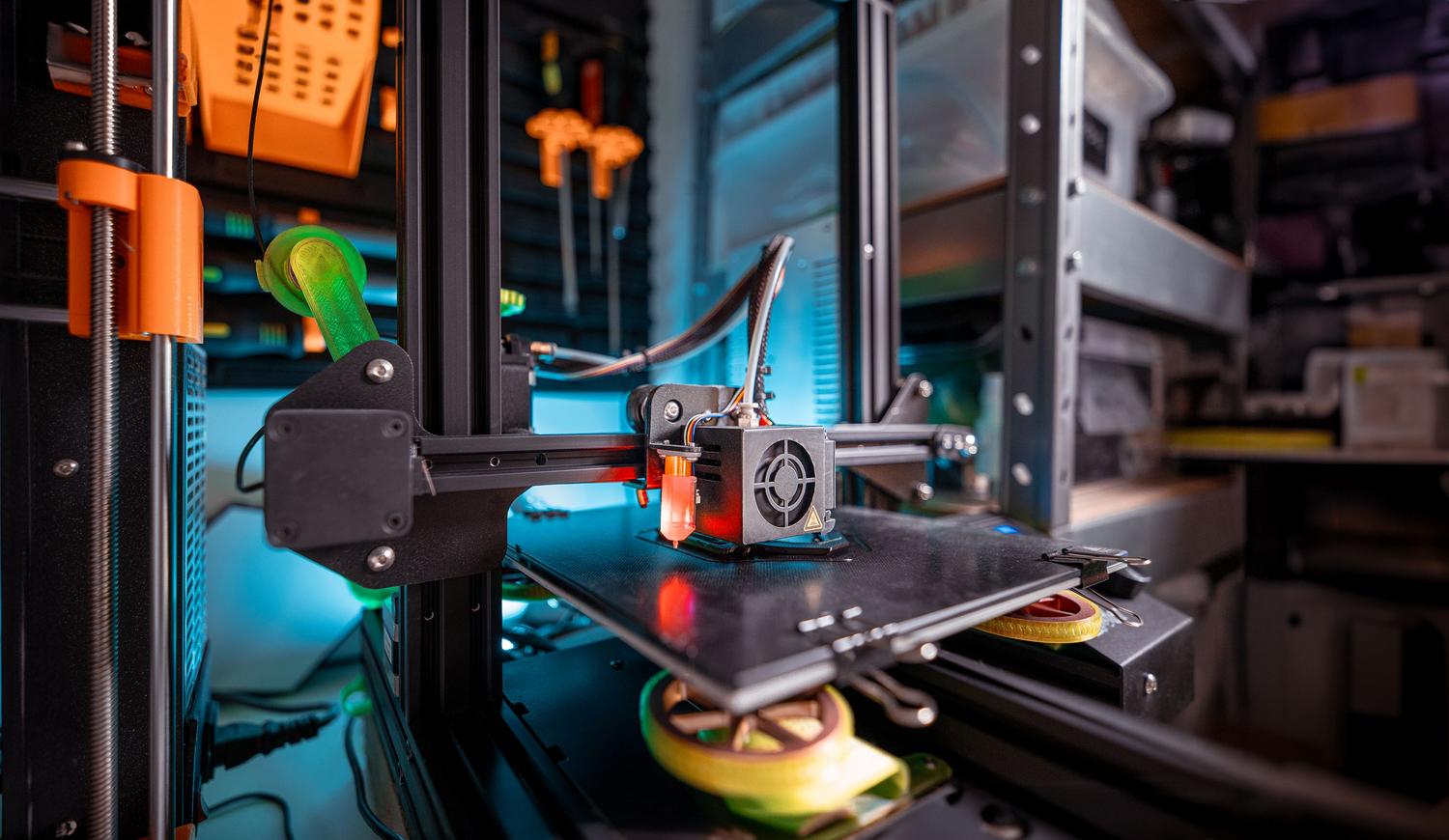
Unlike the classic Marlin, which does all the heavy lifting directly on the printer's circuit board, Klipper divides the tasks. Imagine it's a team where the host computer (in this case, your old Linux laptop) handles all the computing power and complex processing, while the printer's electronics simply act as a manager, controlling the motors and reading the sensors.
Thanks to this task distribution, you can get the most out of inexpensive or older electronic boards that would normally be slow. The best part is that it allows you to make configuration adjustments on the fly, without having to recompile the firmware every time you want to change a parameter—something that's a real headache in Marlin.
Requirements and prior knowledge
To get into this field, you don't need to be a NASA engineer, but a basic technical foundation is recommended . If you're coming from Marlin and have never written a line of code, be prepared for a learning curve, although it's nothing too difficult. If you're already somewhat comfortable with Linux operating systems and know how to navigate a terminal, you'll be in for a breeze.
The ecosystem and installation options
Klipper has evolved tremendously since Kevin O'Connor launched it in 2016, and today there are several ways to install it depending on your preference:
- Pre-installed images: It's the fast track. You simply save an image to an SD card or disc and you have all the software ready to use.
- Manual installation: For those who prefer to have total control over every package they install on their system.
- Variants and interfaces: There are different visual layers to manage the printer from the browser, making the experience much more intuitive.
Compatible hardware and comparison
Regarding the electronics (MCU), the good news is that almost any modern 3D printer board is compatible with this system. Whether you have a board from a well-known brand or a generic one, Klipper will most likely recognize it without problems. If we compare Klipper to Marlin, the difference is enormous in terms of advanced features and printing speed without sacrificing accuracy.
This system is ideal for those looking to maximize the quality of their parts and want to experiment with complex configurations. Conversely, if you're looking for something "plug and play" without any software tweaking, Marlin might still be your best option, even though you'll miss out on all the advantages of external processing.
Recommended route to start
If you've already decided to take the plunge, the best approach is to follow a logical order: first, install the system on your laptop, then configure the connection with the printer, and finally, adjust the specific settings for your machine. If you get stuck at any point, there are very active communities, such as the Spanish-language Telegram group , where people can quickly lend a hand and help you resolve any configuration errors.
Transforming an old laptop into a Klipper server is a masterstroke to improve the speed and accuracy of any 3D printer, taking advantage of hardware you already have at home to avoid additional costs on SBCs and enjoying a much more flexible and powerful print management than traditional firmwares.