- NVMe data recovery requires professional diagnostics to distinguish between logical and physical failures.
- Logical errors are repaired by fixing the file structure; physical damage is addressed by performing low-level readings on NAND chips.
- Specialized laboratories offer a high success rate, ISO cleanroom, and a pay-only model if data is recovered.
- Acting quickly, avoiding home tests, and choosing trusted experts maximizes the chances of rescuing critical information.
When an NVMe SSD stops working or a laptop is dropped and won't boot, panic sets in: work files, photos, videos, theses, or work documents can vanish in an instant . The good news is that, in most cases, there's still time to recover that data if you act sensibly and avoid making the situation worse.
In the daily work of specialized labs, they see everything from bent USB drives to laptops crushed by a shelf, as well as NVMe SSDs that the system no longer detects or drives formatted by mistake . Behind each case is a story (often quite dramatic) and also a series of professional techniques to recover the data with the highest possible guarantees.
What is an NVMe SSD and why is it so sensitive to data loss?
NVMe SSDs are solid-state drives that typically connect to the motherboard via an M.2 slot and are notable for their exceptional speed compared to traditional hard drives . They use NAND flash memory and the NVMe protocol, optimized to take advantage of the high speed of the PCIe bus.
This architecture makes them ideal for modern laptops and high-performance computers, but it also means that NVMe data recovery is considerably more complex than that of a traditional mechanical hard drive. It's not enough to simply open it and move the read/write heads: controllers, firmware, NAND chips, and very low-level read techniques all come into play.
In addition, many manufacturers incorporate hardware encryption, advanced bad block management, and wear-leveling algorithms . All of this protects your data during daily use, but seriously complicates data recovery when the NVMe SSD becomes unresponsive, is physically damaged, or has suffered a controller failure.
In scenarios like a Dell XPS laptop that has suffered a severe impact and is completely destroyed, it's common to find NVMe drives like the Samsung PM9A1 512GB SSD inside . In these cases, the computer may be unusable, but the SSD may appear intact. However, recovering the data isn't as simple as just plugging it in anywhere.

Common types of failures in NVMe and other flash storage media
Before diving into the recovery process, the first step is to understand what happened. Data recovery labs see problems with NVMe and SATA SSDs, USB drives, and other flash drives , which are usually grouped into two main categories: logical failures and physical or electronic failures.
Logical errors are related to software and file structure. For example, when a USB drive is accidentally formatted, files are deleted, or the file system is corrupted . In these cases, the information remains in the NAND flash memory, but the operating system no longer knows how to access it normally; in these situations, there are guides available for recovering deleted files on your PC.
In contrast, physical or electronic failures affect the device itself: impacts, drops, component wear, controller failure, or damage to the NAND chips . This is what can happen to a laptop that has had a paperweight placed on it or when an SSD starts malfunctioning and suddenly stops being recognized by the computer.
USB flash drives also commonly have broken or bent connectors, damaged traces on the circuit board, or burnt-out controllers. In all these cases, even if the system doesn't detect the drive, the data may still be intact on the memory chips and is only accessible through direct hardware-level read techniques.
Data recovery from USB drives and other flash drives
Data recovery from a USB drive usually begins with a thorough diagnostic to determine whether the problem is logical or physical. This step is crucial because the approach changes completely depending on the cause of the data loss , and making a mistake can worsen the situation.
When dealing with a logical error, such as accidental deletion or a corrupted file system, specialists focus on restoring the data structure and deleted files without touching the hardware . They use professional tools that allow them to scan the drive sector by sector, rebuild partitions, and locate old files.
However, if the USB drive has a controller failure or physical damage, the procedure is more delicate. In these cases, low-level reading techniques are used directly on the NAND chips . This involves desoldering the chips, connecting them to specific devices, and copying their contents, then reassembling the data map with specialized software.
This type of intervention requires experience and a well-equipped laboratory, as working directly with memory chips involves risks: improper handling can turn a possible recovery into an unrecoverable case . Therefore, it's not a good idea to experiment at home with cheap soldering irons or makeshift repair attempts.
The importance of turning to experts to recover an NVMe SSD
With SSDs, and especially with modern NVMe drives, the need to rely on professionals increases significantly. These devices are not only more complex electronically, but they also have an internal architecture that is highly dependent on the firmware and the controller , which complicates any attempt at DIY data access.
In laboratories with more than 15 years of experience in data recovery, they know all too well that an SSD failure can result in the loss of irreplaceable information : work projects, databases, family photos, or, as in many real cases, video interviews needed to complete a university thesis.
When an NVMe SSD fails to boot, has been formatted by mistake, or even suffers physical damage, the wisest course of action is to avoid forcing it to boot, installing programs on top of it, or subjecting it to stress tests. In purely logical cases, options such as restoring to a previous point in Windows can help recover the system without touching the drive.
SSD recovery labs use tools unavailable to home users and adhere to strict internal security protocols. Their goal is to extract as much data as possible without compromising the original content , combining expertise in hardware, software, and advanced file systems.
Typical situations in which data is recovered from SSDs and NVMe drives
Among the most common cases are SSDs that the system suddenly stops recognizing. An "undetected SSD" can be due to a simple logic problem or a serious hardware failure , so the initial diagnosis is crucial for choosing the right strategy.
Physically damaged SSDs are also very common , whether from impacts, drops, power surges, or simply reaching the end of their lifespan. When this happens, the drive may become unresponsive, behave erratically, or exhibit extremely slow speeds before failing completely.
Another common cause of data loss on SSDs is accidental formatting . A click in the wrong place, a poorly selected operating system installer, or a misunderstanding when managing partitions can cause the file index to disappear; if you were looking for Word documents, it's possible to recover them in many cases.
Finally, there are SSDs that fail to boot or freeze during system startup . These symptoms can range from corruption of key sectors to firmware or electronic failures. In these situations, repeatedly attempting to boot is usually unhelpful and can actually complicate subsequent laboratory analysis.
Real case: laptop destroyed and urgent need to recover NVMe data
A prime example of what we see in practice is the case of the person whose Dell XPS laptop was completely destroyed after a bookshelf collapsed on it, finished off by a paperweight. The insurance covered the damage, and the manufacturer sent a new laptop along with the old 512GB Samsung PM9A1 NVMe SSD , which was still physically intact.
The problem now arose: all the critical information, including video interviews essential for completing a university thesis , was still on that old SSD. Living in an area with few recovery services and no reliable references made choosing a provider a bit of a gamble.
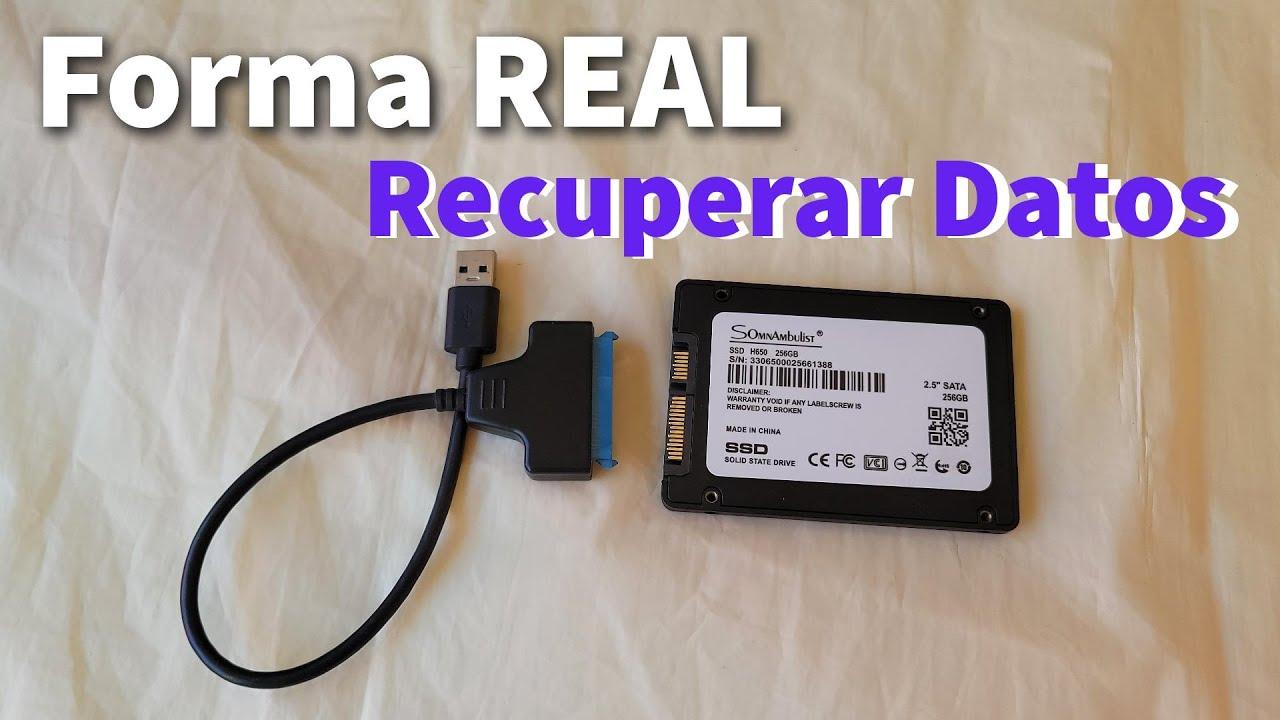
In cases like this, the idea of "buying an NVMe-to-USB adapter, connecting the drive to my new laptop, and extracting the data" is very tempting. However, it's not always the safest option . If the SSD has suffered internal damage from the impact, forcing it to work could accelerate its eventual failure.
The best course of action is to first assess the SSD's condition using professional tools in a controlled environment . A specialized lab can check if the drive is functioning correctly, identify any problematic sectors, or detect any imminent failures, and then determine the best method for extracting the data without additional risk.
How SSD data recovery labs work
A reputable repair lab's work process combines experience, methodology, and cutting-edge technology. They typically begin with an initial diagnostic, often free and without obligation , analyzing the condition of the NVMe SSD or the affected drive within approximately 24 to 48 hours.
With this diagnosis in hand, the client is informed of the likely cause of the data loss, the feasibility of recovery, the estimated time, and the final price . This allows them to confidently decide whether it's worthwhile to proceed, knowing the cost and the likelihood of success beforehand.
If physical or electronic damage is present, the next step is usually an intervention in an ISO-certified cleanroom . These controlled environments minimize dust and static electricity, key factors in preventing further damage to the device during disassembly and internal handling.
Once the SSD is physically operational, the process moves to what's called logical data recovery . This involves using advanced software tools to clone the drive, rebuild file systems, search for data fragments, and extract files even when the partition appears empty or has been recently formatted.
Finally, the labs verify the integrity of the recovered data and return it on a new, secure storage medium (another SSD, an external hard drive, etc.). It's common practice to offer free data recovery if no useful information can be retrieved , giving the client greater peace of mind before attempting the service.
Types of SSDs and drives that can be recovered
Professional data recovery services cover virtually any solid-state storage technology. Among the most common cases are 2,5-inch SATA SSDs , still widely used in older desktop and laptop computers.
In modern systems, however, M.2 drives, both NVMe and SATA , take center stage . These compact modules connect directly to the motherboard and offer high performance, but they also require specific diagnostic and recovery techniques when something goes wrong.
We mustn't forget external SSDs and memory cards (such as SD or microSD) which, although they function similarly internally, add extra layers of controllers and casings that can also break or fail. For specialized labs, all these storage media form part of the same flash recovery ecosystem.
In many cases, recovery providers offer nationwide services, allowing you to send your device from anywhere in the country via secure courier. This is especially useful for those living in areas with few local technicians or reliable references.
Advantages of a professional laboratory versus homemade solutions
One of the major advantages of using a professional lab is the actual success rate in SSD recovery , which in many cases exceeds 90% and even 95% when conditions are favorable and the device has not been mishandled beforehand.
Another important advantage is the payment model: in many leading laboratories, payment is only required if the data is successfully recovered . This eliminates the fear of losing money on a failed attempt and builds trust with both individuals and businesses.
Having an ISO-certified cleanroom also makes a difference, especially when you need to open the device, handle internal components, or work directly with memory chips. An unsuitable environment can fill the hardware with particles that cause irreversible damage.
Finally, personalized attention and a quick response allow many users to receive a clear diagnosis within 24 to 48 hours . This is crucial when time is of the essence, whether for work, academic, or personal reasons, and it's essential to know as soon as possible whether recovery is possible.
Frequently asked questions about data recovery on NVMe SSDs
Many people wonder how long it takes to recover data from an NVMe SSD. The reality is that it depends entirely on the type of failure and the volume of data . A simple case of logical erasure can be resolved in a few days, while a complex intervention involving serious physical damage can take considerably longer.
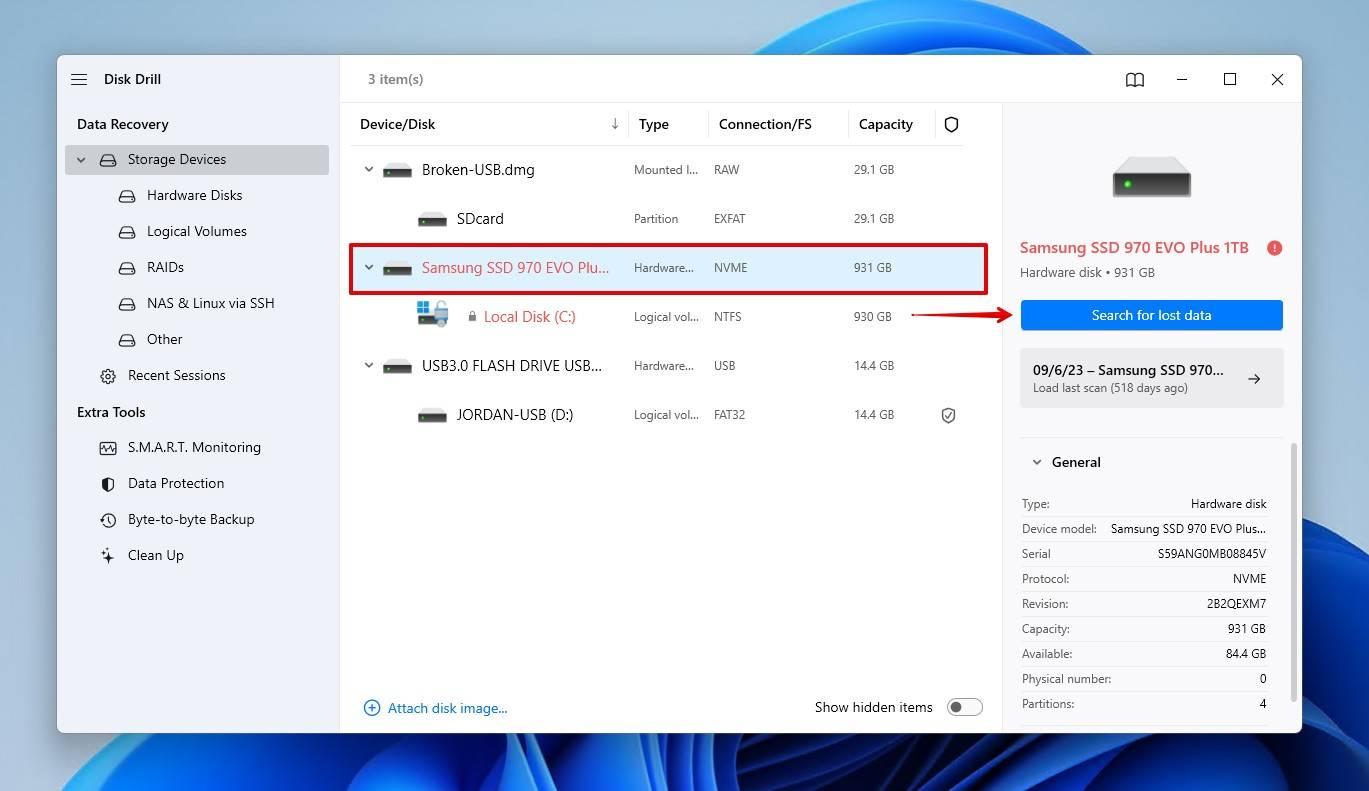
Another common question is whether home recovery programs can be used to try to fix the problem. These tools are only useful when the drive is physically functioning perfectly and the failure is purely logical. As soon as unusual symptoms appear (noises, disconnections, freezes), persisting with home recovery software is risky.
Privacy is also a concern. Reputable laboratories operate with strict confidentiality protocols , signing agreements if required by the client and ensuring that data is used only for recovery purposes, with no unauthorized copies or external access.
Finally, many people wonder if it's really worth investing in a professional service. The answer usually depends on the actual value of the information: when it comes to irreplaceable projects, unique family memories, or critical academic material, the cost is often more than compensated for by the peace of mind of having a real chance of retrieving it.
When it comes down to it, data recovery from NVMe drives, SSDs, USB drives, and other flash media combines technical diagnostics, specialized expertise, and high precision. Choosing the right person to entrust with your device, avoiding DIY solutions, and acting as quickly as possible makes all the difference between losing valuable files and having them safely back in your hands.