- All-in-One PCs stand out for their compact and clean design, but they sacrifice power, expandability, and ease of repair compared to a desktop PC.
- The desktop offers a better price-performance ratio, more upgrade options, and a longer lifespan thanks to its modular hardware.
- The ideal format depends on your priorities: space and aesthetics (AIO), or performance, customization and durability (desktop).

If you're thinking about upgrading your computer and aren't sure whether to go for a classic desktop or an all-in-one (AIO) , you're not alone. It's one of the most common dilemmas these days, especially since both formats have become more specialized and no longer serve exactly the same purpose.
Over the past few years, major brands like HP, Lenovo, ASUS, and Apple have invested heavily in all-in-one PCs (AIOs), while the traditional tower PC remains king in terms of power, expandability, and lifespan . In this guide, we'll compare both types of computers in depth, using information from leading reference guides, but explained in simpler terms, clearly, and with practical examples so you can make an informed decision.
What exactly is an All-in-One computer and how does it differ from a desktop computer?
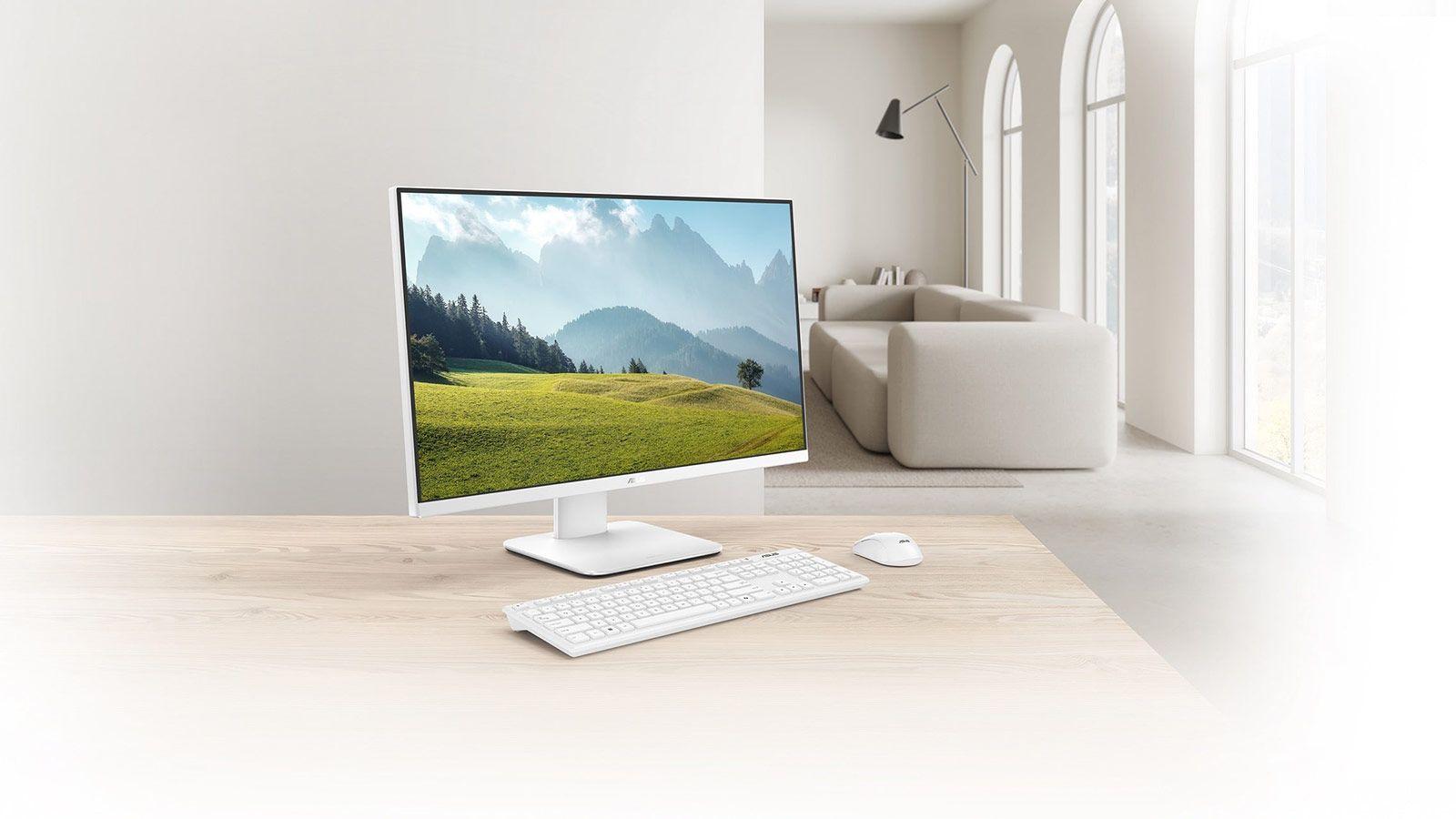
An all-in-one computer is essentially a desktop PC without a tower : all the components (motherboard, processor, RAM, storage, ports, speakers, etc.) are integrated into the same casing as the screen. It's the same concept popularized by Apple with the iMac, but today we see it in a multitude of brands and product lines.
The key difference compared to a traditional desktop PC is the form factor. In a classic PC, you have a tower separate from the monitor , with ample space for large components, generous cooling, and plenty of bays and slots for upgrading or replacing parts. In an all-in-one (AIO), everything is compressed behind the panel, typically using laptop-like hardware to optimize power consumption, heat, and space.
This makes the user experience quite similar to that of a laptop "planted" on the table but with a large screen: visually it looks very clean, cables are greatly reduced and the equipment is easier to move within the same room, although it is not designed to be carried in a backpack.
Advantages of the All-in-One computer: aesthetics, space and simplicity
The biggest advantage of an all-in-one (AIO) cooler is its compact and minimalist design . If you hate seeing cables dangling or don't want a tower taking up half the floor, an AIO cooler is a perfect fit.
With the hardware integrated behind the screen, the desktop remains very uncluttered: a single power cable is all it needs to be up and running. Add a wireless keyboard and mouse, and all you'll see is the screen and peripherals, without any tangled cables or overloaded power strips.
Another important advantage is space saving . In small homes, offices with narrow desks, or customer service areas, having a computer that takes up the same space as a monitor is a real luxury. Many all-in-one PCs can even be wall-mounted using VESA mounts , freeing up even more workspace.
In terms of multimedia, manufacturers typically pay close attention to the screen and audio quality of these devices. It's common to find 23,8 to 27-inch panels with Full HD resolution or higher, and some models, like the HP Envy Move, even offer touchscreens. They also integrate reasonably good stereo speakers , sufficient for watching series, movies, or making video calls without needing to buy a separate sound system.
Finally, there's the "out-of-the-box" experience. An all-in-one PC comes with a monitor, speakers, webcam, microphone, and often a keyboard and mouse . You don't have to worry about component compatibility or assembly: just plug it in, follow the Windows setup wizard, and you're good to go.
Disadvantages of the All-in-One: complicated upgrades, shorter lifespan, and higher price
All that convenience comes at a price, and not just a financial one. The main drawback of AIOs is their almost nonexistent upgradeability . In most models, only the RAM or storage drive can be upgraded relatively easily; the other components (processor, graphics card, motherboard) are usually soldered or highly integrated, making them impractical or completely uneconomical to replace.
This means that when your computer runs out of power or a major component fails, you'll usually have to replace the entire all-in-one PC . And there's an added problem: if the screen breaks, you're left without a computer, and if the computer dies, you also lose the screen, because everything is a single unit.
In terms of performance and temperature, working with compact hardware similar to that of a laptop and fitting it behind a thin panel severely limits cooling. This necessitates the use of low-power processors (U or T series), which perform well for office tasks, browsing, video calls, and some light editing, but fall short compared to an equivalent desktop computer. Furthermore, they typically operate at higher temperatures and enter thermal throttling (reducing frequency to prevent overheating) sooner, further diminishing sustained performance.
Another major drawback is the price . With the same performance, an all-in-one PC is usually significantly more expensive than a desktop computer because the engineering required to fit everything into a slim chassis with an integrated screen is much more complex. You pay for aesthetics, integration, and simplicity, but you get less power, fewer upgrade options, and more difficult repairs.
Connectivity is also usually more limited: all-in-one PCs (AIOs) offer a fair number of USB ports, video output , and network connectivity, but nothing like the abundance of ports, expansion slots, and drive bays found in a tower PC. If you need a lot of connections, you'll have to use external hubs or docks, which come at an additional cost.
Strengths of the desktop PC: power, customization, and lifespan
The traditional desktop computer remains a favorite for those seeking maximum performance, long lifespan, and the freedom to configure their system to their liking. With a larger tower, it allows for the installation of high-end processors , dedicated graphics cards, multiple hard drives or SSDs, more RAM, and much more efficient and quieter cooling systems.
This is especially noticeable if you work with intensive tasks : video editing, 3D design, CAD, demanding gaming, virtual machines, data science… A desktop with the same budget as an AIO usually offers considerably more power, and you can also choose exactly which monitor you want (resolution, size, panel type) and which audio system interests you.
The other major advantage of the tower is its upgradeability and repairability . If the RAM runs out, you can upgrade it. If the SSD fills up, you can add another one. If you want to improve the graphics card or processor, you simply replace that component. If the power supply or hard drive fails, you can replace it without having to discard the rest of the system. This means that the practical lifespan of a desktop PC can easily be extended to between 6 and 8 years (or even longer) with minor upgrades.
They are also easier and cheaper to repair . The parts are usually standardized, replacements are available from many brands, and repair shops are very accustomed to working with this format. This is nothing like the compact and specialized interiors of many all-in-one PCs, which sometimes force you to use official service centers with quotes that aren't worthwhile. If you need to diagnose or check slots and components, guides like the PCIe diagnostic guide for your motherboard are very useful.
In terms of physical safety, a desktop tower placed on the floor or under a table is far less likely to be knocked over than a large monitor. A minor bump to an all-in-one computer can destroy both the screen and the hardware in one fell swoop; with a desktop computer, a broken monitor doesn't affect the tower, and vice versa.
Disadvantages of desktop computers: space, cables, and portability
Not everything is perfect in the world of desktop towers. The main drawback compared to an all-in-one (AIO) PC is that they take up more space and generate more clutter . You have the case on one side, the monitor on the other, keyboards, mice, speakers, power cables, video cables, audio cables… If you set up multiple monitors or many peripherals, your desk can end up looking like a small data center.
Related to the above, cable management and cleaning require a bit more attention. It's advisable to organize the power strip properly, use cable ties or cable channels, and occasionally open the case to remove dust from the inside, especially if there are large fans and heatsinks. It's not complicated, but it does require a minimum of care that an AIO cooler, from the user's perspective, hides better.
The other major weakness is portability . If an all-in-one PC isn't exactly designed for taking on trips, a desktop PC is even less so. Moving a tower, monitor, cables, and peripherals from one room to another or from one house to another is a considerable hassle. That's why a desktop PC makes the most sense when your workspace is going to be fixed and stable.
That said, today there are compact form factors like Mini PCs, Micro ATX, and Mini ITX that allow you to significantly reduce the case size without sacrificing too much performance. They still require a separate monitor and some cabling, but they are an interesting solution if you want power and upgrades without sacrificing too much space.
Price and value for money: where money goes further
If we look purely at the price-to-performance ratio , the desktop PC is the clear winner. With the same budget, a desktop typically offers more powerful processors and graphics cards, more RAM, and more storage than an all-in-one PC, in addition to providing room for future upgrades.
In the case of all-in-one PCs, part of the budget goes towards the integrated design, the included screen, and the miniaturization of the hardware . Although it might seem like you're saving money because you don't have to buy a monitor, in many cases, if you combine a desktop PC with a separate monitor, you get a more powerful system for less money or for a similar price.
In terms of cost-effectiveness, desktop PCs also have the advantage. Since you can replace individual components, you can spread out your investment over the years (more RAM today, a larger SSD tomorrow, a new graphics card in three years), while maintaining the same basic structure. With an all-in-one (AIO) PC, when it gets old or a major component breaks, you typically have to buy a completely new one.
This doesn't mean an all-in-one computer is always a bad buy. If you value visual organization, space, and simplicity above all else , it can be worth paying the extra cost, especially in professional environments that face the public, such as reception areas, consulting rooms, shops, or offices where aesthetics matter.
Real-world user experience: work, leisure, education, and business
For office work (office applications, email, browsing with many tabs, video calls), both a desktop and a decent all-in-one will perform well. The decision here leans more towards available space, aesthetics, and future-proofing than pure power.
If your daily routine includes demanding tasks (video editing, 3D rendering, high-level photography, programming with large projects, intensive use of virtual machines), a desktop computer is clearly superior. The ability to install powerful dedicated graphics cards, plenty of RAM, and good cooling systems makes all the difference in performance and the lifespan of the system.
In educational settings and offices with many workstations, all-in-one systems have a certain appeal: they save space, simplify deployment, and project a clean and modern image . However, it's important to accept that when it's time to upgrade or if major failures occur, entire systems will likely need to be replaced.
For mixed home use (work, social media, TV shows, some light editing, and casual gaming), either format, if chosen wisely, can suffice. In this scenario, the key is to decide whether you value a clutter-free desk and sleek design (all-in-one PC) or the ability to upgrade your system over time (desktop PC).
What if we include the laptop in the equation?
Many guides compare not only desktops and all-in-one PCs, but also laptops connected to external monitors . A laptop plugged into a good screen can give you an experience very close to that of a desktop or all-in-one while it's on the table, with the advantage that, when you unplug it, you can take it with you along with all your files and programs.
The laptop's weakness is similar to that of the all-in-one (AIO): less upgradeability, less performance per euro, and greater difficulty in repairing . Furthermore, the batteries degrade over time, something you don't have to worry about with desktops and AIOs. Even so, for many users who need true portability, it's the most logical option.
Practical criteria for deciding: which format suits you
If you're looking for the best long-term investment in terms of performance, lifespan, and flexibility, the logical order would be:
- 1st option: Desktop PC (the most recommended if you want power, upgrades and good price-performance ratio).
- 2nd option: laptop + external monitor (when mobility is important, but you want a good table experience).
- 3rd option: All in One (only if aesthetics, space saving and simplicity take precedence over everything else).
That said, no one knows your priorities better than you. If you work at a counter with customers, the image of a clean and stylish AIO cooler might outweigh the possibility of upgrading your graphics card in three years. If you have a home office and love tinkering with hardware, you'll probably enjoy building or upgrading your own PC case much more.
Ultimately, the key lies in having a clear understanding of three factors: how much actual space you have, what level of performance you'll demand now and in a few years, and whether it's more worthwhile to pay now for design and convenience or for power and future-proofing . With that clear, the choice between a desktop computer and an all-in-one ceases to be a headache and becomes a fairly logical decision.
