- The SSD offers much higher transfer speeds and capacities, making it the ideal choice for computers and gaming.
- eMMC memory is cheaper and consumes less power, but it is soldered to the motherboard, which prevents its replacement.
- Both use NAND flash technology, eliminating noise and vibrations typical of old mechanical HDD disks.
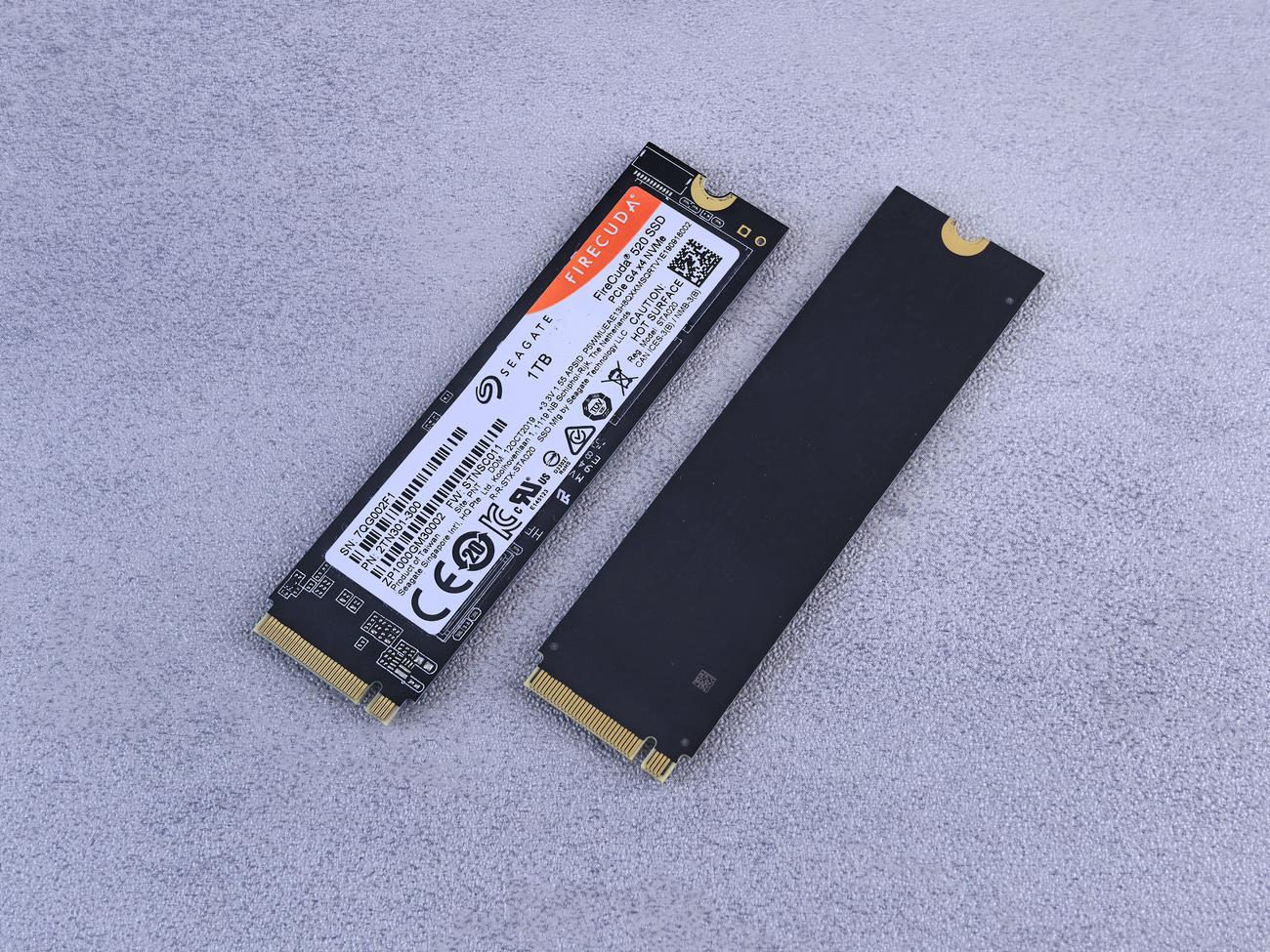
When buying a cheap laptop, tablet, or even a mobile phone, it's very common to encounter technical terms that can leave us a bit confused. You probably already know that the old mechanical hard drives, those noisy, snail-slow ones, are now a thing of the past, replaced by flash technology, marking the end of the era of data storage and the evolution of data devices . However, not everything without moving parts is the same, and this is where eMMC drives and SSDs come into play.
Although both use NAND flash memory to store your files even when the device is off, their internal components and performance are worlds apart. To avoid disappointment when choosing your next device, we'll take a closer look at what each one is and why your storage choice can make your device fly or freeze when you open a simple web browser.

What exactly is an SSD drive?
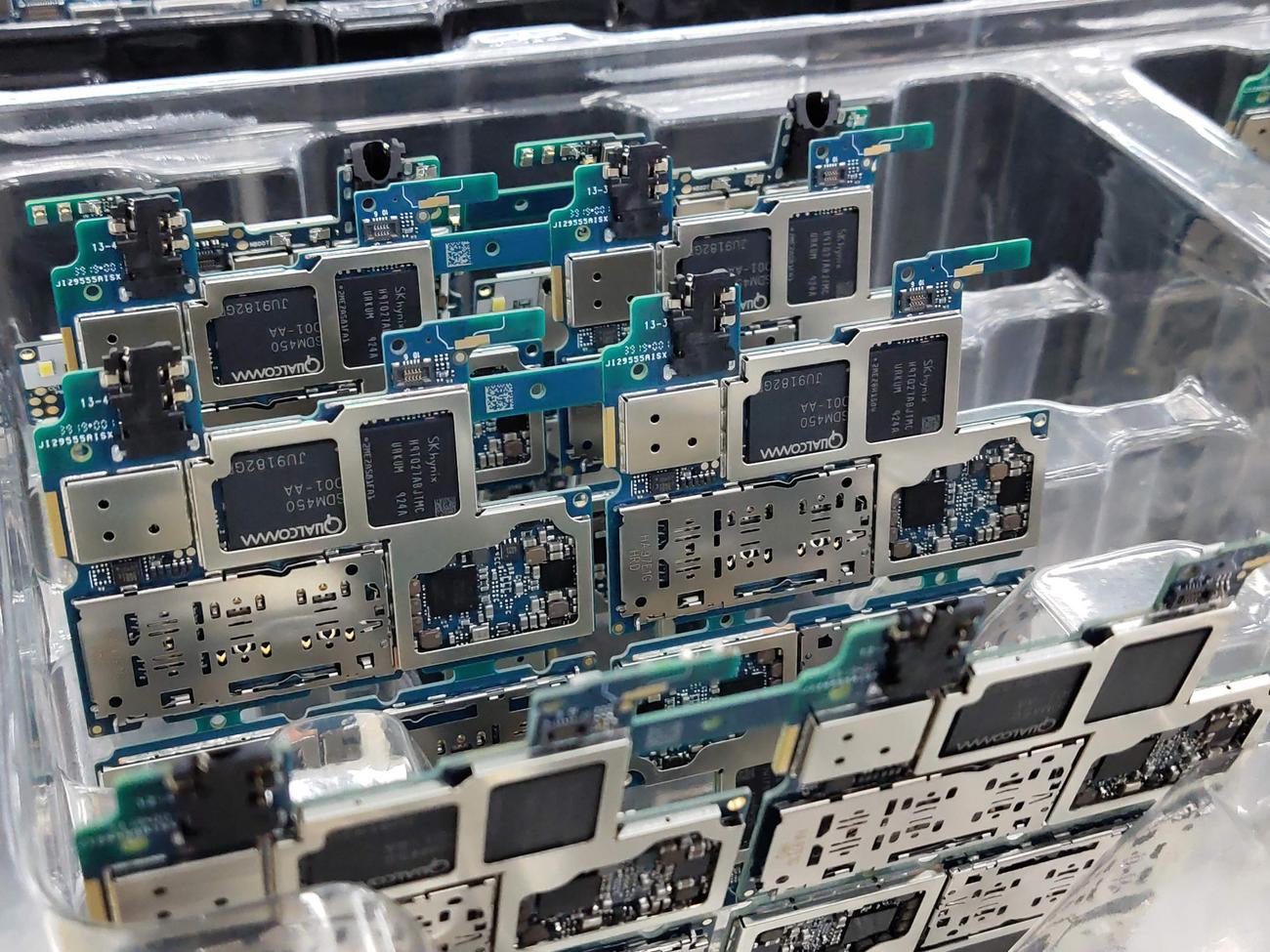
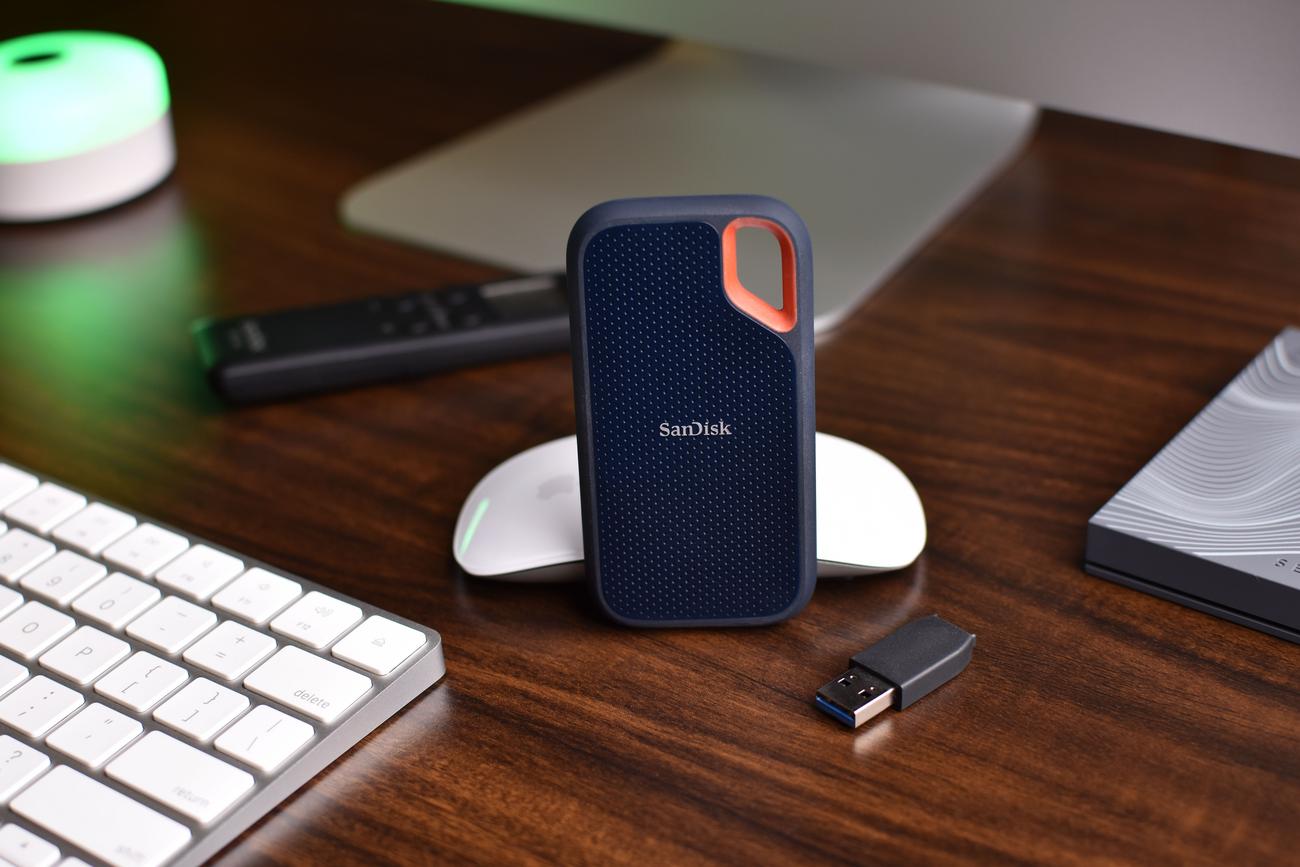
SSDs, or solid-state drives, are essentially the next big thing in USB flash drives. Unlike traditional HDDs, which use spinning platters and physical read/write heads, SSDs store everything on interconnected flash memory microchips . This eliminates any vibration and makes the computer virtually silent.
The brain of these drives is the controller, an integrated processor that manages data reading and writing, deciding how to clear memory and where to cache information. This controller efficiency is what makes the real difference in the final speed you experience when you turn on your PC.
As for their form factor, they are usually 2,5-inch drives, which allow them to fit perfectly into the slots where mechanical hard drives used to be. However, there are much more compact and faster versions that can achieve incredible speeds , as is the case with NVMe storage and enterprise solutions , far surpassing any other mass storage alternative.

Deciphering eMMC memory
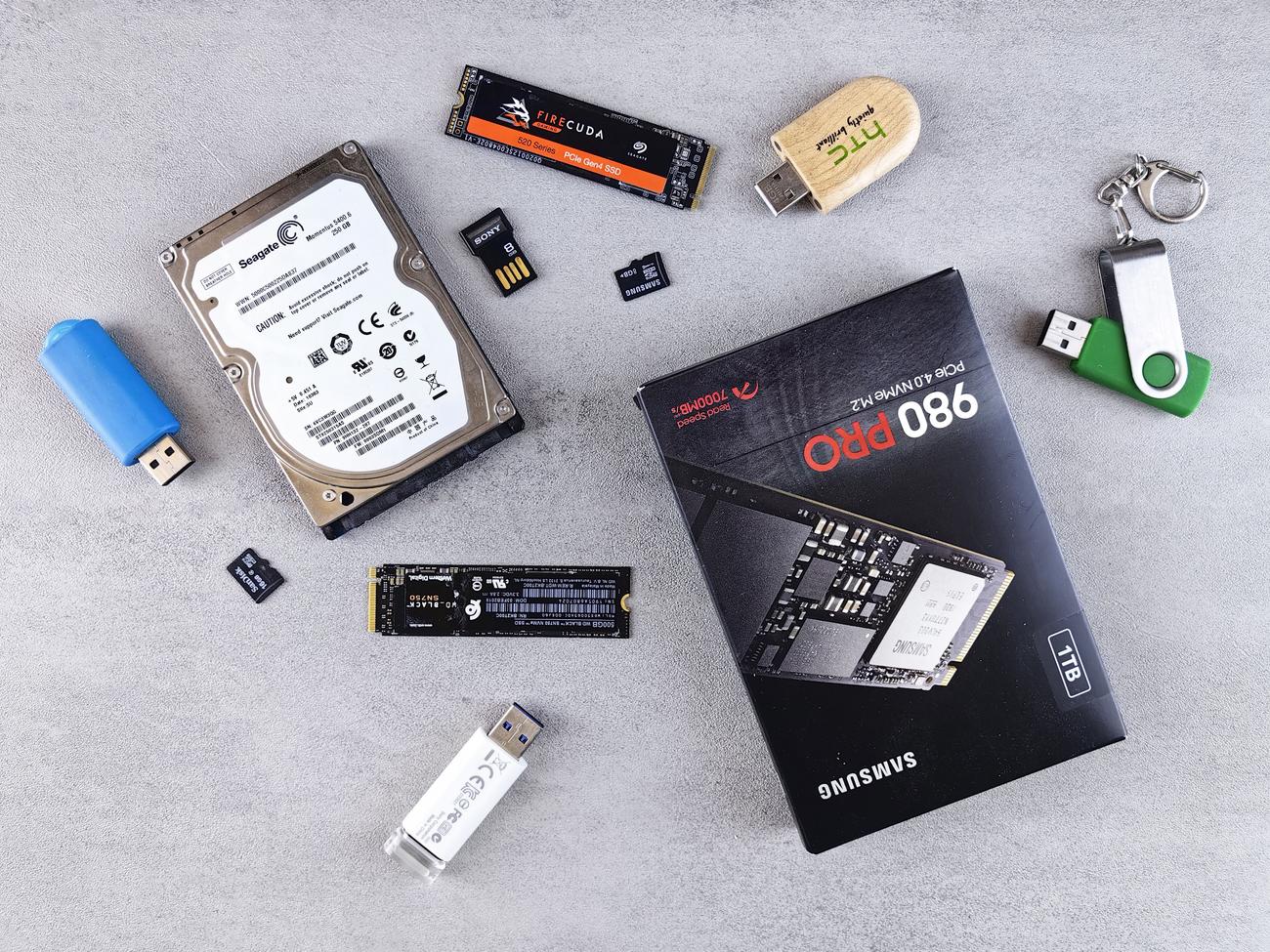
When we talk about eMMC (embedded MultiMediaCard), we're referring to a technology that has its roots in the MMC cards of the late 90s, the early precursors of the SD cards we use today. The key here is the word "embedded," which means it's soldered directly to the device's motherboard.
This design is why you'll primarily find them in very thin or low-end mobile phones, tablets, and laptops (like some Chromebooks). By integrating the controller and NAND memory onto a single chip, they save space and energy, making them ideal for compact devices that don't require extreme power.
Although newer versions, such as eMMC 5.1, boast peak transfer speeds of up to 400 MB/s, their everyday performance is actually lower. They have fewer memory ports and lack the sophisticated controllers found in SSDs, resulting in significantly lower random read speeds .
Detailed comparison: eMMC vs SSD
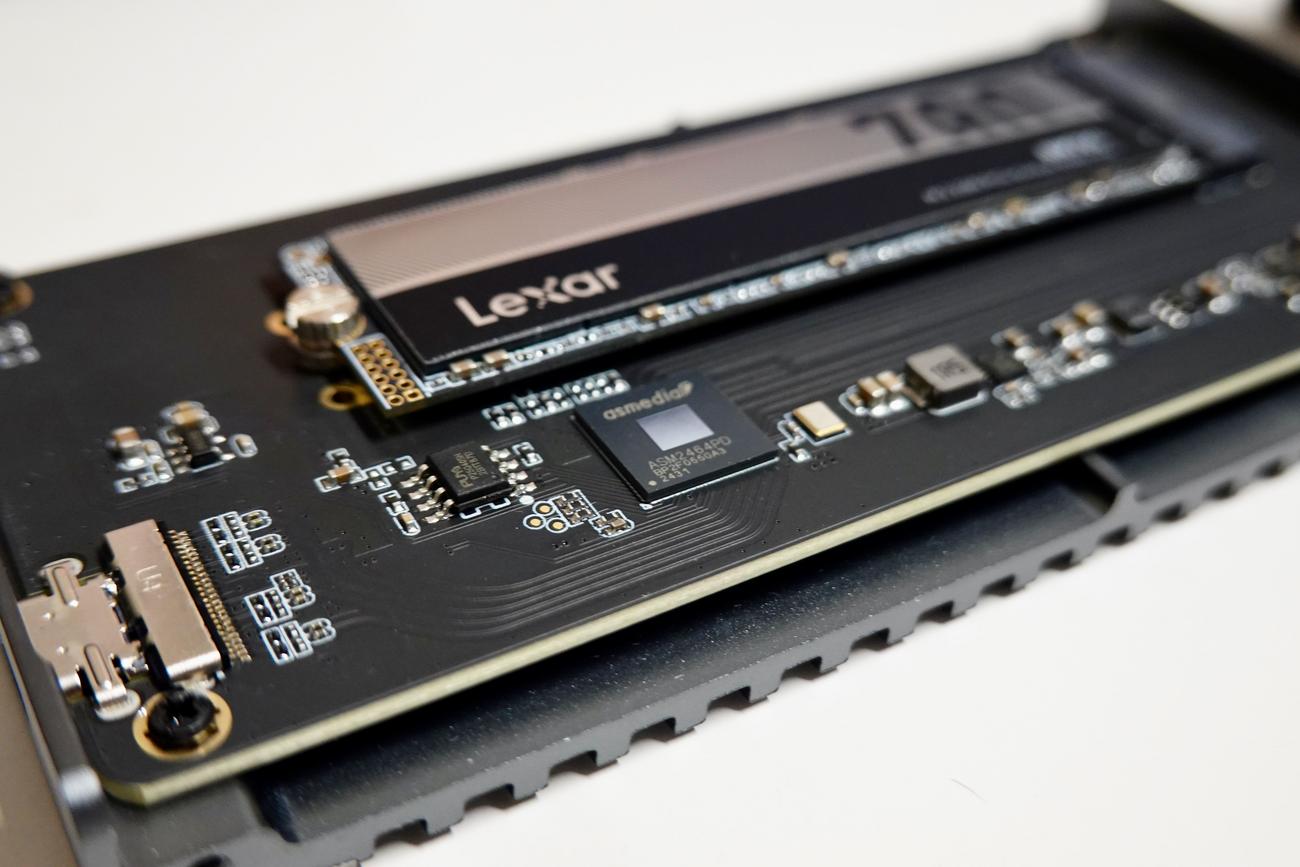
To understand it quickly, we can break down the differences into several critical points that directly affect your user experience:
- Storage capacity: While an eMMC usually ranges from 32 GB to 256 GB (it being rare to see more than that), SSDs typically start at 128 GB and can comfortably scale up to 4 TB or even more in professional environments.
- Data speed: eMMC drives typically range from 100 to 250 MB/s in real-world use. In contrast, an SSD can range from 500 MB/s in SATA models to over 3.000 MB/s in modern NVMe drives.
- Price and cost: eMMC is unbeatably cheap, which allows for a lower final price of the device. SSDs are more expensive, although the price difference is no longer as significant as it was a few years ago.
- Energy consumption: Because it is a much simpler system, the eMMC consumes less energy, which helps to the tablet battery or mobiles last a little longer.
Another vital point is scalability. If you buy a laptop with an SSD, you'll most likely be able to upgrade to a larger one in the future. With eMMC, you're stuck with whatever the computer comes with, since it's soldered and can't be replaced without resorting to extremely complex technical processes.

Other technologies: The case of ROM
eMMC is sometimes confused with ROM, but they are different things. ROM (Read-Only Memory) is a type of memory where data is written at the factory and cannot be easily modified. It is used for firmware or BIOS, while eMMC and SSDs allow data to be written and erased continuously.
In summary, ROM is for fixed instructions, eMMC is for lightweight and inexpensive storage in mobile devices, and SSD is the performance beast designed for heavy-duty operating systems, gaming, and professional video editing.
If you're looking for a computer for basic tasks like browsing the web or watching TV shows, an eMMC drive might be more than enough and will save you a few euros. However, if you want a computer that won't slow down over time and allows you to expand its storage in the future , opting for an SSD is the smartest and safest long-term decision.
