- Battery capacity is measured in mAh and inevitably degrades over time and with charging cycles.
- There are various methods for measuring wear, from internal system adjustments to the use of ADB commands or specialized applications.
- Maintaining the charge between 20% and 80% and avoiding extreme temperatures are key to prolonging the component's lifespan.

I'm sure it's happened to you: you buy a phone and at first the battery is amazing, but as the months go by you start to notice the percentage disappearing and you have to find the charger much sooner than on day one. It's not magic or that the phone has gone crazy; it's simply that batteries are chemical components that, by their very nature, wear down with use and each charging cycle.
Knowing the exact condition of your battery is crucial, especially now that replacing them is a real headache because they're glued and sealed. Although European regulations are starting to push towards the right to repair, the smartest thing to do these days is to monitor degradation to determine whether optimizing the battery on your Android device is enough or if you need to take it to a repair shop for a new one.

What exactly is battery capacity?

To understand battery health, you first need to understand capacity. Unlike the processor, the battery isn't electronic, but chemical. It's measured in milliampere-hours (mAh) , which basically tells us how much energy the device can store. For example, a device with a 5000 mAh battery can provide more power than one with a 3000 mAh battery, although the actual battery life will depend on how many pixels the screen displays or how much the GPU is working while gaming.
The problem is that the manufacturer's figure is the "factory" capacity. Over time, the actual capacity decreases. If your phone was originally designed with 5000 mAh and after two years can only store 4000 mAh, we say its battery health has dropped to 80% . When the percentage falls below that limit, that's when we start to notice the device becoming unstable.
Ways to check status on Android
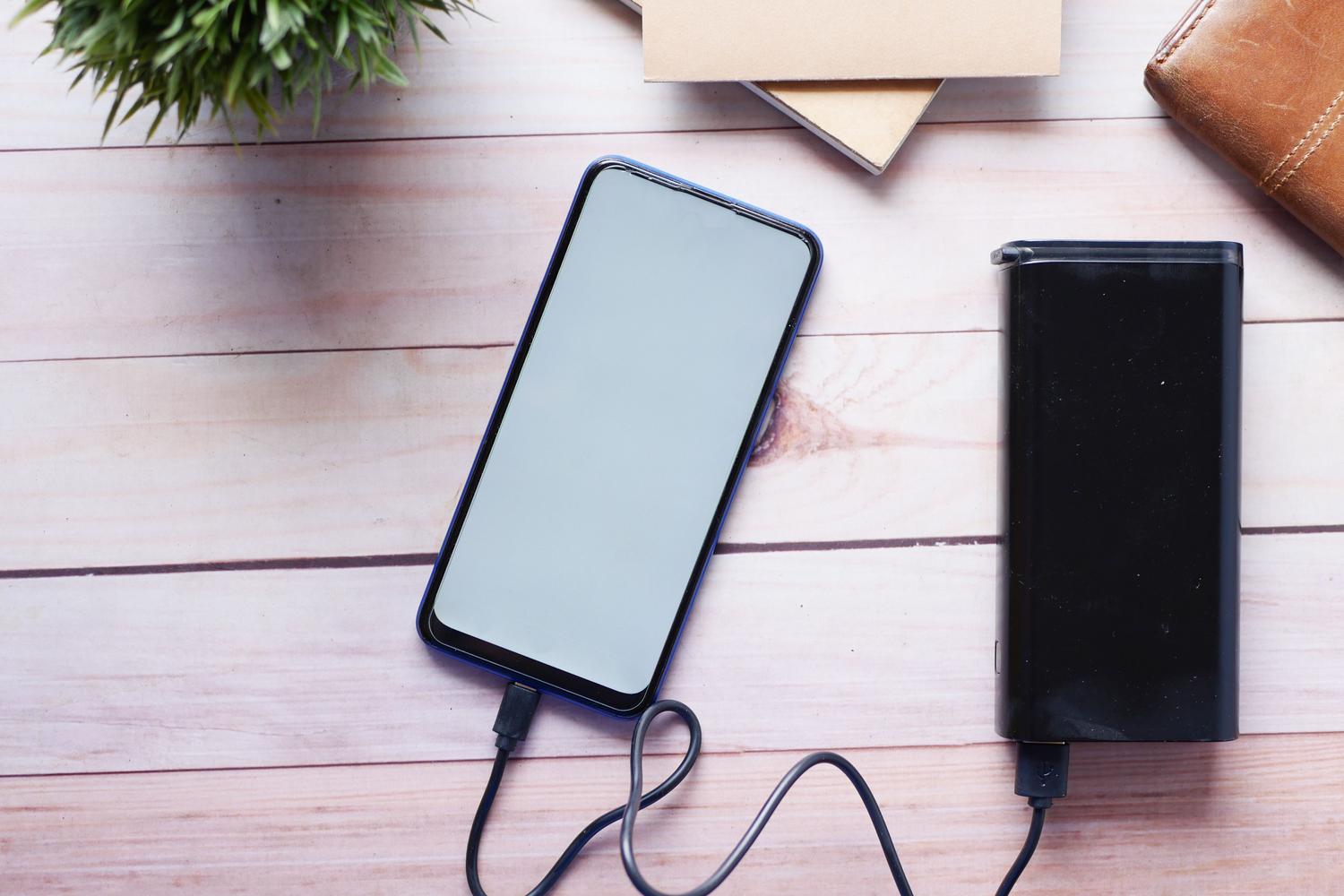
This is where things get complicated, because Android isn't as straightforward as iOS. While on an iPhone you go to settings and see the exact percentage, on Android the information is usually hidden or varies depending on the brand. Since Android 14, there have been improvements, but for most users, we still rely on workarounds.

Some manufacturers, like Xiaomi or Samsung, include data in their factory menus or in the Settings > Battery > Battery Usage section . While you'll see who's using the power here, you'll rarely see the actual capacity in mAh. However, it's useful for detecting unusual behavior or configuring smart charging, which prevents the phone from reaching 100% to avoid stressing the internal chemistry.
Third-party applications: The most reliable option
When the system doesn't tell us anything, we turn to apps. One of the most respected is AccuBattery . This tool doesn't perform miracles; instead, it measures the actual current entering the device during charging sessions and compares it to the theoretical current. After several cycles, it gives you a very accurate estimate of the current capacity. Other options like Ampere or GSam Battery Monitor are also useful for viewing real-time consumption and knowing if the charger is working at the correct speed.
The advanced path: ADB commands
If you enjoy tinkering and want raw, unfiltered data, you can use ADB (Android Debug Bridge). By connecting your phone to a PC and running the command `adb shell dumpsys battery` , you can access internal data. The ASOC value is key here, as it indicates the percentage of original battery capacity remaining. If you don't have a PC, there are apps like Shizuku and LADB that allow you to run these commands locally on the device, although they require a more technical setup process.

Clear signs that your battery is dying

You don't always need an app to know something's wrong. There are typical symptoms that are always present. The most common is a sudden drop in battery percentage : being at 20% and then the phone suddenly shutting down in a matter of seconds. It's also a warning sign if the device gets excessively hot while charging or if you notice your Android phone's performance slowing down, preventing the battery from failing.
Tricks to prevent your battery from dying prematurely
To prevent your health from deteriorating, you need to dispel some myths and adopt healthy habits. The most important thing is to avoid extremes ; that is, don't let your phone reach 0% or always charge it to 100%. Ideally, keep the charge at a moderate level, charging it in installments throughout the day.
Another deadly enemy is temperature. Leaving your phone in the sun during the summer or placing it on surfaces that heat the casing damages the internal chemistry . It's also advisable to choose a certified quality external battery or power bank , as cheap chargers can send unstable currents that degrade the battery cell more quickly. Finally, turning off your device occasionally or limiting 5G usage in areas with poor coverage helps prevent the system from unnecessarily straining the battery.
Having control over battery capacity allows us to decide whether it's worth investing in a new battery or if it's time to upgrade our smartphone. By combining the use of tools like AccuBattery or ADB commands with intelligent management of temperatures and charging cycles, we can significantly extend the lifespan of our Android device and avoid unexpected shutdowns at the worst possible moment.