- Magnetic switches use Hall effect sensors and magnets, allowing you to adjust the actuation point and even double action on the same key.
- They offer greater durability than mechanical and optical keyboards, with over 100 million keystrokes and ideal precision and speed for competitive gaming.
- Its main disadvantage is the price and a still limited supply, although more and more brands are launching keyboards with high-performance magnetic switches.
- They are a very solid option for advanced gamers and users who value extreme customization, while still being suitable for intensive writing.
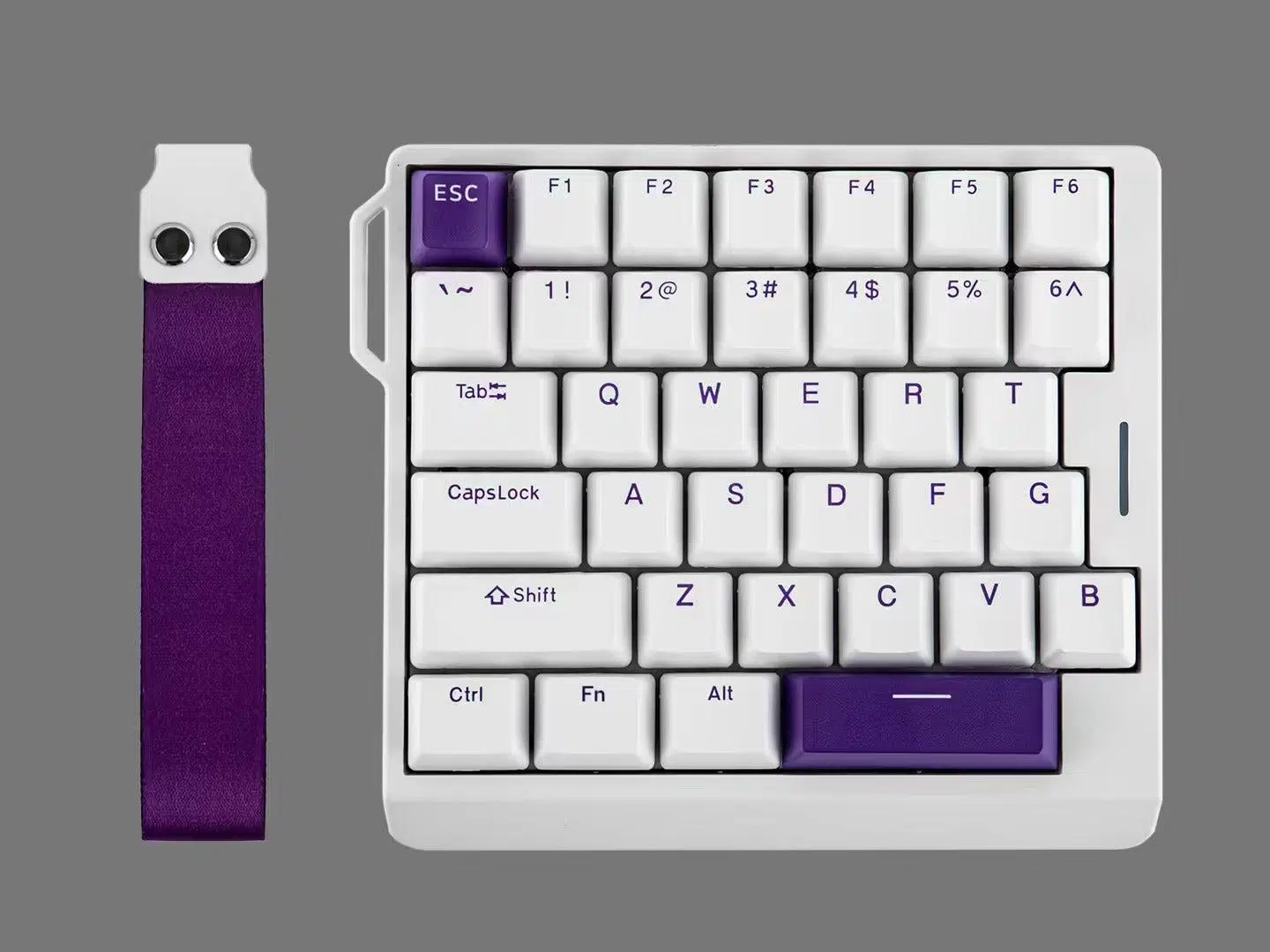
If you've been looking at gaming or mechanical keyboards for a while (check out our PC keyboard review ), you've probably heard about magnetic keyboard switches and the famous Hall effect switches. It might sound like new and unusual technology, but the truth is that this idea has been used for years in other devices like joysticks and controllers, and now it's making a big impact in the keyboard world, especially in competitive and high-performance gaming.
In the following lines, we'll calmly break down what these switches are, how they work, what types exist, their advantages and disadvantages compared to mechanical and optical switches, and which specific keyboards you can buy today if you want to make the switch. The goal is for you to end up with a clear and practical understanding of whether a keyboard with magnetic switches fits your needs.
What is a magnetic keyboard switch and how does it work?
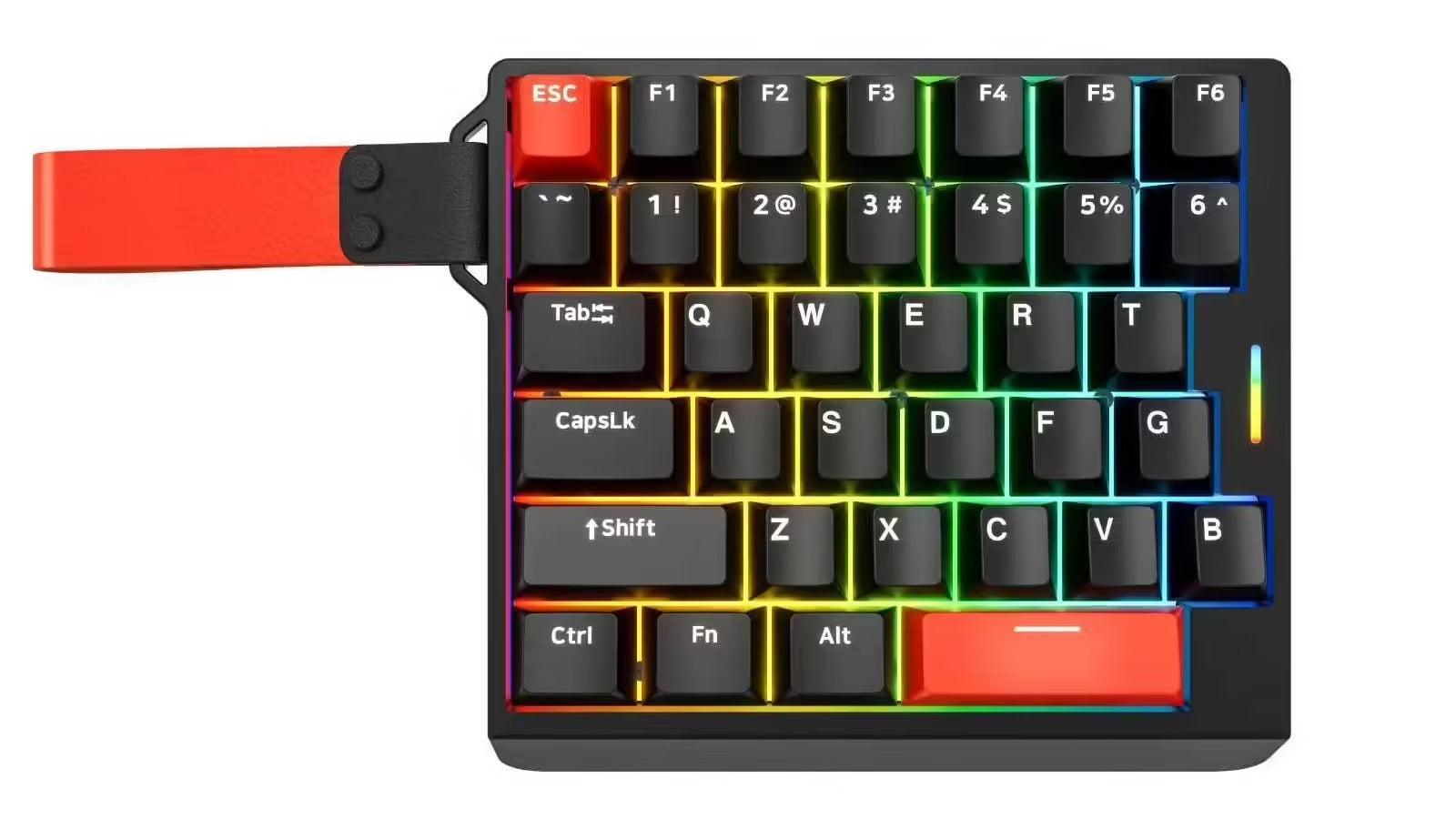
A magnetic keyboard switch, also called a Hall Effect (HE ) switch, is a type of mechanism in which each key integrates a small magnet and a sensor. When you press the key, the magnet moves closer to the sensor; when the magnetic field reaches a certain value, the keyboard registers the keystroke without direct metal-to-metal contact.
The key is that there are no typical physical contacts that collide, as in a classic mechanical switch. Instead, everything is based on a magnetic field and electronic detection , allowing for very precise measurement of the point in the key's travel at which it is considered activated.
This detection method opens the door to something that has revolutionized the industry: the ability to adjust the actuation point . Many magnetic keyboards allow you to define, via software, the depth at which a keystroke is registered (for example, between 0,1 mm and 4 mm). This is impossible with a traditional mechanical switch, which comes with a fixed actuation point.
Furthermore, some designs go a step further and allow for dual-point actuation : the same key can perform one action with a light press and a different action when pressed all the way down. This idea is especially powerful in video games, but it can also be used for productivity.
Basic components of a magnetic switch

Inside a magnetic switch we find several key elements that work together to achieve a precise and lasting response :
- MagnetThis is the heart of the switch. It generates the magnetic field necessary for the sensor to detect the key's position.
- Hall effect coil or sensorIt measures the variations in the magnetic field when the magnet moves while pressing the key. This reading is translated into a signal that the firmware interprets as a key press.
- Metal plate or supportIt provides a physical base for the magnet and sensor, provides stability, and helps to evenly distribute the magnetic field within the switch.
- SpringJust like in other types of switches, it is responsible for returning the key to its original position and for determining the force needed to press it.
Understanding these components helps explain why magnetic switches do away with metal contacts that wear out, a factor that directly impacts their long-term lifespan and reliability . Brands like MelGeek offer comprehensive technical guides that explain these internal workings in detail.
Types of magnetic keyboard switches
Just like mechanical switches, magnetic switches are divided into several profiles based on the feel they offer when typing or gaming. The most common are linear, tactile, and clicky , each designed for a specific type of user and experience.
Linear magnetic switches
Linear magnetic switches offer a smooth, consistent key travel from start to finish, without any tactile bump or loud click. They are typically spring-loaded and their main advantage is the very smooth and consistent feel they provide , ideal for gamers who need to input quickly and repeatedly or for typists who type at high speed.
Because they have no mechanical contact points that are subject to impact, these switches offer exceptional durability against wear. Operation is extremely quiet compared to other profiles, and the actuation accuracy is pinpoint, especially when used with high polling rates such as 1000 Hz or even 8000 Hz.
A clear example of this type of use are the Amber Pro and White magnetic switches found in models such as the YUNZII x MADLIONS MAD68 HE or the NuPhy Field75 HE, both focused on providing a linear and very fast experience.
Touch magnetic switches
Tactile magnetic switches are designed for those who want more tactile feedback while typing. They include a slight bump in the travel that indicates when activation has occurred, but without the loud click of a classic key.
By leveraging magnetic technology, these switches combine a pleasant tactile feel with high actuation point accuracy . Durability is also enhanced, as they still lack mechanical contacts that wear down from impact, making them better suited to intensive use.
Manufacturers like MelGeek have developed specific magnetic tactile switches, such as the MelGeek Cyber01 , which aim to provide that tactile feedback when typing without sacrificing the speed and stability of HE switches.
Clicky magnetic switches
Magnetic clicky switches are the option for those who don't want to give up an audible click and more pronounced haptic feedback , but also desire the advantages of magnetic actuation. These switches produce a clicking sound when activated, although typically less sharp than that of old-school mechanical clicky switches.
Thanks to the use of internal magnetic mechanisms, the activation point remains highly controlled and bounce is reduced, resulting in a very distinctive typing feel that blends classic and modern elements. They aren't the most common type of keyboard, but they are an interesting alternative for those who want audible feedback without sacrificing precision.
Comparison: Magnetic vs Mechanical vs Optical Switches
To fully understand where magnetic switches fit in, it's helpful to compare them with the other two main types on the market: traditional mechanical switches and optical switches . Each has its strengths and recommended uses.
Mechanical switches
Traditional mechanical switches operate via an electrical contact at the end of the key's travel. When the key is pressed, two metal contacts touch and the signal is registered. This has been the industry standard for years, which is why there is such a wide variety of models and manufacturers.
Among mechanics, the most typical things to find are:
- Linear (for example, Cherry MX Red): smooth travel, without tactile bump or audible click.
- Touch (Cherry MX Brown): small bump halfway through travel that indicates activation, but without a click sound.
- Clicky (Cherry MX Blue): incorporate a mechanism that generates an audible click when the key is activated.
Their main advantage is the highly recognizable physical feedback , which helps you know when each key has been registered. This is why they remain ideal for typing and programming, and are also widely used in gaming. Their lifespan is typically around 50 million keystrokes before problems such as double-tapping or intermittent failures appear.
Optical switches
Optical switches replace the metal contact with a beam of light inside the switch. When you press the key, a component blocks or allows this beam to pass through, registering the keystroke. This reduces electrical bounce and results in very fast response times.
This type of switch is capable of polling rates up to 8000 Hz , even in some wireless models, making them a fantastic option for FPS games or competitive titles where every millisecond counts. With fewer internal mechanical parts, their lifespan is around 100 million keystrokes.
On the other hand, the selection is even more limited than in the mechanical world, and prices tend to be higher. Brands like Razer (with its Huntsman range in various formats) and Corsair (K65 series, among others) have invested heavily in this technology.
Magnetic switches
Magnetic switches use a magnet that passes through a magnetic field to register the keystroke, eliminating direct physical contact. This gives them even greater durability than optical switches and, in many cases, figures that easily exceed 100 million keystrokes.
Its main advantage over mechanical and optical switches is the adjustable actuation distance . Instead of a fixed point, you can decide at what point in the key's travel it is considered pressed, typically between 0,1 and 4 mm. Furthermore, thanks to dual-point actuation, a single key can perform two different actions depending on how hard or deep you press it.
A typical example in games: lightly pressing the W key makes your character walk ; pressing it fully makes them run . This can also be applied to other skill keys, weapon switches, or any combination you can think of.
The downside is the price and availability. There are still fewer models on the market that use this technology, and because they require sensors in each key, the cost skyrockets. Currently, many models are from brands like Corsair (Vanguard and K70 lines with magnetic switches), or from manufacturers specializing in enthusiast and esports keyboards.
Advantages of magnetic keyboard switches
If you're considering investing in a keyboard with magnetic switches, it's important to fully understand what they offer. Some of the key advantages are:
Greater durability
Because there is no metal contact being struck repeatedly, mechanical wear is drastically reduced. This results in a lifespan far exceeding that of standard mechanical switches and, in many cases, even surpassing that of optical switches.
While a typical mechanical watch lasts between 50 and 80 million keystrokes, magnetic watches easily exceed 100 million , precisely because there are fewer parts that can deform or deteriorate over time.
Accuracy and speed
The use of sensors and a magnetic field allows for extremely precise actuation points. This means the keys respond much faster and more consistently , with less bounce and the ability to adjust the sensitivity to your liking.
In competitive environments, this precision translates into lower reaction times and instant heart rate monitoring, crucial for eSports, shooters, or any game where a tenth of a second can decide a match.
Extreme customization
One of the biggest advantages of magnetic switches is the ability to customize the actuation point . You can configure a key to activate with just a touch (0,1 mm) or require a longer travel distance to prevent accidental presses.
In addition, there is the possibility of creating custom profiles according to use: one very sensitive for gaming, another deeper for writing, another mixed one for work and leisure… All managed from the keyboard manufacturer's software.
The option of having a dual activation point also opens up a whole world of creative configurations, from walking/running on the same key to toggling functions in editing or development programs.
Typing feel and user experience
While the feel depends heavily on the type of switch (linear, tactile, or clicky), many users describe magnetic switches as providing a very smooth, stable, and satisfying typing experience . Linear switches are reminiscent of well-lubricated optical or mechanical linear switches; tactile switches add that tactile bump that many users seek; and clicky switches offer a classic feel without being too loud.
By being able to adjust the actuation force and travel, it's easier to adapt the keyboard to your hand's needs, reducing fatigue and allowing for long, comfortable sessions. This also makes them appealing to professional users who spend all day in front of a computer.
Disadvantages and points to keep in mind
It's not all sunshine and rainbows. Before you rush out and buy a keyboard with magnetic switches, it's wise to be aware of its limitations and potential drawbacks :
First, there's the price. Because they integrate sensors and additional electronics, keyboards with magnetic switches are usually more expensive than standard mechanical ones, and in many cases, more expensive than optical switches. The technology will become cheaper over time, but for now, you'll have to dig deeper into your pockets.
Secondly, repair and maintenance can be more cumbersome. They're not as common as mechanical keyboards, and if a switch fails, you might be reliant on the brand's technical service or hard-to-find, specialized parts. This is where a hot-swappable keyboard—one that allows you to replace switches without soldering—becomes a huge advantage.
Some people also find the feel different from a classic mechanical switch and need an adjustment period. If you're coming from a very clicky switch, you'll notice that a linear magnetic or optical switch feels different, more like a very smooth linear switch. This actually happens every time you change switch types, so it's a matter of personal preference and giving it a few days to adjust.
Finally, the selection is still more limited than in the mechanical world. Although more and more models are being released, we're still far from the almost infinite variety of mechanical switches. Many Asian manufacturers are making a strong push into this niche, so it's very likely that in a few years we'll see an explosion of options , but right now the selection remains smaller.
Examples of keyboards with magnetic switches
If you want to go straight to the point and see specific models that use magnetic switches, there are several keyboards that stand out for their quality, performance, and good value for money within this segment.
One of the most striking is the YUNZII x MADLIONS MAD68 HE . This is a compact 60% form factor keyboard, clearly geared towards esports. It's hot-swappable, uses high-quality PBT keycaps, and boasts an 8000 Hz polling rate with a latency of just 0,125 ms. It features Amber Pro magnetic switches with an actuation force of 37 gf and an adjustable throw between 0,1 and 3,4 mm. Considering what it offers, its price is surprisingly reasonable.
Another very interesting option is the NuPhy Field75 HE , which focuses heavily on design and functionality. It uses White linear magnetic switches, also hot-swappable, with configurable actuation between 0,1 and 4 mm, and a similarly high polling rate of 8000 Hz. It includes customizable buttons, a very eye-catching volume control, and a look that many describe as "very Bioshock." The initial actuation force of its switches is around 30 gf, making them exceptionally light.
Finally, the Keychron K2 HE has positioned itself as a well-rounded alternative for those seeking a 75% form factor, gasket construction, metal body, and wireless connectivity. It uses Gateron Nebula dual-rail, linear, pre-lubricated magnetic switches with an actuation force of approximately 40g and an adjustable actuation range of 0,2 to 3,8 mm. It offers a 1000 Hz polling rate, PBT keycaps, hot-swappable keycaps, and despite all its features, its price isn't outrageous.
These models are joined by others from brands like SteelSeries (for example, the Apex Pro TKL with magnetic switches) or the aforementioned Corsair Vanguard and K70 in the high-end gaming segment. There are also more affordable options from manufacturers like RK Royal Kludge, who are beginning to make this technology more accessible.
Installation, cleaning and maintenance of magnetic switches
If you have a keyboard designed for it, installing magnetic switches isn't a particularly complex process, although it's best to do it carefully. To begin with, it's essential that the keyboard is compatible and, ideally, hot-swappable , to avoid having to desolder and solder by hand.
The basic procedure would be:
- Turn off the computer to avoid electrical problems during handling.
- Remove the keycaps with a keycap pulleravoiding using objects as levers that could damage them.
- Open the keyboard casing with a suitable screwdriver set if access to the circuit board is necessary.
- Remove the old switches (by pulling them out directly if it is hot-swap or by desoldering if it is not).
- Position and secure the new magnetic switches, making sure they fit snugly into the socket.
- Close the case again, replace the keys, and turn on the computer.
Once everything is installed, the manufacturer's software should normally detect the new magnetic switches and allow you to configure them (actuation points, profiles, etc.) without too much trouble.
As for maintenance, they don't require much care beyond regular cleaning . It's advisable to:
- Remove the keys from time to time and clean off any accumulated dust.
- Use compressed air to expel debris between the switches.
- Wipe the surface with a slightly damp, lint-free cloth.
- Avoid harsh cleaning products that may damage plastics or coatings.
If you notice sticky or unresponsive keys, a good cleaning usually solves the problem. If the issue persists, you may need to reinstall the switch or even update the keyboard's firmware if the manufacturer has released fixes.
Market trends and the future of magnetic switches
In recent years, there has been a clear increase in interest in magnetic switches among enthusiasts, competitive gamers, and professionals seeking maximum control over their keyboards . The combination of durability, precision, and customization has led many users to consider upgrading from mechanical or optical switches.
Market analysis points to a growing demand for keyboards with magnetic switches, driven by the search for ever-lower latency, a finer feel, and advanced customization options. Large and small manufacturers are adapting their product lines to this trend, creating healthy competition focused on who offers the best high-end experience.
In terms of innovation, solutions are being developed to further optimize the magnetic field, improve detection accuracy, and offer configurable magnetic profiles . Patents are pending for variable actuation heights, customized response curves, and even hybrid systems that combine the best of various switch technologies.
Specialized brands like MelGeek are leading some of these innovations with products like Cyberboard or CYBER01, while alliances between keyboard manufacturers and switch suppliers promise increasingly versatile and multifunctional keyboards, adaptable to both gaming and intensive writing, creative work or programming.
At the same time, the external design of magnetic keyboards is evolving: compact, ergonomic and well-finished formats are being sought , which reduce fatigue in hands, wrists and neck, and which fit better in modern workspaces, both in offices and in gaming setups and at home.
Finally, we can't forget the sustainability aspect. While not exclusive to magnetic switches, many manufacturers are beginning to incorporate certified recycled materials into their products. Under standards like the Global Recycled Standard (GRS), at least 50% of the materials must be recycled, and the entire supply chain must meet social, environmental, and chemical criteria. Certification bodies like Bureau Veritas (with certification numbers such as TE-00333909 in some cases) verify this compliance, and certified products are included in initiatives like Climate Pledge Friendly.
All of this creates a scenario in which, little by little, keyboards with magnetic switches are ceasing to be a rare niche and becoming a real and competitive alternative to mechanical and optical switches, with constant improvements in technology, design and sustainability.
If you're into peripherals and want to take your keyboard to the next level, magnetic switches offer a compelling combination of actuation point customization, extreme speed, durability, and adjustable typing feel. They're still more expensive and less common than traditional mechanical switches, and repairs can be more involved, but in return, you gain a level of control and performance that's particularly well-suited for competitive gaming, esports, and users who want a keyboard perfectly suited for both gaming and typing for long hours.

Table of Contents
- 1 What is a magnetic keyboard switch and how does it work?
- 2 Basic components of a magnetic switch
- 3 Types of magnetic keyboard switches
- 4 Comparison: Magnetic vs Mechanical vs Optical Switches
- 5 Advantages of magnetic keyboard switches
- 6 Disadvantages and points to keep in mind
- 7 Examples of keyboards with magnetic switches
- 8 Installation, cleaning and maintenance of magnetic switches
- 9 Market trends and the future of magnetic switches
