- Bazzite is a Fedora-based distro designed for gaming, with Steam, Proton, and Lutris pre-configured to make the most of your library.
- It offers near-Windows performance thanks to Vulkan, an optimized scheduler, and good support for NVIDIA and AMD GPUs, while maintaining high stability.
- It also allows you to play titles from other platforms and use the PC for everyday tasks, although limitations remain with some anti-cheat software and recent releases.
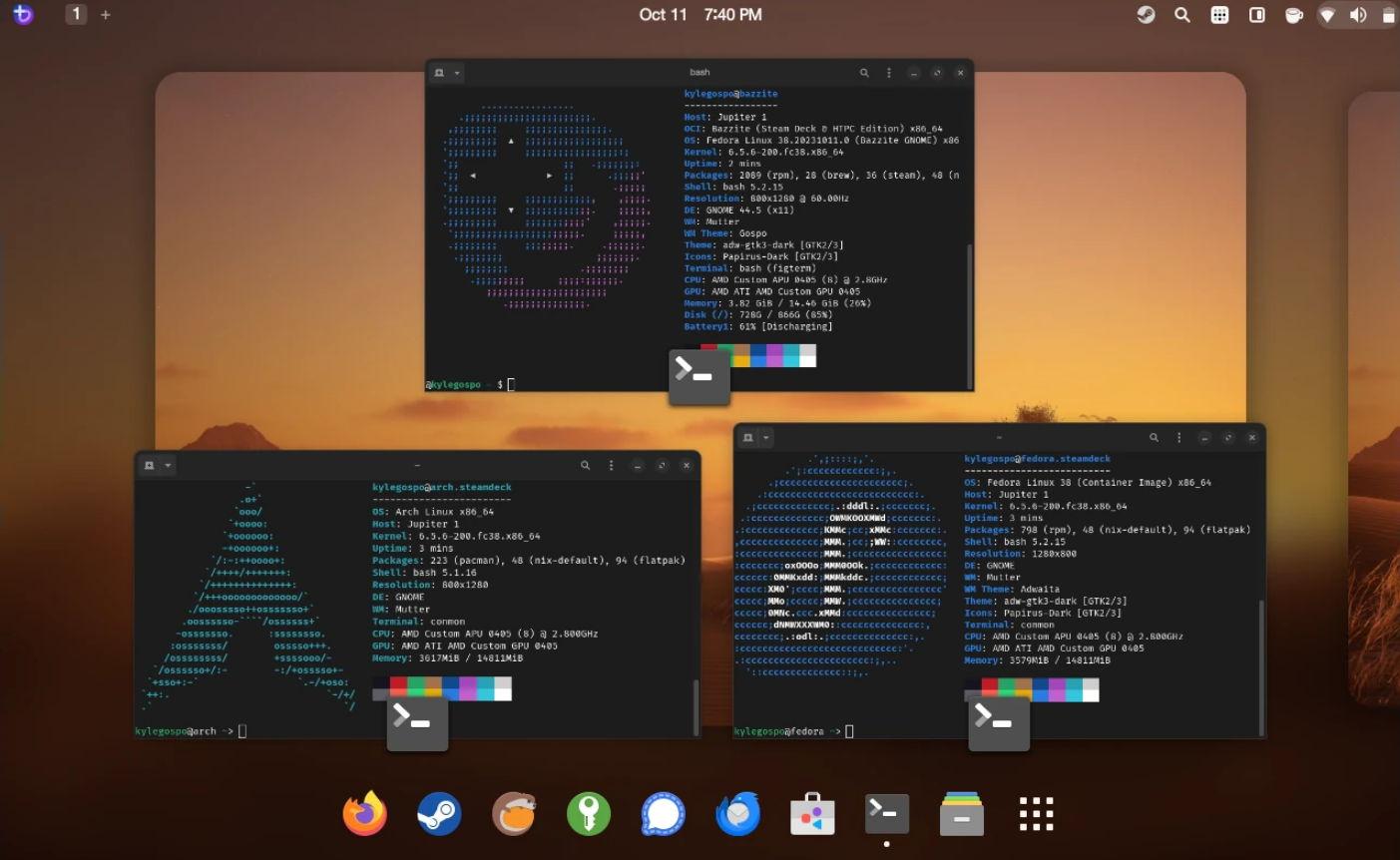
If you've been thinking about ditching Windows and switching to Linux with Bazzite , you're not alone. More and more users, fed up with annoying updates, telemetry, and interface changes, are building "console-like" PCs with this distro designed almost exclusively for gaming, but which is also suitable for everyday use.
Many wonder if, after installing Bazzite and its graphics drivers, anything else needs to be tweaked to maximize performance in both games and everyday tasks, or if the system is already optimized out of the box. The good news is that Bazzite comes very "ready to use," although it's worth understanding what it includes, what advantages it offers over Windows, and what subtle differences might affect your experience depending on the types of games you usually play.
Why has Bazzite become so popular for PC gaming?
In recent times, the Linux ecosystem has experienced one of its most successful periods on the desktop , especially in the gaming arena. The discontinuation of Windows 10 and the (unfair) push towards Windows 11 have led many people to seriously consider switching to an open-source system rather than following the path laid out by Microsoft.
Amid this shift, several distributions have set out to facilitate this migration, and Bazzite stands out because it unabashedly caters to the gaming audience . For those coming from Windows, the idea is clear: boot up your PC, open Steam, and start playing, with an experience more reminiscent of a console than an office operating system with "added" games.
Bazzite leverages the immense popularity of SteamOS and the Steam Deck, offering an experience very similar to Valve's console , but on a desktop PC, laptop, or even handheld devices from other manufacturers. This has made it a very attractive option for those who want a system designed for gaming, but one that isn't as limited as a traditional console.
Furthermore, this distro is growing rapidly because it greatly reduces the fear of "wrestling" with Linux . The interface is user-friendly, the initial setup is guided, and most of the tools needed for gaming come pre-installed, significantly lowering the learning curve for the average user.
Bazzite, the “SteamOS clone” based on Fedora
Bazzite is often defined as a SteamOS clone focused on gaming on Linux , but with a different technical base: instead of being built on Arch Linux like Valve's official system, it relies on Fedora (specifically Fedora Silverblue), which gives it a number of interesting features in stability, updates and compatibility.
The distro uses an image-based system architecture . After each update, the complete previous version of the operating system is preserved, so if something goes wrong, you can easily boot the previous image from the boot menu. Furthermore, these images are stored in the repositories for a period of time (ninety days), allowing you to revert even from the terminal if needed, which provides peace of mind when large updates are released.
In terms of graphics, Bazzite comes with a KDE Plasma desktop by default, featuring a theme heavily inspired by SteamOS . It includes a bottom taskbar, start menu, widgets, and a highly customizable environment, but with an immediately familiar look for those coming from Windows. For those who prefer a different style, GNOME is also available, and the distribution is optimized to work well on touchscreens.
One of the strengths of its Fedora base is its excellent support for modern drivers and hardware . The distro integrates support for NVIDIA's proprietary drivers, offers solid compatibility with AMD graphics cards, and has been optimized to ensure that desktop PCs, laptops, tablets, and unofficial handheld consoles can take full advantage of the system.
Total focus on gaming: Steam, Proton, Lutris and company
Where Bazzite truly shines is in that it comes pre-configured for gaming right out of the box . You don't have to scour forums to figure out what to install: the initial experience itself takes care of setting up the essentials for using your Steam library and much more.
Steam comes pre-installed and updates automatically upon your first login, so you can start downloading games as soon as you enter your account information. The integration with Big Picture Mode/Game Mode makes your PC behave almost like a console, especially if you use a gamepad like those for Xbox or PlayStation.
In addition to Steam, Bazzite includes Proton as a compatibility layer for running Windows games on Linux. This means that much of your library that doesn't have a native Linux version can run with minimal tweaking. Compatibility isn't perfect, but the number of playable and well-performing titles is enormous, thanks in large part to the ongoing work of Valve and the community.
To go even further, the distro comes with Lutris pre-installed, a tool designed to manage games from multiple stores and launchers . With Lutris, you can run titles from the EA App Store, Epic Games Store , GOG, itch.io, Rockstar Games Launcher, or Ubisoft Connect and integrate them into your Steam experience, so they appear within Game Mode and are managed just like titles from your main library.
Another interesting addition is Waydroid, which allows you to run Android apps and games within Bazzite. It doesn't replace a mobile device or turn the system into a perfect emulator, but it opens the door to enjoying some mobile titles or utilities from the Android ecosystem on your PC without too much hassle.
Performance, drivers, and optimizations to get the most out of your hardware
One of the most common concerns when considering switching to Bazzite is whether, from a pure performance standpoint , you'll be sacrificing much compared to Windows. The reality is that numerous users report performance very close to that of Microsoft's system in most games, and in some cases even with more efficient resource usage.
Part of this excellent performance is due to Bazzite's full support for the Vulkan API , an open alternative to DirectX that allows modern GPUs to be fully utilized. Many current titles have native Vulkan support, and others run through Proton, also taking advantage of this API, which helps reduce CPU load and optimize FPS.
Another factor that contributes to improved performance is the inclusion of System76's CPU scheduler , designed to prioritize game-related tasks and optimize processor core utilization. This is especially noticeable in demanding scenes, where the system distributes the workload more efficiently and prevents unnecessary lag.
Regarding graphics drivers, Bazzite offers compatibility with NVIDIA's proprietary drivers and very good support for AMD Radeon cards. In many cases, simply selecting your GPU type in the initial wizard will provide the correct driver, ready to use, without the need to install additional packages or struggle with external repositories.
Several gamers who have built compact SFF or mini-ITX systems with Bazzite highlight that, after properly configuring the case cooling and removing unnecessary fans, temperatures remain under control and the system performs very stably during long gaming sessions. As always, the quality of the build plays a significant role, but the distro doesn't introduce any unusual overhead that would negatively impact the hardware.
Real gaming experience on Linux with Bazzite
Beyond the technical specifications, what's important is how it feels to use Bazzite on a daily basis . Those who haven't used Linux for many years and have returned with this distro usually agree that the improvement has been impressive, both in ease of use and compatibility with modern games.
Building a compact PC with a mini-ITX motherboard, a mid-range Ryzen 5 processor, a Radeon RX 6700 XT graphics card, 32GB of fast RAM, and a decent-sized NVMe SSD is enough to enjoy AAA titles solo at very good levels of detail . Action, horror, and narrative-driven adventure games run smoothly, and tweaking minor settings is just as, if not more, tedious than on Windows.
Some say they no longer spend as much time on competitive shooters like Fortnite or Call of Duty, preferring to focus on single-player experiences . In that scenario, Bazzite more than delivers: network latency becomes less critical, and what really matters is stability, graphical quality, and the absence of serious bugs.
Controller support is another plus: Xbox, PlayStation, and generic gamepads usually work instantly , often without any manual setup. Even features like wake-on controller can be fine-tuned later if you want to turn your PC into a full-fledged living room console.
Those already familiar with Unix or Linux systems find navigating the file system and adjusting settings particularly easy . For less technical users, the key is that many of these advanced tasks are already handled by default, so simply using a graphical interface and software centers to install, update, and maintain the system is sufficient.
Specific advantages of using Bazzite as your main gaming system
When assessing whether it's worth making the switch, it's helpful to list the specific advantages that Bazzite offers compared to staying on Windows , especially if you primarily use your PC as an entertainment platform.
The first is that the system is completely geared towards gaming from the very beginning : Steam, Proton, Lutris, and Waydroid are all part of the base package, and the initial setup focuses on getting your games ready as quickly as possible. There's no bloatware or unnecessary applications to distract you from what's important.
The second is stability. Because it's built on an immutable image model, system updates are more predictable , and if something goes wrong, you can easily revert to a previous, working state. This is invaluable when you're having a great night of gaming and don't feel like spending it fixing the operating system.
Another strong point is overall performance. Users who have migrated from Windows report that FPS in most games is very similar , and in some cases, improved resource management is noticeable, especially when Vulkan is used. Combined with the improved scheduler, the system feels agile and has very good response times.
We mustn't forget the dedicated hardware support for gamers. Bazzite seamlessly recognizes most modern console controllers , offers compatibility with technologies like HDR and VRR , and is designed to run on powerful desktop computers as well as laptops and handheld gaming devices, greatly expanding the range of scenarios where you can use it.
Finally, although it's a gaming-focused distro, it doesn't fall short as a general-purpose system. Thanks to the Linux ecosystem, Bazzite allows you to browse the internet, work with office applications, enjoy multimedia, and perform daily tasks without sacrificing anything important. Firefox comes pre-installed, and the Discover software center simplifies the installation of almost any application you might need.
Current drawbacks and limitations of playing games on Linux with Bazzite
It would be unfair to portray Bazzite as a perfect, flawless solution, because gaming on Linux still faces certain obstacles that can be decisive depending on the type of player you are and the catalog of games you have.
One of the most frequently discussed problems is the incompatibility of some titles with aggressive anti-cheat systems . Competitive games that rely on Easy Anti-Cheat or BattlEye, if poorly configured for Linux, may refuse to launch altogether. This means that if you're focused on esports or the most popular online shooters, you should thoroughly check compatibility before making the switch.
It's also worth noting that newer releases may take a few days or weeks to run smoothly under Proton. It's not that they won't eventually be playable, but the day-one experience is almost always more polished on Windows, where most of the developers' target audience resides.
Mods can also require more patience. While many work seamlessly, advanced mods that rely on specific Windows tools or injectors sometimes need manual adjustments, path changes, or additional workarounds to make everything fit in the Linux environment.
In terms of usability, if you've been using Windows your whole life, there is a learning curve . The good news is that it's not as steep as it was a decade ago, but you will notice changes in how you install programs, mount drives, or manage permissions. This can be a bit overwhelming at first if you're not interested in the technical aspects.
Finally, for some users, Bazzite's level of customization feels somewhat more limited than that of a fully customized Windows system . Although KDE Plasma allows you to tweak almost any detail, its inherent philosophy of an immutable system and its focus on gaming mean that the distro isn't designed for extreme tuning in every aspect of the system, which might leave some serious "tweakers" wanting more.
Installation, first impressions and daily use beyond gaming
Installing Bazzite isn't much different from performing a clean installation of Windows or another modern Linux distribution . You download the ISO image from the official website, burn it to a USB drive using a tool like Rufus, boot from that USB drive, and follow the step-by-step wizard.
The project offers different versions depending on the type of device : desktop, laptop, or handheld, as well as options related to the GPU and desktop environment. A short questionnaire on the website helps you select the most suitable ISO, so you don't have to wade through technical names or cryptic versions.
Once the system is installed, a welcome application launches, allowing you to enable or disable default services and applications. It then finishes downloading and updating to the latest version of Steam. In a matter of minutes, you can log in to your Valve account and start downloading games just like on any Windows PC.
For those who prefer to proceed cautiously, a highly recommended option is to try Bazzite first in a virtual machine . This allows you to check compatibility, approximate performance, and overall experience without affecting your current installation. Obviously, the graphics performance will be worse than on real hardware, but it lets you see if you're comfortable with the environment.
In everyday use, beyond gaming, Bazzite behaves like a complete and relatively lightweight Linux distribution . Web browsing, multimedia playback, document editing, and other common tasks work without major issues, and most popular desktop software has Linux versions or equivalent alternatives.
Community, game development, and contributions to the Linux ecosystem
One of the most exciting aspects of the Linux gaming boom is that more and more developers are releasing native versions for this system . A recent example is Tearscape, a game whose creator has worked hard to release on Linux as well, despite the challenges involved in cross-platform development.
These kinds of initiatives demonstrate that the Bazzite and Linux gaming community is alive and well and eager to grow . Many of the early testers for these titles are Steam Deck users or users of gaming-oriented distributions, and their feedback helps to iron out bugs and prove that a real player base exists outside of Windows.
Furthermore, Bazzite's design itself, with community-created tools to optimize performance, adjust the scheduler, and improve compatibility , reflects a collaborative environment where any contribution can ultimately benefit thousands of users. It's not uncommon to find shared scripts, configurations, and small patches to improve the performance of specific games.
In this context, using Bazzite isn't just a matter of personal convenience; for many, it represents participating in a shift towards breaking Windows' monopoly in PC gaming. The more gamers there are on Linux, the more pressure there will be on developers to release official support and ensure that anti-cheat software works correctly on this system.
All this movement is also supported by the advancement of platforms like Steam, where support for Linux and Proton has gone from being experimental to becoming a key part of Valve's strategy, especially since the launch of Steam Deck and the consolidation of SteamOS as the reference system for games.
Looking at all of the above with some perspective, Bazzite positions itself as a very serious alternative for gamers tired of Windows who want a robust system, well optimized for gaming and capable of handling regular computing tasks, assuming that there are still limitations with some competitive titles and that the launch experience for certain new games is still somewhat more comfortable on Microsoft's system.
