- Critical thermal difficulties in the VRAM and hotspot due to poor contact materials.
- Risks of structural damage to the PCB caused by the excessive weight of the heat sinks.
- Specific design flaws in models like the ASRock Taichi related to GPU orientation.
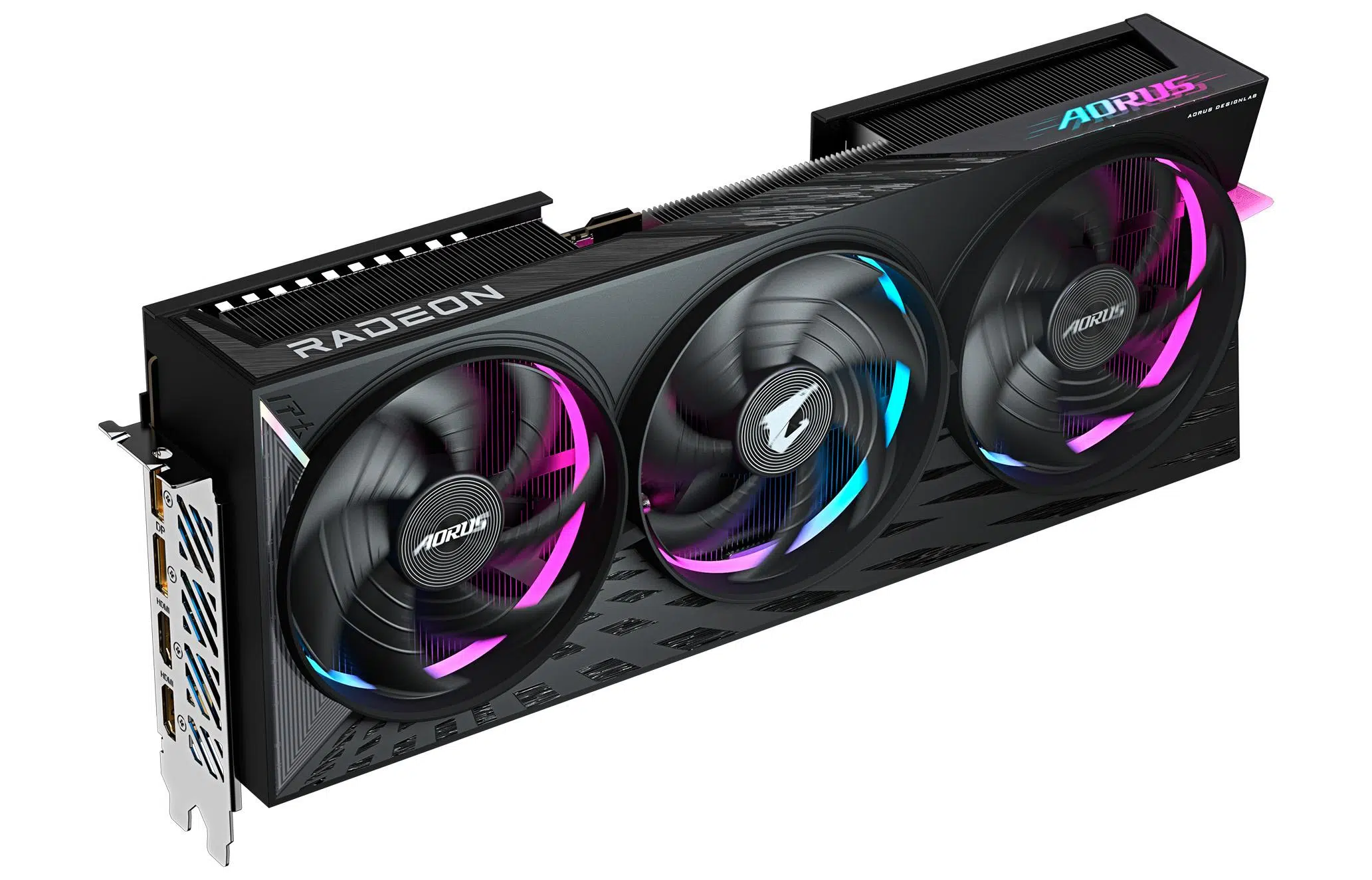
The arrival of the Radeon RX 9070 XT has brought impressive raw performance, but it's not all sunshine and roses. Some users have encountered...
From design problems that seem straight out of a nightmare to the use of thermal materials that leave much to be desired, analyzing what's happening with these graphics cards is crucial to prevent the hardware from ending up in the electronics graveyard.

The danger of weight and structural damage
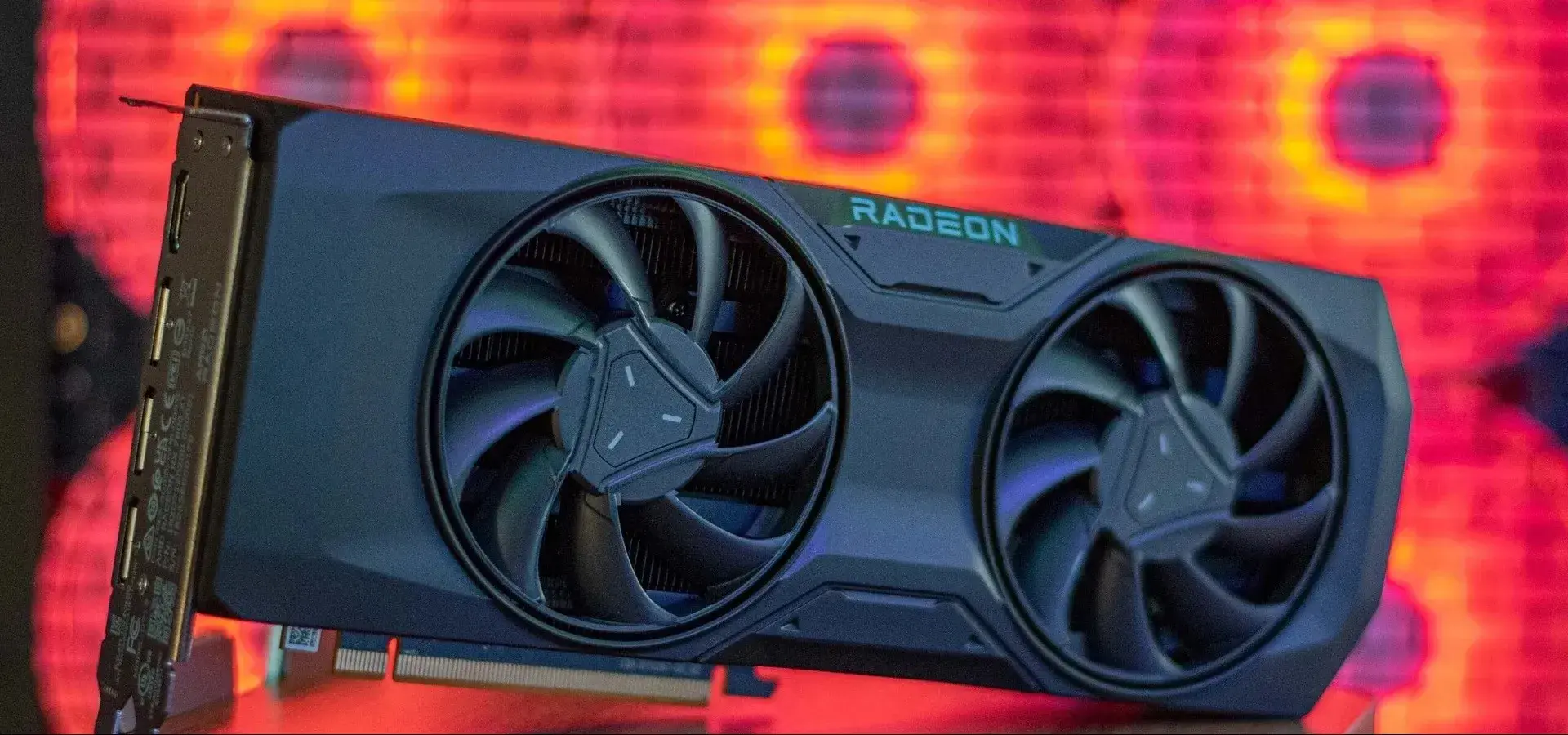
It might seem trivial, but size matters. Modern cooling solutions are veritable blocks of metal that can weigh over a kilogram. In the case of an XFX unit, it was discovered that the excessive weight of the heatsink ended up bending the PCB, causing the GPU's BGA solder balls to lose contact.
This type of failure is critical and requires a professional reballing process , which involves desoldering the chip, cleaning the contacts, and manually resoldering it if compatible templates are unavailable. Even after a successful repair, the card might be limited to an 8-lane PCIe Gen5 interface instead of 16, although this doesn't usually cause bottlenecks thanks to the enormous bandwidth of Gen5 technology.
To avoid the same problem, the wisest course of action is to install an inexpensive GPU support bracket . A simple support stand that costs just a few euros can make the difference between a healthy graphics card and a motherboard completely ruined by gravity.
Temperature crisis in the VRAM and Hotspot
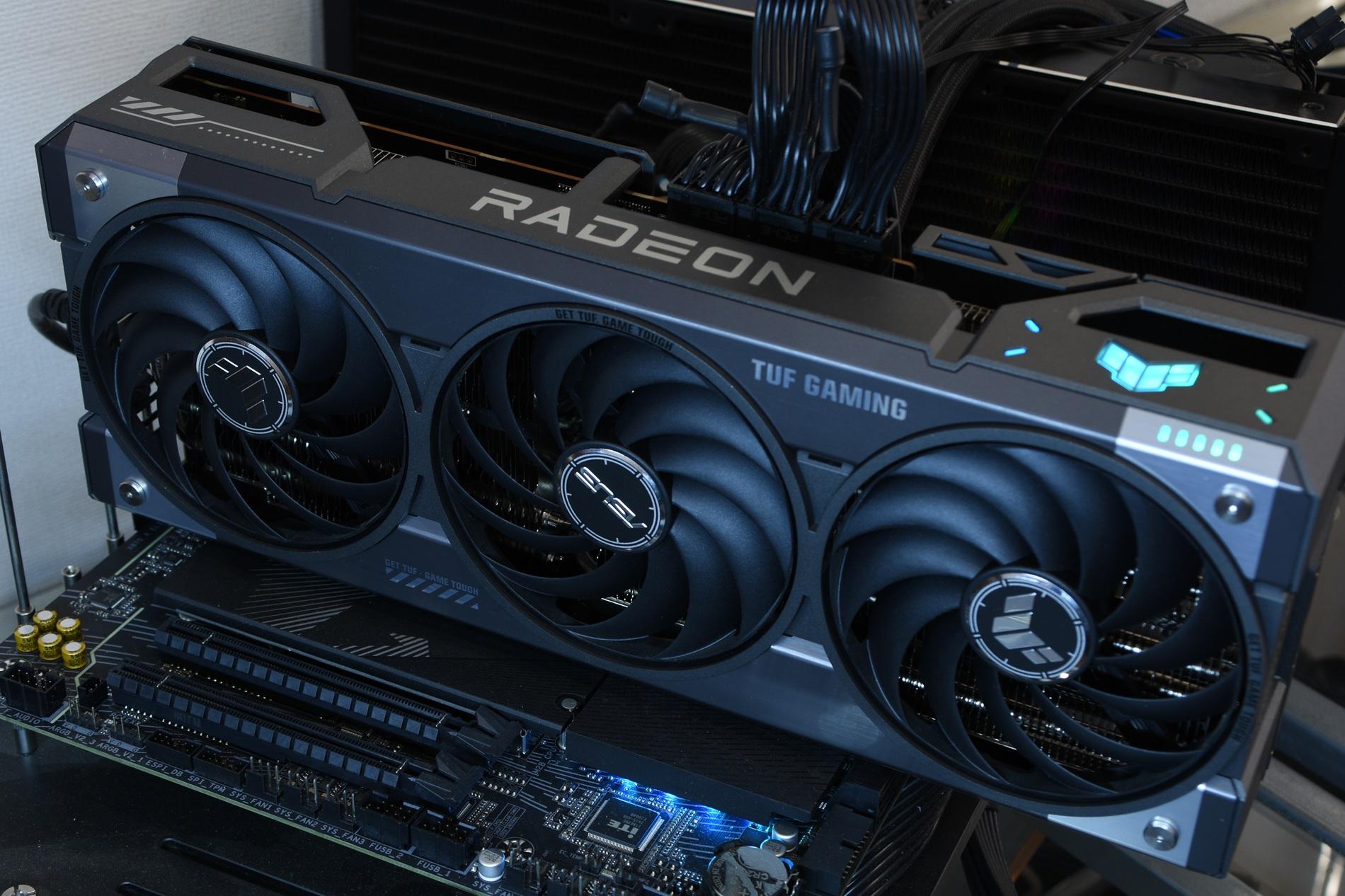
One of the weakest points of the RX 9070 XT is undoubtedly its memory temperature. According to analysis by Igor's Lab, some manufacturers have cut costs on thermal pads , using low-quality materials that fail to dissipate heat efficiently.
Depending on the memory manufacturer (Micron or SK Hynix), thermal limits vary, but the problem is that the safety margin is minimal. While the ideal value would be below 85°C, many units reach peaks of 105°C or more , approaching the absolute limit before the card reduces its performance to avoid overheating. To better understand this component, it's helpful to know what VRAM is and how its thermal management affects performance.
The most effective solution for more technically inclined users is to replace the original thermal pads with high-end deformable thermal paste or PTM7950 compound on the GPU. This can significantly reduce the VRAM temperature, in some cases dropping from 92°C to 86°C, ensuring that the graphics card doesn't fail after just a few years of use.
Companies like Sapphire have acknowledged the problem and are working on new versions of VBIOS . The goal is to increase the fan RPMs when the memory reaches 88°C, even if this means the card will be slightly noisier.
The enigma of orientation in the Taichi model
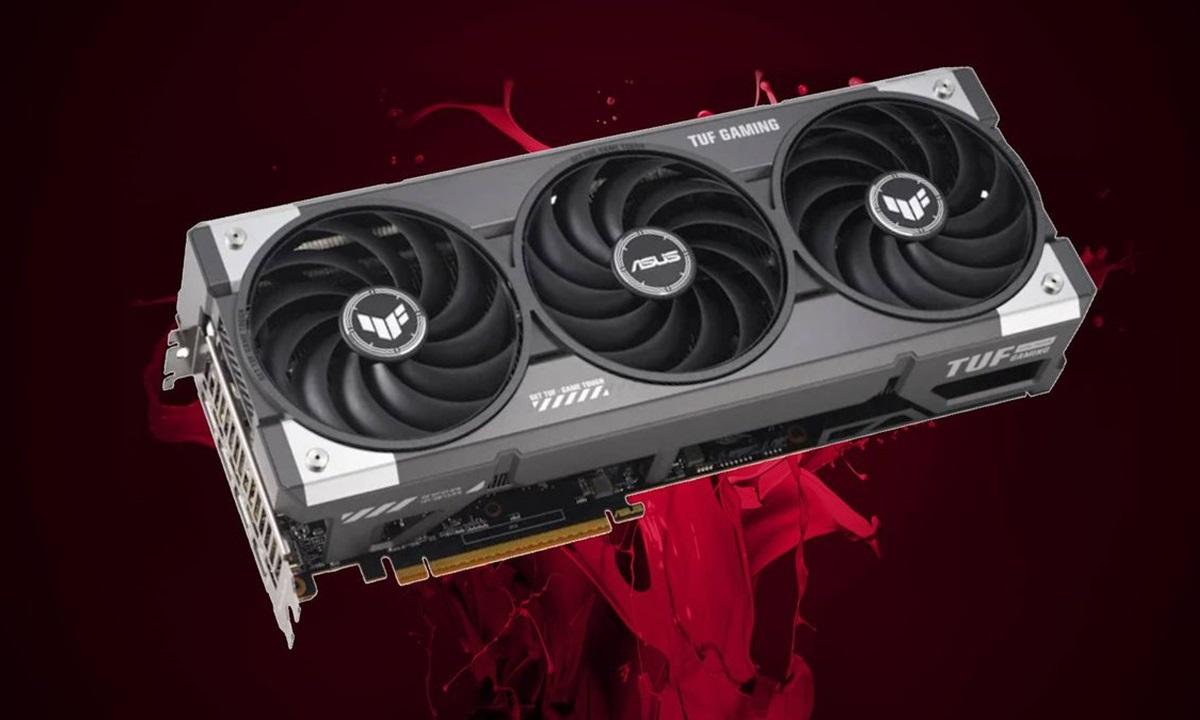
If you own an ASRock Taichi, pay close attention. A glaring design flaw has been discovered where the card's orientation drastically affects temperature. When the GPU is mounted vertically (the most common configuration these days), the hotspot can spike to 110°C, even with light games like Minecraft.
Interestingly, when the case is placed horizontally, temperatures plummet, registering cores at 54ºC and hotspots at 76ºC. This suggests that the vapor chamber or heatpipes are not functioning correctly without gravity assisting the internal liquid flow, an unacceptable engineering flaw for a high-end product.
Comparison between assemblers and RMA
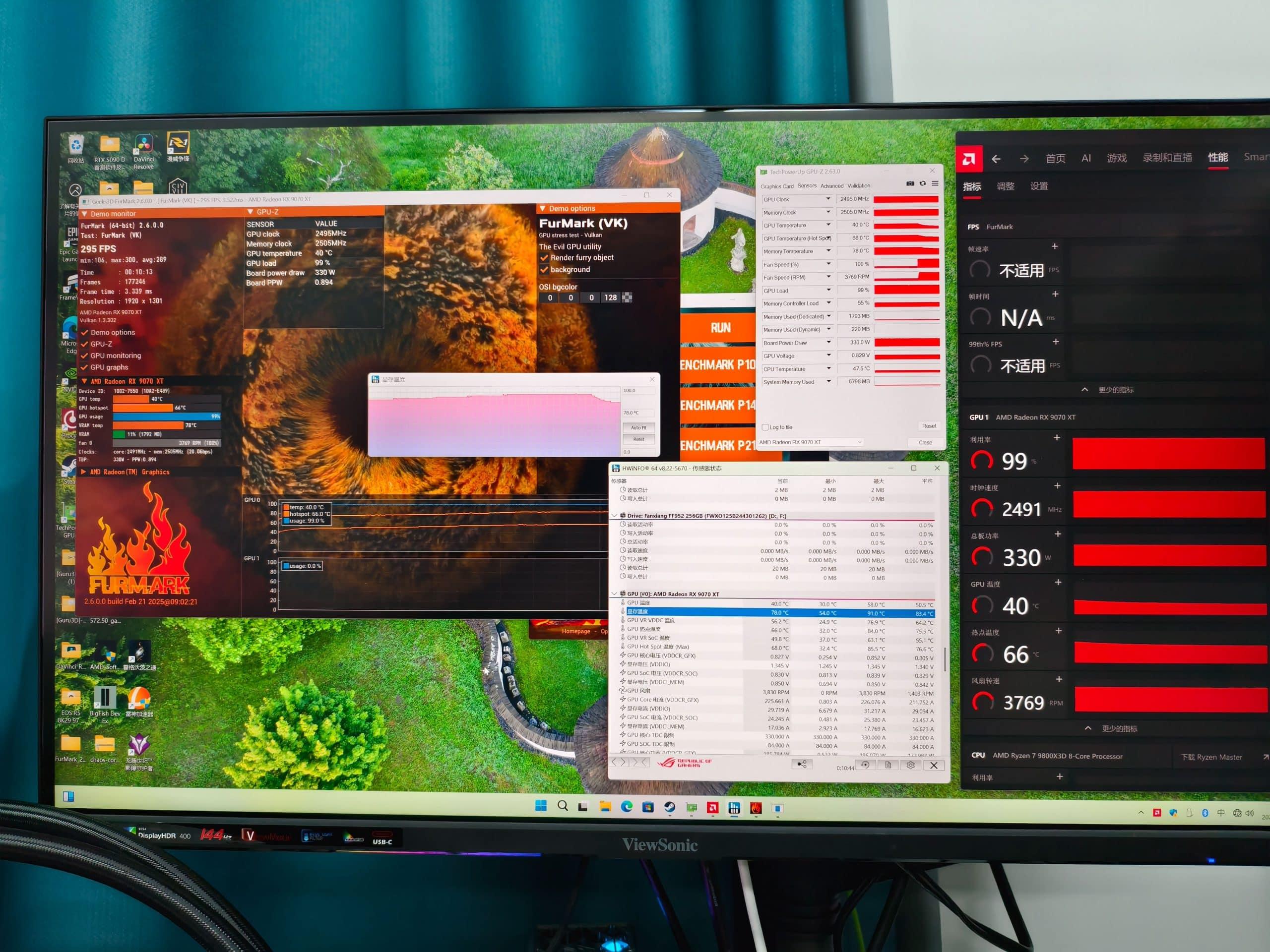
Not all graphics cards are affected equally. Models like the ASUS TUF Gaming or the XFX Mercury OC exhibit the best memory temperature values, operating within much safer ranges (82-84ºC). Conversely, the Sapphire Nitro OC and some ASRock cards tend to reach nearly 90ºC in the VRAM.
When users resort to RMAs, some brands like Gigabyte opt to replace the thermal paste and better align the heatsink with the GPU. While this solves the hotspot problem in many cases, it doesn't address the root cause if the cooling system design is inherently flawed.
Owning a Radeon RX 9070 XT these days means closely monitoring HWinfo and Adrenalin for abnormal heat spikes . Whether it's installing physical supports to prevent PCB warping, replacing the thermal materials with higher-quality ones, or, in the extreme case of the Taichi, repositioning the chassis, optimizing airflow and conductivity is vital for the hardware to perform at its best without risk of damage.
