- Originally created by the Knoll brothers as an experimental project called Display.
- Its commercial launch began with Barneyscan XP before being mass-distributed by Adobe.
- The introduction of layers in version 3.0 revolutionized professional digital editing.
- Evolution towards generative artificial intelligence and the cloud subscription model.
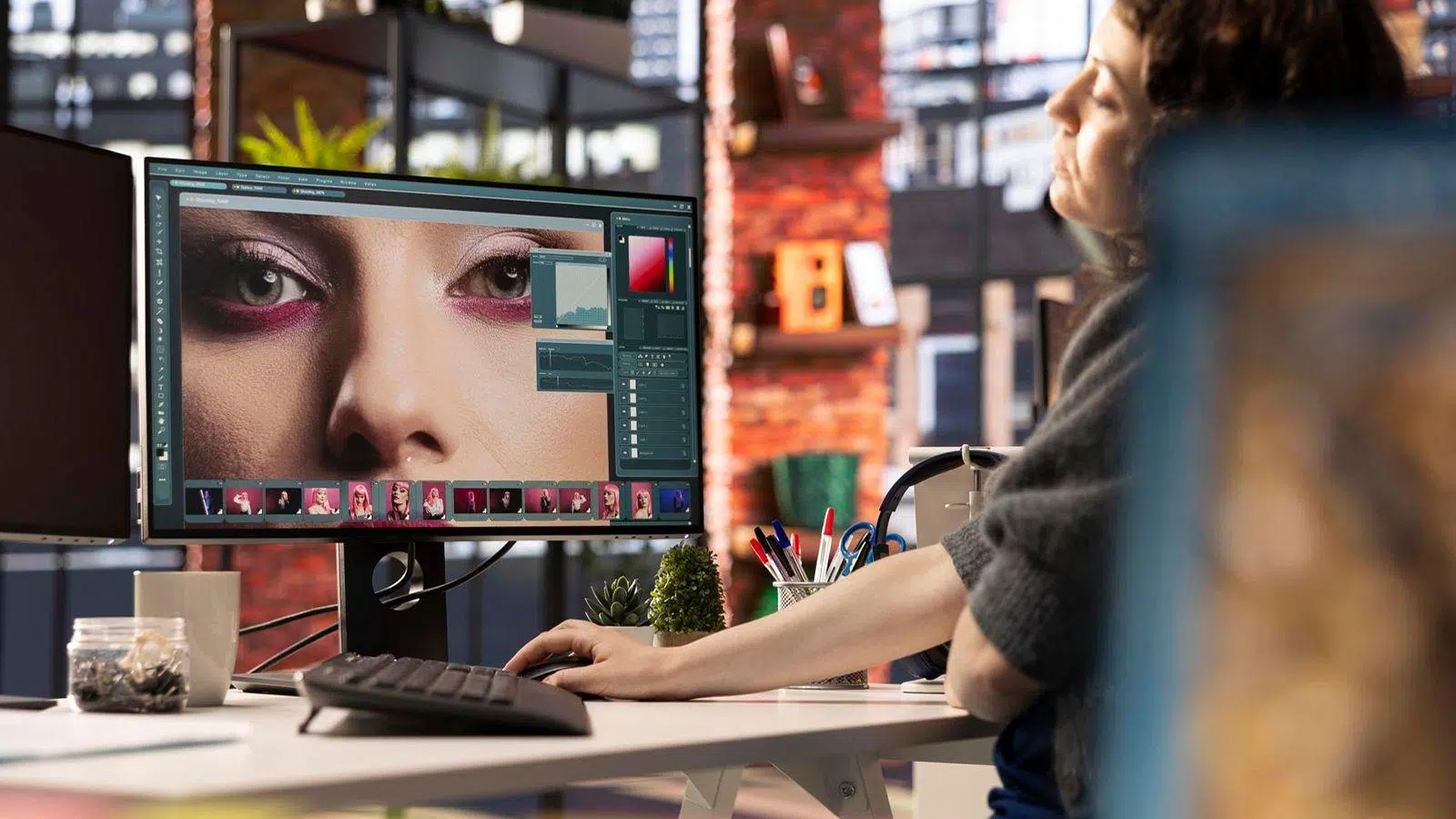
Almost everyone knows what it is But few know the true story behind it. It has become such a ubiquitous tool that we've even started using the term "photoshopping" to refer to any digital retouching, even though Adobe itself isn't too thrilled about it.
What is now the absolute standard in the digital and graphic design , photography, and film industries began in the humblest way possible: as a university hobby . It wasn't born in the offices of a large corporation, but in the academic and family environment of the Knoll brothers, who sought to break down the technical barriers of their time.

The birth of Display and the initial spark
It all started in 1987, when Thomas Knoll , then a doctoral student in computer vision at the University of Michigan, wrote a program called Display. Its goal was quite technical: he wanted to display grayscale images on monitors that only supported black and white. In fact, the core of the program was an algorithm for detecting object edges , originally intended to help robotic arms classify items.
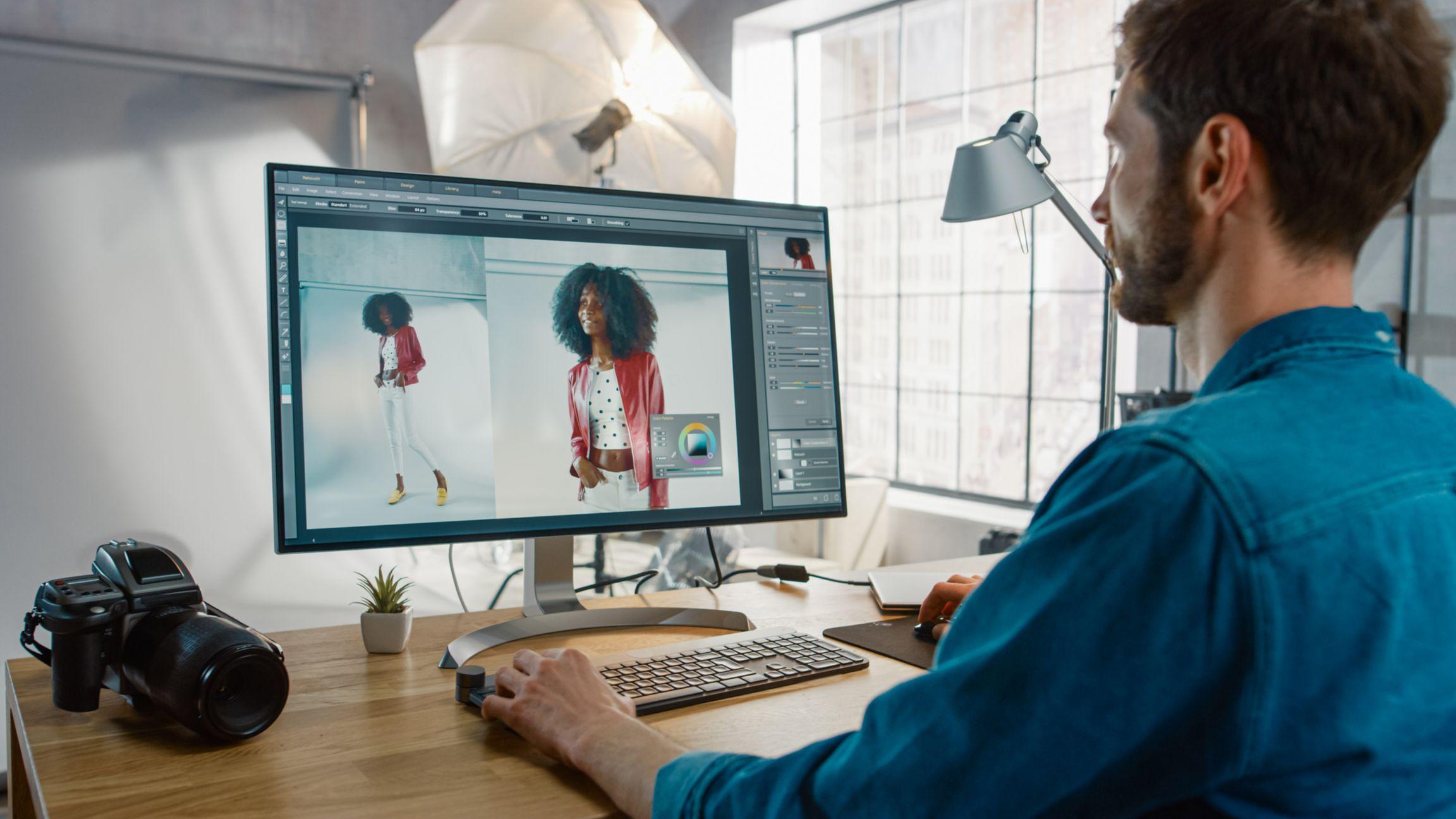
His brother, John Knoll , who worked at the legendary special effects company Industrial Light & Magic (George Lucas's company), saw the potential and suggested turning it into a full-fledged image editor for Mac. Thomas got to work, adding features that allowed the software to read various formats and work with color. After some time, Display was merged into a single, more robust application.
From ImagePro to the first commercial version
When they decided the product was ready for market, they ran into a problem: the name. They tried several, but many were already registered. It went through several names, including ImagePro, until someone suggested the name that would stick: Photoshop. At first, Adobe wasn't entirely convinced and was reluctant to invest in the app, since they had an agreement with Letraset for their ColorStudio product.
However, their luck changed when they contacted Barneyscan , a scanner manufacturer in California. This led to the first commercial version, 0.87, called Barneyscan XP , which was sold bundled with the brand's scanners. After witnessing the tool's success and power, Russell Brown, art director at Adobe, was impressed, and the company decided to purchase a distribution license.

The leap to massive success with Adobe
On February 19, 1990, Photoshop 1.0 was officially released exclusively for Macintosh. At that time, the program was much simpler than it is today; it worked with a single layer , which was very reminiscent of the process in a traditional photo lab with enlargers. Despite this, it already included the CMYK color mode, making it clear that its objective was professional printing.
The evolution was rapid. Version 2.0 introduced paths and the pen tool, while 2.5 was the first version for Windows . But the real game-changer came in 1994 with version 3.0 (Tiger Mountain), which integrated the layer system . This changed the game, allowing users to work with independent objects and making editing infinitely more flexible.
Technological milestones and the era of the Creative Suite
In the late 90s, the program continued to grow. Version 4.0 revamped the interface to unify it with other Adobe products and added adjustment layers. Shortly after, version 5.0 introduced the History Palette , which allowed for non-linear undoing, and much more advanced color management. To address the needs of the web, ImageReady was launched , an ideal companion for optimizing images for the internet.

In 2003, the leap to the Creative Suite (CS) was made . From then on, Photoshop was tightly integrated with Illustrator and InDesign. Each version brought new features: from the Healing Brush in version 7, to the ability to work in 3D in CS3, to the amazing content-aware fill in CS5. In 2012, CS6 closed the era of perpetual licenses, being the last version that could be purchased outright.
The transformation towards the cloud and Artificial Intelligence
In June 2013, Adobe changed its business model by launching Creative Cloud (CC) . It shifted from purchasing a CD to a monthly subscription system, enabling constant updates and cloud synchronization. Since then, the software has incorporated machine learning- based features and neural filters that allow complex tasks to be completed in a single click.
The most recent and disruptive leap has been the arrival of generative AI through Adobe's Firefly AI assistant . Since September 2023, the Generative Fill feature has allowed users to add or remove elements from a photo using text prompts, automating workflows in a way that seemed like science fiction just a few years ago. Despite some controversies surrounding privacy and terms of service in 2024, the tool remains the undisputed leader.

Formats and technical compatibility
Over the years, Photoshop has supported a vast number of formats. The standard is PSD , but for very large files, it created PSB. It also supports universal formats like JPEG, PNG, and TIFF, and more recently, it has integrated support for WebP , Google's optimized format. This versatility is what allows it to serve everyone from web designers to film artists and fashion photographers.
From that small program called Display, created by a student who never even finished his thesis, to the power of today's AI, software has come a long way. Its ability to adapt to hardware changes and the needs of creatives has ensured that, despite free rivals like GIMP with the PhotoGIMP patch or budget-friendly options like Affinity Photo, it remains the cornerstone of any design studio on the planet.
