- Evolution of physical formats from the standard SIM to the Nano SIM.
- Technological differences between virtual SIMs such as eSIM and iSIM.
- Compatibility and use of adapters to take advantage of cards in different devices.
- Distinction between the physical format of the card and the USIM technology.
You've probably experienced this: when buying a new phone or switching carriers, you wonder exactly which piece of plastic you need to insert. While it might seem like a minor detail, the SIM card is the brain of your connectivity , as without it, making calls or browsing the internet without Wi-Fi would be impossible.
Since the first mobile phones appeared, these cards have undergone an incredible transformation, always striving for miniaturization to free up more space for batteries and cameras. In this sense, it's normal for someone not very familiar with the subject to get a little confused when trying to determine the correct format for their current smartphone.

Physical formats: from credit card size to bare chip
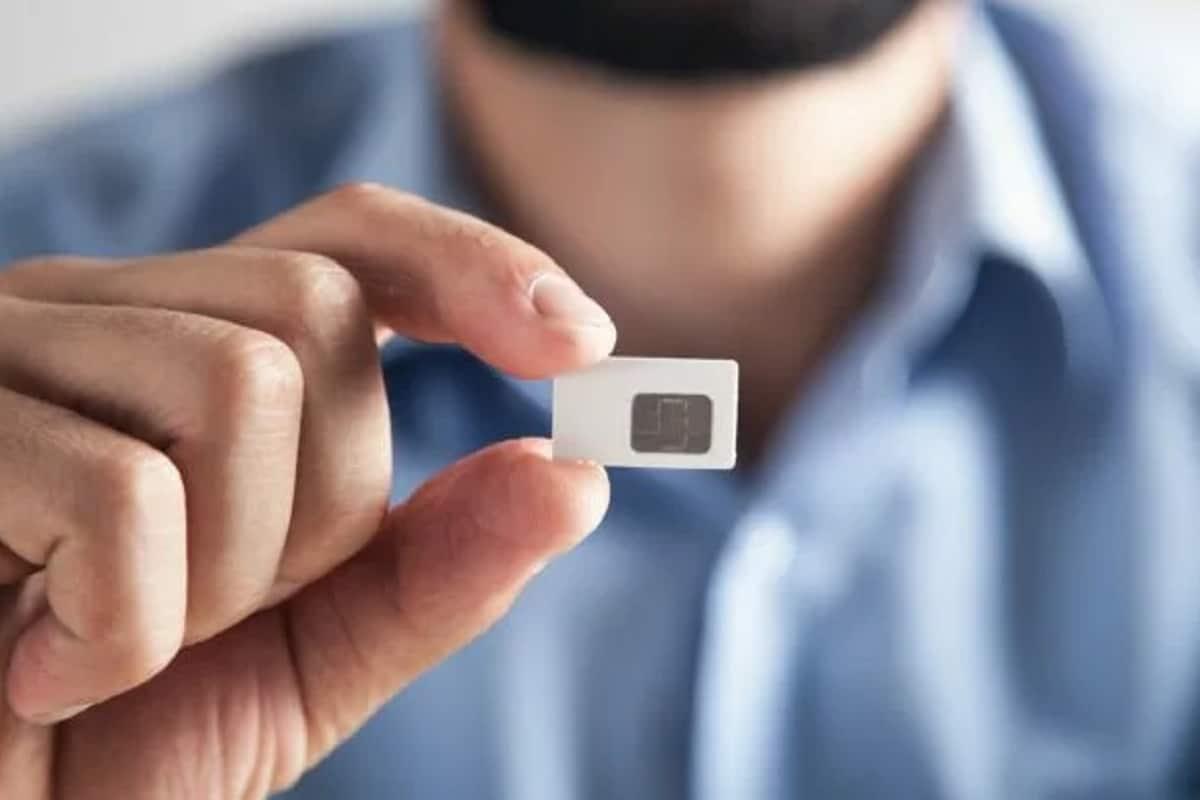
Looking back to the early 90s, we find the full-size SIM (1FF) . These cards were large pieces of plastic, about the size of a bank card (85,6 x 53,98 mm). Today, they are a historical relic, only seen in prehistoric phones like the Motorola StarTAC, although they are currently used as the external holder for smaller SIM cards.
Over time, the industry decided that so much plastic was a waste of space, and so the Mini SIM (2FF) was born in 1996. Measuring 25 x 15 mm, it became the standard for years and is the one we remember from the first Nokia or Alcatel phones. Although they are hardly used in modern mobile phones anymore, they can still be found in some IoT devices or very old phones.

In 2003, the need to make phones more compact led to the creation of the Micro SIM (3FF) . Measuring 15 x 12 mm, it freed up valuable internal space. It was very popular during the transition to early smartphones, as seen with some versions of the iPhone, and although it has lost ground, it remains compatible with adapters in older phones.
We now come to the current queen: the Nano SIM (4FF) . Officially introduced around 2012, it's the smallest physical SIM card available, measuring just 12,3 x 8,8 mm. Essentially, all the superfluous plastic has been removed, leaving only the storage chip , making it ideal for wearable devices and the latest generation of smartphones.
The digital revolution: eSIM, iSIM and the confusion with USIM
It's not all about plastic and slots. In recent years, virtual SIMs have proliferated. The best-known is the eSIM (embedded SIM) , which isn't a card you insert manually, but a chip soldered to the phone's motherboard. It's activated via a digital profile, usually by scanning a QR code, allowing you to manage multiple lines on a single device without needing to change the physical SIM card.
Going a step further, we find the iSIM (SIM integrated into the processor) . Unlike the eSIM, which is a separate chip, the iSIM is directly integrated into the device's processor or SoC. This makes it extremely robust and efficient, making it the preferred option for industrial applications, 5G M2M connectivity , and the Internet of Things (IoT) ecosystem.

It's very common to confuse these terms with USIM , but be aware that it's not a physical size. USIM is a technological advancement designed for 3G, 4G, and 5G networks that offers greater security and authentication . In reality, most of the Nano SIMs we use today are technically USIMs; we just keep calling them SIMs out of habit.
How do I know which card my device needs?
If you're unsure which SIM card to buy or use, the easiest way is to check the phone's SIM tray. If the slot is tiny, you almost certainly need a Nano SIM , as this is the standard size in 90% of current phones. If your phone is very old and has a removable battery, it might use a Mini or Micro SIM.
Another quick way is to go to your phone's settings, in the Mobile Networks or Data section , where you can check if your device is compatible with adding an eSIM. You can also dial #06#; if the EID identifier appears, it means your smartphone supports eSIM technology.

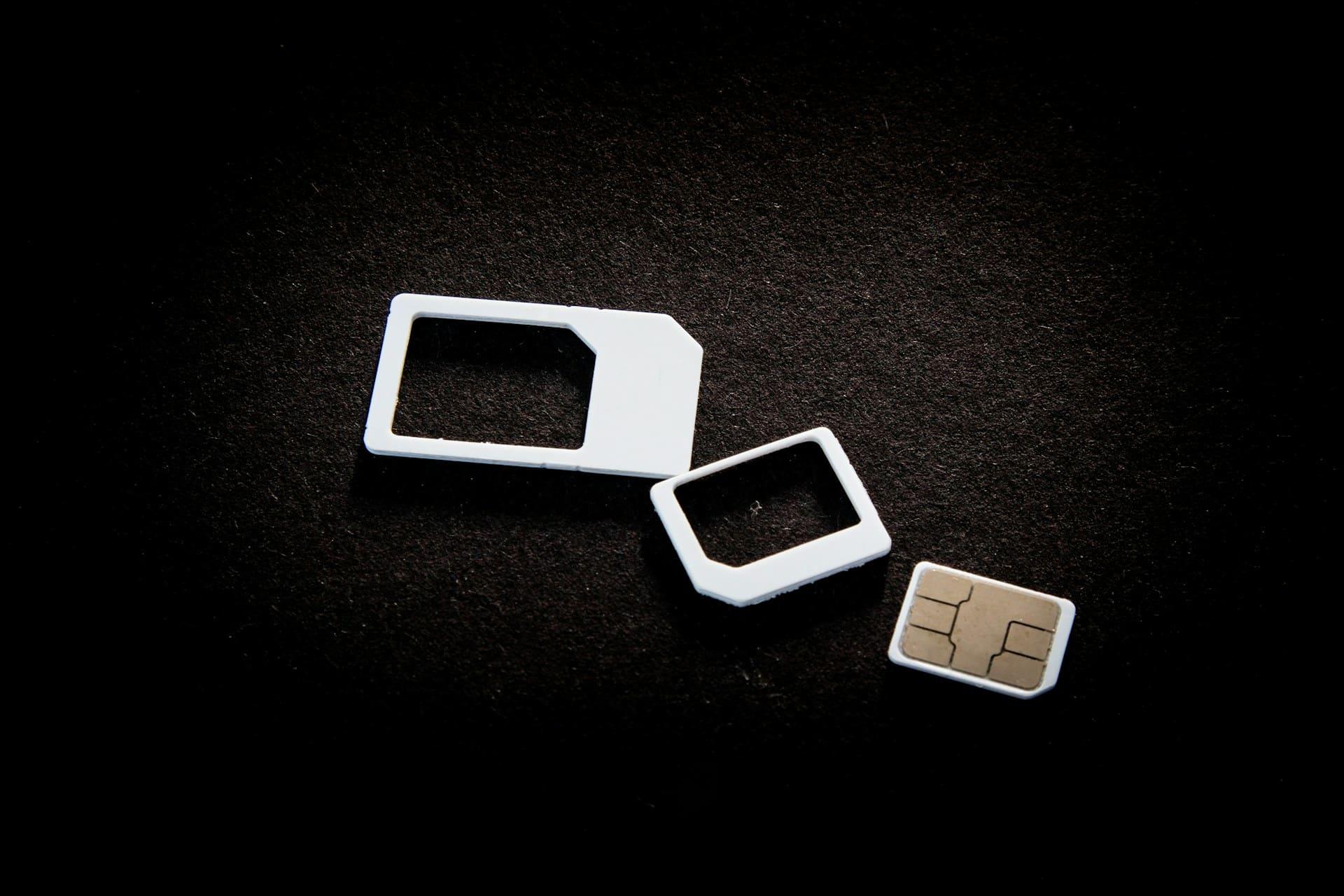
To avoid problems, most carriers now sell multi-size or Trio SIM cards . These come with pre-cut slots that allow you to trim the card to the size you need (Mini, Micro, or Nano), ensuring the chip fits perfectly regardless of your device model. If your SIM card is blocked, remember that you can obtain its PUK code to regain access.
Ultimately, the choice today boils down to the versatility of the physical Nano SIM and the digital convenience of the eSIM, leaving larger formats for the past or for specialized hardware, while USIM and iSIM technology continues to optimize security and space in our gadgets.
