- Windows Defender in Windows 11 offers very comprehensive built-in protection, with antivirus, firewall, secure boot, and extra security modules.
- Smart App Control adds a preventative layer based on cloud and machine learning that blocks suspicious apps before they run.
- Third-party antivirus programs stand out for their additional features (VPN, anti-phishing, password manager) and licenses for multiple devices.
- The choice between Defender and a paid antivirus depends on how you use your PC, your exposure to risks, and the level of extra protection you need.
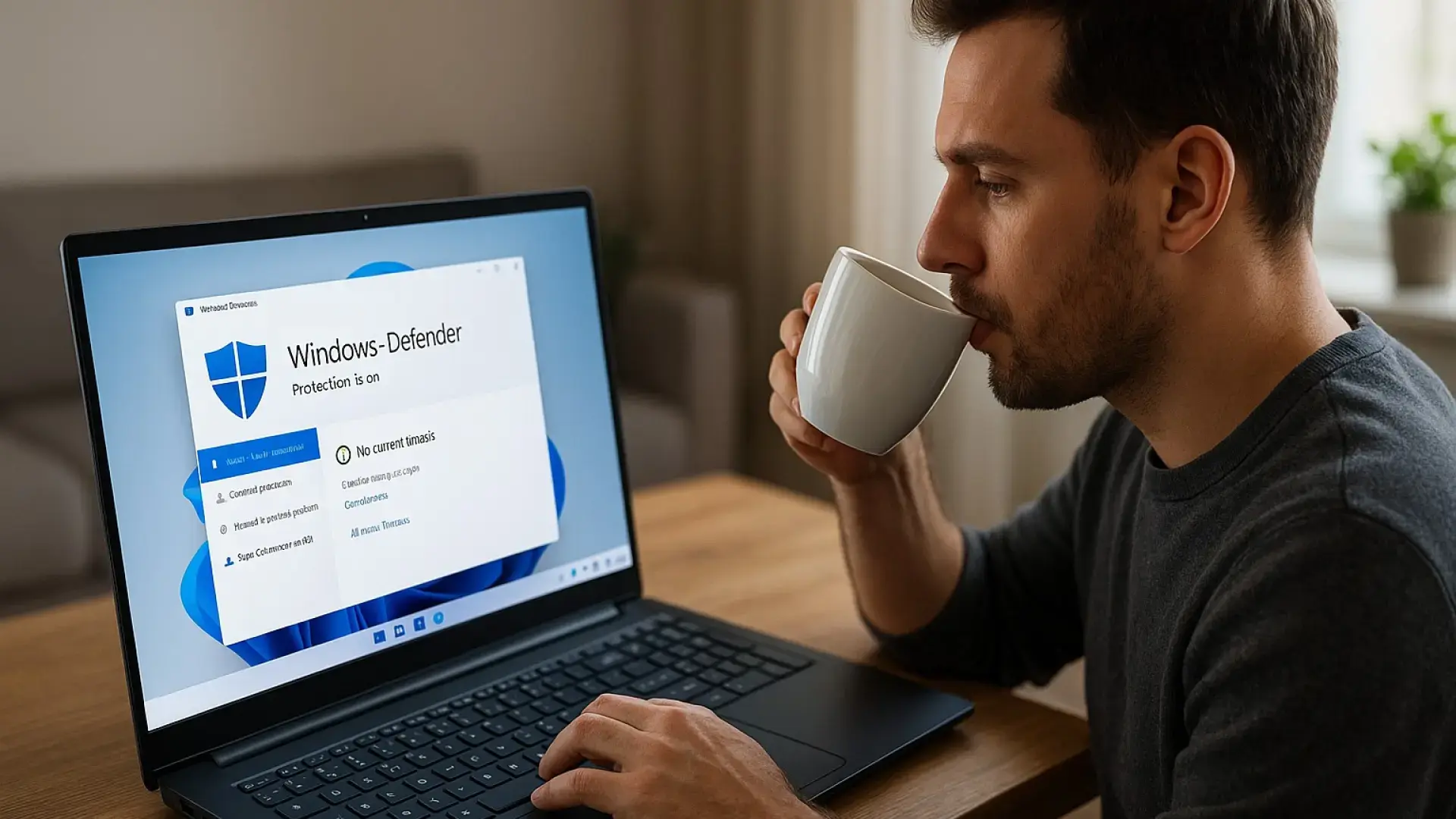
Security in Windows 11 It has become one of the biggest concerns for those who use Microsoft's operating system daily. Every time we connect to the internet, we expose ourselves to threats, fraud, and malicious programs that can put our data, our money, and even our digital identity at risk.
For years it was considered essential to install a third party antivirus I had just gotten a new PC, but with Windows 11 the situation has changed quite a bit. Microsoft's built-in antivirus, Windows DefenderIt has matured to the point that many users wonder if it is really worth continuing to pay for paid solutions like McAfee or other advanced security suites.
Do we have to say goodbye to Windows 11 antivirus?
The most common question these days The question is whether the built-in protection in Windows 11 is sufficient, or if it's advisable to add an extra layer by installing another antivirus program. There's no single answer, as it largely depends on how you use your computer, your browsing habits, and how careful you are when downloading files or opening suspicious emails.
If you usually download programs, games or content From untrustworthy websites and suspicious repositories to links received via messaging apps or email, you might want to strengthen your security. A third-party suite can provide additional features designed for this more vulnerable user, from specific filters to advanced network traffic monitoring.
On the other hand, if your usage is more typical — browsing familiar websites, consume streaming content, work with documents And little else—Windows Defender offers a very reasonable level of protection. Recent independent reviews place Microsoft's antivirus among the best free solutions for malware detection and, above all, with a fairly low false positive rate.
An important point is that no antivirus is infallible.Neither paid antivirus programs nor the one integrated into Windows 11 can guarantee 100% security, because threats evolve and new attack techniques constantly emerge. However, it's safe to say that Defender has gone from being "Microsoft's workaround" to becoming a very robust tool for the average user.
In addition, Windows 11 adds a whole series of security modules around Defender that go beyond simple virus scanning: Secure Boot, integrated firewall, application control and multi-level device protection, so that it not only looks at what files you have, but also how the system behaves as a whole.
What the Windows 11 antivirus really offers
Windows Defender is not just “another antivirus”Rather, it's part of a comprehensive security center that you can access through the Windows Security settings. From there, you have access to various sections designed to cover different types of risks and help you keep your computer under control without needing to be an expert.
In this panel you will find key blocks such as Antivirus and threat protection, Account protection, Firewall and network protectionApplication and browser control, Device security, Device performance and health, Family options, and Protection history. Each one acts as another piece of that overall "shield" surrounding the system.
The module Antivirus and threat protection It's responsible for monitoring the files that are opened, downloaded, or run on your PC. You can run quick, full, or custom scans, as well as an offline scan which restarts the system and analyzes the computer before Windows fully loads, a very useful technique for finding particularly persistent malware.
Windows FirewallFor its part, it protects network connections. You don't need to know about ports or protocols: by default, it blocks what shouldn't be entering or leaving the network, and it prompts you when a new application wants to connect to the internet. For the average user, it's more than enough as a first line of defense on the network.
Device security includes elements such as Core isolationSecure Boot, Data Encryption, and Security ProcessorAll of this is designed to ensure the system boots in a reliable environment, prevents malicious code from being injected into critical processes, and protects sensitive information from unauthorized access.
If all sections appear in green Within the Windows Security menu, this means that the basic settings are correct and the computer is, in principle, well protected. For the vast majority of users, under these conditions, installing additional antivirus software is not strictly necessary.
How to configure Windows Defender more securely
Knowing how to use Windows Defender properly It makes the difference between acceptable protection and truly robust security. Antivirus software usually comes fairly well configured, but it's worth checking a few things to ensure you're taking full advantage of its capabilities.
The first thing to check is that periodic examinations they are activeThe quick scan that runs automatically is useful for a basic check, but you shouldn't rely solely on it. It's worth running a full system scan or an offline scan periodically, especially if you suspect something is behaving strangely.
In addition to the antivirus engine, there are other particularly important sections in Windows Security settings that should be left enabled, such as Intelligent application control, reputation-based protection, and vulnerability protectionThese functions help block suspicious executables, prevent the execution of files known for their bad reputation, and mitigate security flaws exploited by attackers.
Intelligent Application Control Smart App Control is one of the major new features of Windows 11 compared to previous versions. Its function is to proactively prevent potentially dangerous applications from running, even before they undergo traditional analysis, by leveraging machine learning and data stored in the cloud.
This means that when you download or try to run a less well-known program, Windows checks the reputation of that application in real time.If the intelligence system detects signs of danger or suspicious patterns, it blocks it directly, minimizing the resource consumption that would result from thoroughly analyzing it on the PC itself.
The key difference with classic antivirus programs The problem is that these tend to be more reactive: they detect, isolate, and eliminate threats once they're already on the system. In contrast, Smart App Control aims to anticipate threats, stopping the execution of anything that appears risky before it can cause harm, thus helping to reduce potential infections from novel or particularly sophisticated malware.
Finally, it is important to remember that Windows Defender needs to be active To offer all this protection, if you have any third-party antivirus installed, Microsoft's system is automatically deactivated as the primary solution and stops performing regular scans, relegating itself to a very secondary role.
Advantages and limitations of Microsoft's built-in antivirus
The great strength of Windows Defender It comes fully integrated into the operating system, costs no extra money, and updates along with Windows. This ensures it's always up-to-date with malware signatures and security improvements, without the user having to worry about renewing licenses or installing extra modules.
Another advantage is that, being developed by Microsoft, Compatibility and stability are usually very goodIt's not uncommon for certain third-party antivirus programs to cause conflicts with applications, lead to crashes, or consume so many resources that system performance suffers. Defender is designed precisely to minimize these kinds of problems.
Furthermore, independent tests highlight that Windows Defender It offers a very low false positive rate.This translates into fewer annoying notifications, fewer unjustified crashes, and a more peaceful user experience: you won't feel like your computer is "complaining about everything" when the files are actually legitimate.
Precisely to mitigate this impact, the use of technologies such as Smart App Control and cloud-based analytics has been promoted, which allow reduce local workload While maintaining a high level of protection, users of very resource-intensive programs or demanding games may prefer to adjust the scan schedule or even opt for another solution.
It should also be noted that, although Microsoft has greatly improved its antivirus, There are alternative payment methods that are still one step ahead In some specific scenarios: business environments, users who share many files with third parties daily, or those who require encryption tools, backups and identity protection all in one package.
Why some users prefer to abandon Windows 11 antivirus
Despite all of Microsoft's advancesHowever, there are still a number of users who are wary of leaving their security entirely in the hands of Windows Defender. Some have been using the same security suite for years, others highly value the extra features, and still others simply feel more secure using a specialized product.
One of the typical examples is that of solutions like McAfee Total ProtectionThese licenses are often offered with very aggressive discounts and come bundled with a host of additional tools. Sometimes you can find multi-device licenses at significantly reduced prices, making it quite tempting to ditch the Windows 11 antivirus.
In this type of product, The license usually covers up to 10 devicesThis includes computers and, in some cases, mobile phones and tablets. This allows you to protect the whole family or even share the costs with friends or roommates, significantly increasing the return on your initial investment over the policy's validity period, which often extends beyond the usual 12 months.
Apart from the antivirus engine, suites like the one mentioned usually integrate virtual private network (VPN) serviceSuspicious message blockers, fraud detection, dedicated anti-phishing features, and password managers for securely storing credentials. All in one dashboard, which is convenient if you want an "all-in-one" solution.
When these licenses go on sale, it is common to see very striking discounts compared to the official price, with discounts close to or even exceeding 80 or 90 euros. You pay a much smaller amount compared to the original rate And you get immediate access via email to the activation key or link, something that many appreciate for convenience and a feeling of a "bargain".
Another detail that often weighs heavily in the decision is the extended duration of some licensesWhile one-year subscriptions are the norm in the industry, it's not uncommon to find campaigns offering 15 months of service for the price of one year, or even more in special promotions. This feeling of taking advantage of a limited-time opportunity pushes many to try alternatives to Defender.
These suites also usually include 24/7 technical supportThrough chat, phone, or email, support is available to help less experienced users resolve doubts, remove infections, or properly configure protection. For those who aren't very tech-savvy, knowing they can call and have someone guide them step by step is a significant added benefit.
Windows Defender + Smart App Control: complementary layers of security
One key idea that should be clear Smart App Control doesn't replace traditional antivirus software; it complements it. Microsoft still recommends having an active antivirus program, whether it's their own or another, and using this feature as an additional layer of protection.
The approach is as follows: Smart App Control acts preventivelyblocking potentially dangerous applications and files before they can run. Simultaneously, the antivirus—Windows Defender or another—scans files, analyzes behavior, and detects known threats or suspicious variants.
Thanks to the use of machine learning and cloud data, Smart App Control is able to detect patterns and anomalous behaviors These malware types fit the profile of next-generation attacks, even if they don't yet appear in traditional virus databases. This helps bridge the gap that traditionally existed between the emergence of a new type of malware and its detection by antivirus software.
At the same time, the system reduces the number of full analyses that need to be run locally, since Many blocking decisions are made before the application comes into playFewer files analyzed in depth generally means less CPU usage and less load on the disk, which is noticeable in terms of smoothness, especially on modest computers.
Even so, Microsoft makes it clear that We mustn't forget about the antivirus yet.Smart App Control does not clean existing infections or replace real-time scanning; it simply helps to reduce the number of threats that reach the point where the antivirus has to act, similar to placing an additional filter in front of your front door.
Therefore, the most reasonable approach is to understand security in Windows 11 as a layered system: Active antivirus, Smart App Control, properly configured firewall, and good user habitsThe more layers you have, the harder it will be for attackers, and the less you will depend on a single barrier of protection.
In the end, the decision was between sticking with Windows Defender or opting for a paid antivirus. It depends on your level of exposure, the type of data you handle, and what you value most: the integration and simplicity of Microsoft's antivirus, or the extra features and support offered by some specialized suites. What does seem clear is that, with Windows 11, it's no longer necessary to rush out and install the first antivirus you see, because the integrated protection has taken a significant leap forward and, when properly configured, is capable of handling most of the threats the average user will encounter.

Table of Contents
- Do we have to say goodbye to Windows 11 antivirus?
- What the Windows 11 antivirus really offers
- How to configure Windows Defender more securely
- Advantages and limitations of Microsoft's built-in antivirus
- Why some users prefer to abandon Windows 11 antivirus
- Windows Defender + Smart App Control: complementary layers of security