- Implementation of a voice ecosystem based on the Wyoming protocol to guarantee total data privacy.
- Use of local engines such as Whisper and Piper for speech transcription and synthesis without relying on the cloud.
- Possibility of integrating advanced artificial intelligences such as OpenAI or Google Gemini to improve understanding.
- Deployment of ESP32-based hardware satellites to extend voice control to any room.
If you're fed up with Big Tech companies knowing everything, even how often you go to the bathroom, setting up your own voice control system at home is the ultimate solution. Home Assistant has evolved tremendously and now allows you to create a completely private voice assistant that doesn't send a single piece of data to external servers, giving you absolute control over your privacy with virtual assistants.
Whether you want something simple to turn off the lights or a complex system that uses artificial intelligence to chat with you, the options are vast. From using dedicated hardware satellites to integrating modern protocols, turning your home into a truly smart home is more accessible than ever, provided you have a little patience to configure the software.

The heart of the system: The Wyoming Protocol

To ensure everything works in a coordinated manner, Home Assistant uses the Wyoming protocol. Essentially, it's the language that allows the different audio components to communicate efficiently. Thanks to this, we can separate the listening hardware (the satellite) from the processing unit (the server), making the system scalable and much more flexible to meet our needs.
Essential components for voice processing

In order for the assistant to understand what we say and respond to us, we need to install two fundamental tools on our home automation server:
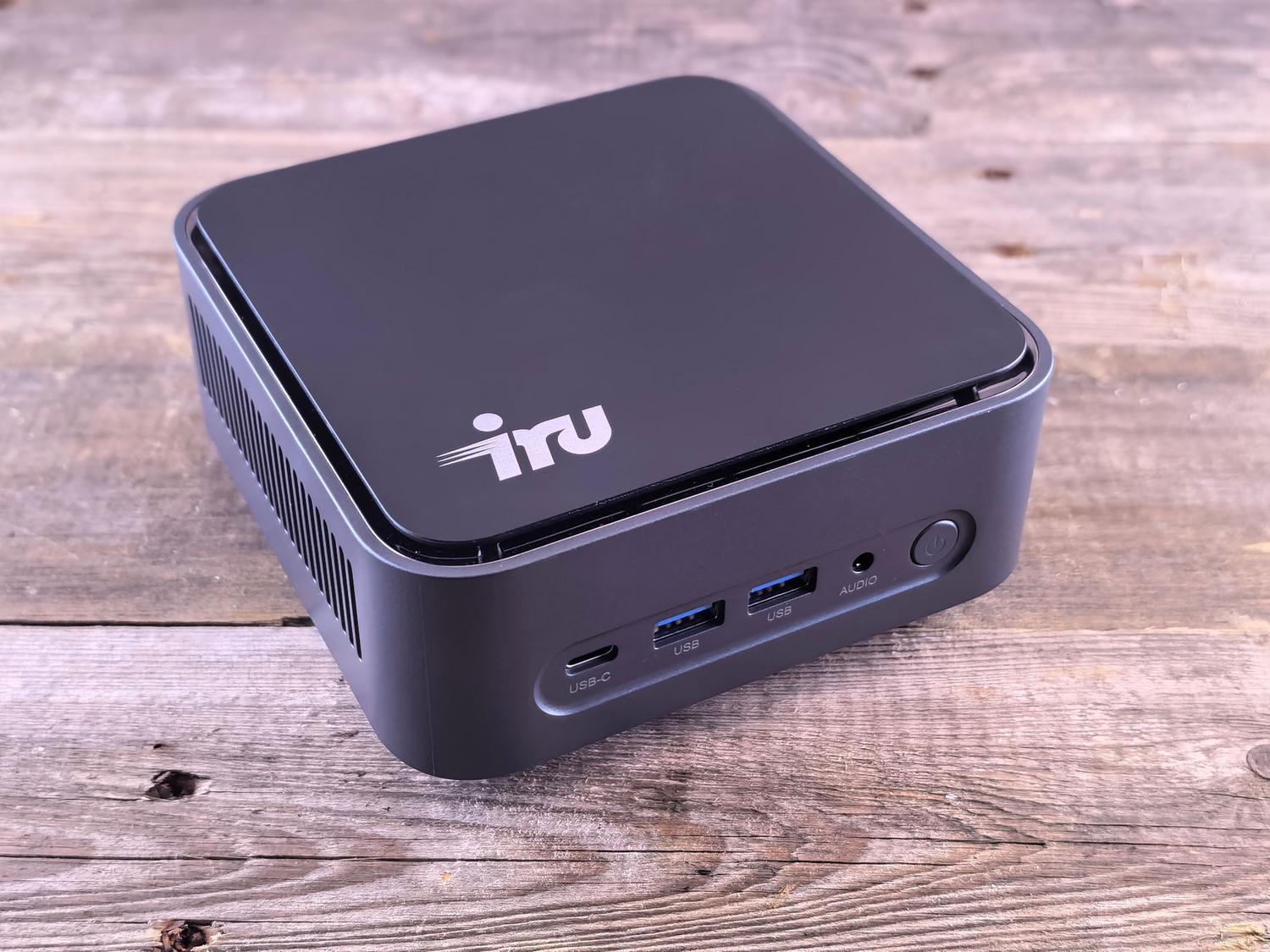
- Whisper (Speech-to-Text): It's responsible for converting our sound waves into text. It's extremely accurate and supports many languages, including Spanish. If you want to learn more, there's a Whisper AI complete guide For transcription. Depending on the power of your processor, you can choose models like tiny (for Raspberry Pi) or medium/large (for powerful processors like the Intel N100), which directly influences the response speed and accuracy from the transcript.
- Piper (Text-to-Speech): It's the assistant's voice. It converts system-generated text into audio. The best part is that it's very lightweight and offers several Spanish voices with a natural quality and local processingpreventing the voice from sounding like an old-fashioned robot.

Hardware: The Home Assistant Voice Preview Edition and other satellites
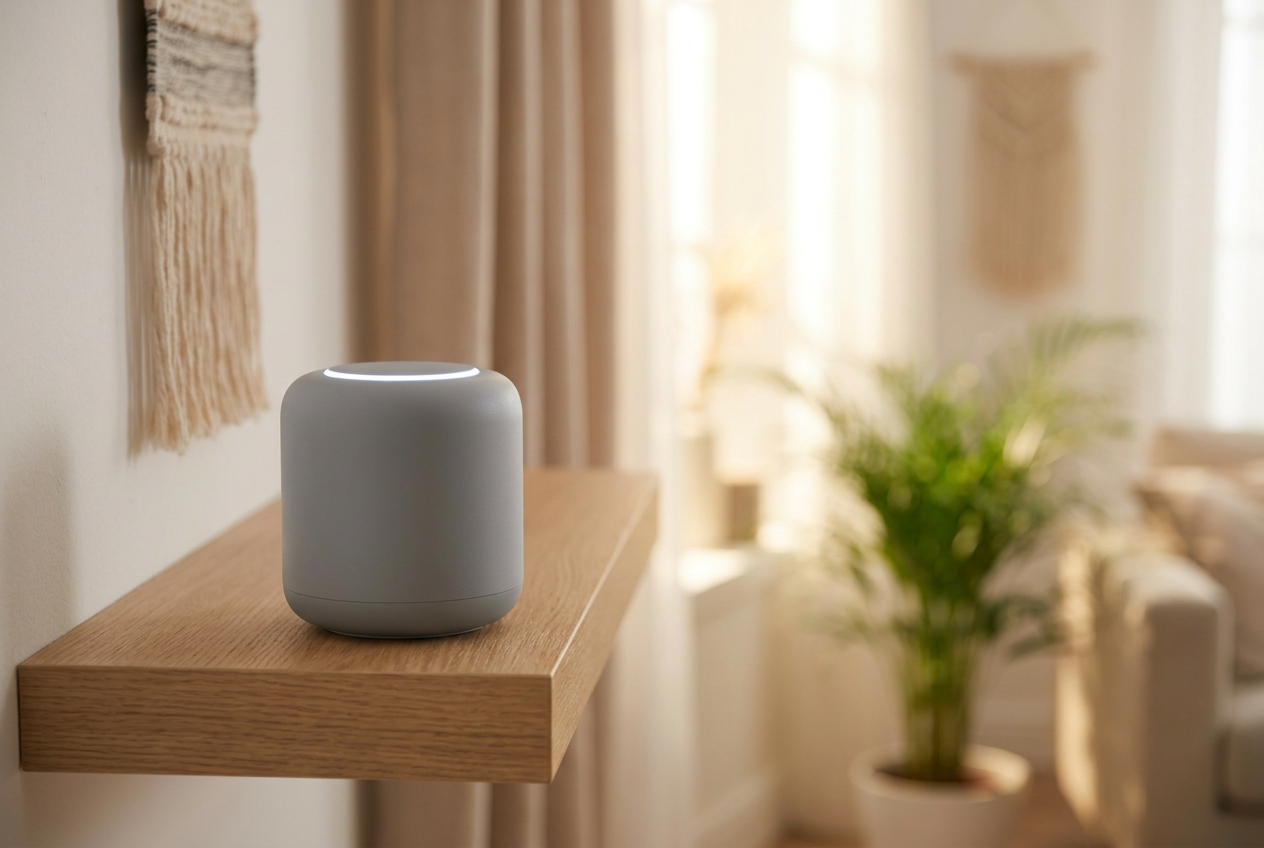
While you can use your mobile phone, ideally you'd have devices distributed throughout your home. The Home Assistant Voice PE is an excellent option that costs around €60. This little device includes an ESP32-S3 chip, dual microphones with echo cancellation, and a physical button to mute the microphone, giving you an extra layer of security and privacy.
If you prefer DIY, you can build your own satellites using an ESP32 with an INMP441 microphone, or use more compact devices like the M5Stack Atom Echo. The key here is microphone quality, as this determines whether the system understands your commands immediately or if you have to shout at the device.
Taking the assistant to the next level with AI

If the Home Assistant's local agent falls short, you can integrate LLMs (Extended Language Models). Google's Generative AI option is free and works very well, while OpenAI (ChatGPT) is a paid API service but offers superior language understanding and can resolve complex queries unrelated to home automation.
A very clever configuration is to program the system to attempt to process the command locally first and, if it doesn't find a coherent response, send it to the ChatGPT cloud. To better understand these differences, you can consult the differences between local AI and cloud-based AI , thus maintaining maximum privacy without sacrificing the power of modern AI.

Step-by-step setup and optimization
To avoid a frustrating experience, it's vital to organize the system properly. Simply installing the plugins isn't enough; you must expose the entities correctly . If a light is named light.shelly2pm_4345353 , the wizard won't know what to do. It's crucial to rename devices with human names or create aliases, making sure to use accents correctly , as the system is sensitive to these spelling differences.
Similarly, organizing the house by areas (living room, kitchen, bedroom) and floors allows the assistant to be smarter. For example, if you say "turn on the lights" while in the living room, the system will know to turn on only the lights in that room and not throughout the entire house.
Advanced control via VoIP
For the more enthusiastic, there's the option of integrating voice control via VoIP. Using an adapter like the Grandstream HT801, you can connect an older analog phone to Home Assistant. When you pick up the handset, the system answers automatically, allowing you to control your home from a vintage phone or via softphone apps on your mobile device, adding professional functionality to your setup.
Setting up a local voice system requires balancing hardware power with the chosen software model. While an Intel N100 processor allows for a smooth, local experience, Raspberry Pi users must opt for lighter models or rely on the cloud to avoid annoying latency. By combining a well-organized network, strategically placed satellites, and the power of Whisper and Piper, we achieve a robust and private alternative to commercial voice assistants, returning control of our data to the home.