- Detailed solutions for connectivity, battery, camera, and screen problems on Realme devices.
- Realme UI software optimization guide and steps to resolve unexpected restarts.
- Professional technical service options for physical repairs of hardware and internal components.
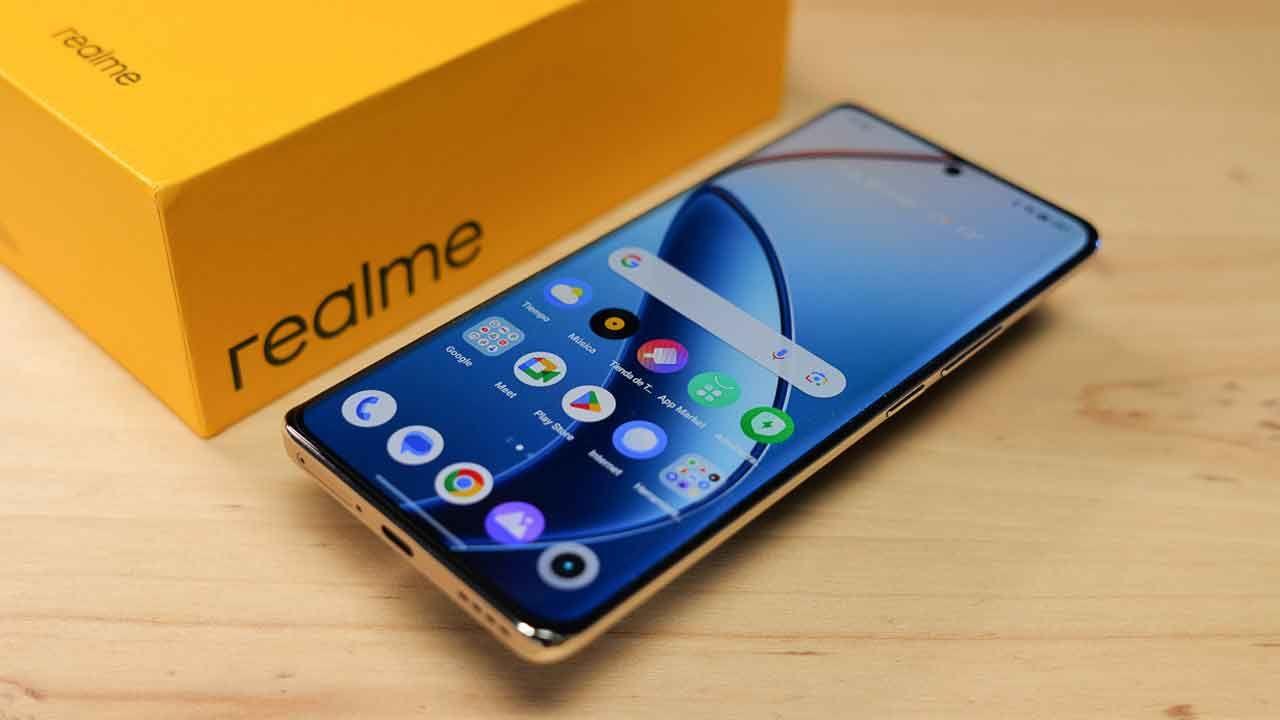
Having a smartphone that suddenly starts acting up is a real headache. If your Realme device has started malfunctioning, whether from a fall or because the system has gone haywire, don't panic, because most problems can be fixed if you know where to start.
From minor faults that can be fixed with a couple of clicks to serious breakdowns that require an expert's touch, it's essential to know when you can fix it yourself at home and when it's time to take it to a specialized technical laboratory to prevent the problem from getting worse.

Physical breakdowns and professional technical support
There are some things that simply can't be fixed by restarting your phone. When it comes to replacing a cracked screen , replacing a charging port that isn't making contact, or replacing a dead battery, you need professional tools. In these cases, going to a certified repair service is the only safe way to guarantee that original replacement parts are used and that the installation is done meticulously.
For more complex problems, there are labs that perform chip-level microsoldering and advanced motherboard repairs , which is vital when a phone won't turn on or has suffered water damage. A free diagnostic is usually the first step to determine if a repair is feasible and how long it will take for the device to be back in perfect working order.
Connectivity and call failures
It's frustrating when your phone has no signal or the Wi-Fi keeps dropping. If you notice your Realme's coverage is weak, the first thing to check is whether the area has poor reception or if the phone case is interfering with the antenna. It's also very common for the SIM card to be damaged or demagnetized, so removing and cleaning it might be the quickest solution. If you suspect the network is the issue, you could follow a complete guide to auditing your Wi-Fi network security to rule out any conflicts.

Regarding audio during calls, if you hear poorly or the other person can't hear you, check that the earpieces are properly fitted. Sometimes the speaker gets clogged with lint and dirt; carefully using a cotton swab to clean the opening often restores sound quality instantly.
Camera and screen problems
Sometimes the Realme camera app might close unexpectedly or display a black screen. Before panicking, try restarting your phone , as this usually refreshes the app. If the problem persists and you have an SD card, try unmounting and reinserting it, as a corrupted memory format can prevent the camera app from running.
On the other hand, if you notice that the screen isn't responding well to your touch, don't rush to replace the module. In many models, the factory-installed screen protector can lose sensitivity after an impact , requiring you to press harder. Removing this plastic film usually leaves the screen working perfectly.
If the device goes completely black and doesn't respond, try pressing and holding the power button and the volume up button simultaneously until the brand logo appears. If this doesn't work, connect it to the charger for a while to rule out a dead battery.

Battery management and charging
Rapid power drain is a common complaint, especially in models like the GT. To extend battery life, it's best to disable 5G if it's not essential, lower the screen refresh rate, and limit the number of apps running in the background. Keeping your system updated to the latest software version is key to achieving optimal power efficiency , similar to how you calibrate your Windows laptop's battery to improve its performance.
If your phone charges very slowly or not at all, avoid generic accessories and always use the original adapter and USB cable . Keep in mind that Realme includes a smart charging feature that may slow down the charging process based on your usage habits to protect the battery's lifespan. Avoid using your phone while it's charging to prevent overheating and damage to the battery .
Software errors and Realme UI
The custom interface can sometimes cause sluggish performance. If the Google Play Store keeps crashing or takes forever to load, go to your app settings and clear the cache and data for the Play Store and Google services. As for slow performance after an update, remember that the system needs a few days to optimize resources; be patient and performance will return to normal.
If your phone restarts on its own, consider the following steps:
- Uninstall any suspicious applications that coincide with the start of the failures.
- Check that the case is not pressing the power button accidentally.
- Make sure you don't use your mobile phone in environments of extreme temperatures (very cold or hot).
- Run a virus scan from the Security Center to remove malicious programs.
- Check in the additional settings menu that the auto power off.
Keeping your device updated with the latest version of ColorOS or Realme UI is the best defense against bugs. If, after trying all of this, the phone continues to have problems, the wisest course of action is to contact the official support team or visit a service center with your warranty and proof of purchase for a professional inspection.
Whether you need hardware repair, speaker cleaning, or operating system optimization for longer battery life, there are multiple ways to get your smartphone working like new again. From software tweaks and cache clearing to replacing original components in specialized labs, fixing Realme issues is entirely possible if you follow the right approach depending on the severity of the problem.
