- Use long, unique, and random passwords for each account, avoiding personal information and predictable patterns.
- Use password generators and managers to create, evaluate, and store strong passwords without relying on memory.
- Strengthen your security with multi-factor authentication and be wary of emails or calls that ask for your password.
- In business environments, it applies password policies and corporate managers to control access and reduce leaks.
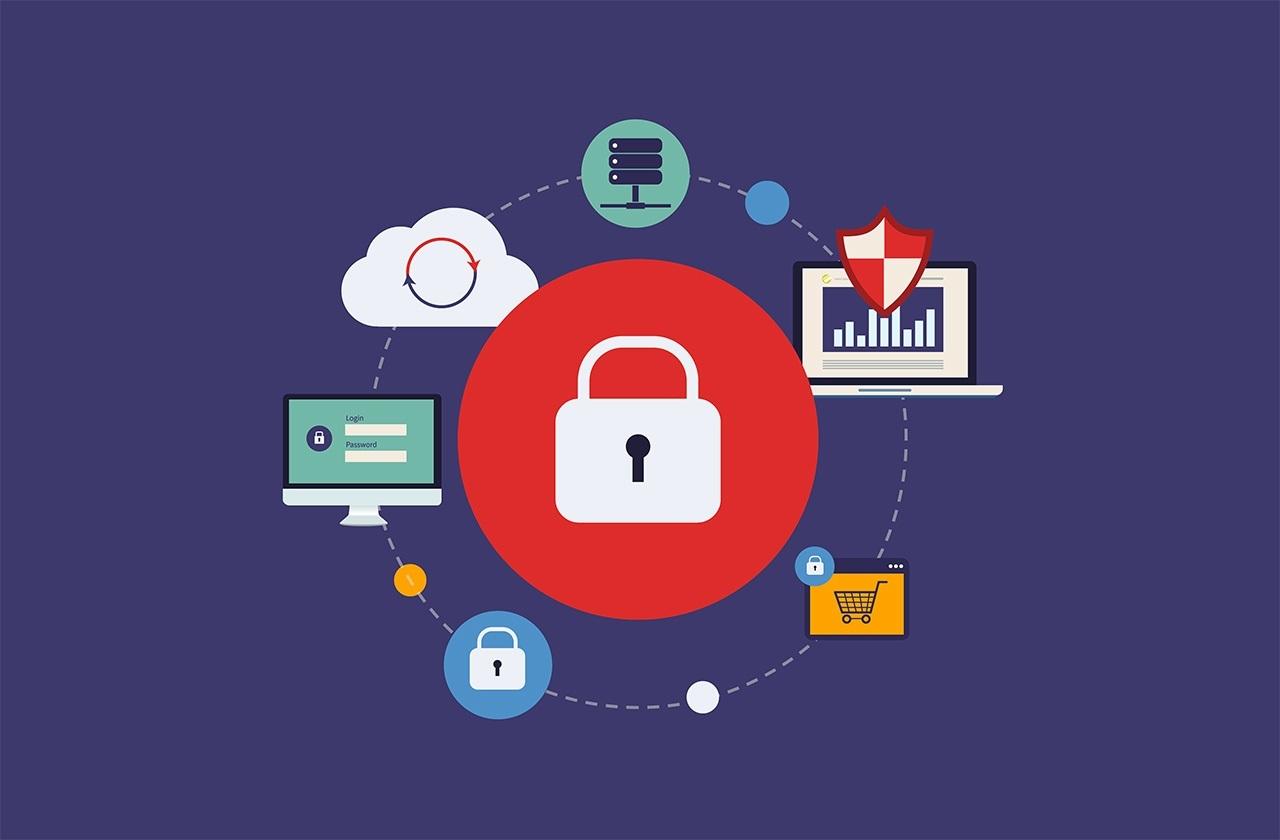
In our daily lives we are surrounded by online accounts, logins and forms that ask for usernames and passwords, but we rarely stop to think about what critical factors that are secure passwords To protect that entire digital world. From online banking to work email, including social media and shopping platforms, a single broken password can expose a significant part of our lives.
Furthermore, cybercriminals never stop: they use automated programs, social engineering techniques, and massive data breaches to try to break into our accounts. That's why understanding how to create, evaluate, save, and update your security data is so important. strong and unique passwords It has become as basic as putting a good lock on your front door… but in a digital version.
Why strong passwords are so important today
Our passwords protect all types of information: personal data, banking information, emails, photos, videos and private conversationsIf someone manages to access one of our accounts, they can commit fraud in our name, empty accounts, review confidential emails, or directly steal our digital identity.
Many of our accounts are also interconnected, so unauthorized access to one service can help to compromise other linked accountsPassword recovery via email, social media logins, cross-device synchronization, cloud backups, etc. This domino effect multiplies the potential damage of a single weak password.
Another significant risk is the impact on our reputation. Someone with access to our accounts could to impersonate us onlineSending messages on our behalf, publishing compromising content, or manipulating private conversations. It's not just a technical problem: it can also affect our professional and personal lives.
Properly protecting passwords allows us to maintain control over what we share, limit who can access our information, and ultimately, gain peace of mind and security in everything we do online, both personally and professionally.
The most common password mistakes
It's very common for passwords to become a simple formality: we type them quickly, look for something easy to remember, and forget about it. This routine leads many people to choose keys that are too simple or predictable, which gives the attackers a huge advantage.
One of the biggest mistakes is extreme simplicity. Even today, annual rankings of worst passwords show that "12345", "123456789", "password", "contraseña", or "login" are still among the most commonly used combinations. All of them are trivial to guess or decipher with automatic tools or even by eye.
The other major mistake is basing your password on obvious personal information: your name, your partner's name, your children's names, your pet's name, birthdates, anniversaries, or significant places. All that information is often compromised. appears on social media or can be deduced reviewing our public profile, photos, or old posts.
Even when we try to be "creative," we make mistakes like substituting letters with very common symbols: using "@" instead of "a," "3" instead of "e," "1" instead of "i," etc. These patterns are so common that attack programs have them completely figured out. automated in their dictionariesTherefore, they hardly add any real security.
Finally, reuse is one of the most serious problems: many people use the same password on dozens of sitesIt only takes one insecure website to suffer a data breach for attackers to try those credentials on banks, email, social networks or online stores, in what is known as a credential stuffing attack.
How cybercriminals crack passwords
To understand why we need strong passwords, it's helpful to know what techniques attackers use. It's not just some patient guy trying passwords by hand: they usually use... automated programs and giant databases with millions of real passwords leaked from previous breaches.
A brute-force attack involves systematically trying all possible combinations of characters until the correct one is found. With the current power of graphics cards and dedicated servers, a short and complex password of only 8 characters (a mix of uppercase letters, lowercase letters, numbers, and symbols) can fall in a matter of hours.
Another very common method is the dictionary attack. Instead of trying random combinations, the program iterates through lists of Real words, leaked passwords, and predictable variationsIf your password consists of a dictionary word, a very common phrase, or a combination that appears on those lists, decryption can take only seconds.
Beyond brute force or dictionaries, phishing and social engineering remain highly effective weapons. The attacker sends emails, messages, or even makes phone calls impersonating a bank, online store, or trusted service, attempting to trick the victim into doing something fraudulent. reveal your password directly or enter your credentials on a fake website.
In many cases, it's not even necessary to crack the password mathematically: it's enough to take advantage of mass email campaigns, malicious links on social networks, or deceptive SMS messages to trick a percentage of users. hand over your password in the traybelieving they are on the legitimate site.
What is a truly secure password?
A secure password isn't just one that "looks complicated." It must meet a series of technical and practical criteria that make it difficult to both attack automatically and guess. Generally, a password is considered secure if it is long, unpredictable, and different for each service.
Regarding length, nowadays it is recommended that passwords be at least 12 characters and, if possible, 14 or moreEach extra character exponentially increases the number of possible combinations, making brute-force attacks much more costly and slow.
A good password mixes uppercase and lowercase letters, numbers, and symbols. This combination of character types increases entropy (the degree of randomness), which greatly reduces the probability that an automated tool will get it right, even when it has a lot of computing power.
It's also important that the password doesn't contain simple words found in a dictionary, nor names of people, characters, products, companies, or organizations. The new password should be... very different from previous passwords, so as not to repeat patterns that have already been compromised in past leaks.
Finally, a good password should be easy for you to remember but difficult for others to guess. A very useful technique is to turn an easy-to-remember phrase into a password, for example, a structure similar to "6MonkeysRLooking^", which combines meaningful phrase, numbers and symbols without being impossible to retain.
Password phrases: long, easy to remember, and very strong
So-called "pass phrases" are becoming popular because they allow you to create passwords long and very robust without getting mentally confused trying to remember them. The idea is simple: use a phrase or combination of several seemingly unrelated words, instead of trying to memorize a short, chaotic string.
Instead of randomly mixing letters and symbols, you can choose, for example, four unrelated words and merge them into a single sequence. By constructing something like "HorseScooterApricotHouse", we achieve a long password, with a mnemonic structure and much harder to break than "xzv?75#b" or other short combinations.
Another possibility is to use phrases that only make sense to you, incorporating capital letters, numbers, or punctuation marks at certain points. By playing with creative variations, you can generate very specific and difficult to deduce keys even for someone who knows you well or has seen your social media.
The key to creating effective passphrases is not simply taking a generic phrase and pasting it verbatim. Ideally, you should choose unrelated words or expressions, introduce variations in spelling, use unexpected capital letters, or incorporate symbols, so that the final phrase has a unique character. high length and good entropy.
If you're having trouble coming up with ideas or want to add even more randomness, you can use a password generator and adapt them to a phrase format, always maintaining that balance between security and ease of memorization.
Practical examples of strong passwords
Applying all these recommendations might seem a bit abstract, so let's look at some strong password patterns that could be used as a reference (without copying them verbatim, of course). Good practices start with design the key structure before choosing the words.
One approach is the extended passphrase. You combine four or five words that are familiar to you but that, together, don't have a logical meaning. Something along the lines of "HorseScooterApricotHouse" offers long length and great varietyand it can be further reinforced by adding numbers or symbols between the words.
Another model is the password with slight letter-to-number substitution, but used in a somewhat more original way. For example, you could take a phrase and change some vowels to similar-sounding numbers, as in "Juli3taAm1gaLasHamburguesas," so that it easy to remember for you and something less obvious to an attacker.
If you want to increase the complexity, you can include symbols along with the substitutions, generating combinations like "Jul!eta@MeL3sHamburguesas". By adding punctuation marks and special characters in unexpected places, the password it becomes much more resistant to automated attacks based on patterns.
You can also mix languages or special characters to increase the variety of symbols without losing memorability. A combination like "ßastónCalzónPiñasAmarillo" introduces Non-standard letters and word mixing in Spanish with infrequent characters, which complicates the work of the decryption tools.
Finally, examples automatically generated by password managers, such as "3rm7T#u7WF@2-e)V", are the most robust option in mathematical terms: they are completely random strings that maximize entropy. The drawback is that they are almost impossible to remember without a manager to store them.
Password generators: how they work and why they are so reliable
A password generator is a tool designed to create random and strong passwords based on user-defined parameters, such as desired length or character types. Its purpose is avoid predictable human patterns and produce passwords that are extremely difficult to guess.
For example, the generator of a very popular security solution allows you to specify how many characters you want, if you need the password to be easier to read or pronounceand whether it should include uppercase letters, lowercase letters, numbers, and symbols. Based on these preferences, the system generates a completely random key.
Once the password is generated, some services pass it through specialized libraries such as zxcvbn, an open-source standard used for evaluate the security level of passwordsThis library analyzes whether the key contains obvious patterns, repetitions, personal data, or common combinations, and assigns a score based on the estimated difficulty of breaking it.
Other tools, such as certain generators used by cybersecurity companies, employ principles of mathematical entropy to ensure that the resulting character sequence is truly random. In these cases, numbers, letters, and symbols are obtained by cryptographically secure methods and they are not sent over the internet or stored on the provider's servers.
An important point is privacy: some services emphasize that They do not store any information about the passwords created. with its generator, and in fact, not even they can see the keys the tool produces. This drastically reduces the risk of a third party exploiting that data.
Password managers: the perfect ally for managing many passwords
Creating strong passwords is only half the battle; the other half is managing them without going crazy. That's where password managers come in—applications that allow you to save, organize and autocomplete Securely store all your passwords, both for personal and business use.
An enterprise password manager, for example, helps prevent leaks by making it easier for every team member to use strong and unique passwords for each service without needing to memorize them. Furthermore, it makes it possible to share specific access points with other colleagues without resorting to spreadsheets, impromptu emails, or sticky notes.
These managers not only store passwords: they can also protect multi-factor authentication (MFA) codes, SSH keys, sensitive documents and other confidential data. Thus, they become a key component of the security strategy and regulatory compliance (for example, for standards such as SOC 2).
Some solutions, such as certain credential management services, incorporate a password generator built into the browser or mobile app, so that when you sign up for a new tool or change an existing login, you can immediately create one. a unique and complex password without additional effort.
Furthermore, these platforms often encrypt all information in a vault using modern algorithms, such as XChaCha20, ensuring that only you (or your organization, with the appropriate policies) can access it. decrypt and view stored passwordsEach family or team member can have their own safe and, at the same time, share what is necessary in a controlled manner.
Best practices for managing your passwords
One essential measure is to use a different password for each siteReusing the same password across multiple accounts is very risky: if a website suffers a breach and credentials are leaked, attackers will try to use that email and password on other well-known services, from online banking to social networks or shopping platforms.
To avoid relying solely on memory, it's best to store passwords in a secure password manager. This way, you can use long, random, and complex combinations without having to remember them all. Tools such as some password management solutions... They synchronize your keys between devicesThey encode the numbers and allow auto-completion, saving time and reducing errors.
Many administrators include a security center that analyzes the strength of existing passwords, flags those that are weak or reused, and suggests improvements. They even offer pages or modules like "How secure is my password?" so that evaluate keys that you haven't saved yetbefore you start using them.
It's advisable to periodically review passwords that the system flags as weak and update them when necessary, especially after receiving notifications of potential data breaches from the services you use. If you suspect an account has been compromised, the wisest course of action is change password immediately and activate additional measures such as multi-factor authentication.
In the home environment, family-oriented solutions allow each member to have their own password manager, generating strong passwords for banking, shopping, social media, and any other service. This drastically reduces the likelihood of security breaches. breaches due to weak or stolen passwords in the family setting.
Protect your passwords from carelessness and deception
Just as important as creating a strong password is not accidentally giving it away. Rule number one is simple: Don't share your passwords with anyoneNot even with friends or family. If you need someone else to access a service, use secure sharing options or managers that allow you to delegate access without revealing the password.
You should never send a password via email, instant messaging, or any other channel without strong encryption. These types of messages can be compromised. intercept or forward easilyAnd although they may seem private, they are often stored on servers for a long time, becoming exposed in case of a breach.
If you have many accounts and don't want to memorize them all, consider using a password manager. The best ones automatically update saved passwords when you change them and keep them safe. the entire encrypted file and require multi-factor authentication to access. Even browsers like Microsoft Edge include features to remember and fill in passwords, although a dedicated password manager is always preferable.
It's acceptable to write down passwords on paper if you do it sensibly, but you should never have them written on sticky notes attached to your monitor, under your keyboard, or in other easily accessible places. If you choose to write them down, make sure you store them in a very safe placeaway from the devices that protect and out of reach of third parties.
Finally, be wary of emails, calls, or messages that ask for your password "to verify your identity" or "for security reasons." No reputable bank or major online service will ever ask for your full password through these means. If you have any doubts, Always access the site by typing the address yourself. in the browser or using your trusted bookmarks, instead of clicking on links received by email or social networks.
Multi-factor authentication and password policies in companies
Multi-factor authentication (MFA) adds an extra layer of protection by requiring more than one type of credential to log in: for example, something you know (your password) and something you have (a one-time code on an app or physical device). This makes it so that even if someone find out or steal your passwordYou still can't access your account.
Whenever a service offers it, it's advisable to enable MFA: this can be done through authenticator apps, SMS (although it's less secure), physical security keys, or push notifications on your mobile phone. This additional layer is especially important in critical accounts such as email, banking, and corporate accesswhere a failure could have serious consequences.
In larger organizations, password policies play a key role. Some enterprise solutions, such as certain access management platforms, allow you to define specific rules for the entire workforce: minimum length, use of special characters, password expiration, or alignment with [unclear - possibly "code snippet" or "keyword"]. official recommendations such as those from NISTThis ensures that all generated keys meet consistent standards.
Furthermore, these systems are integrated into the company's procurement strategy, so each employee has access only to what they need for their job and nothing more. When someone joins or leaves, it's possible activate or revoke access centrally, considerably reducing the risk of orphaned or mismanaged accounts.
By combining strong passwords, enterprise credential managers, and multi-factor authentication, companies strengthen their overall security posture and facilitate compliance with standards and certifications, from internal audits to more stringent security and privacy standards.
Ultimately, protecting your passwords involves a set of simple yet powerful habits: creating long and unique passwords, using generators and managers to increase randomness and not rely solely on memory, enabling multi-factor authentication whenever possible, and being wary of any suspicious requests for your credentials. With this combination, you make things much more difficult for attackers and keep your accounts, data, and digital identity under much stronger control.
Table of Contents
- Why strong passwords are so important today
- The most common password mistakes
- How cybercriminals crack passwords
- What is a truly secure password?
- Password phrases: long, easy to remember, and very strong
- Practical examples of strong passwords
- Password generators: how they work and why they are so reliable
- Password managers: the perfect ally for managing many passwords
- Best practices for managing your passwords
- Protect your passwords from carelessness and deception
- Multi-factor authentication and password policies in companies